dsh-intelligent-UI
starsharryzhu/dsh-intelligent-ui
Interactive cards in replies, built from a fixed catalog of 31 components (sliders, inputs, sortable tables, charts, function plots, typeset formulas, tabs, checklists, flowcharts, quiz buttons, an animation player): controls recompute in the browser without another model call, and the model never writes HTML or JavaScript. Includes a calculus engine (integrals, derivatives, limits, sums, roots, Taylor polynomials) and a bundled skill that teaches the model when to use a card.
Installation
dsh plugin --profile web add github:starsharryzhu/dsh-intelligent-uiREADME
dsh-intelligent-ui
Interactive cards in DeepSeek Harness chats. The model writes a small interface program, the chat draws it as a native card, and every control recomputes in your browser without another model call. A button sends its text as your next message.
| Requires | DeepSeek Harness >= 0.2.1-rc.1 (below 0.3.0) |
| Platforms | Web UI, macOS desktop app, and Windows desktop app — one bundle, because both desktop apps load the same web client |
| Verified | Web UI 0.2.1-alpha.4; macOS and Windows desktop apps 0.2.1-rc.2 |
| Install | Settings → Plugins → Add plugin → https://github.com/StarsHarryZhu/dsh-intelligent-UI (needs git on PATH), then restart the harness and reload the page |
How it works
- The plugin registers one tool,
ui_render, and one skill,dsh-intelligent-ui, which teaches the model when a card beats prose. The skill is its own part of the plugin: the Plugin Manager lists it with its own switch, and installing the plugin installs it. The model never writes HTML or JavaScript: its program is checked against the 32-component catalog and stored with the tool result. - A card draws in the tool row while the reply streams, and under the reply once it finishes. Moving a control recomputes every figure locally.
- A
playeranimates a card: code traced line by line, an algorithm's passes, a point moving along a curve. Playback runs in the browser and sends nothing to the model. - Cards compute integrals (including infinite bounds), derivatives, limits, sums and products, roots, and Taylor polynomials. A value that cannot be computed reliably shows "—", never a guess.
- Uninstalling leaves every session opening as before; earlier calls show as ordinary tool rows.
Development
node scripts/link-dev.mjs   # link the toolchain from the sibling harness checkout
node build.js               # type-check, build, and self-check the bundle
node node_modules/vitest/vitest.mjs run
AGENTS.md holds the rules of the tree; docs/VERIFY.md is the live checklist.
The 32 components
One card per component, drawn by this plugin in the host's light theme. The program behind each card is in docs/SAMPLES.md.
card — Layout
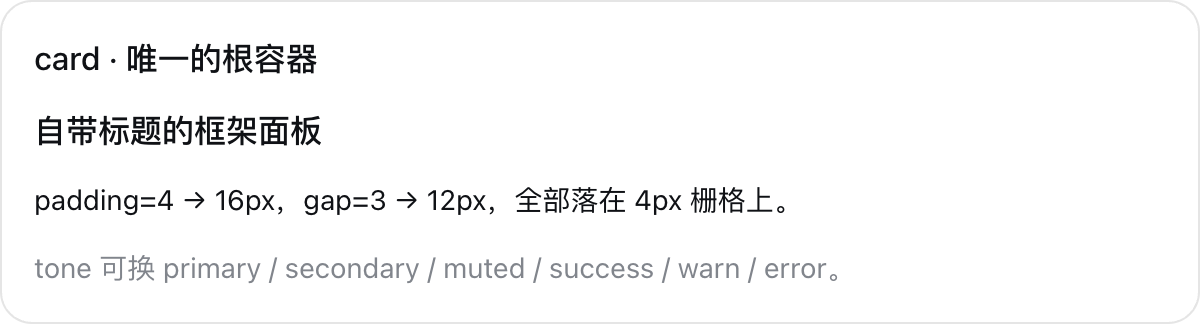
The framed root: optional title, padding, and gap.
col — Layout

A vertical stack in reading order.
row — Layout

Equal-width cells side by side; they wrap on a narrow screen.
grid — Layout
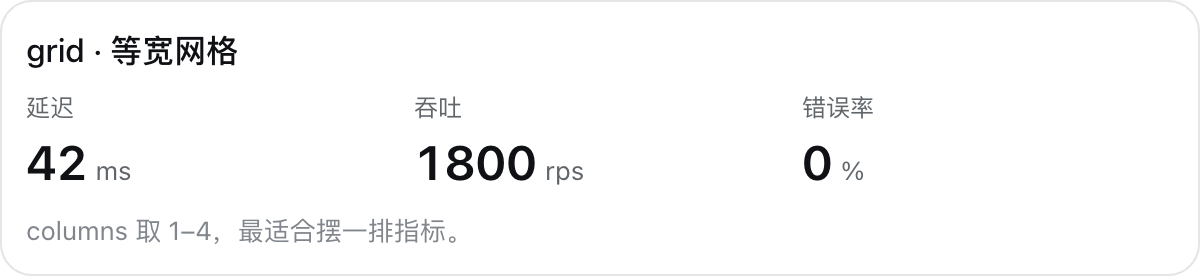
An even grid of one to four columns.
tabs — Layout
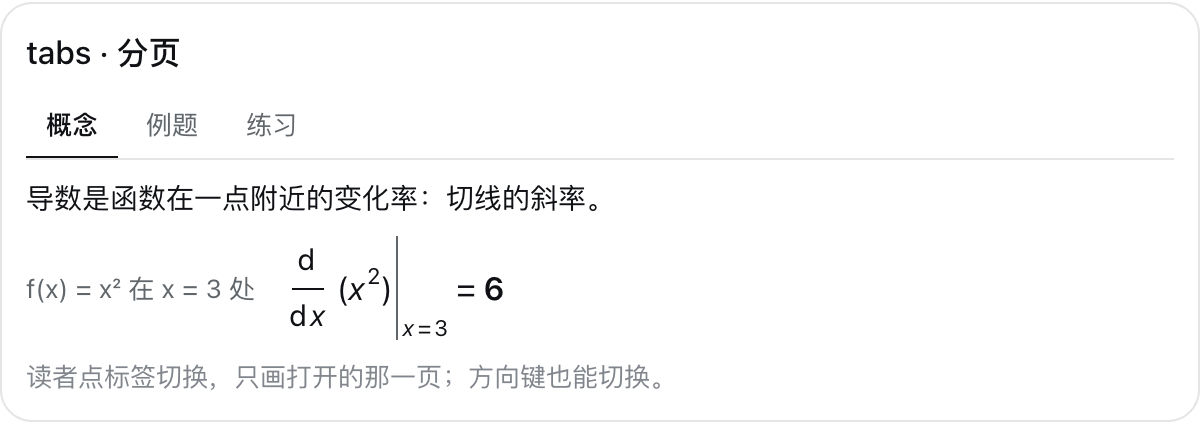
Pages the reader switches between, by click or arrow key; only the open page is drawn.
tab — Layout
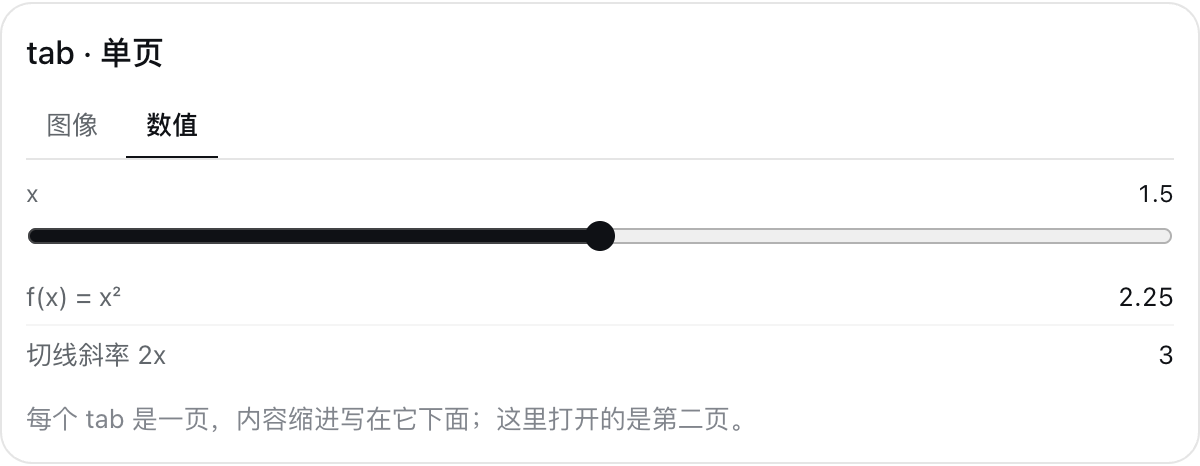
One page of tabs, labelled by its title; pages share the card's state.
title — Text

A headline line in five sizes.
text — Text

A sentence, with {…} live values.
badge — Text

A one-word status label in five tones.
callout — Text

One emphasized remark: an assumption, a caveat, a next step.
divider — Text

A hairline separator.
link — Text

A citation link, opened only when clicked.
image — Text
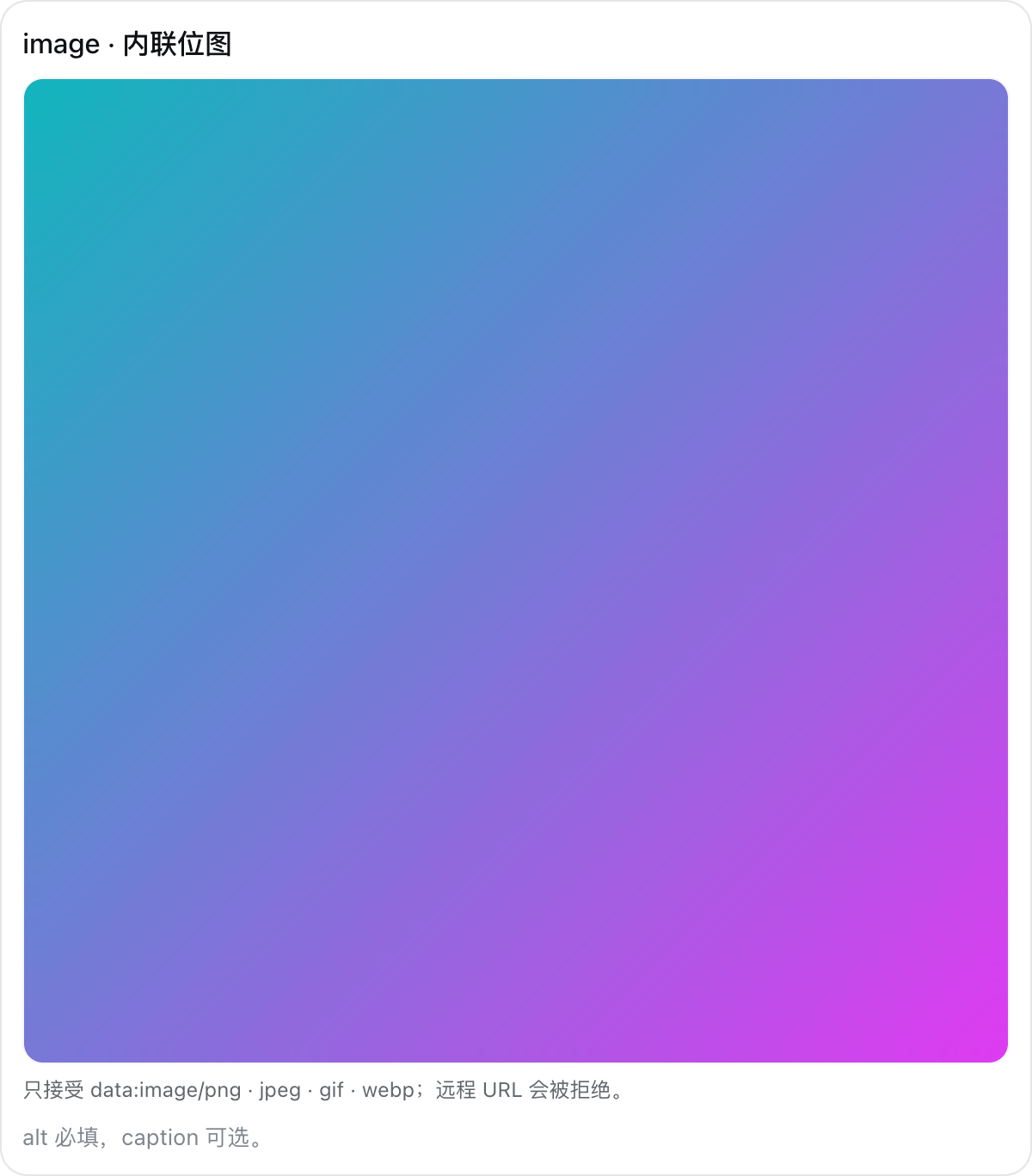
An inline data: image with alt text and a caption.
code — Text
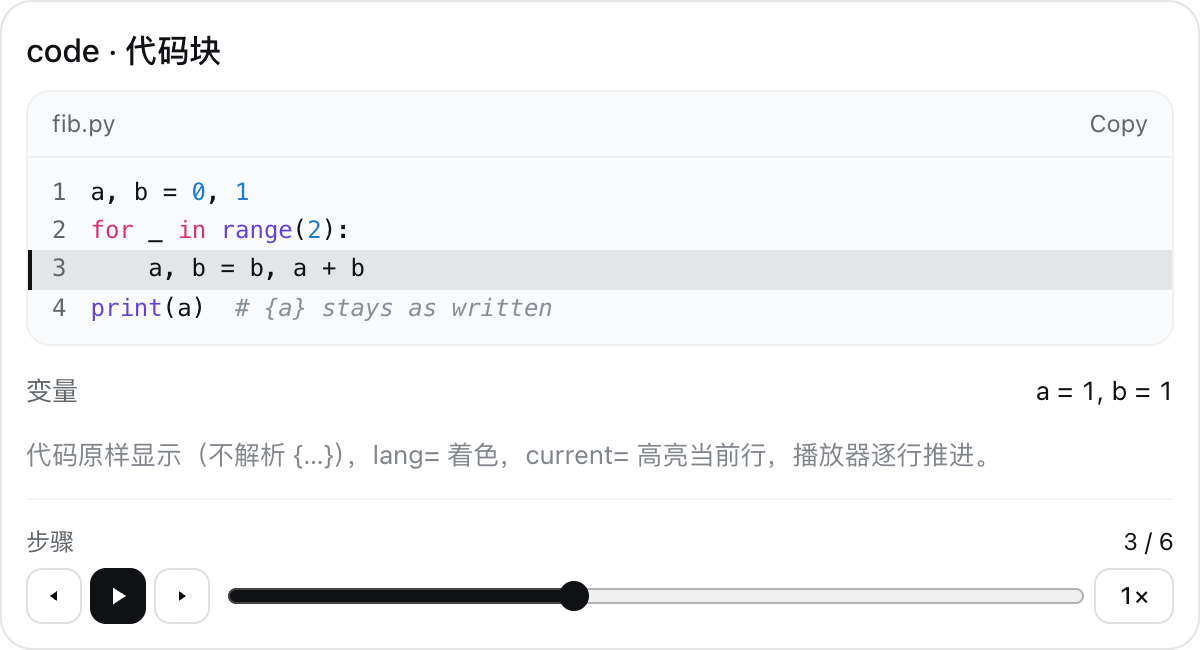
Code or other preformatted text, kept exactly as written, with syntax colours in the host's palette, line numbers, a copy button, and current= highlighting the running line.
metric — Data
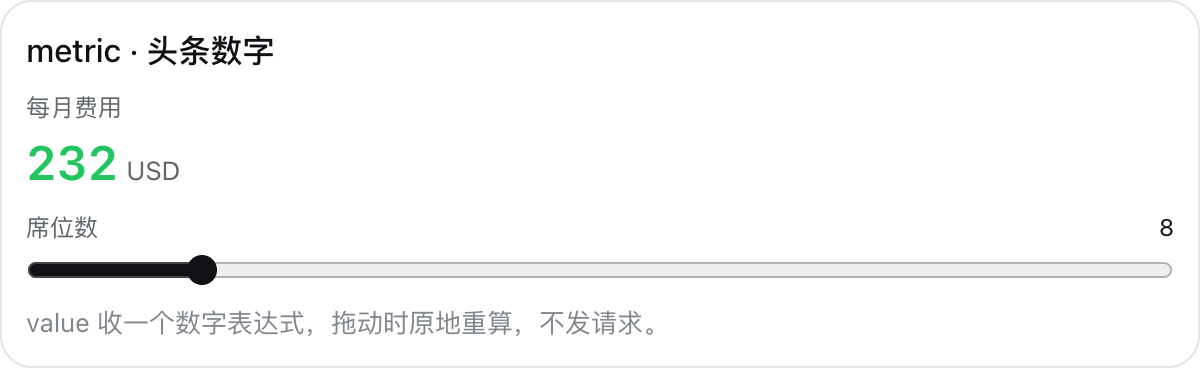
One prominent number that recomputes as controls move.
progress — Data
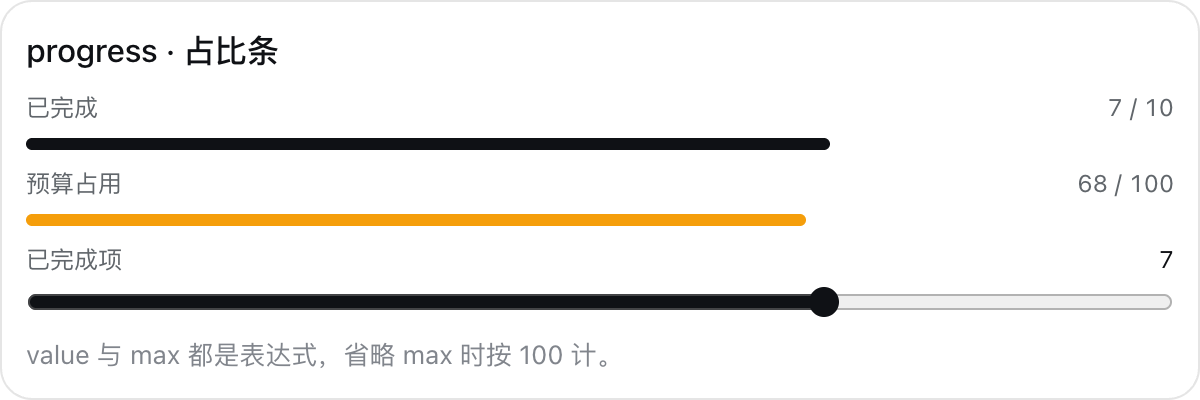
A proportion bar.
table — Data
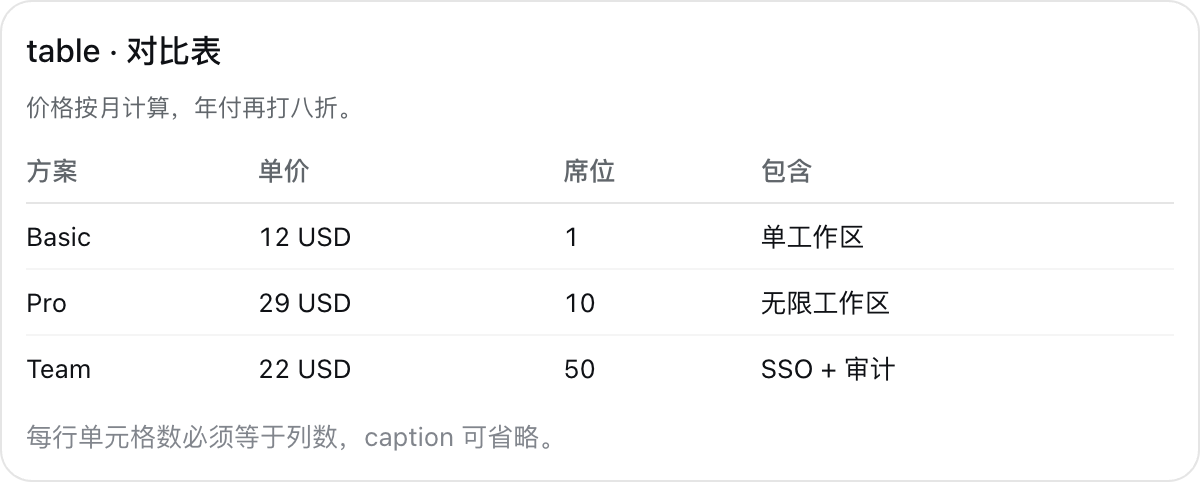
A comparison table; current= highlights a row, and sortable=true lets the reader sort by any column.
keys — Data
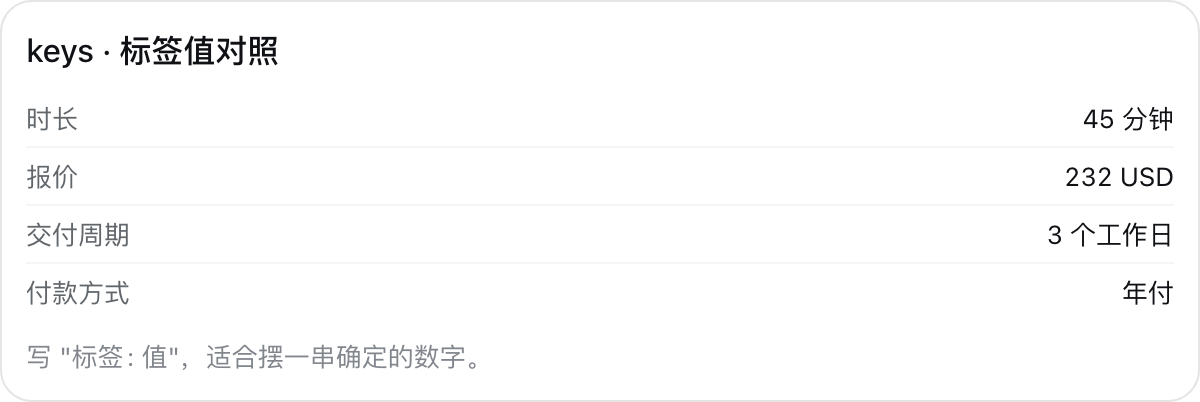
Label and value pairs for exact figures.
list — Data

A bulleted list; current= highlights an item.
steps — Data

A numbered procedure; with mono=true and current=, a code listing with the running line highlighted.
chart — Data
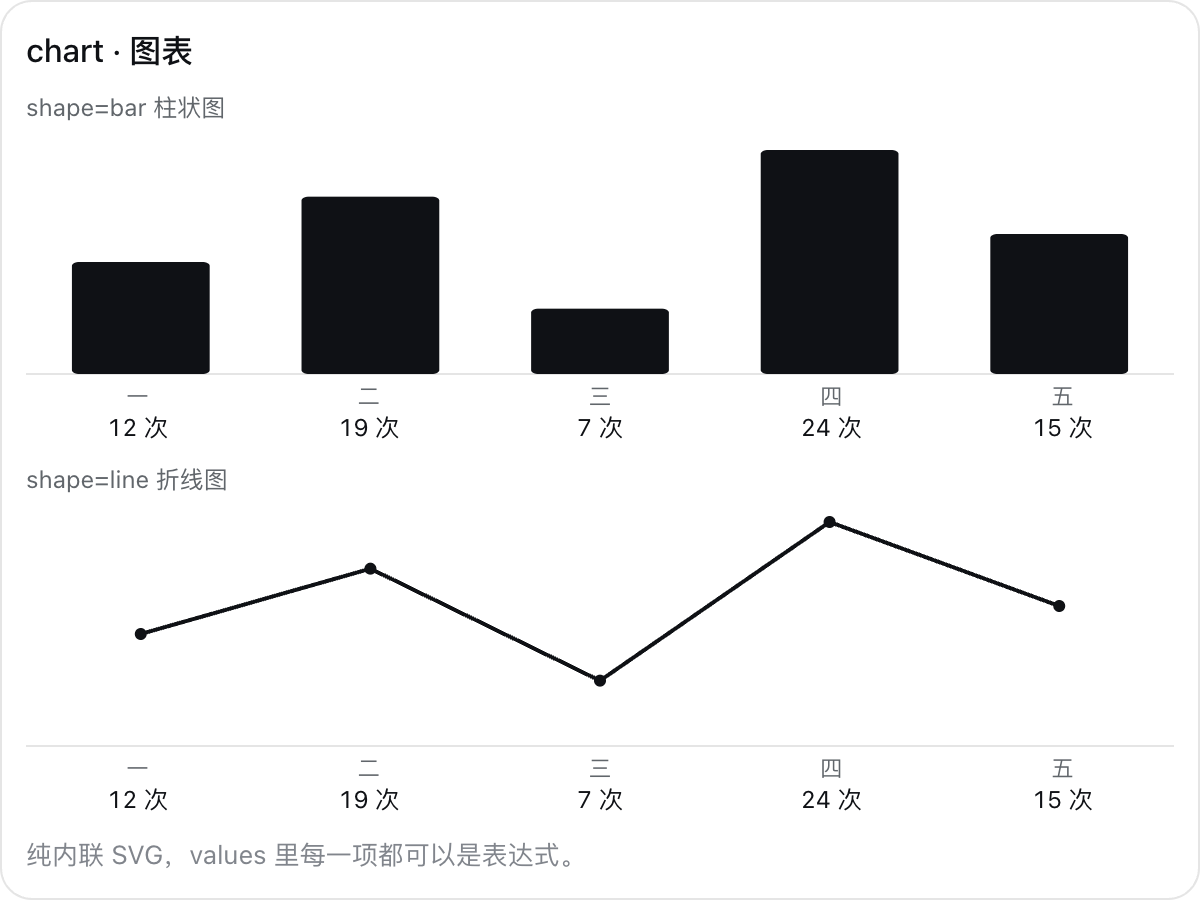
A bar or line chart.
diagram — Data
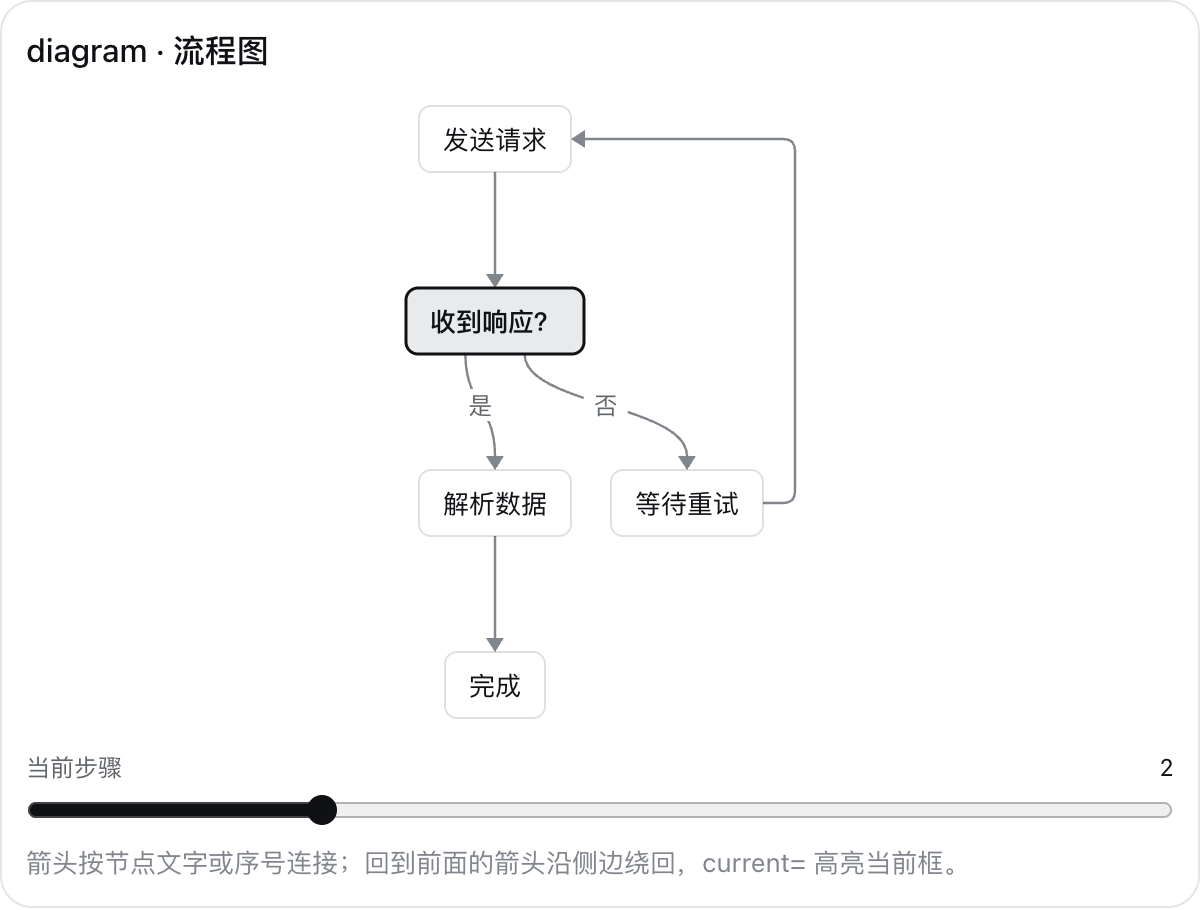
A flowchart laid out in layers; loops return along the side, and current= highlights a box.
plot — Math
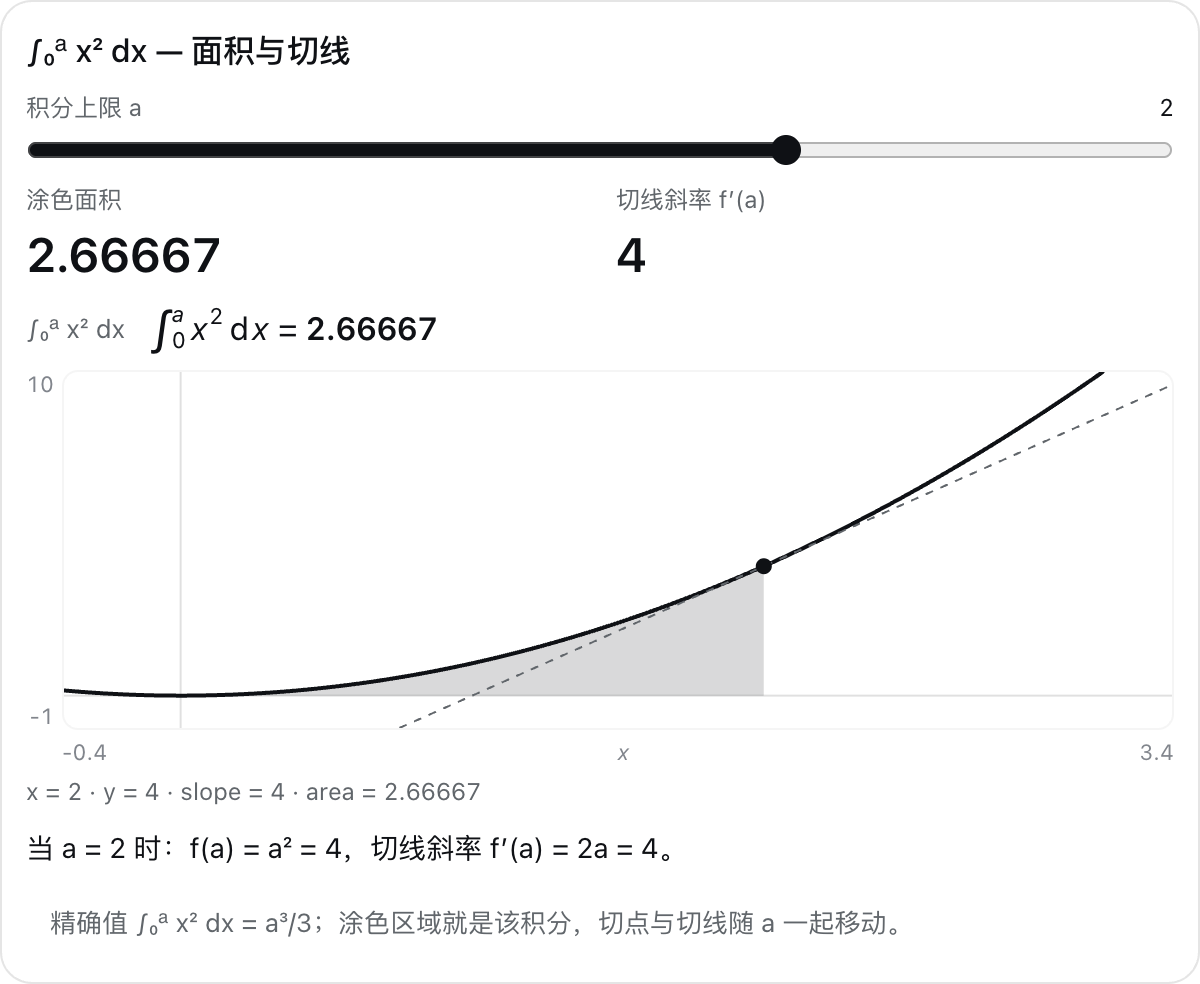
Curves of y = f(x) with a marked point, its tangent, and a shaded integral.
formula — Math
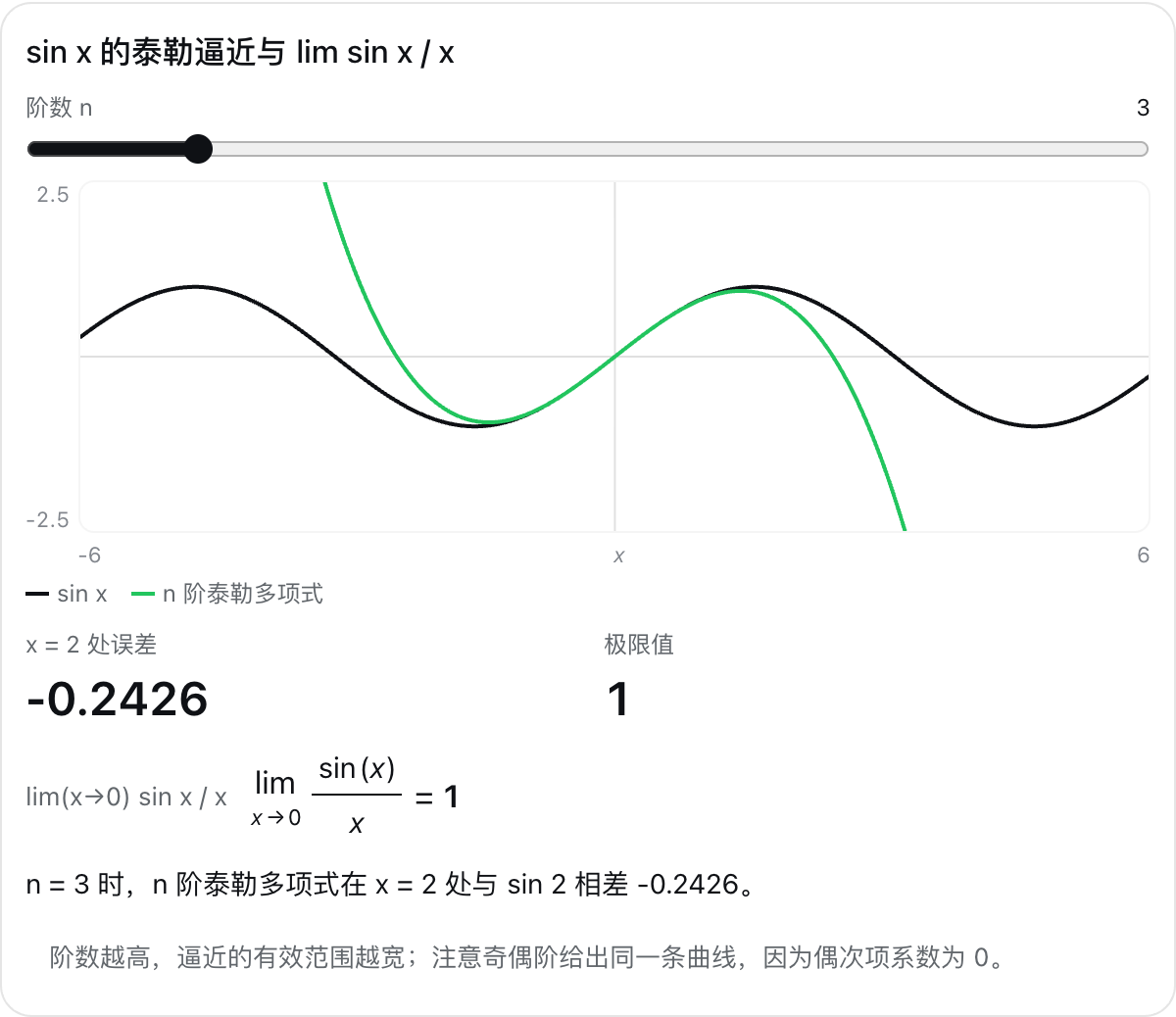
A typeset expression with its live value.
slider — Controls
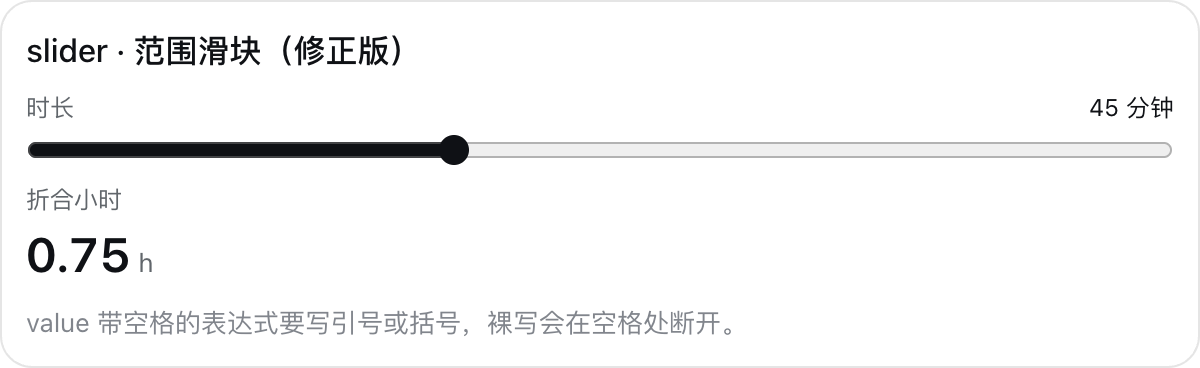
A range slider bound to a number.
numberInput — Controls
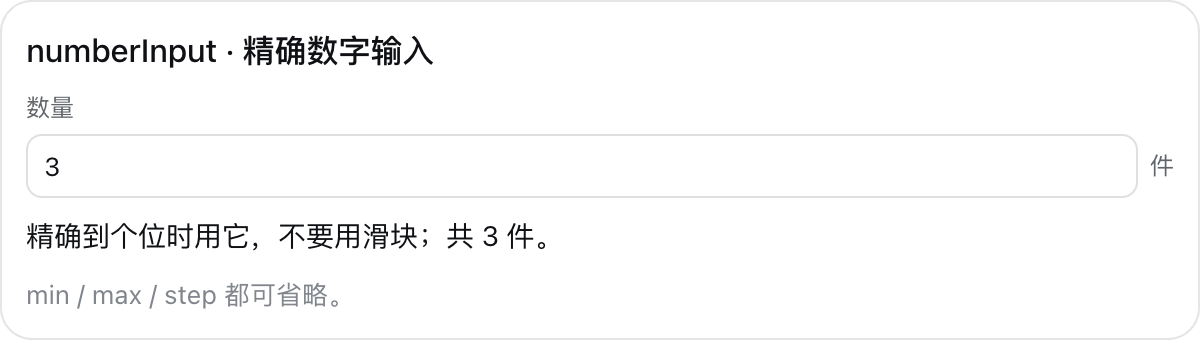
Exact number entry.
textInput — Controls
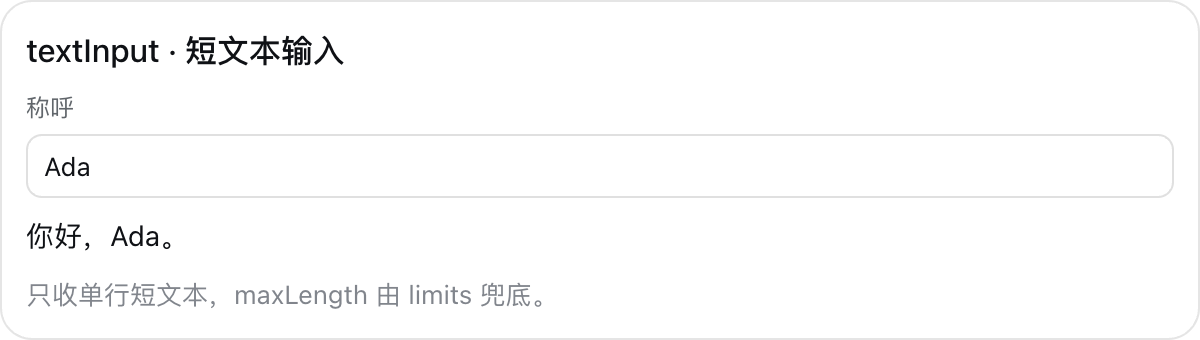
A one-line text field.
select — Controls
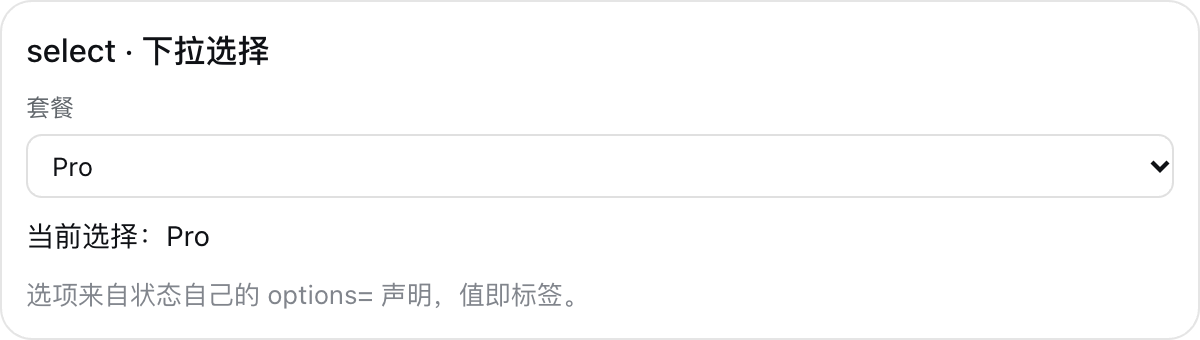
A dropdown choice.
checkbox — Controls

An on/off switch.
checklist — Controls

Items to tick off with a done count; bind= hands the count to the rest of the card.
button — Action
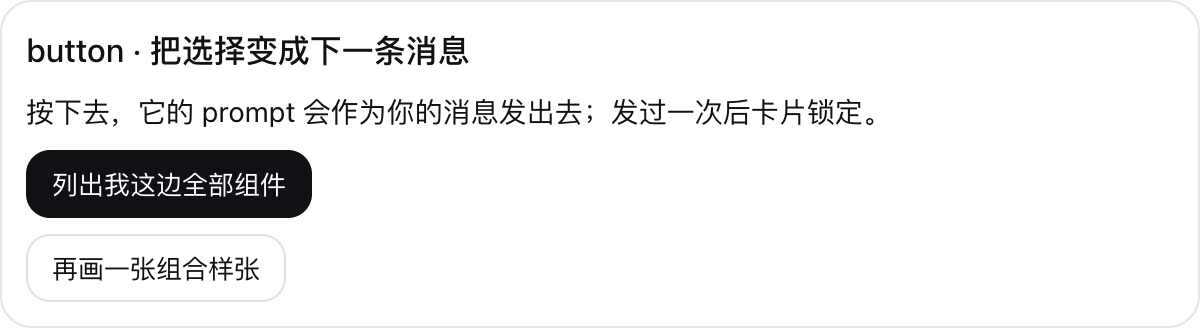
Sends its text as your next message, then locks the card.
player — Animation
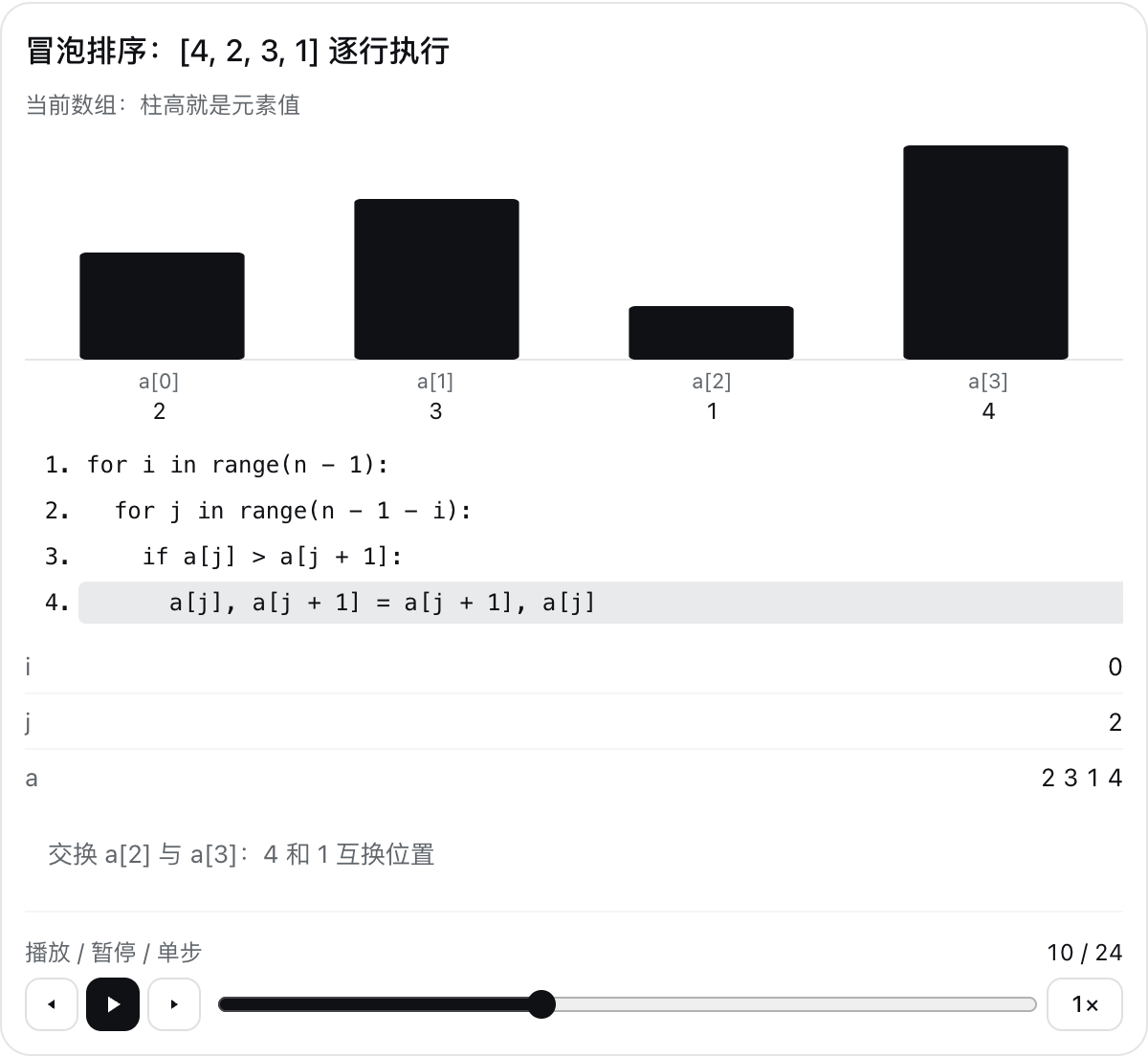
A control bar at the bottom of the card: plays, pauses, steps, and scrubs a number at 0.5× to 2×; everything that reads it follows.
License
MIT License © 2026 Starfield.
Ähnliche Plugins
dsh-web (dsh-task-board)
zhu1090093659/dsh-web
dsh-web (dsh-web-all)
zhu1090093659/dsh-web
dsh-web-ui (dsh-task-board)
zhu1090093659/dsh-web-ui
dsh-web-ui (dsh-web-ui-all)
zhu1090093659/dsh-web-ui