C
dsh-plugin-miku-theme
cjjchina3088191870-sudo/dsh-plugin-miku-theme
Hatsune Miku theme for DSH with light and dark appearance, character artwork, and phone navigation. Requires the Ekko skin manager.
Instalar
dsh plugin --profile web add github:cjjchina3088191870-sudo/dsh-plugin-miku-themeREADME
初音未来主题 · DeepSeek Harness
为 DeepSeek Harness 换上青绿、粉紫与星光交织的初音未来界面。支持浅色、深色外观,以及桌面和手机布局。
预览
| 浅色 | 深色 |
|---|---|
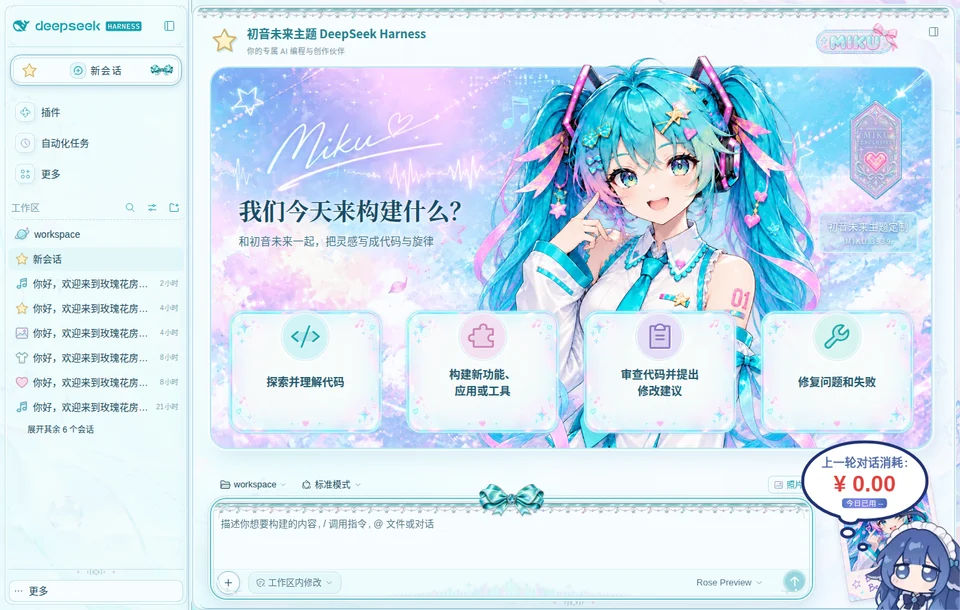 | 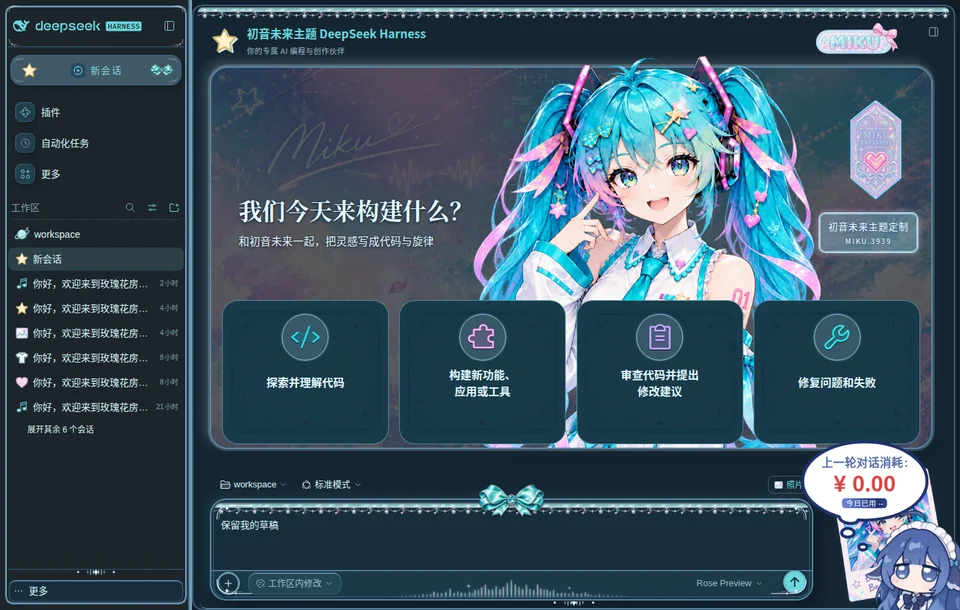 |
特色
- 星光舞台、人物立绘与拍立得装饰。
- 音符、星星、图片、衣服、爱心五种会话图标。
- 宝石蝴蝶结、青银饰边和立体输入框。
- 点击欢迎页卡片,将常用提示加入输入框。
- 自由调整人物、照片和背景浓度。
- 手机支持左上角按钮与抽屉、左侧纵向图标栏两种导航方式。
安装
适配 DSH 0.2.2-rc.1。将主题与皮肤管理器一起安装:
dsh plugin --profile web add github:cjjchina3088191870-sudo/dsh-plugin-ekko-skin-manager#main github:cjjchina3088191870-sudo/dsh-plugin-miku-theme#main
重启 DSH 并刷新网页,在 账号菜单 → 设置 → Ekko 皮肤 中选择 初音未来。
使用其他 profile 时,将命令中的 web 替换为对应名称。
手机效果
| 左上角按钮与抽屉 | 左侧纵向图标栏 |
|---|---|
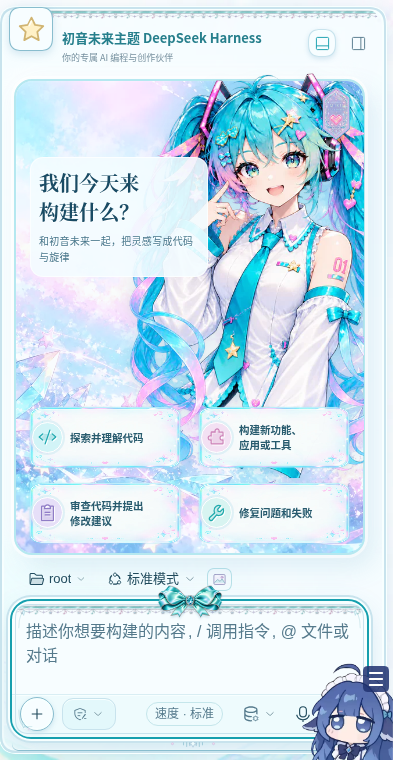 | 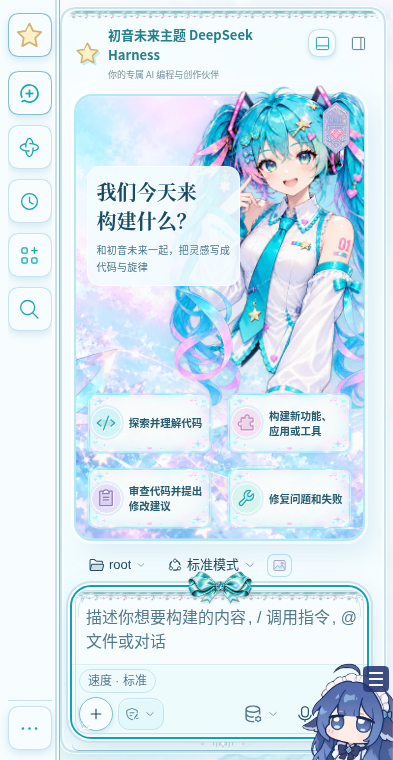 |
在 设置 → Ekko 皮肤 → 手机导航方式 中切换。两种模式用于竖屏手机,横屏和桌面保持各自的布局。
更新
dsh plugin --profile web update dsh-plugin-miku-theme dsh-plugin-ekko-skin-manager
更新后重启 DSH 并刷新网页。
停用与卸载
在 设置 → Ekko 皮肤 中选择 原生界面,即可恢复默认外观。
卸载主题:
dsh plugin --profile web remove dsh-plugin-miku-theme
许可
Plugins relacionados
E
dsh-wallpaper-engine
elysia395/dsh-wallpaper-engine
5.3khace 6 horasTemas y aparienciaMIT
S
dsh-deep-whale (maid-atelier)
small-tailqwq/dsh-deep-whale
3khace 11 horasTemas y apariencia
S
dsh-deep-whale
small-tailqwq/dsh-deep-whale
605hace 3 mesesTemas y apariencia
N
dsh-claude-style
nwflower/dsh-claude-style
477hace 5 horasTemas y apariencia