dsh-api-cost
orstedoshua/dsh-api-cost
Tracks per-chat API token cost in DeepSeek Harness from real usage data, with configurable prices per 1M tokens, currency and language selectors, and live exchange rates.
Instalar
dsh plugin --profile web add github:orstedoshua/dsh-api-costREADME
dsh-api-cost
Track API token spend in DeepSeek Harness — per chat, in your currency, with live rates.


A DeepSeek Harness plugin that tracks real API token cost from usage data — separately for every chat — with configurable prices, currency & language selectors, and live exchange rates.
Features
- Per-chat cost — listens to session events (
assistant/messagewith provider-reportedusage) and accumulates cost separately for every conversation. - Price freeze on use — each token is billed at the prices in effect when the request happened; changing prices never rewrites already-spent amounts.
- Session-header indicator — shows the current chat's cost next to the context indicator; click to open a quick menu (prices, clear this chat, counting switch).
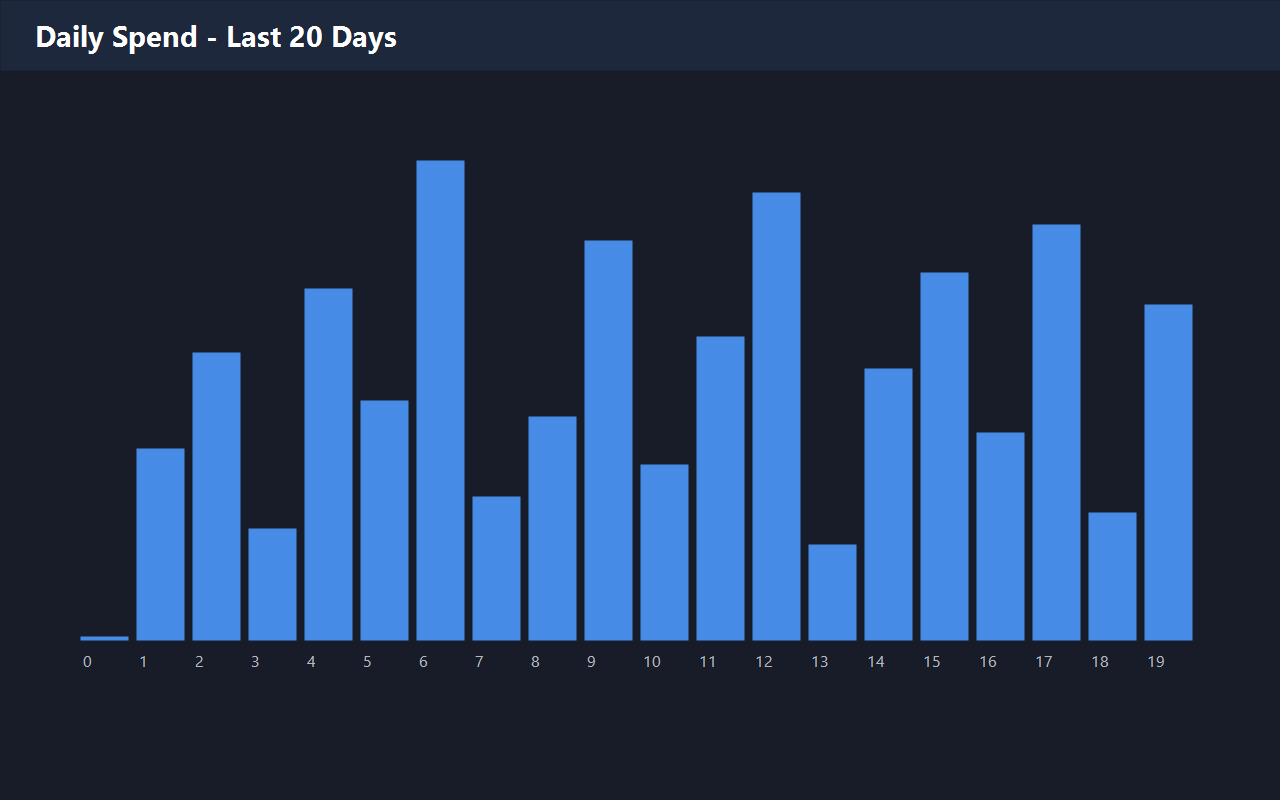
- Daily spend chart — a 20-day bar chart fills in as you spend, so you can see how much was spent each day.
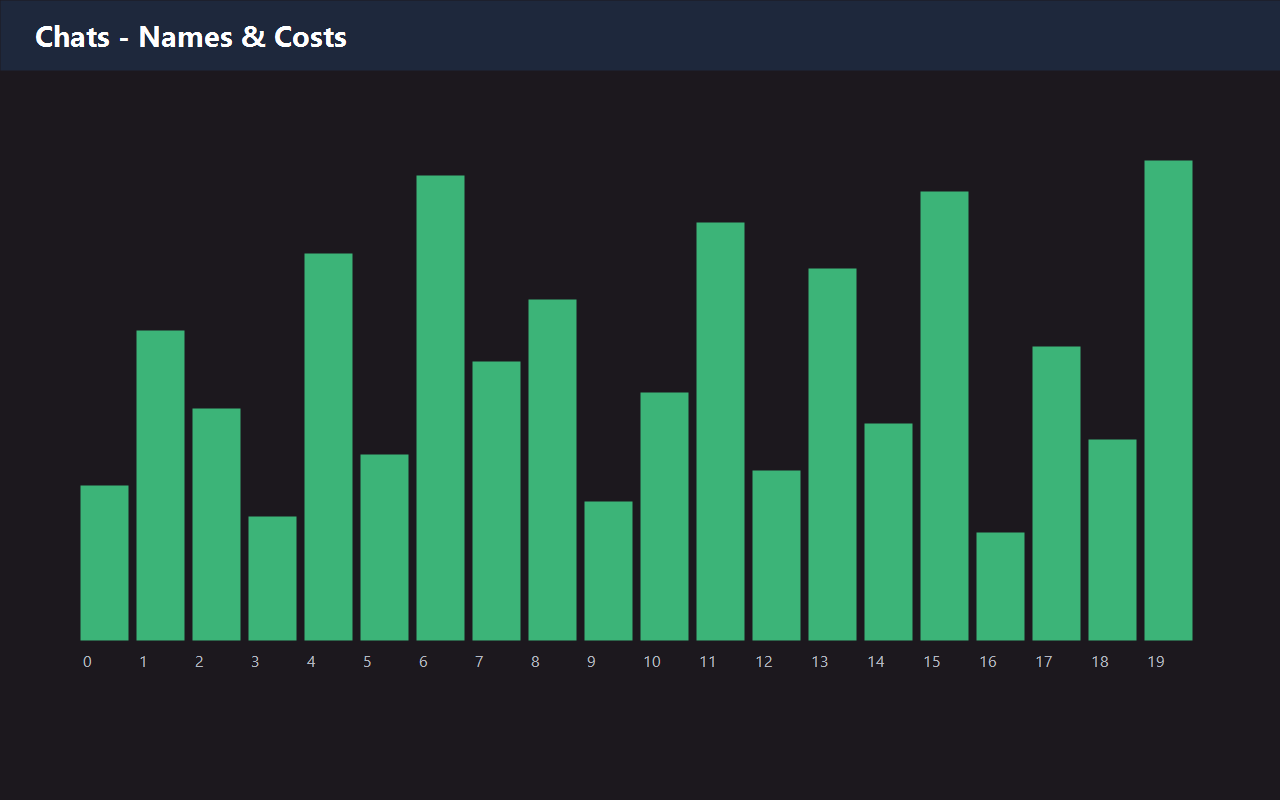
- Chat names — chats are named like in DSH (with an inline rename option), so you don't stare at UUIDs.
- Flexible prices — set a price per 1M tokens for input, output and cache tokens.
- Language — Russian and English UI (selectable in settings).
- Currency — RUB / USD / EUR / CNY, with values converted at live rates.
- Live rates — exchange rates auto-loaded hourly from a free, open source (
open.er-api.com).
Screenshots
Install
The package is a standard DSH bundle. Add it via the DSH plugin manager or the /plugin-manager command, then:
- Enable the
dsh-api-costplugin. - Open Settings → API Cost: pick language and currency, set prices, save.
Development
# syntax check
node --check lib/client.js
node --check lib/index.js

# tests
cd dsh-api-cost && npm test
State is stored in $DSH_HOME/token-cost-state.json (or ~/.dsh/token-cost-state.json).
License
MIT
Plugins relacionados
DeepSeek-Balance-Whale-Widget
meteornox/deepseek-balance-whale-widget
dsh-context
bowenliang123/dsh-context
dsh-cost-meter
han-1413141/dsh-cost-meter
dsh-damage-pulse
wssfk12138/dsh-damage-pulse