dsh-plugin-context-cleanup-master
jjjacksong/dsh-plugin-context-cleanup-master
Scans recent sessions locally for real token usage, scores context health on a floating dashboard and plays a token-ledger animation with made-up figures; its one action opens a new empty session, the same as /new, and nothing is deleted. A parody plugin that makes no model calls.
Installer
dsh plugin --profile web add github:jjjacksong/dsh-plugin-context-cleanup-masterREADME
上下文清理大师 · Context Cleanup Master
为 DeepSeek Harness(DSH)打造的下一代上下文性能层:零模型调用完成近期会话画像与上下文健康度审计,在悬浮仪表盘上实时呈现 token 账本,并以一次点击供给一个纯净的零上下文工作区。




其实只是 /new。
English: A next-generation context performance layer for DeepSeek Harness: zero-model-call session profiling, context-health auditing on a floating dashboard, a real-time token ledger, and a pristine zero-context workspace provisioned in one click. It is, in fact, just
/new.
它到底做了什么
| 环节 | 真的 | 演的 |
|---|---|---|
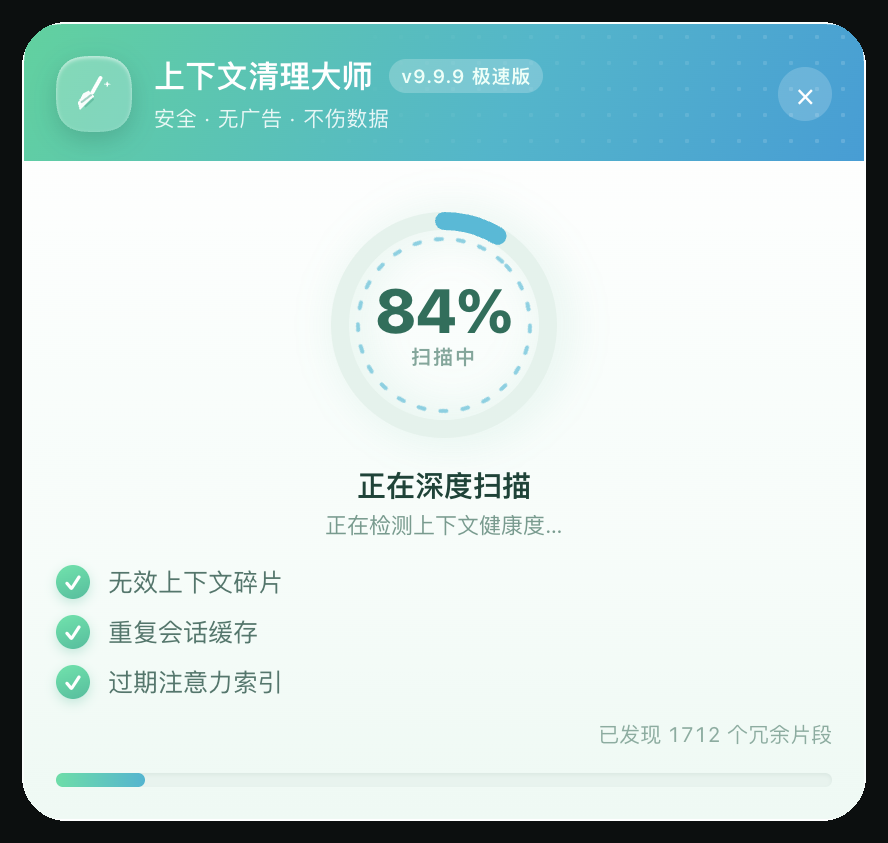
| 扫描 | 从宿主会话列表读取近期会话的 tokenUsage 投影,真实 token 数、会话数 | 「无效上下文碎片」「重复会话缓存」等扫描项 |
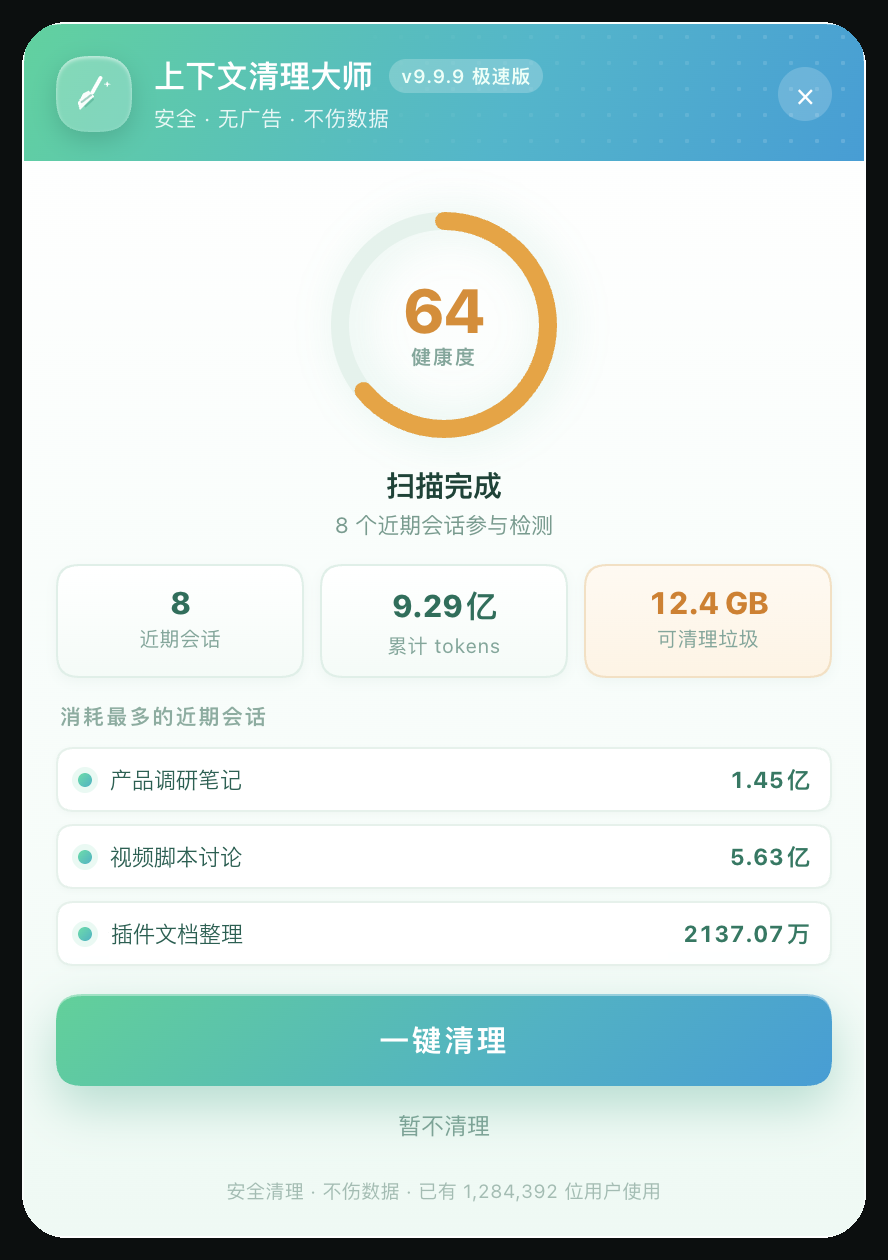
| 报告 | 上下文健康度评分(由真实 token 总量推导,越重分越低)、消耗最多的近期会话 Top3 | 「可清理垃圾 XX.X GB」「已有 1,284,392 位用户使用」 |
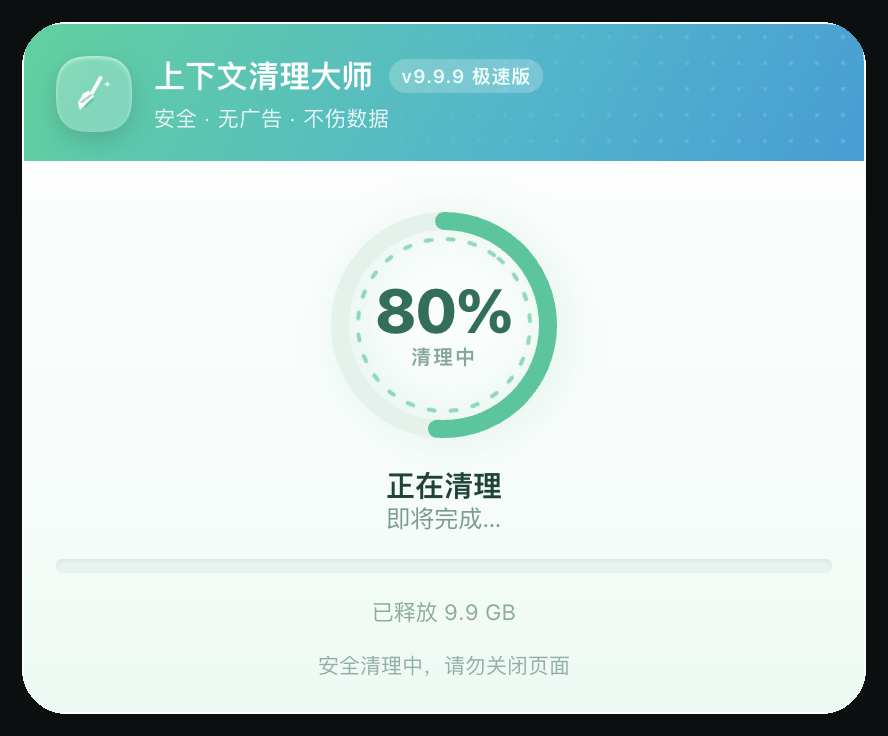
| 清理 | 进度环、已释放计数 | 整个清理过程本身(不删除任何东西) |
| 结束 | 调用 uiWorkspace.startSession() 开一个全新空白会话 | 「已释放 XX.X GB」「本次清理未产生任何副作用」 |
唯一的真实副作用是新建会话。不调模型、不写会话日志、不改任何已有会话或工作区文件;不注册 Tool、不发布 Service,对模型完全不可见。
长什么样
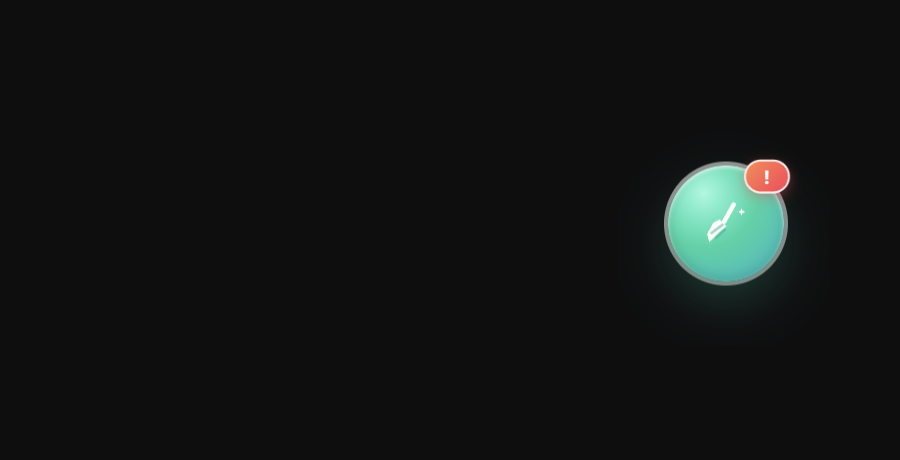
悬浮球常驻界面,可拖动并记忆位置:
点开后先「深度扫描」:
扫描完成给出上下文健康度、真实 token 与会话清单(两段式:先看报告,再决定清理):
点「一键清理」播放清理动画:
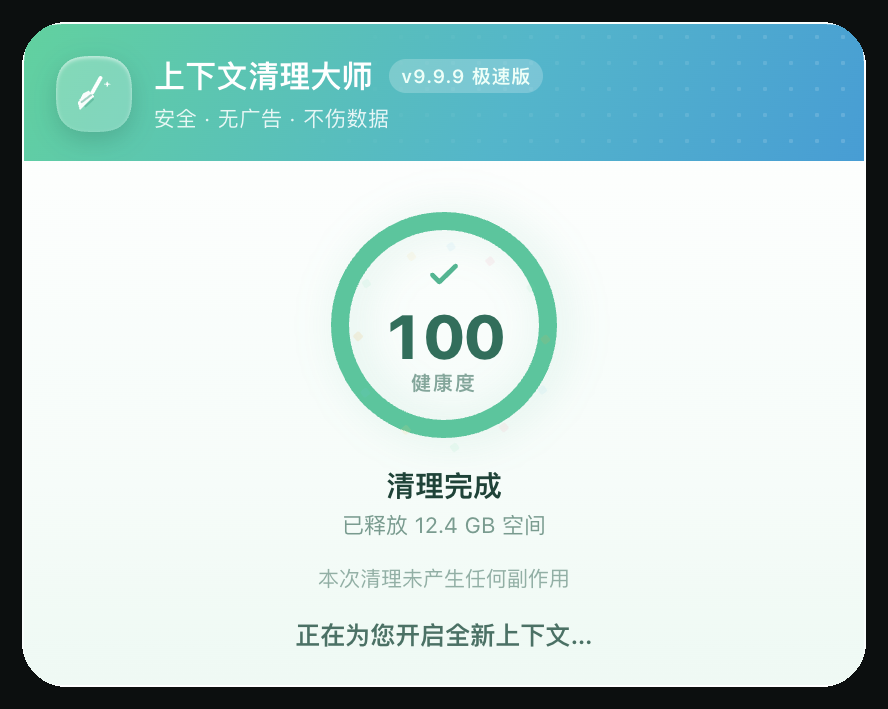
100 分完成页,然后自动开启全新会话:
安装
从 npm 安装(推荐)
dsh plugin --profile <profile> add dsh-plugin-context-cleanup-master
或在 DSH Desktop 的插件管理页搜索包名安装。包页:https://www.npmjs.com/package/dsh-plugin-context-cleanup-master
从 GitHub 安装(锁定 main 分支源码)
dsh plugin --profile <profile> add github:JJJACKsong/dsh-plugin-context-cleanup-master
本地目录安装
git clone https://github.com/JJJACKsong/dsh-plugin-context-cleanup-master.git
dsh plugin --profile <profile> add ./dsh-plugin-context-cleanup-master
或者让 Agent 用 plugin_manager 的 install_bundle,target 传目录绝对路径。安装后如果页面没有热更新,刷新一次 Web UI。
卸载:
dsh plugin --profile <profile> remove dsh-plugin-context-cleanup-master
使用
- 悬浮球默认在右下角;按住拖动可换位置,位置保存在
localStorage(ccm.ball.position.v1); - 点击球 → 从球边弹出管家卡片并自动扫描(约 2 秒);
- 报告页点「一键清理」→ 约 1.9 秒清理动画 → 100 分完成页 → 自动打开一个全新空白会话;
- 「暂不清理」/ 右上角 × /
ESC可随时退出,不会开新会话; - 球上的红点角标只是装饰。
边界与隐私
- 只读会话列表快照(标题 +
tokenUsage投影),不打开、不保留(retain)任何会话历史; - 不发起任何模型请求,不写会话日志、不写工作区文件;
- 所有「垃圾体积 / 释放空间」都是演出数字,不会执行任何删除操作;
- 文案中英双语走宿主 locale 服务,界面配色是插件自己的管家风,不复用宿主主题色。
技术笔记
- 纯浏览器半插件:Host 半是空壳
apply(),界面通过ctx.slots.inject('shell.overlay', …)注册在帧级悬浮层,跟随页面常驻、切会话不消失; - 真实统计来源:客户端
sessions.list快照里每个会话行本来就带 summary 投影,tokenUsage(未缓存输入 / 输出 / 缓存读 / 缓存写)是其中之一,所以「扫描」不需要打开任何会话; - 开新会话:与侧栏「新建会话」同一入口
uiWorkspace.startSession(),不发送消息、不修改已有会话; - 两个 DSH 主题适配坑(供写 UI 插件的同学参考):
- 宿主
corner-shape.css用corner-shape: superellipse(1.5)作用于所有元素,border-radius: 50%会被渲染成 squircle。所有圆形 / 胶囊元素需要显式写corner-shape: round; - 宿主会给任何
role="dialog"/aria-modal="true"的元素套上深色模态皮肤(--dsw-appearance-modal-l2-*)。自绘卡片用role="region"可以避开。
- 宿主
开发
node --check client.js      # 语法检查
npm test                    # 单项测试(纯函数 + 注册 + 各阶段渲染冒烟)
目录:
client.js          浏览器半(UI、动画、统计、开新会话)
index.js           Host 半(空壳 apply)
cordis.patch.yml   bundle 行声明
locale/            Plugin Manager 元数据(中/英)
icon.svg           插件图标
docs/screenshots/  README 截图
test/              单元测试
兼容性
- DSH Web UI(
dsh web/ DSH Desktop),engines.dsh >= 0.2.0; - 依赖宿主 Client 服务:
slots、locale、sessions.list、uiWorkspace(缺失时插件不会弹出面板); - 主题适配逻辑写在插件自己的样式里,不读取宿主 DOM 结构。
License
MIT © 2026 JJJACKsong
本项目是一个整蛊插件:「清理」是假的,唯一真实动作是开一个新会话。请勿用于任何需要真实数据清理的场景。
Plugins associés
dsh-web-ui (dsh-pet)
zhu1090093659/dsh-web-ui
dsh-pet (dsh-pet)
pc2005-cloud/dsh-pet
dsh-tavern (dsh-tavern)
flizzywine/dsh-tavern
dsh-tavern (dsh-profile-bridge)
flizzywine/dsh-tavern