harness-mate-dsh
liaosiliangcodelife/harness-mate-dsh
Connects the DeepSeek Harness agent running on your own computer to the HarnessMate platform, so you can chat with it, exchange files and approve its tool calls from a phone or a browser.
Installer
dsh plugin --profile web add github:liaosiliangcodelife/harness-mate-dshREADME
HarnessMate — a DeepSeek Harness plugin
Put the DeepSeek Harness agent running on your own computer into your pocket.
English · 中文



harness-mate is a DeepSeek Harness (dsh) plugin. It connects the DSH agent running on your machine to HarnessMate — a small self-hostable platform that gives that agent a phone app and a browser entry.
The agent keeps running on your own computer, with your files and your approvals. HarnessMate is just the door: open it from the phone in your pocket or from a browser anywhere.
What it does
- Chat from anywhere. Send the agent a message from the phone app or the web UI; streamed replies arrive with a typing indicator.
- Files both ways. Send the agent files from the phone; the agent can send files back.
- Approvals on your phone. When the agent asks to run a risky tool, the request is pushed to you — approve or deny from the chat, instead of being tied to the computer.
- Keeps your machine in charge. Tools run locally with your permissions, under your DSH profile. HarnessMate never executes anything on its own.
- Model-agnostic and profile-aware. It talks to whatever model your DSH profile is configured with.
- macOS and Windows.
Install
You need a HarnessMate agent — a bot_id and a bot_key.
Open the platform (https://harness.alltman.com by default), sign in, go to 个人空间 → 创建智能体, and copy both values. The key is shown only once.
DeepSeek Harness desktop v0.2.0-rc.2 or newer, started at least once, is required.
Option A — install as a plugin (recommended)
dsh plugin --profile web add github:liaosiliangCodeLife/harness-mate-dsh
Once the package is on npm this shortens to dsh plugin --profile web add harness-mate.
Then put your credentials in the profile config — ~/.dsh/profiles/desktop/cordis.patch.yml (macOS) / %USERPROFILE%\.dsh\profiles\desktop\cordis.patch.yml (Windows):
- insert:
    - id: harness-mate
      name: 'harness-mate'
      config:
        gatewayUrl: 'wss://ws-agent.alltman.com:1443/ws'
        botId: 'YOUR_BOT_ID'
        botKey: 'YOUR_BOT_KEY'
Option B — run the installer
Download the release zip, unpack it, and run the installer in the plugin folder. It registers the plugin, links it into the profile, writes your credentials, and backs up the previous config — 3 steps, no manual editing.
# macOS
cd harness-mate
./install.sh            # or: ./install.sh <bot_id> <bot_key>
# Windows
powershell -ExecutionPolicy Bypass -File .\install.ps1
Both options finish the same way
Quit DeepSeek Harness completely (menu bar / tray icon → Quit — not just close the window) and start it again. Then send the agent a message from the phone app or the web UI: a reply means it works. Logs are written to ~/.harness-mate-trace.log (%USERPROFILE%\.harness-mate-trace.log on Windows).
Detailed instructions, FAQ and the full configuration reference: INSTALL.md.
Configuration
Every field lives under config in the plugin's cordis.patch.yml; change them and restart DSH.
| field | default | meaning |
|---|---|---|
gatewayUrl | HarnessMate's gateway | The WebSocket gateway the plugin connects to |
botId / botKey | — | This agent's identity on the platform (required) |
workspace | your home directory | Root directory the agent may read and write |
dmPolicy | open | open · allowlist (with allowFrom) · disabled |
approvalTimeoutMs | 300000 | Tool-approval timeout; a timeout is treated as a denial |
maxReplyChars | 4000 | Maximum length of a single reply |
forwardReasoning | false | Also forward the agent's reasoning to the chat |
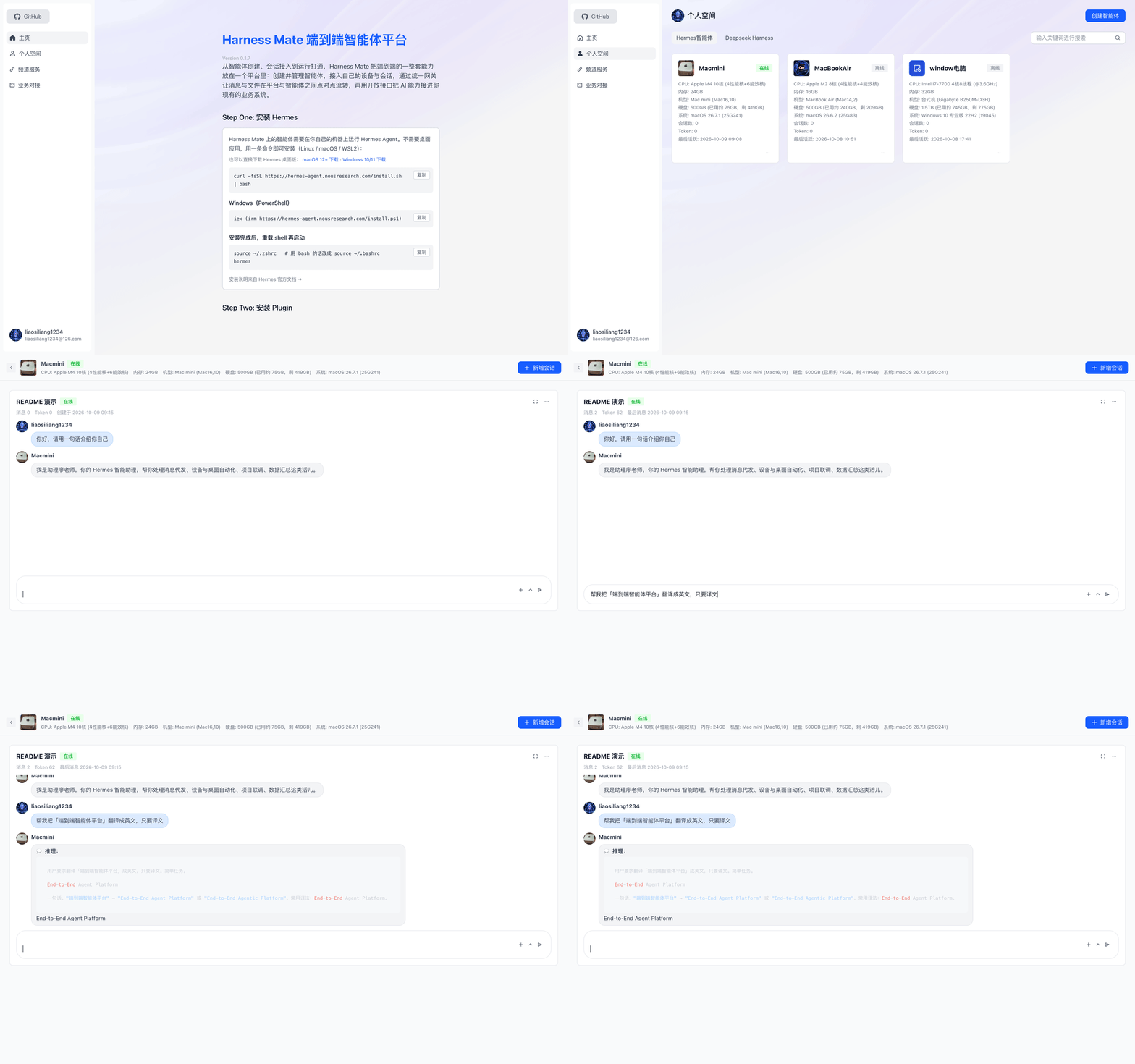
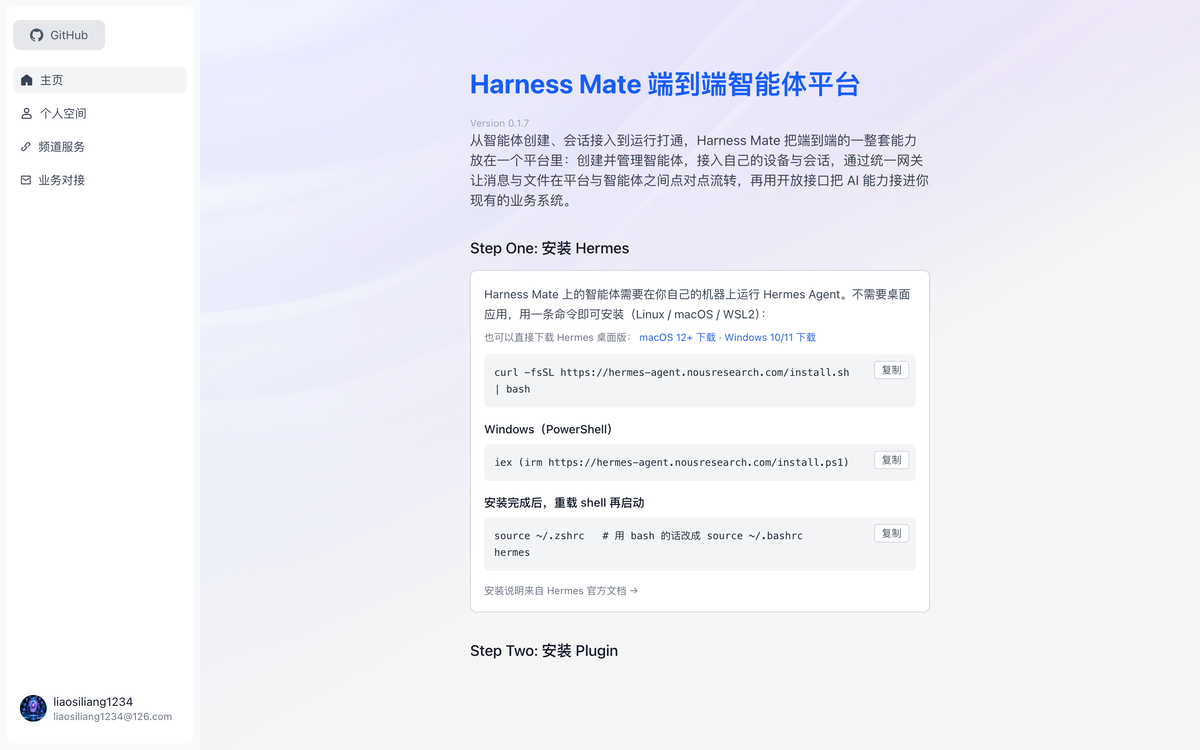
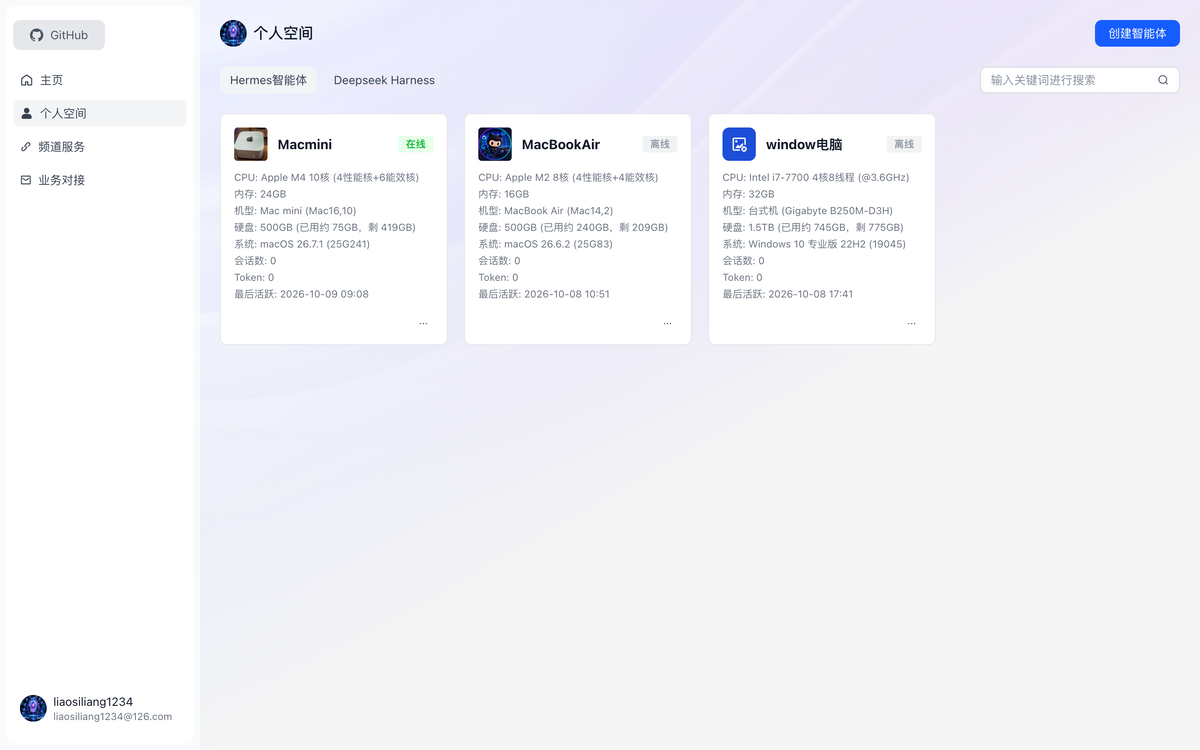
Screenshots
| Home | Personal space | Chat |
|---|---|---|
 |  | 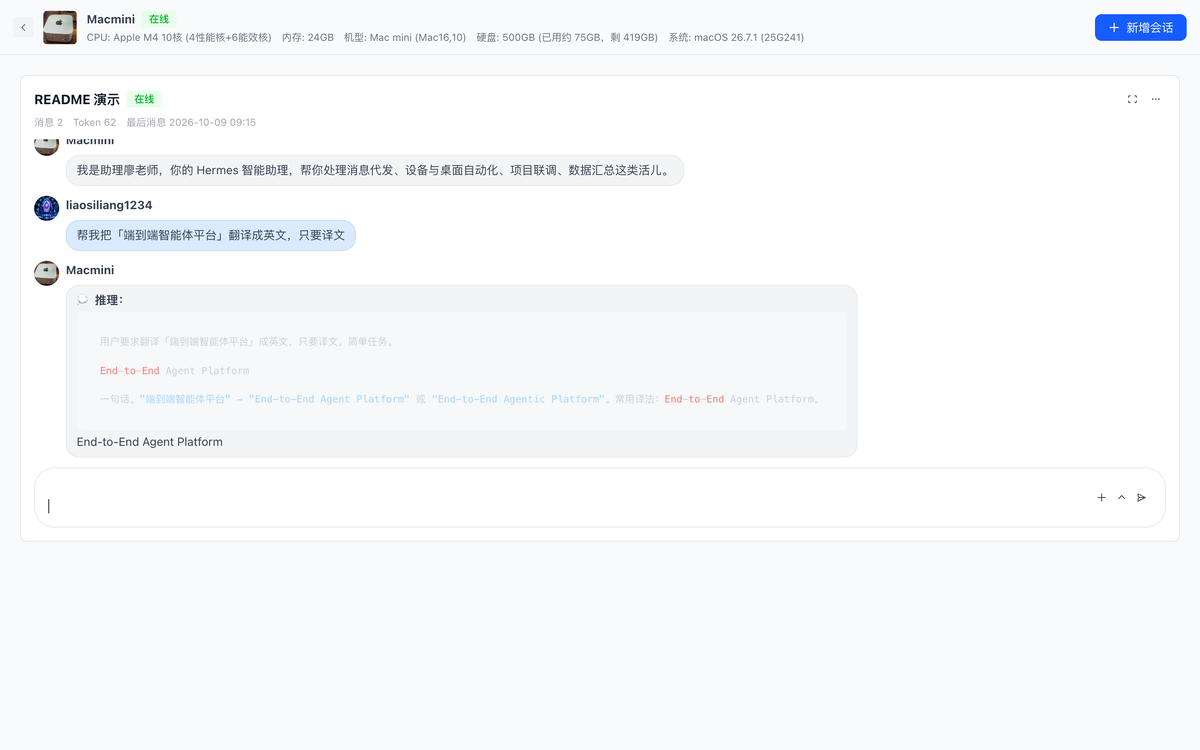 |
Repository layout
harness-mate-dsh/
├── index.js            # the plugin (DSH / Cordis)
├── package.json        # manifest: dsh.bundle patch + icon
├── cordis.patch.yml    # default plugin config
├── icon.svg            # plugin icon shown in DSH
├── locale/             # zh / en title and description
├── install.sh          # macOS installer
├── install.ps1         # Windows installer (PowerShell)
└── INSTALL.md          # full install guide, FAQ, manual install
Related
- harness-mate-plat — the platform itself (Vue 3 + Flask + Go WebSocket gateway + Docker), MIT licensed and self-hostable.
- The sibling Hermes channel adapter lives in that repository under
plugin/hermes/.
License
Plugins associés
dsh-web (dsh-ssh)
zhu1090093659/dsh-web
dsh-web (dsh-remote-web-ui)
zhu1090093659/dsh-web
dsh-web-ui (dsh-ssh)
zhu1090093659/dsh-web-ui
dsh-web-ui (dsh-remote-web-ui)
zhu1090093659/dsh-web-ui