dsh-amadeus-workbench
veagau/dsh-amadeus-workbench
Adds an Amadeus-inspired launch panel with a clock and navigation shortcuts.
Installer
dsh plugin --profile web add github:veagau/dsh-amadeus-workbenchREADME
Amadeus Workbench
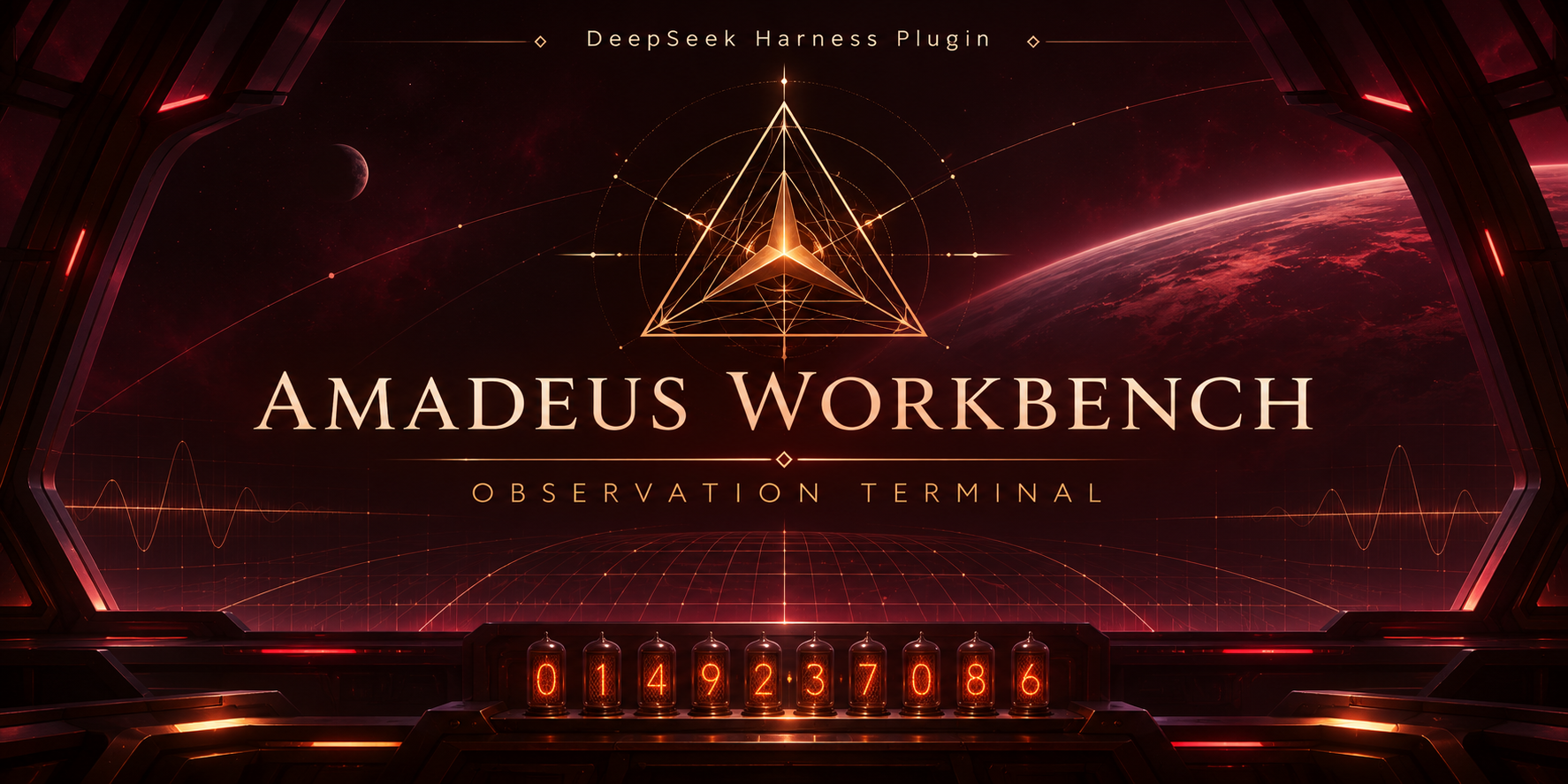
An unofficial Amadeus-inspired launch panel for the DeepSeek Harness Web UI. The companion Amadeus Skin is optional.
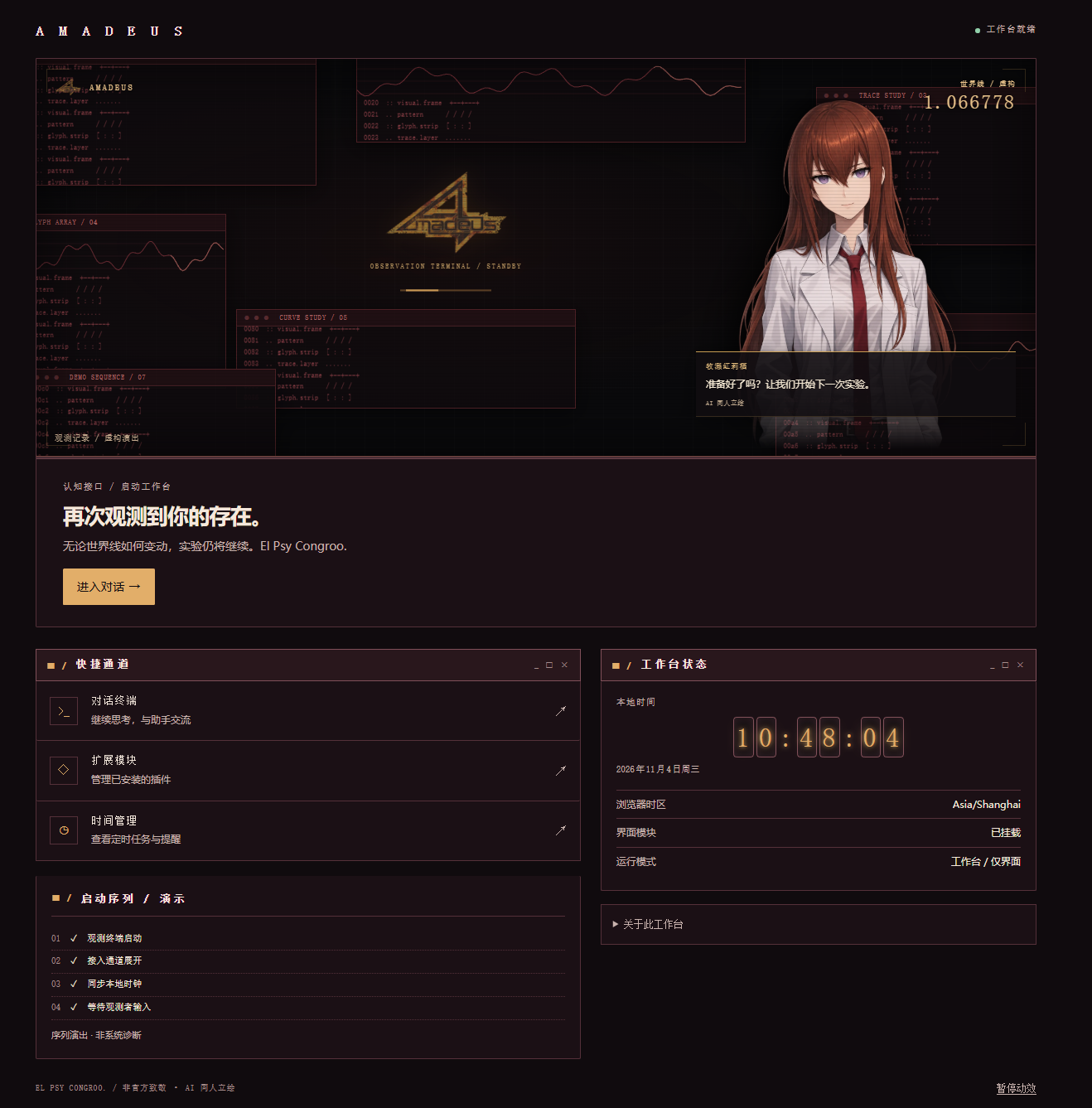
Features
- Crimson terminal scene, fan art, fictional worldline numbers and system log. These are decorative, not system telemetry.
- Local clock and shortcuts to conversations, plugins and scheduled tasks. Opening a conversation does not send a message.
- English and Chinese interfaces, animation pause and support for reduced-motion preferences.
- No external asset requests or changes to models, prompts, permissions or assistant personality. Voice, Live2D and character memory are not included.
Installation
Requires DeepSeek Harness with the Web UI and plugin manager. Compatibility depends on your DSH version; verify it in your environment.
Plugin market (if listed)
If Amadeus Workbench is listed in a plugin market configured in DSH, find it there and install it using the market's install action. This is conditional on a listing being available; it is not a claim that the bundle is currently listed.
Manual local installation
- Clone or download and extract this repository to a local directory.
- Ask the DSH assistant to call
plugin_managerwithaction: "install_bundle"andtargetset to the absolute path of the bundle directory (the directory containingpackage.json), not a file or a relative path. For example, useC:\path\to\dsh-amadeus-workbenchon Windows or/path/to/dsh-amadeus-workbenchon macOS/Linux. - Check the installation result for warnings and whether changes were applied. Restart DSH if required, then select the Amadeus icon in the sidebar.
Installation affects all sessions in the current profile, not other profiles. A restart may be needed before changes take effect; follow the installation result. Keep the source directory in place for a linked local installation. Disable or uninstall the bundle to remove the workbench.
Development
Requires Node.js. After editing client.source.js:
npm run build
npm test
The build embeds local images in client.js. Tests use mocked React/DSH contracts; they are not browser or visual acceptance tests. Verify UI compatibility with your DSH version.
License and assets
Project-authored code is licensed under MIT; this does not grant rights to third-party marks, characters or artwork. The gold logo comes from Yink/Amadeus; its official provenance and redistribution permission are unverified. This project is unofficial and unaffiliated. Review ASSETS.md and assess rights before use or redistribution.
Plugins associés
dsh-web (dsh-task-board)
zhu1090093659/dsh-web
dsh-web (dsh-web-all)
zhu1090093659/dsh-web
dsh-TUI
ccch1mneyyy/dsh-tui
dsh-web-ui (dsh-task-board)
zhu1090093659/dsh-web-ui