dsh-wsl
chronossun/dsh-wsl
WSL World for DeepSeek Harness: the whole session runs in a local WSL distribution with Linux paths, clean PATH, native @/search/diffs/worktrees, plus a connection panel and project doctor. Not a wsl_* tool set.
インストール
dsh plugin --profile web add github:chronossun/dsh-wslREADME
WSL World for DSH


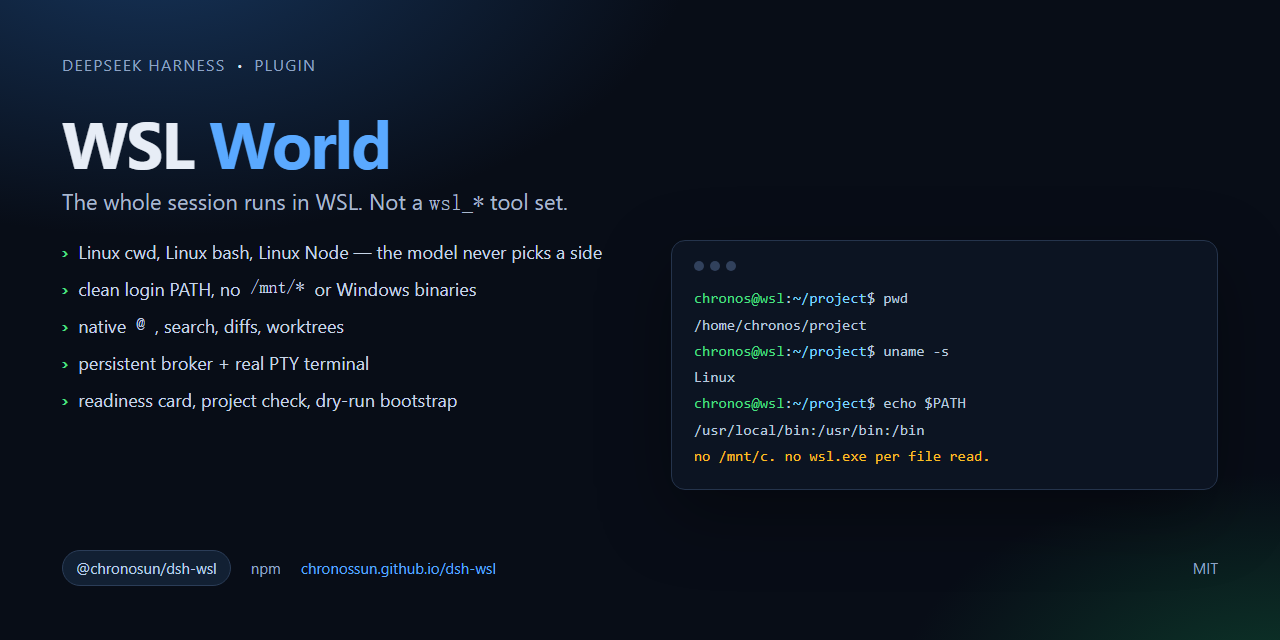
dsh-wsl is a complete WSL execution world for DeepSeek Harness, not a
wsl_* tool set. One DSH session runs its bash, filesystem tools, terminal,
search and @ references inside a local WSL distribution — Linux paths, Linux
tools, no Windows/9P indirection.
- npm:
@chronosun/dsh-wsl - plugin-market index:
https://chronossun.github.io/dsh-wsl/index.json - package source:
pkg/ - market index source:
market/
Choose this if
- your project lives in WSL and you want ext4 instead of
/mnt/c; - you want one session to stay in Linux, not one
wsl.exeper command; - you want native Linux
@, search, diffs and worktrees; - you are fine with a one-time WSL workspace setup.
If you only need occasional Linux commands from a Windows session, a
wsl_* tool plugin is the lower-friction choice. See
the package README.
Install
dsh plugin --profile desktop add @chronosun/dsh-wsl
Then quit DSH from the tray and reopen it. The WSL panel appears in the sidebar; create a workspace from a directory inside a distribution.
Requirements: Windows, WSL 2, and a Linux Node.js in the distribution (the doctor can install it), plus an optional non-root user. The plugin does not install anything into the distribution by default.
Market
DSH currently has no official central index. Host market/ on GitHub Pages
(see market/README.md), then users enable Custom plugin
indexes and add:
https://chronossun.github.io/dsh-wsl/index.json
Development
cd pkg
npm pack
Submission copy for third-party indexes: docs/SUBMISSION.md.
The package tests are under pkg/test/. GitHub Actions runs the
pure unit tests and the release contract; WSL integration tests are opt-in:
cd pkg
npm test
DSH_WSL_INTEGRATION=1 npm test
npm run check
License
MIT