dsh-session-bell
11ze/dsh-session-bell
Raises one desktop notification when a turn stops, a question waits, or an approval waits. Each event has its own switch; subagent Sessions stay quiet; a click opens the Session. Uses the page's own Notification API, so there is no helper app or install-time registration.
설치
dsh plugin --profile web add github:11ze/dsh-session-bellREADME
dsh-session-bell
Desktop notifications for DeepSeek Harness.
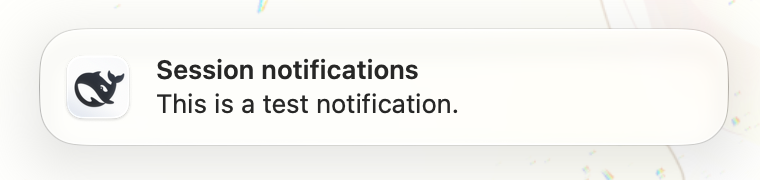
A turn that finishes, a question that waits for your answer, or an approval that waits for your decision raises one native notification. The sender is DeepSeek Harness itself, not a helper app. A click opens the Session that raised it.
What it does
| Event | Notification |
|---|---|
A turn stops (agent/turn-stopping) | Session title, then the last assistant text |
A question waits for a human (user-questions/request) | Session title, then the question |
An approval waits for a human (approval/request) | Session title, then the tool name |
- Every root Session can report. Subagent Sessions stay quiet for all three events; their parent turn still reports.
- Notifications are keyed by Session and kind, so a question does not replace a turn-end banner.
- Click: focus the window, then select that Session in the Conversation panel.
Settings
Open More → Settings, then choose Notifications in the settings sidebar.
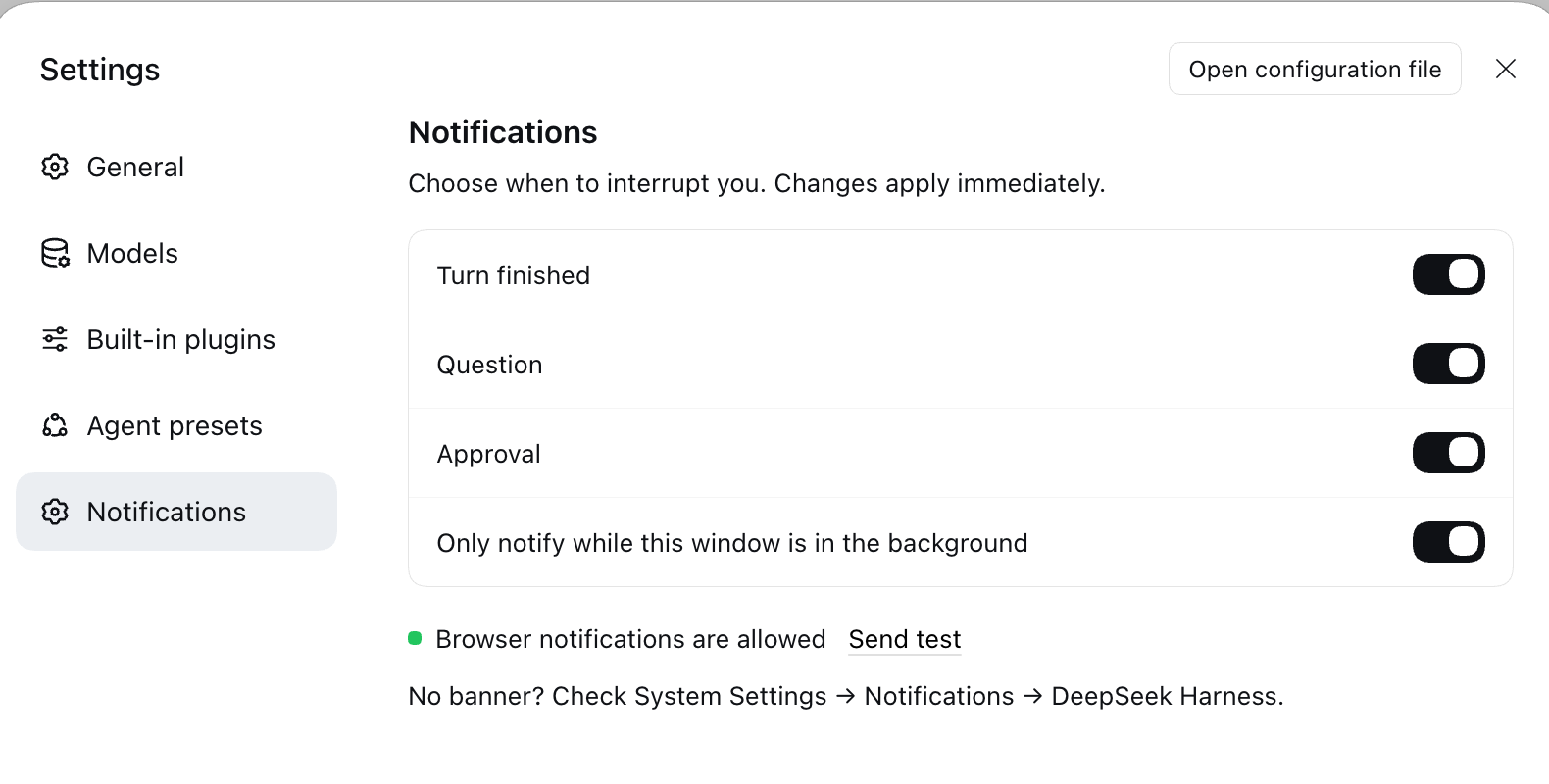
| Switch | What it does |
|---|---|
| Turn finished | Notify when a turn stops. |
| Question | Notify when a question waits for an answer. |
| Approval | Notify when an approval waits for a decision. |
| Only notify while this window is in the background | When on, a focused window shows no notifications. When off, every event notifies. Default on. |
Switches apply immediately; there is no save button. Settings are stored locally in the app (localStorage), not in the app configuration. The section shows the browser notification permission and a Send test action. This is the page permission, not the operating system permission. If no banner appears, open System Settings → Notifications → DeepSeek Harness.
Approval notifications appear only when the session asks for approval. A session whose approval policy never asks sends no approval notification.
Requirements
- DeepSeek Harness with the Web GUI (Desktop app or
dsh web). - The window must be open. The page raises the notification, so a closed window sends nothing.
- macOS must allow notifications for DeepSeek Harness. If the first banner never shows, open System Settings → Notifications → DeepSeek Harness and enable it.
Install
In DeepSeek Harness, open the Plugins page from the sidebar, choose Install bundle, and enter:
dsh-session-bell
After the first install, reload the page once (⇧⌘R). The Host half is live at install time, but the page half is a browser module and loads only with a fresh page. After an update, reload the page and toggle the plugin once. The Host half and the page half must come from the same version.
How it works
Two halves, one route.
- Host half (
index.js) listens toagent/turn-stopping,user-questions/request, andapproval/request. It turns each event into a Server-Sent Event on/session-bell/events. For approval it sends the tool name only, not the command or reason. No Web server means no route and no work, so the CLI stays silent. - Page half (
client.js) subscribes to that route, filters events by the switches, suppresses notifications while the window is focused, and calls the page's ownNotificationconstructor. On click it callsctx.uiWorkspace.openSession(sessionId). Empty bodies are localized in the page.
The route carries Session id, title, a clipped body, the event kind, and for approval the tool name. Settings stay in localStorage. Nothing leaves the machine; there is no network egress.
Local development
npm install
npm test
Link the directory as a bundle, then toggle the plugin once to reload the Host half and reload the page for the Client half:
plugin_manager install_bundle  <absolute path to this directory>
plugin_manager set_plugin      include:session-bell  enabled:false
plugin_manager set_plugin      include:session-bell  enabled:true
Reload the page after changing client.js. Reload the plugin after changing index.js.
Releasing
.github/workflows/publish.yml publishes on every push to
main, but only when package.json names a version that npm does not have yet. It uses npm
trusted publishing (OIDC), so the repository stores no token, and it attaches provenance.
- Bump the version and add the CHANGELOG entry.
- Push to
main.
npm version patch          # or minor, major
git push --follow-tags
One setup step lives on npmjs.com: Settings → Trusted publishing must name this repository
and the workflow file publish.yml. Without it the job fails with ENEEDAUTH.
Layout
| Path | Role |
|---|---|
index.js | Host half: events to Server-Sent Events |
client.js | Page half: settings page, notification, click to open the Session |
cordis.patch.yml | Bundle patch that inserts the Host row |
locale/*.json | Plugin Manager title and description |
icon.svg | Plugin Manager icon |
test/ | Node tests for Host events and client filtering |
License
MIT