dsh-sketchpad
bmhty123/dsh-sketchpad
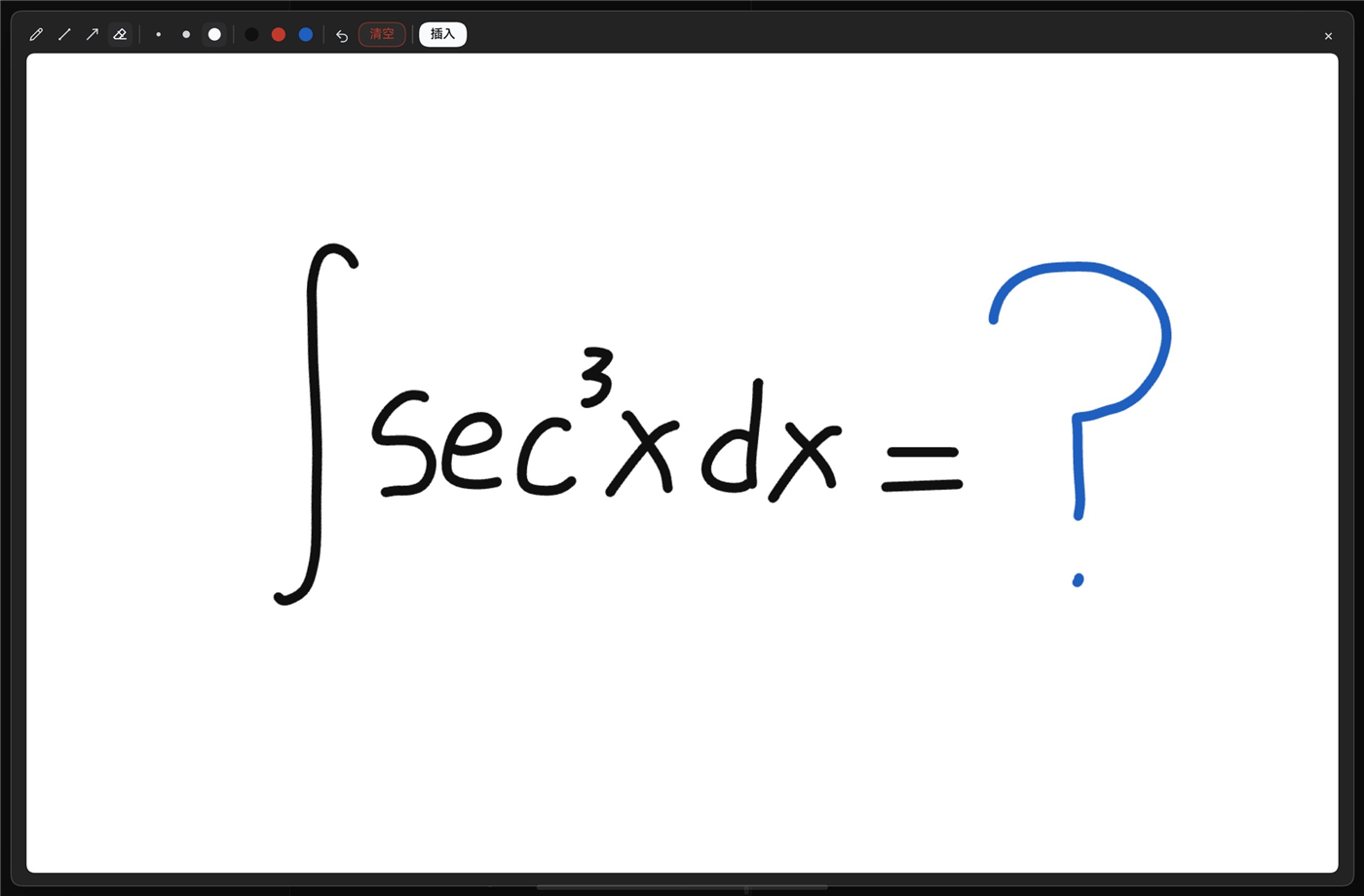
Handwriting and diagram whiteboard: sketch on a floating or sidebar canvas and attach the cropped image to your message.
설치
dsh plugin --profile web add github:bmhty123/dsh-sketchpadREADME
dsh-sketchpad
English | 中文
A drawing board for DeepSeek Harness. Handwrite a formula, sketch a diagram or jot a note, then attach the picture to your message.
Features
- Floating board — pencil button at the left of the composer; 1600×1000 landscape.
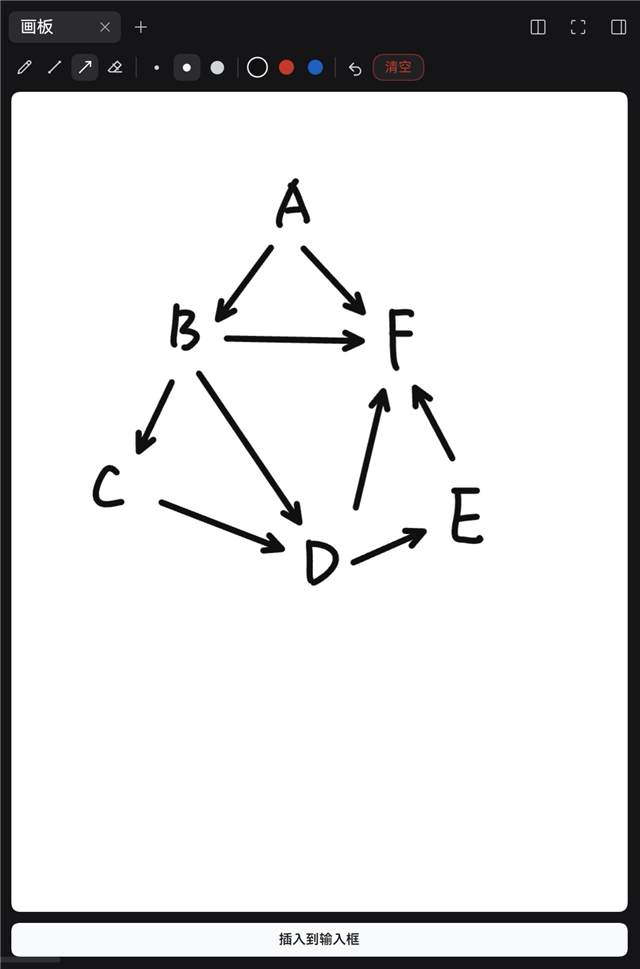
Esc, the×, a backdrop click or a double-click closes it, and closing attaches the drawing. - Sidebar board — a portrait 1000×1333 right-sidebar tab with its own strokes and attachment.
- Only explicit saves — nothing is encoded while drawing; the PNG is made only when you close the floating board or press Insert.
- Cropped export — cut to the ink bounding box plus 26 px; small sketches are upscaled up to 2.5× (about 900 px on the long side).
- Tools — pen, line, arrow, eraser with a round cursor; widths 4 / 7 / 12 px; black, red and blue;
Shiftsnaps to 0°/45°/90°. - Undo, immediate clear, one pointer — a second finger cannot join the current stroke.
- Shortcuts —
BLAE,[],Ctrl/Cmd+Z,Esc.
Install
DSH 0.2.1-rc.2 or newer.
dsh plugin --profile web add dsh-sketchpad
Restart dsh web (or refresh after a live install).
Usage
- Click the pencil button at the left of the composer (or open the 画板 sidebar tab).
- Draw.
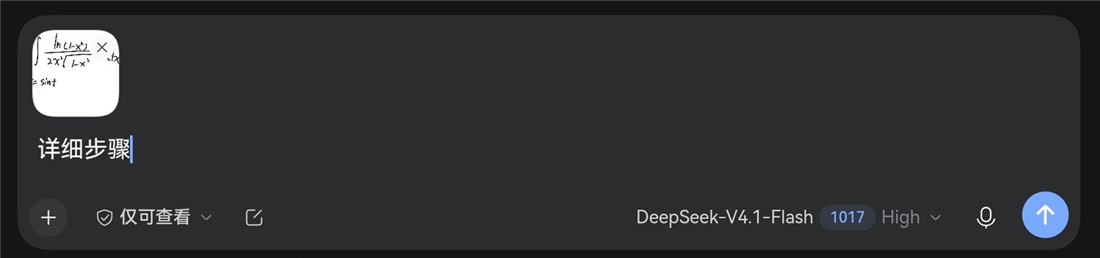
- Close the floating board — the drawing is attached — or press Insert.
- Send.
Floating Insert freezes the drawing, clears the board and closes the window. The sidebar's Insert to composer keeps the tab open for the next one.
Permissions and data
No network requests and no message access. The plugin uses the host's draft-attachment API, the session-scoped input state, the sidebar tab API, and localStorage for the pen colour and width only. Drawings stay in page memory; the PNG is created in the browser.
Limits
No pressure or palm rejection. The two boards are independent, sizes are fixed, clear cannot be undone, and a page refresh clears the boards.
Development
See docs/DEVELOPMENT.md. License: MIT.