H
imgpost
hige6/imgpost
Let the DSH assistant send local, web, and AI-generated images directly to users in chat, with external vision support for text-only models. On Windows it runs through PowerShell.
설치
dsh plugin --profile web add github:hige6/imgpostREADME
imgpost(图邮)
让 DSH 助手把图片直接发到聊天里给你看,也支持生图和识图。
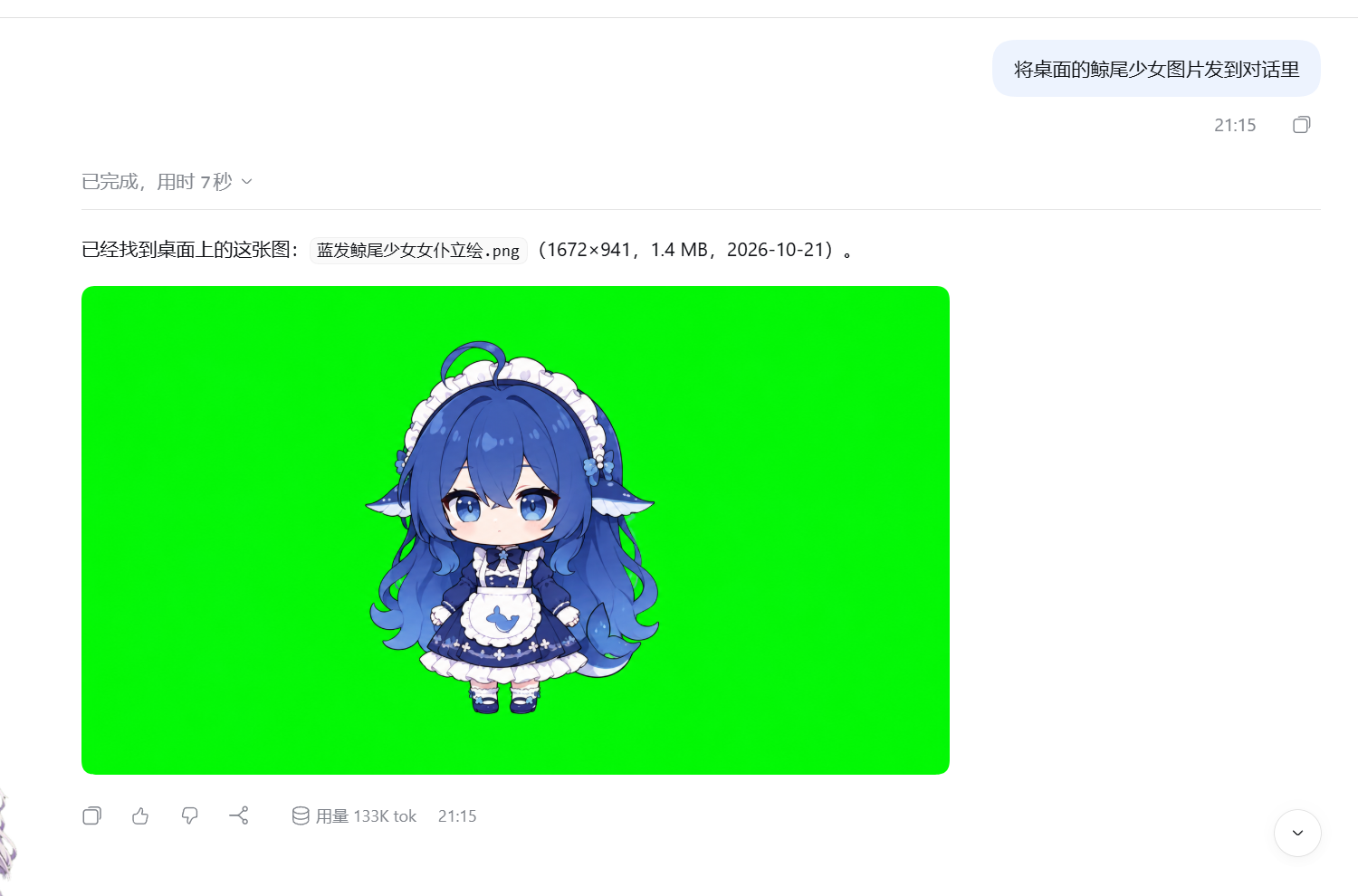
- 发图:DSH 助手把本地图片、网页图片直接发给你看。
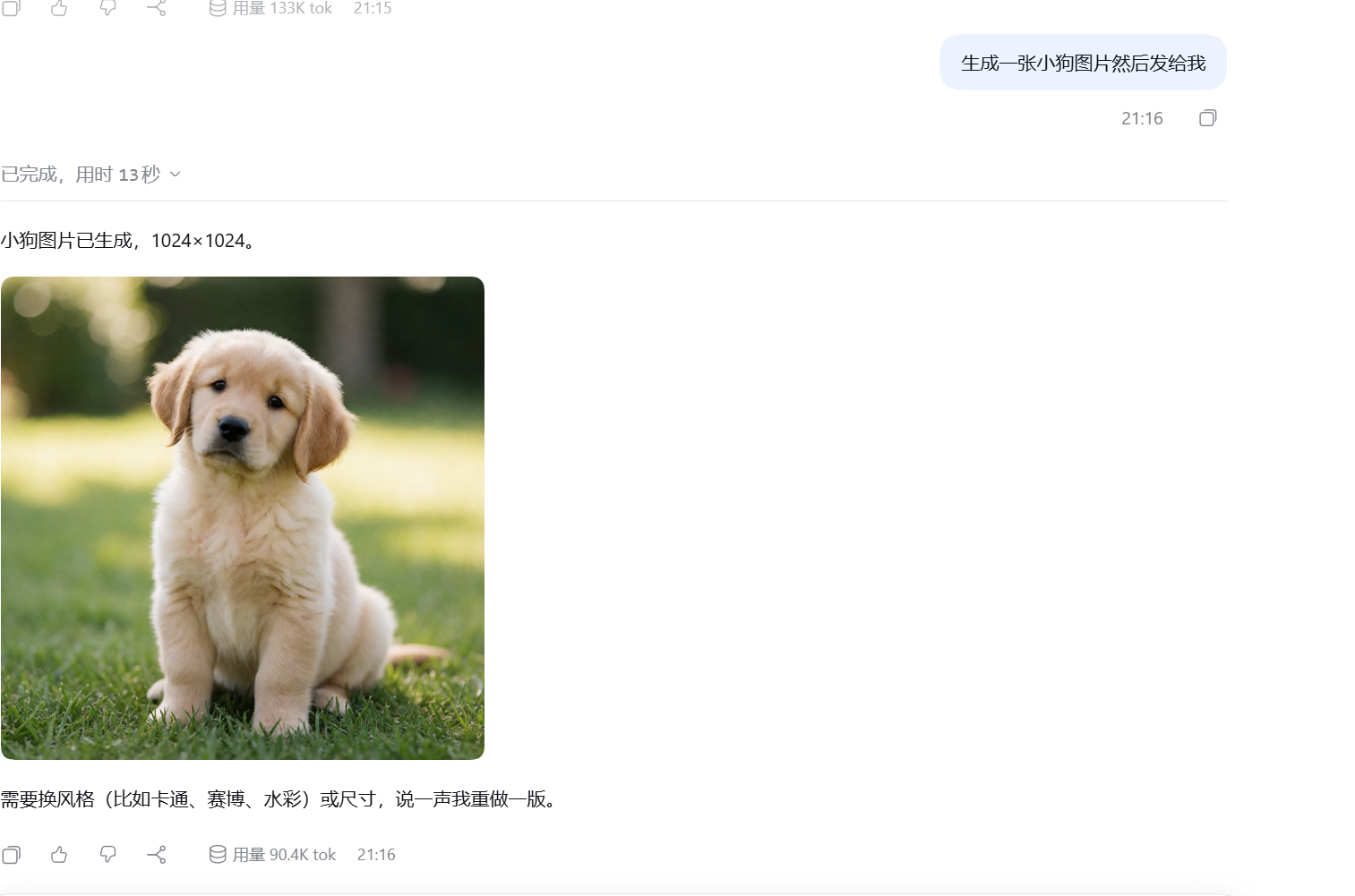
- 生图:连接 OpenAI 兼容的图片生成服务。
- 识图:调用你配置的视觉服务,支持图片描述、文字识别和看图问答。
- 设置:在 DSH 的「图邮(识图)」页面管理视觉后端。
实测截图
让 DSH 助手把本地图片直接发到对话里:
让 DSH 助手生成图片,再发给你看:
安装
在 DSH 插件面板中添加 imgpost,或运行:
dsh plugin --profile desktop add imgpost
Web 版把 desktop 换成 web。安装后重启 DSH。
使用
直接在对话里提出要求,例如:
- “把这张本地图片发给我看。”
- “生成一张雨夜街景。”
- “读一下这张截图里的文字。”
发图无需配置外部 API。生图、识图需要先填写你自己的服务地址、模型和凭据:
- 识图:打开设置中的「图邮(识图)」。
- 生图:在
~/.dsh/image-sender.json中填写baseURL、model和apiKey。
DSH 原生视觉模型可以直接读图;需要继续使用文本模型时,可选择插件提供的 imgpost-<上游> 通道。
说明
- 识图会把图片发送到你配置的视觉服务,结果缓存在本机。
- 图片链接没有额外登录校验,请仅在可信环境中分享。
- 当前发图、生图流程使用 PowerShell;其他系统尚未验证。
MIT License