dsh-skills-manager
lunfengchen/dsh-skills-manager
npm으로 설치할 수 있는 DSH Web 플러그인입니다. DSH와 일반 로컬 Agent 전반에서 Skills를 안전하게 불러오고 관리합니다.
설치
dsh plugin --profile web add github:lunfengchen/dsh-skills-managerREADME
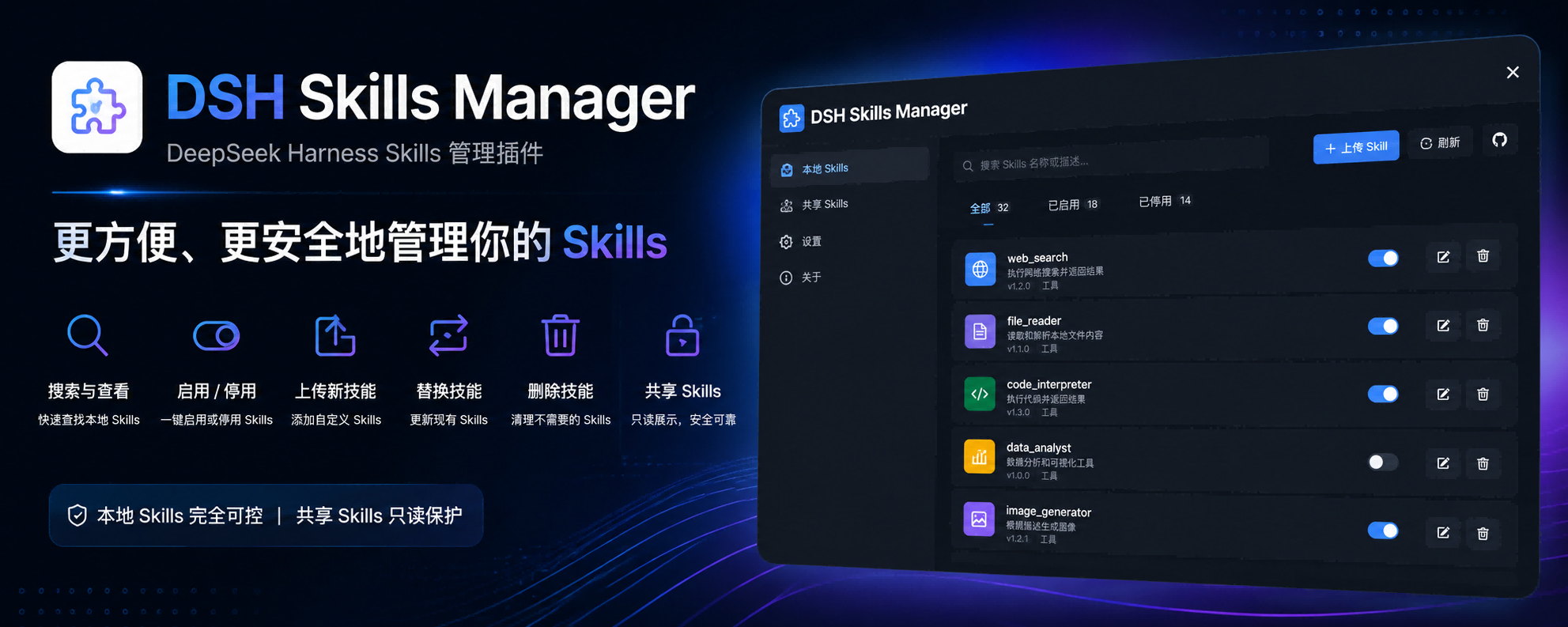
DSH Skills Manager
Load and safely manage skills from DSH and common local Agents
简体中文 · Changelog · Apache-2.0





DSH Skills Manager is a community-maintained DeepSeek Harness (DSH) plugin, not an official DeepSeek AI product.
Features
Bring skills from your computer and projects into DSH without switching between Agent folders.
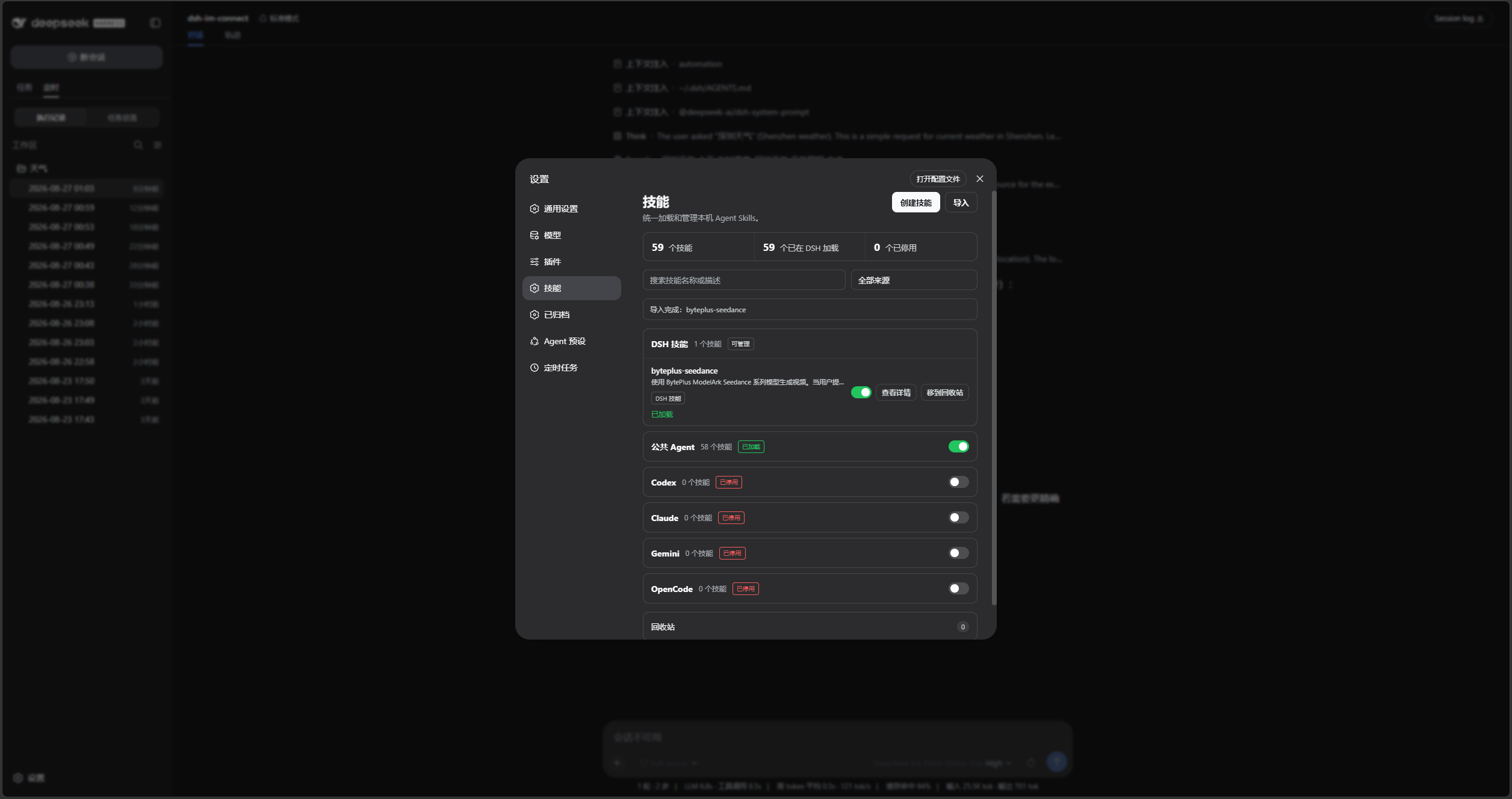
- Manage in one place: browse collapsible source groups, search, read, and toggle skills.
- Global and project skills: the project tab follows the current session, with project copies taking priority over global copies.
- Reuse existing skills: supports Codex, Claude Code, Copilot, and other agents without modifying their source files when toggled.
- Create and import: create a skill or import ZIP archives, folders, and
SKILL.mdfiles into global DSH. - Recover deleted skills: DSH skills go to Trash first, so accidental deletions can be restored.
Screenshots
Skill management:
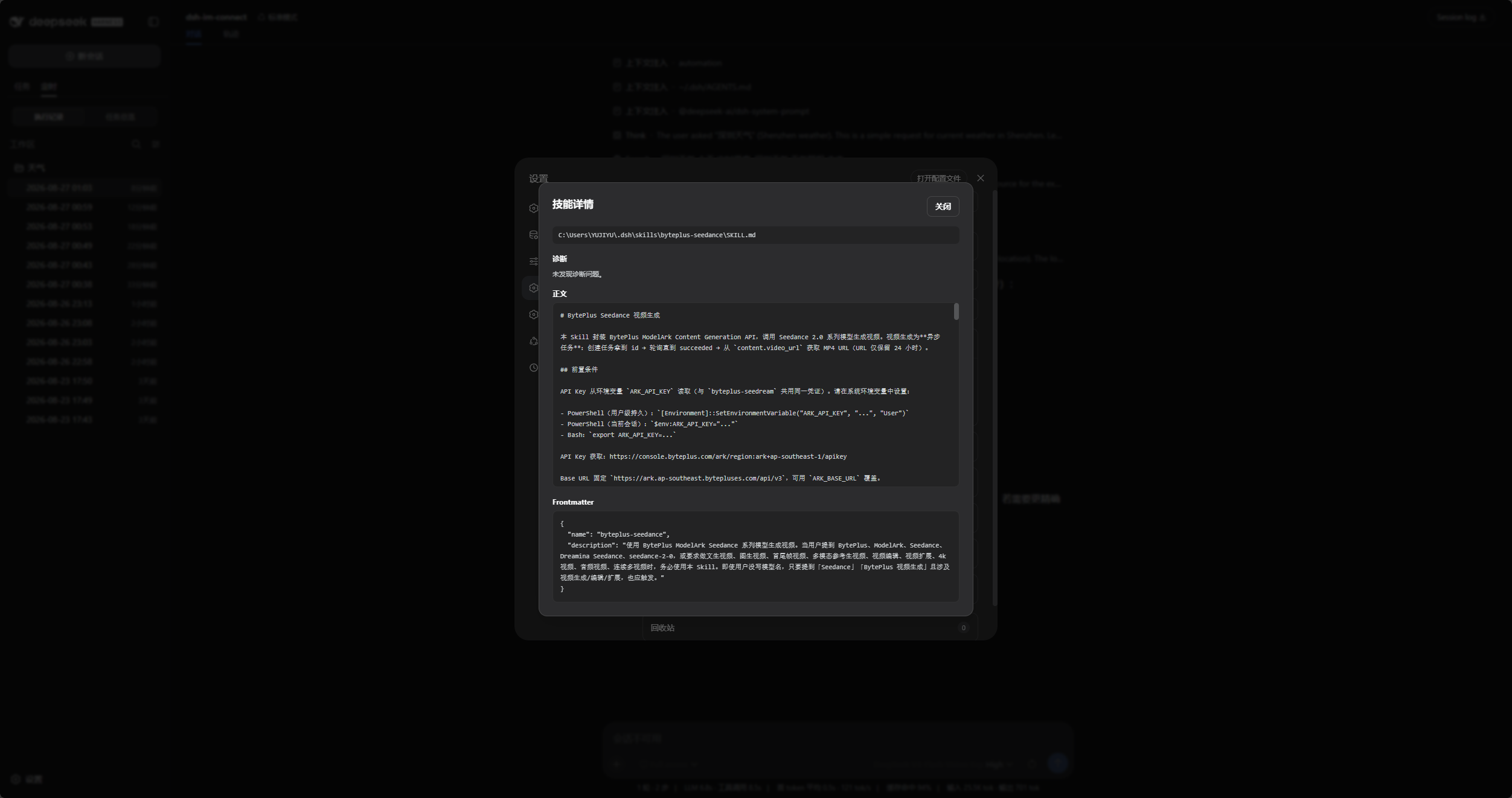
Read a skill:
Confirm before moving to Trash:
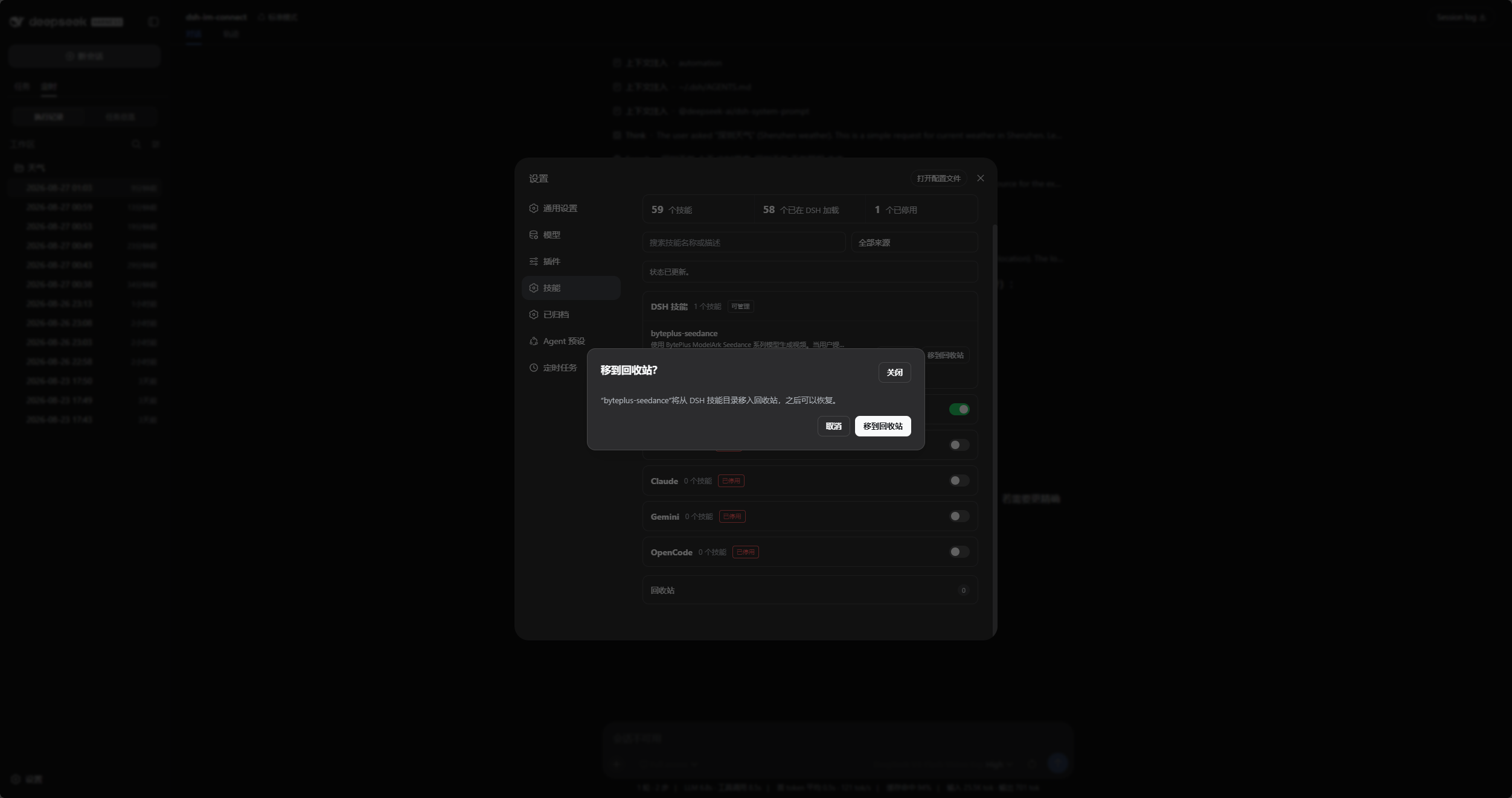
These full screenshots show an earlier version. The current version adds Global, Project, and Trash tabs.
Installation
Requires a working DeepSeek Harness installation. The commands below use the web profile; replace it with yours if needed.
Ask an agent to install it
Send this to an agent that can use your local terminal:
Install the latest @michengai/dsh-skills-manager into my DSH web profile using the official npm registry. Confirm installation and explain how to reload DSH.
Install manually
[Console]::OutputEncoding = [System.Text.Encoding]::UTF8
$OutputEncoding = [System.Text.Encoding]::UTF8
dsh plugin --profile web add @michengai/dsh-skills-manager@latest --registry=https://registry.npmjs.org/
Restart DSH, refresh the page, and open Settings → Skills. To update, select Check for updates or run the installation command again.
- Plugin
0.1.50is tested with DeepSeek Harness0.1.0-rc.8,0.1.1-rc.2,0.1.2-rc.1,0.1.5-rc.1,0.1.5-rc.2.
Usage
| What you want to do | How |
|---|---|
| Find a skill | Choose Global or Project, expand a source group, or use search and filters. |
| Read its contents | Select View details for the skill body and source information. |
| Enable or disable | Toggle the skill switch. This affects DSH without editing source files. |
| Add a skill | Select Create skill or Import into global DSH. |
| Recover a deletion | Open Trash and restore. For project skills, return to a session in the original project first. |
- Current project only: Git repositories use the nearest Git root. Other folders use the current session working directory; no
git initrequired. - Independent copies: disabling a project copy allows another enabled copy to take over, and the panel identifies the active source. Disable all copies to turn the skill off completely.
- File management: only DSH skills can move to Trash. Other Agent skills can be viewed and toggled. Creation and import always save to global DSH.
Supported Agent directories
~ means your home directory; <project> is the current session project root. These are default paths; configured DSH directory variables take precedence.
| Source | Global directory | Project directory |
|---|---|---|
| DSH | ~/.dsh/skills | <project>/.dsh/skills |
| Shared Agent | ~/.agents/skills | <project>/.agents/skills |
| CC Switch | ~/.cc-switch/skills | — |
| Codex | ~/.codex/skills | <project>/.codex/skills |
| Claude Code | ~/.claude/skills | <project>/.claude/skills |
| Gemini | ~/.gemini/skills | <project>/.gemini/skills |
| OpenCode | ~/.config/opencode/skills | <project>/.opencode/skills |
| Cursor | ~/.cursor/skills | <project>/.cursor/skills |
| Copilot | ~/.copilot/skills | <project>/.github/skills |
| Windsurf | ~/.codeium/windsurf/skills~/.windsurf/skills | <project>/.windsurf/skills |
| Trae | ~/.trae/skills | <project>/.trae/skills |
| Trae CN | ~/.trae-cn/skills | <project>/.trae-cn/skills |
| OpenClaw / Clawdbot | ~/.openclaw/skills~/.clawdbot/skills | — |
| Roo | ~/.roo/skills | <project>/.roo/skills |
| CodeBuddy | ~/.codebuddy/skills | <project>/.codebuddy/skills |
| Project Skills | — | <project>/skills |
The generic <project>/skills directory is labeled Project Skills and also supports OpenClaw workspace skills. Missing external source directories are not shown.
DSH product ecosystem
For a desktop workbench, download DSH Codex Desktop. Existing DeepSeek Harness installations can add plugins as needed by following each project's README. Below are 11 first-party plugins; consult the corresponding desktop release notes and bundled catalog for what that version includes.
| Plugin | What you can do |
|---|---|
| Codex UI | Organize projects and conversations, search tasks, and navigate chat turns |
| Agency Agents | Choose and summon specialists for your task |
| Skills Manager | Find, enable, create, and import local skills |
| Archive Manager | Search, restore, or clean up archived conversations |
| IM Connect | Send tasks and receive replies through messaging platforms |
| Automation | Schedule tasks and review each run |
| BTW | Ask side questions without interrupting the main task |
| Simplify | Use /simplify to improve code within your Git changes |
| PUA | Guide the Agent to try new approaches after failures, investigate causes, and verify results before completion |
| Code Review | Use /review to request an independent Agent code review and receive the report in the current conversation |
| Codex Pet | View conversation notifications and respond to tool approvals and questions through a desktop pet |
Feedback and contributions
Open an issue for bugs or suggestions. Include your DSH and plugin versions, reproduction steps, and a full screenshot for UI issues.
Source code lives in src. Contributions are welcome.