M
dsh-session-mark
makk9609/dsh-session-mark
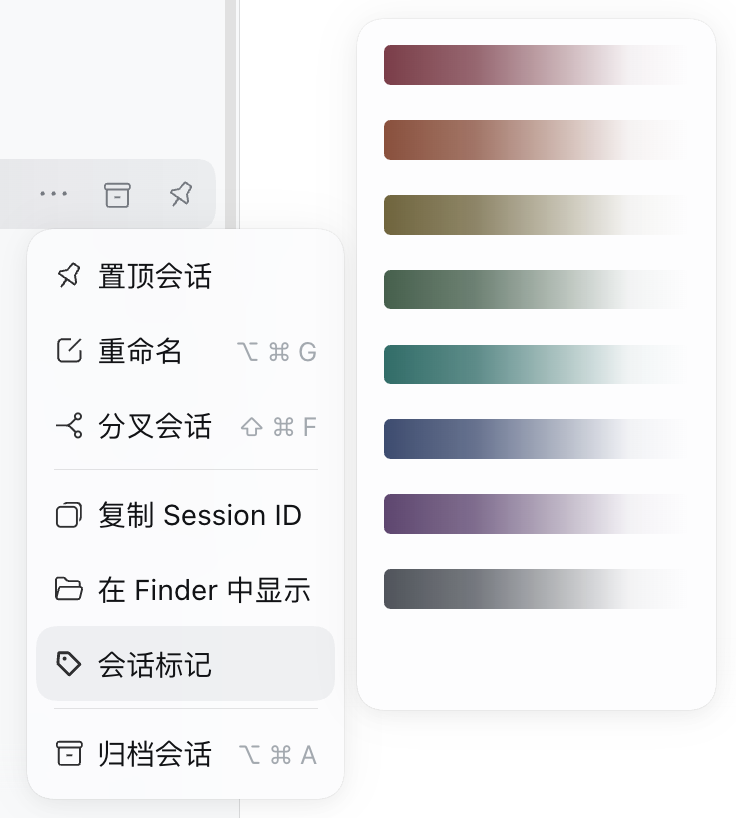
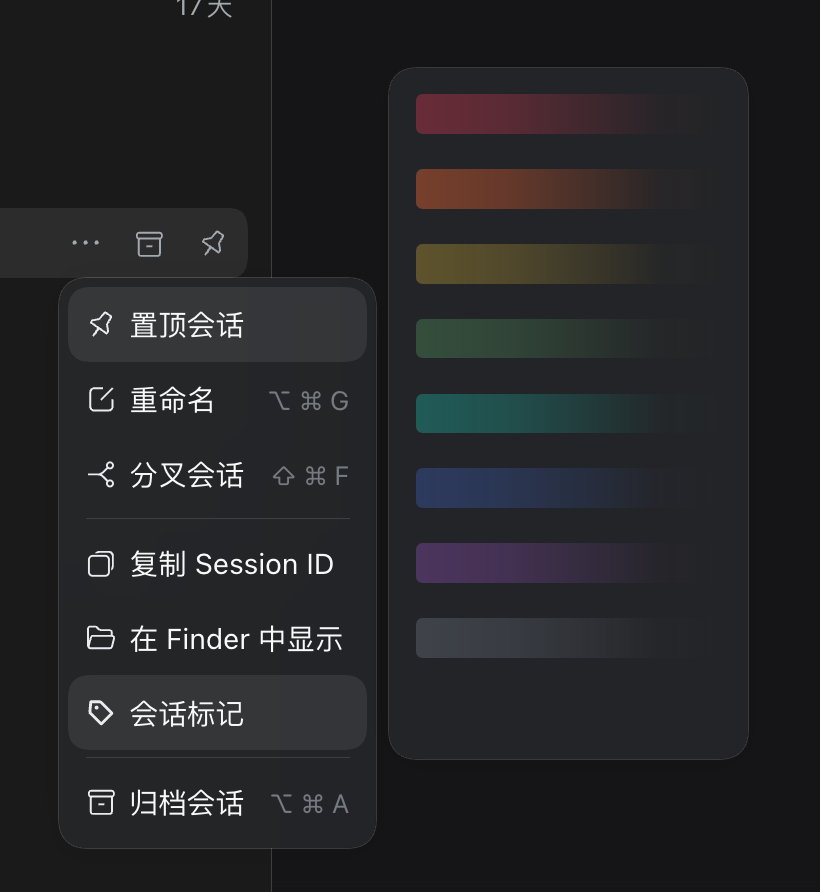
Right-click a session in the left session list to choose one of eight gradient washes or three hand-drawn line patterns; the last blank row clears it.
설치
dsh plugin --profile web add github:makk9609/dsh-session-markREADME
dsh-session-mark
A plugin for the DeepSeek Harness left session list. It adds a gradient or a hand-drawn line pattern to a session row so you can tell sessions apart and avoid opening the wrong one.
English | 中文

Install
dsh plugin --profile web add github:Makk9609/dsh-session-mark
Then restart dsh web. You can also install it from the Plugin Manager.
Usage
Right-click a session → Session mark → pick a gradient. The last, blank item clears the mark.
Notes
- Eight gradient styles and three hand-drawn line patterns (star, cat, dog); light and dark themes.
- Gradient styles tint the row; pattern styles show a small line icon at the start. No text, badge, border, or layout change.
- Marks are stored in the browser (
localStorage), so they survive a reload. - Only the left session list.
License
MIT