dsh-workflows
patrickb46-hub/dsh-workflows
Per-session workflow presets: switching one sets each disk skill to full, first-sentence or hidden in the model catalog, hides chosen global tools, adds a system-prompt persona section, applies a permission preset, and can insert the preset's prompt template into the composer. A right-side panel switches presets and rewrites the draft prompt; a rewrite never writes back to a preset.
설치
dsh plugin --profile web add github:patrickb46-hub/dsh-workflowsREADME
dsh-workflow-presets
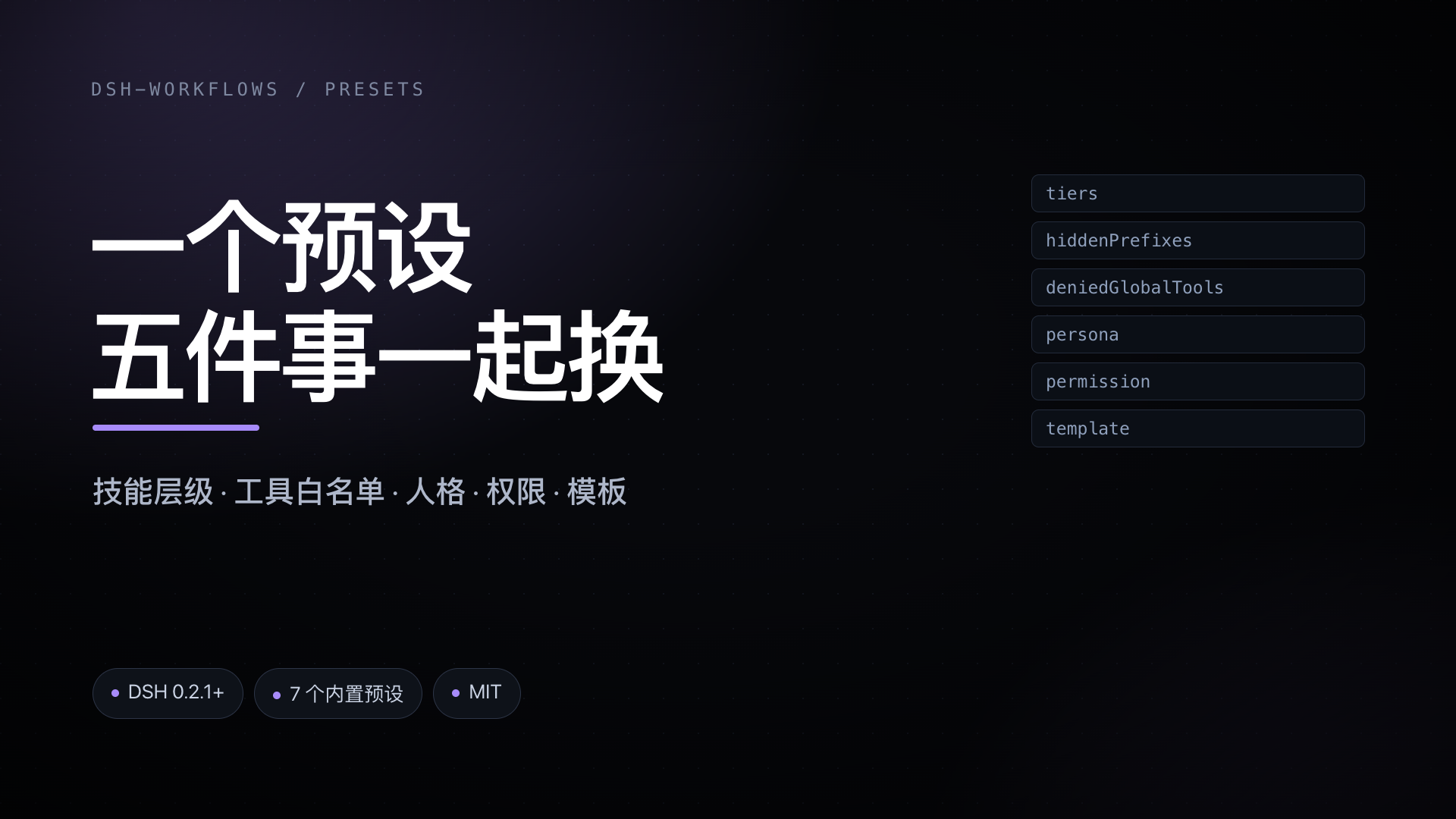
Per-session workflow presets for DeepSeek Harness (DSH). A preset bundles five things that normally live in five different places: how much of each disk skill the model sees, which globally registered tools stay callable, an extra system-prompt persona section, a permission preset, and a prompt template for the composer. Switching one preset switches all five.
Requires DSH 0.2.1-rc.1 or newer. MIT. The UI strings are Chinese only.
Promo / 宣传片
24 seconds, no voice-over: five settings in five places → one preset switch → token saving (compact / hidden) → seven built-in presets. 24 秒,无旁白:五处设置 → 一次切换 → 省 token(compact / hidden)→ 七个内置预设。
What one preset controls
| Field | Effect |
|---|---|
tiers | Per-skill catalog tier: full (untouched), compact (description cut to its first sentence, at most 60 characters), hidden (removed from the model's skill catalog, /name still works) |
tiers['*'] | Default tier for every skill not named explicitly |
hiddenPrefixes | Hide every skill whose name starts with one of these prefixes |
deniedGlobalTools | Deny tools that are registered globally (MCP servers, profile-level plugins). Per-turn tools cannot be hot-hidden |
persona | Extra system-prompt section, order 900 |
permission | Named permission preset applied when the preset is switched |
model | Optional model id applied with the preset |
template | Prompt template offered for insertion into the composer |
Precedence when resolving a skill's tier: explicit per-skill entry → hiddenPrefixes → tiers['*'] → full.
Built-in presets
| id | Name | Intended use |
|---|---|---|
general | 通用 | Nothing compressed, nothing denied |
exam | 试卷与作业 | Exam papers, print layout, de-AI prose; video and chat-app skills hidden |
writing | 写作与文档 | Documents, talks, bilingual drafts, diagrams |
study | 学习与研究 | Book distillation, video study, knowledge graphs |
video | 视频创作 | Explainer videos, shot analysis, narration, motion graphics |
build | 开发与插件 | Plugin work, code graphs, publishing |
daily | 日常与邮件 | Mail, calendar, disk, message archives; keeps the MCP mail tools |
All seven are ordinary presets: edit, copy or delete them. The built-in definitions reference skill names from one particular setup, so expect to adjust the lists.
UI
- Left sidebar → 工作流预设 — the preset editor: create, copy, delete, rename, and edit persona, template, tiers, hidden prefixes, denied tools, model and permission.
- Left sidebar → 提示词 — template library plus an offline rewriter playground.
- Composer → 工作流 pill (left of 提示词优化) — opens the right-side panel on the preset tab.
- Composer → 提示词优化 pill — opens the same panel on the prompt tab.
- Right sidebar → 工作流助手 — the panel itself: switch presets, toggle whether a switch also applies the preset's template, pick skill tiers, and rewrite the draft.
Switching a preset writes no skill file. The catalog change becomes visible on the next turn, the persona section is re-evaluated on every prompt, and a permission preset is applied immediately.
Prompt enhancement never writes to a preset. It produces a new draft and offers 用优化版 (use it) and 恢复原文 (revert); the presets and their templates are untouched.
Commands
| Command | Behaviour |
|---|---|
/workflow | List presets, mark the active one |
/workflow <id> | Switch the current session to that preset |
/workflow status | Current preset as JSON |
/workflow check | Skill and tool counts as JSON |
/enhance <text> | Rewrite the text with the configured model (the original is not recorded) |
Install
From the plugin market: search for dsh-workflows and install in one click.
From the CLI, pinned to this release:
dsh plugin --profile <profile> add \
  https://github.com/patrickb46-hub/dsh-workflows/releases/download/v1.0.0/dsh-workflow-presets-1.0.0.tgz
Manual install, for a profile that is maintained by hand — add both the dependency and the bundle entry:
{
  "dependencies": {
    "dsh-workflow-presets": "https://github.com/patrickb46-hub/dsh-workflows/releases/download/v1.0.0/dsh-workflow-presets-1.0.0.tgz"
  },
  "dsh": { "profile": { "bundles": ["dsh-workflow-presets"] } }
}
The bundle's own patch inserts the loader row dsh-workflows with the seven default
presets. Overrides go in the profile's cordis.patch.yml:
- id: dsh-workflows
  config:
    policy: '{"version":2,"defaultWorkflow":"general","workflows":[...]}'
Configuration shape
{
  "version": 2,
  "defaultWorkflow": "general",
  "workflows": [
    {
      "id": "exam",
      "name": "试卷与作业",
      "description": "…",
      "persona": "…",
      "template": "…",
      "tiers": { "*": "compact", "some-skill": "hidden" },
      "hiddenPrefixes": ["demo-"],
      "deniedGlobalTools": ["mcp__mail__email_send"],
      "permission": "",
      "model": null
    }
  ]
}
The policy is read through a volatile accessor, so edits apply without reloading the plugin.
Limitations
- Skill tiers cover skills found on disk (
~/.dsh/skills,~/.agents/skills, project skill roots). Skills shipped inside other plugins and the built-in office skills are not affected. deniedGlobalToolsonly reaches tools registered at the host layer. Args mounted by a preset per turn cannot be hidden without switching to a different agent preset.- The right-side panel needs an active session; with no session only the two left panels are usable.
- A model rewrite leaves one
/enhancecommand entry in the session log; the rewritten text is not recorded. - After a page reload the panel may show the last cached preset until the host answers.
- UI strings are Chinese only.
Files it touches
- Reads skill directories listed above, and the profile's
cordis.patch.ymlwhen you save presets. - Writes diagnostics to
~/.dsh/dsh-workflows.log. - Model rewrite goes through the host's configured LLM provider. No other network access.
Development
pnpm install
pnpm pack                       # produces dsh-workflow-presets-<version>.tgz
dsh plugin --profile <profile> add /absolute/path/to/dsh-workflow-presets-<version>.tgz
中文说明
dsh-workflow-presets 是 DeepSeek Harness 的工作流预设插件。一个预设同时决定五件事: 每个磁盘技能在模型目录里的档位(完整 / 只留首句 / 隐藏)、隐藏哪些全局工具、 追加的人格段落、切换时套用的权限预设、以及输入框可用的提示词模板。切换一个预设, 五件事一起换。
- 输入框「工作流」按钮在「提示词优化」左边,点开右侧小窗选预设;「提示词优化」只改草稿, 不写回预设,改完可以「用优化版」或「恢复原文」。
- 小窗里有开关:切换预设时是否套用它的提示词模板。草稿非空时给三个选择(替换 / 追加 / 不套用), 不会静默覆盖。
- 左侧栏两个全屏页:工作流预设编辑器、提示词模板库。
- 命令:
/workflow、/workflow <id>、/workflow status、/workflow check、/enhance <文本>。 - 限制:只覆盖磁盘技能;只能藏 Host 层注册的工具;右侧小窗需要先选中会话;界面只有中文。
安装:市场里搜 dsh-workflows 一键装,或用上面的 dsh plugin add 命令装钉住的发行包。
License
MIT © patrickb46-hub