everything2chart
regrevia/everything2chart
Turn one audio link into a playable piano score: staff, numbered notation, MusicXML, MIDI. One arrangement in three keys.
설치
dsh plugin --profile web add github:regrevia/everything2chartREADME
everything2chart
One audio link in, one playable score out: five-line staff images, numbered (jianpu) notation, MusicXML and MIDI. It starts with the piano — one arrangement in three keys — and the name is the plan: other instruments next, and any agent that speaks MCP, not only DSH.
The DSH plugin from this repository is published to the plugin catalog as
dsh-pianochart; its npm package is pianochart-dsh, since npm names are
fixed per package. Those two are the only places pianochart survives: a
catalog wants a name that says which product it plugs into, and renaming a
published package would break every existing install.
audio -> source separation (Demucs) -> melody and bass (pYIN, chroma)
      -> arrangement (three tiers) -> staff + numbered notation
What it does and does not do
- Transcribes the background music only. Vocals are separated out and dropped.
- A drum kit does not become playable piano. Percussion can only show up as rhythmic weight, not as notes.
- Non-melodic instruments that carry harmony are folded into the left hand.
- Three tiers are one arrangement in three keys: the same notes, rhythm and
left-hand voicing, transposed so
easyhas the fewest black keys andhardthe most. A tier therefore sits a few semitones above or below the others. Playback restores the original pitch.
Both hands are written to be playable: at most three keys under one hand at a time, never wider than an octave.
Install
The pipeline is Python; the DSH plugin is a thin bundle around it. You need both.
git clone https://github.com/regrevia/everything2chart.git
cd everything2chart

# 1. Python environment
python3 -m venv .venv
.venv/bin/pip install -r requirements.txt
brew install cairo            # macOS, for cairosvg

# 2. Separation weights, into models/demucs_repo/ (84 MB, not in the repo)
#    Demucs normally downloads these; offline you fetch them once:
mkdir -p models/demucs_repo
curl -L -o models/demucs_repo/955717e8-8726e21a.th \
  https://huggingface.co/akhaliq/Demucs/resolve/main/955717e8-8726e21a.th
printf "models: ['955717e8']\n" > models/demucs_repo/htdemucs.yaml
models/demucs_repo/ holds exactly two files: the .th state dict and the
htdemucs.yaml index. Point the pipeline elsewhere with --demucs-repo.
Run the pipeline directly
PYTHONPATH=src .venv/bin/python -m everything2chart.cli \
  --input track.m4a --preset all --out out/track
Options: --seconds N analyse only the first N seconds; --no-separate skip
separation for a fast try; --preset easy|medium|hard|all; --transpose N;
--fingering key|all|none; --out DIR; --cache-dir DIR; --demucs-repo DIR;
--device cpu|mps.
Fingering is key by default: numbers on the few notes where the hand has to be
told how to get there (first note, after a rest, a leap, a crossing, a grip
change), and nothing else. all numbers every note, for reading a piece one note
at a time; none leaves the staff unmarked. The numbers come from a cost model
adapted from performer (MIT); they
are a suggestion, not a teacher's marking.
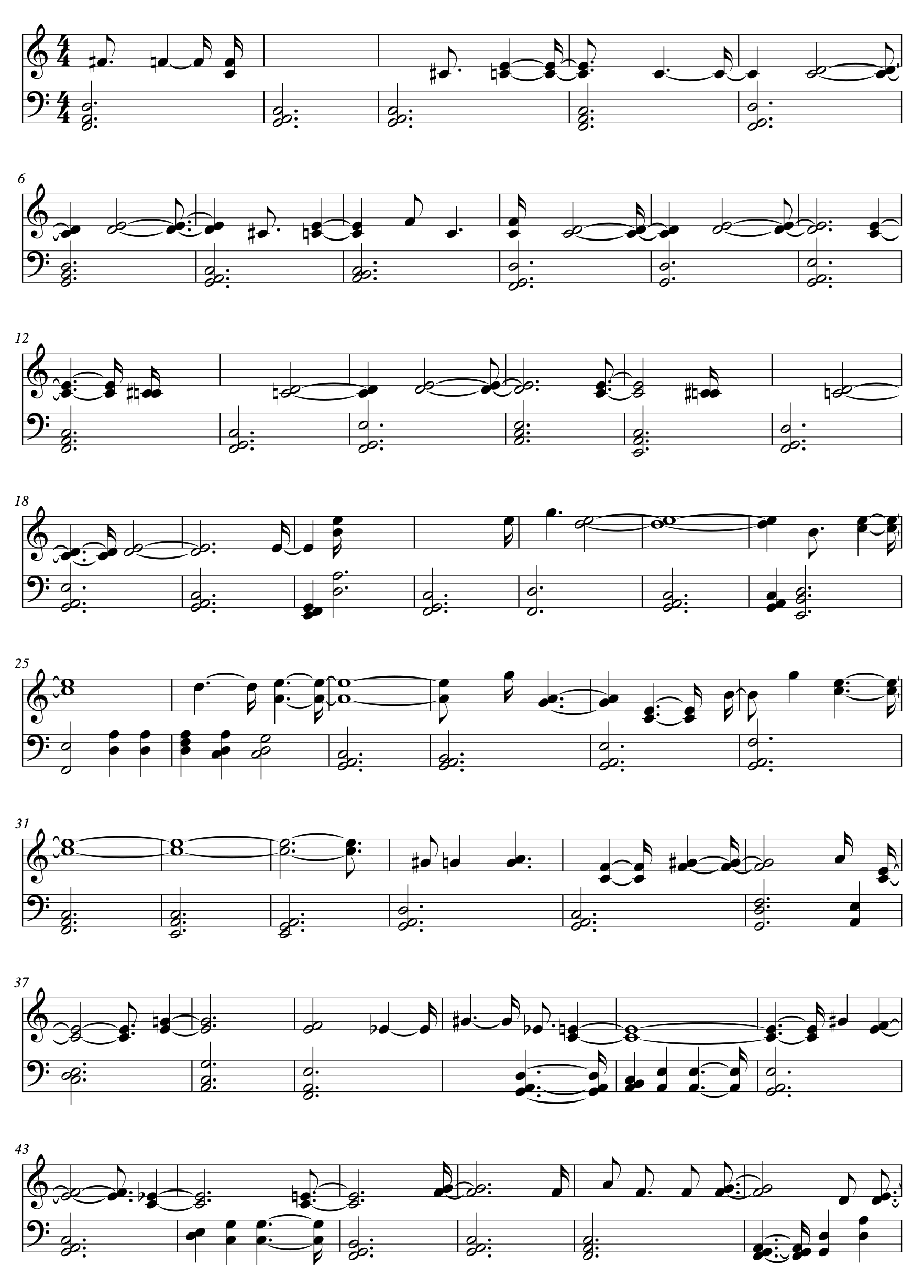
Output per tier in out/<name>/: .musicxml, .mid, .jianpu.txt, -p01.png
staff pages, -roll.png piano roll, and report.json. The MusicXML and the staff
pages carry the finger numbers; report.json records how many were marked.
Use it from DeepSeek Harness
Install the bundle, then call the host tool piano_score:
{ "source": "https://example.com/track.mp3", "tier": "easy" }
sourceis an audio file URL, a local path, or a page URL (the plugin tries to find the audio on it and hands over to Envoy when the page needs a browser).secondsfor a preview of long audio;jianpuCharscaps the numbered notation returned in chat;transposeshifts the written key;fingeringiskey(default),allornone.- Outputs land in a new directory under
out/; the absolute paths come back.
There is also a small local service: PYTHONPATH=src .venv/bin/python -m everything2chart.serve --port 8797 answers POST /api/score with {"source", "tier", "fingering", "seconds"}, returns a job id, and reports the artifacts when the job
is done. It exists so a web page can hand a link to a runner on this machine.
The same pipeline is also served over MCP as piano_score on stdio, so any MCP
client can use it. The bundle starts it from lib/mcp_server.py; point it at
your checkout with PIANOCHART_REPO if it is not next to the plugin.
Reading the numbers
report.json carries the arrangement statistics and two similarity figures
against the source: chroma_cos_mean (tonal agreement over the track) and
chroma_cos_p10 (worst tenth). They measure pitch content, not playability. A
short clip scores lower for lack of material.
What is not done
MuseScore or LilyPond PDF rendering, AMT refinement (Transkun, basic-pitch), drum and beat grid refinement, multi-voice left-hand textures.
License
MIT. The Demucs weights are MIT and remain under their own license; they are downloaded, not redistributed here.
Checking the finger numbers
A wrong digit on one note is invisible in a picture, so the check is mechanical: give it a run's pickle and it clears the numbers, re-fingers, and compares the arrangement against the staff file on disk.
PYTHONPATH=src python scripts/verify_fingering.py out/<run>/<stem>-<tier>.arr.pkl --mode key
It exits non-zero when they disagree, so it can gate a release.