dsh-article-review
biogod2020/dsh-article-review
Annotation-driven Markdown manuscript review with proposals and human review baselines
Install
dsh plugin --profile web add github:biogod2020/dsh-article-reviewREADME
description: "Read, annotate and revise Markdown manuscripts in DSH with AI proposals, word-level diffs and persistent review baselines." kind: "package-bundle"
DSH Article Review
English | 中文
Read, annotate and revise Markdown manuscripts alongside your DSH conversation. AI submits revision proposals; you inspect the changes, accept or reject them, or request another revision.
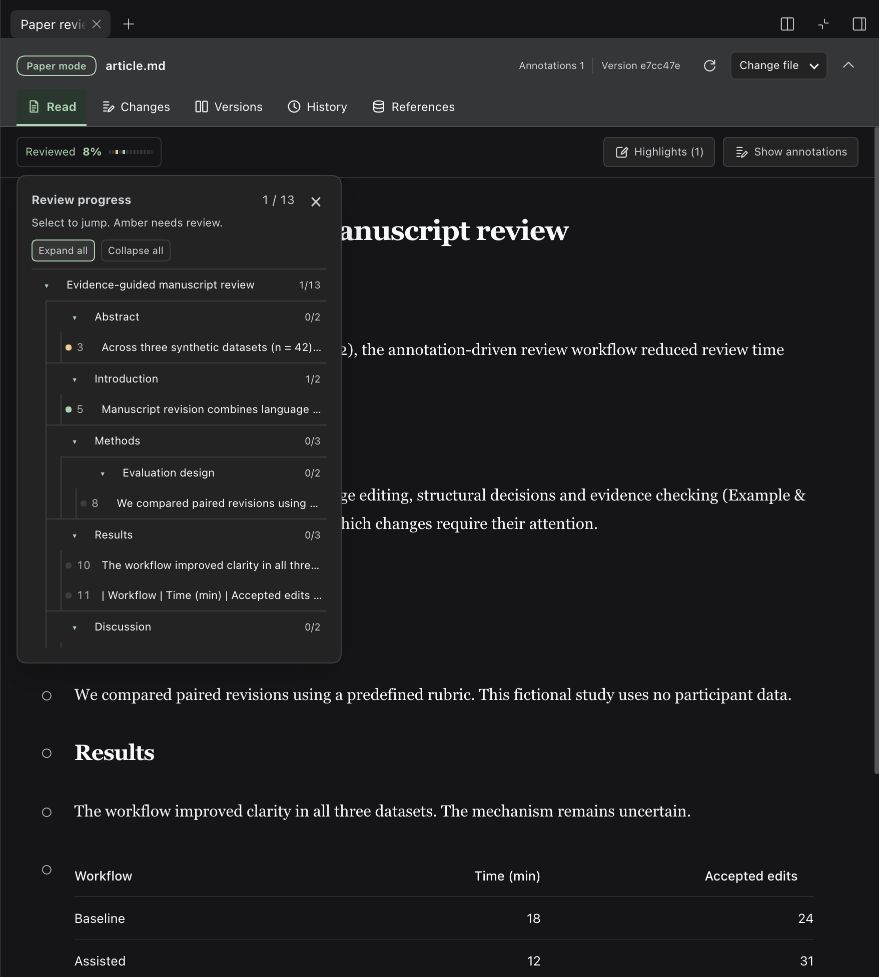
Across multiple revision rounds, each paragraph stays compared with the last version you marked reviewed, so you can see what still needs your attention.
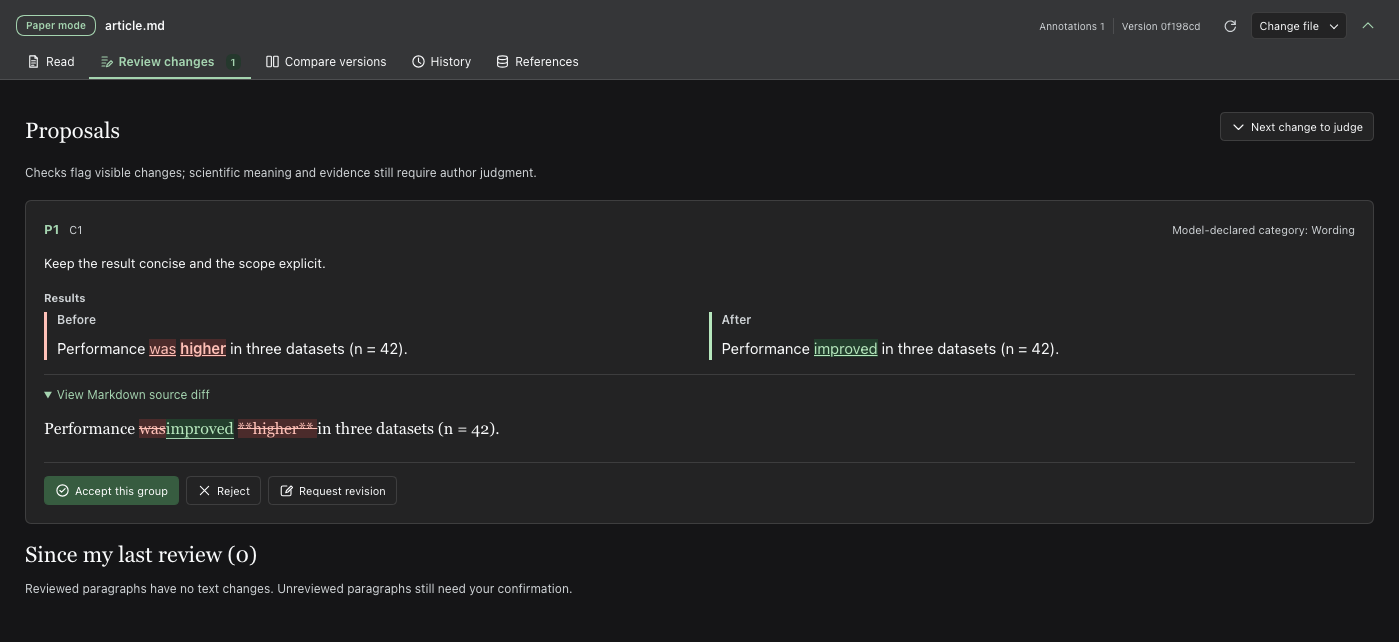
Screenshots use fictional manuscripts; proposals include real model runs.
Features
- Start from an article — import PDF, DOCX, LaTeX, TXT, Markdown, HTML or pasted prose with
paper-project-start; preserve the source, prepare available figures and open the reader. - Read and annotate — highlights, underlines, comments and manuscript search.
- Read text with figures — whole figures or AI-prepared panels beside their paragraphs; optional section pages retain your reading position. See the reading guide.
- Revise with AI — propose replacements, insertions or deletions; revise pending proposals. Supports headings, lists and tables.
- Track your review — mark and lock reviewed paragraphs; track later changes.
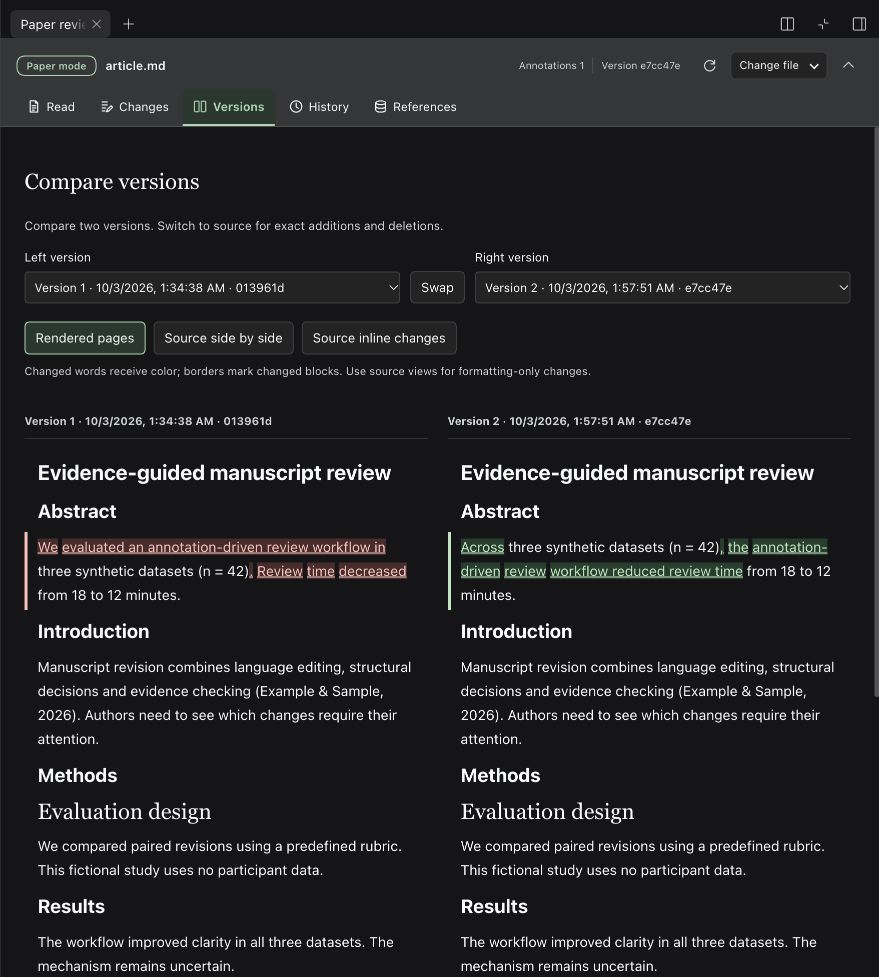
- Compare versions — word-level comparisons and exact Markdown source diffs.
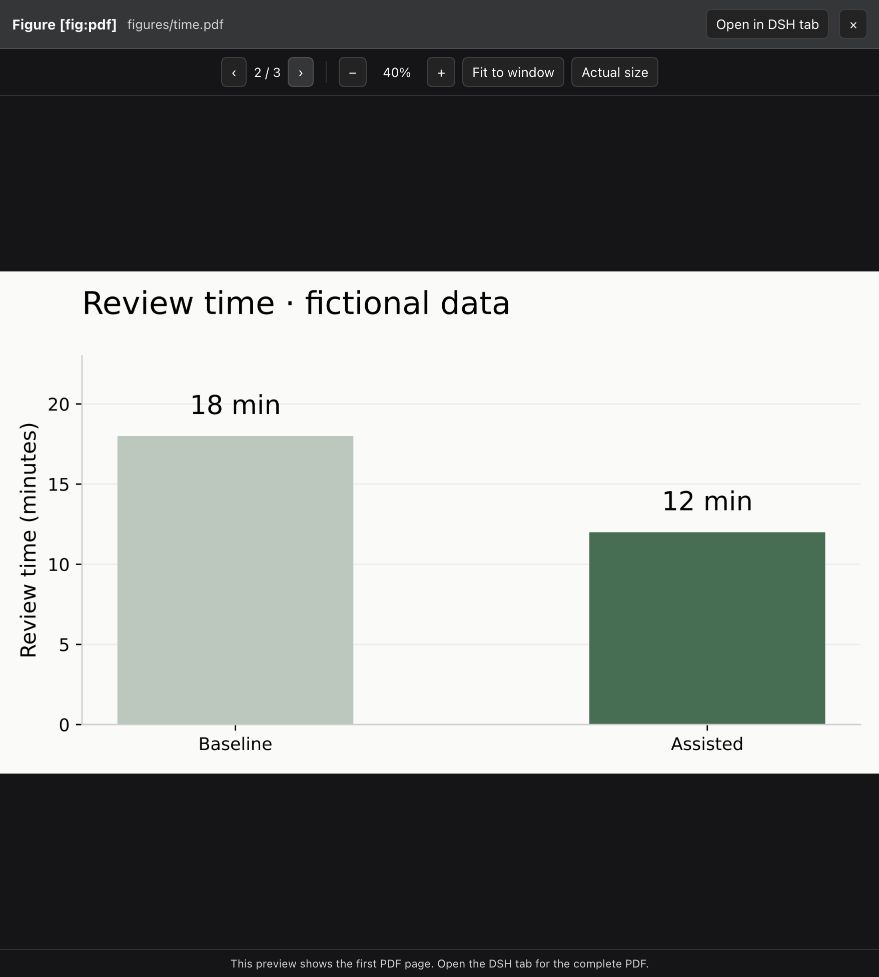
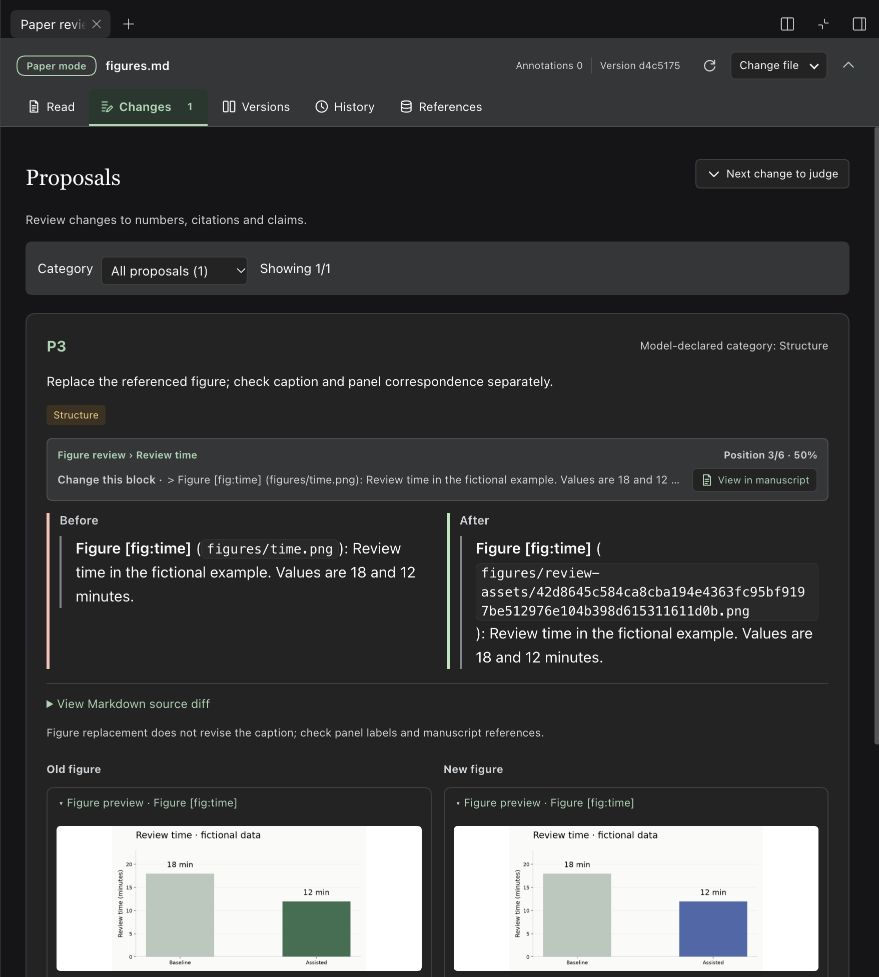
- Review figures — preview and propose replacements; keep before/after copies.
- Preview companion documents — open the manuscript or workspace files in DSH’s native preview alongside the review.
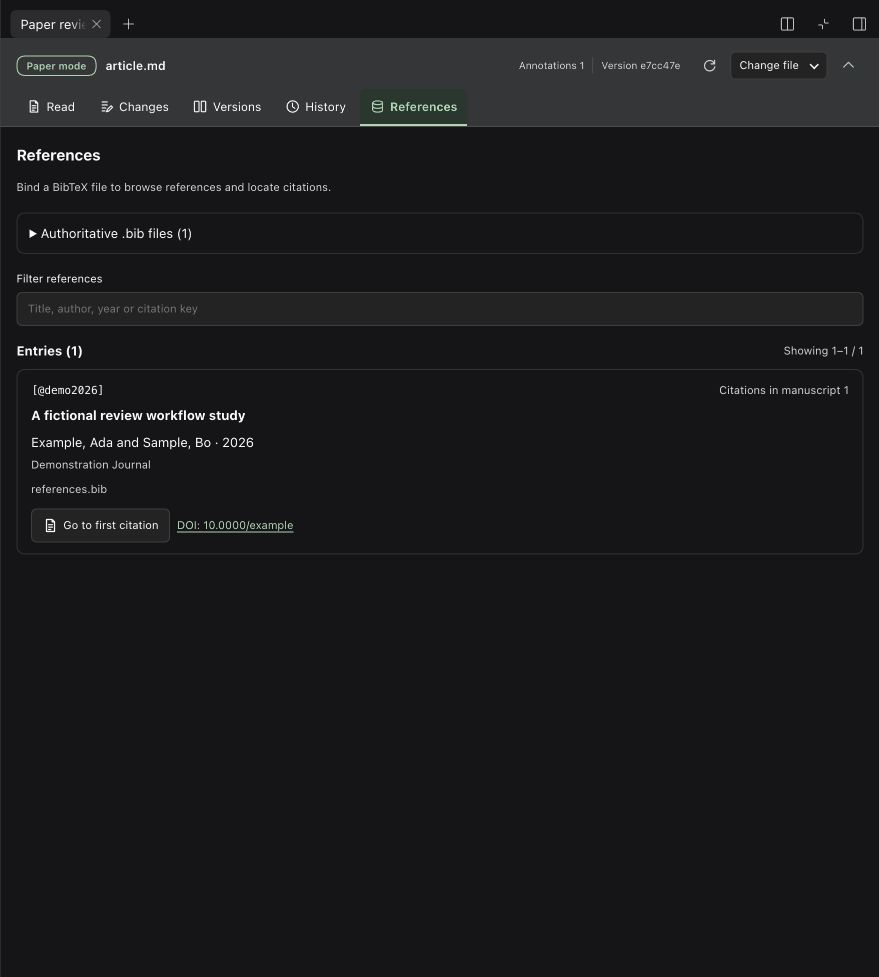
- Manage references — bind BibTeX, jump to citations and check new citation keys.
Install
Version 0.2.2-alpha.14 supports DSH Web 0.2.1-alpha.4 and Desktop 0.2.0-rc.2 / 0.2.1-rc.2 / 0.2.1-rc.3. Uses your existing model configuration.
Desktop App
The App includes its runtime; no separate Node installation is needed.
-
Open Plugins in the App's left sidebar, then click Add plugin.
-
Paste the npm package name and version:
dsh-article-review@0.2.2-alpha.14 -
After installation, click Enable now and follow any restart prompt.
-
Choose a local workspace and open a conversation. In the right sidebar, choose Read, annotate and revise.
-
Click Browse workspace → Choose local file to open a Markdown manuscript. The system dialog belongs to the App; the selected file must be inside this conversation's workspace. BibTeX and replacement figures use the same Desktop picker.
Desktop uses its own desktop profile. Installing into the web profile does not install into the App. If you previously installed @deepseek-ai/dsh-experimental-paper-review from GitHub, uninstall that package in Plugins before installing the npm package above and restarting. Workspace review records in .paper-review/ continue to be used. macOS Desktop has been exercised; see platform requirements for Windows.
Choose the official npm registry or the mainland China mirror. If the mirror has not synced this version, use the official registry. GitHub installation is also available as github:Biogod2020/dsh-article-review#v0.2.2-alpha.14. If GitHub times out, download the prebuilt release archive and enter its absolute local path in Plugins → Add plugin, without extracting or building it. Tags through v0.2.1-alpha.1 retain the old package name; install one package name at a time.
Web
Requires Node.js 22 (≥22.19) or 24+:
dsh plugin --profile web add 'dsh-article-review@0.2.2-alpha.14'
dsh web
Restart a running Web profile after installation. For GitHub installation, use the prebuilt tag; main contains development source.
Start reviewing
For a document or pasted article, choose Import article in the reader's file controls, or invoke /paper-project-start in the conversation and identify the source. Conversion creates a separate project in the conversation workspace. The first run uses uv to prepare document tools there. Text-only articles skip figure preparation; scans require OCR and verification. See the import guide.
- Choose Read, annotate and revise in the right sidebar and open a Markdown manuscript.
- Select text, annotate it, attach the notes to the conversation and send your request.
- In Review changes, accept, reject or request a revision; check the result and mark it reviewed.
Accepting updates the manuscript and keeps your review baseline. Back up .paper-review/ with the manuscript and exclude it from public Git history. Paragraph locks apply within this plugin.
Screenshots
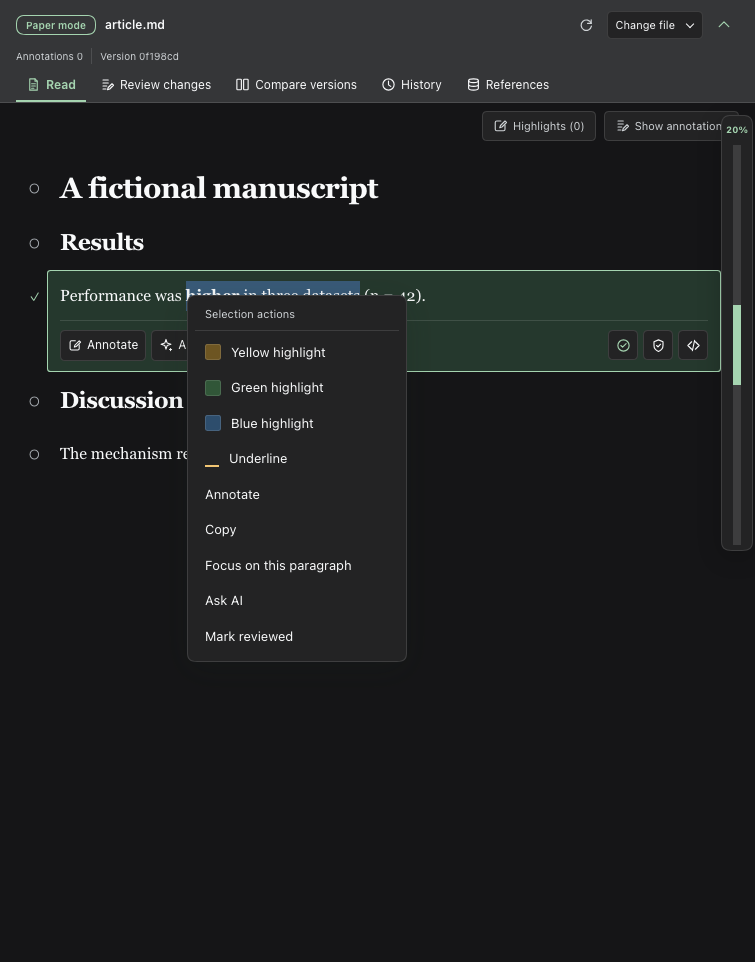
Select text and right-click to highlight or annotate.
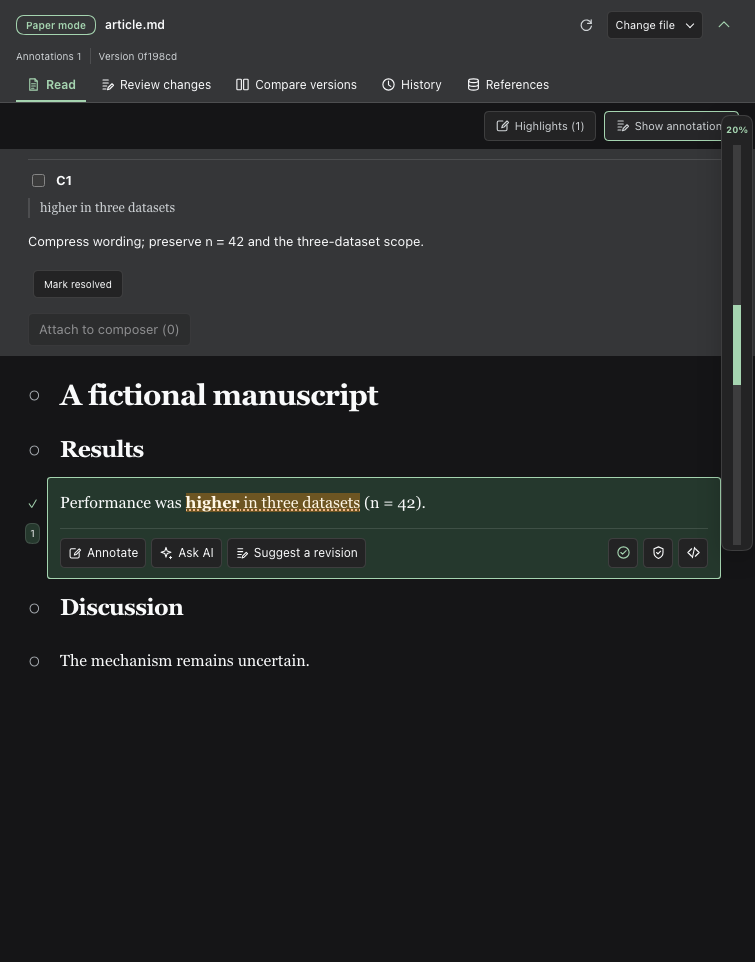
Save annotations and attach revision requests to the conversation.
Check review progress and jump to sections or paragraphs.
Compare two versions and see changed words directly.
Preview PDFs, review figure replacements and browse references.
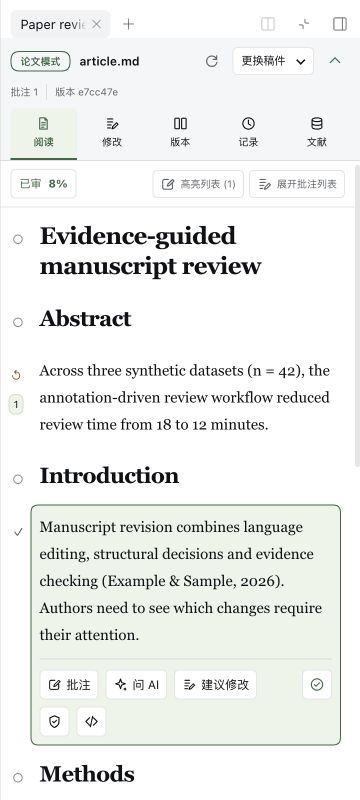
Compact reading on narrow screens.
Documentation
- User guide — operations and configuration.
- Development and compatibility — builds, tools and persistence.
Edit Markdown manuscripts; figures support images and PDFs. See other formats and platforms.
Related plugins
archify (deepseek-harness)
tt-a1i/archify
WeKnora (dsh-weknora)
tencent/weknora
weknora
tencent/weknora
BrowserSkill (dsh-plugin-browserskill)
tencent/browserskill