dsh-inplace-edit
hellonil/dsh-inplace-edit
Edit an earlier prompt with the pencil under a finished answer and send it again in the same session.
Install
dsh plugin --profile web add github:hellonil/dsh-inplace-editREADME
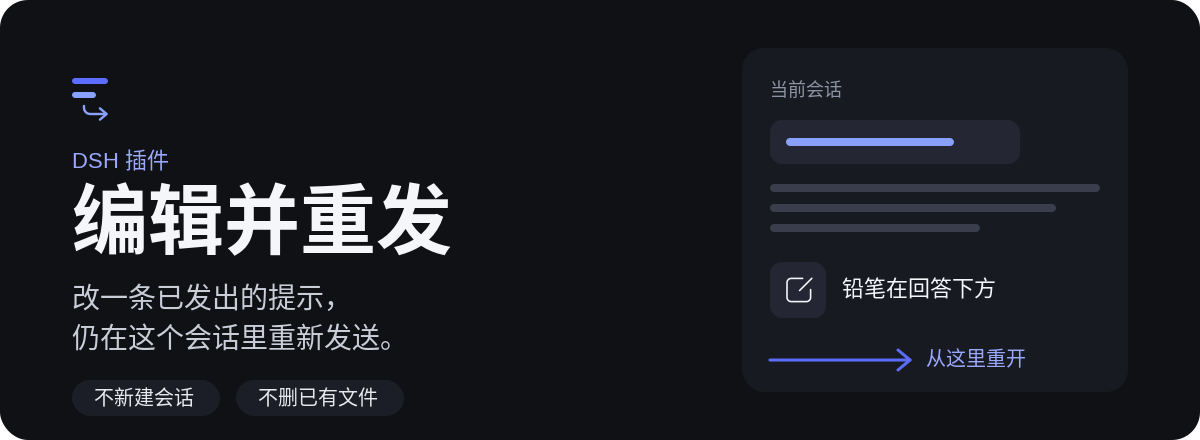
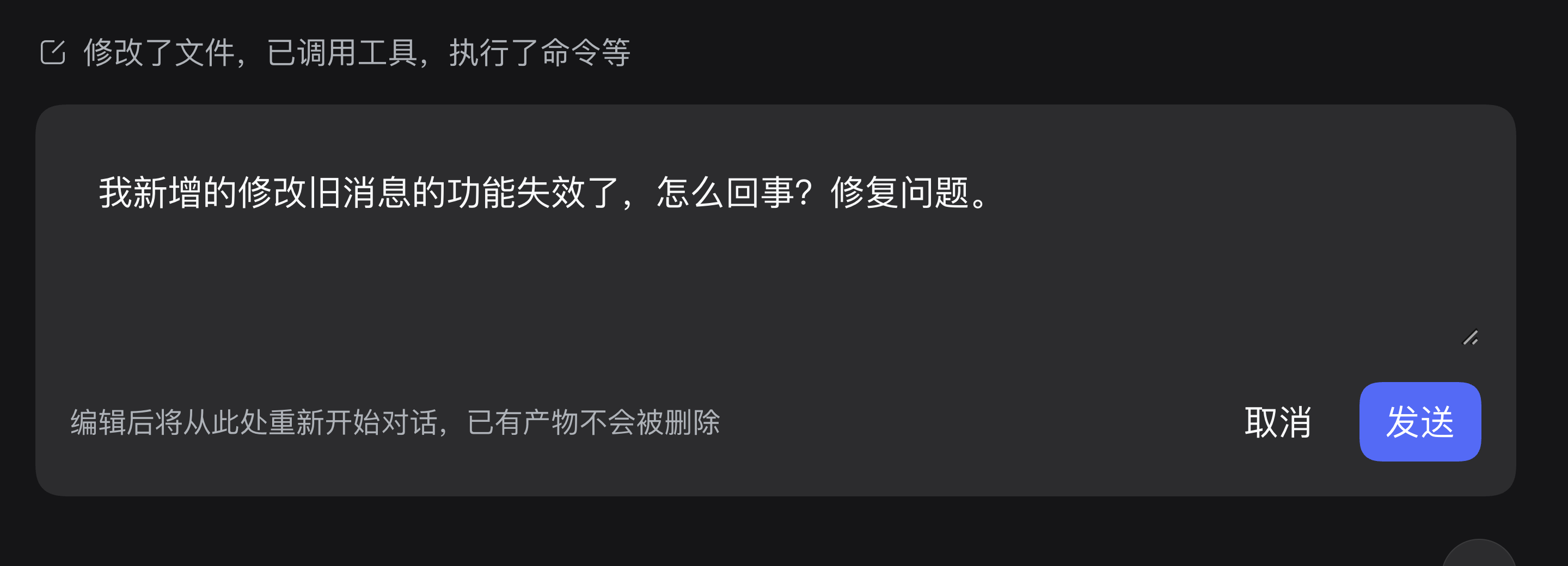
回合结束后,回答下方有一支铅笔。点开它,改这条提示的原文,再发送。对话留在当前会话里,已经写到磁盘上的文件不会被删。
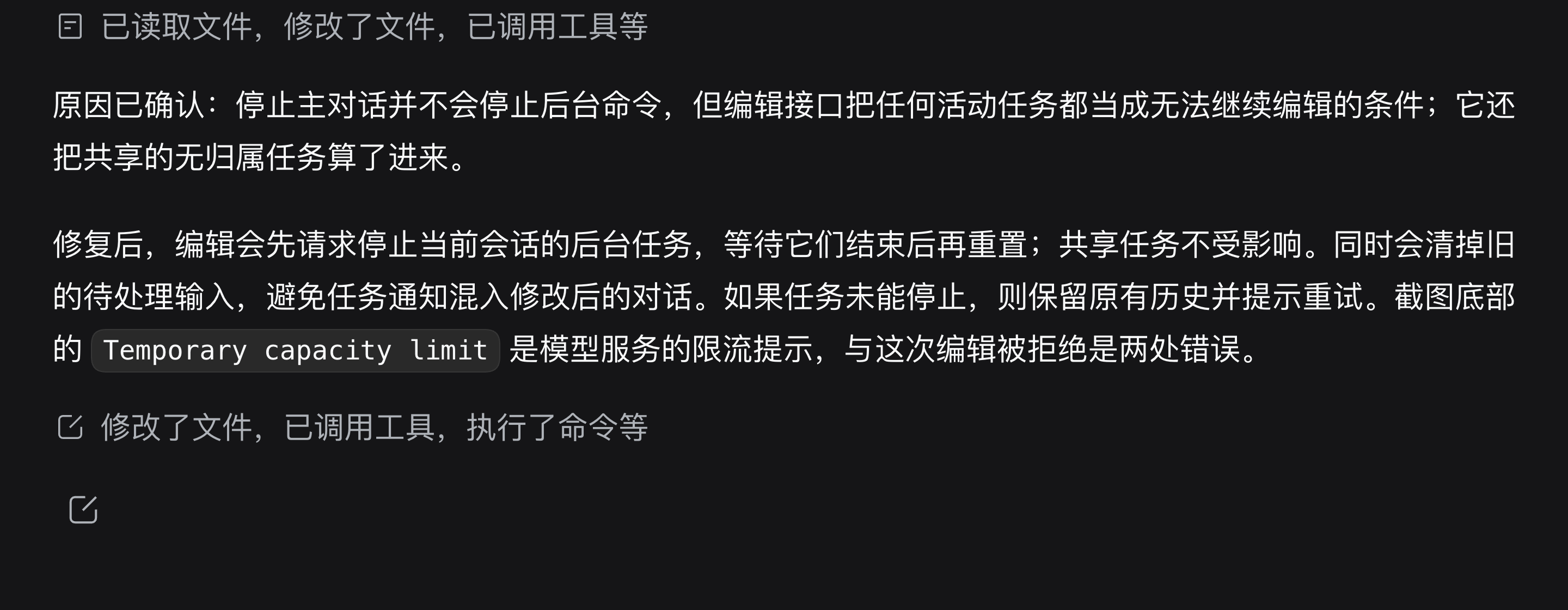
怎么做
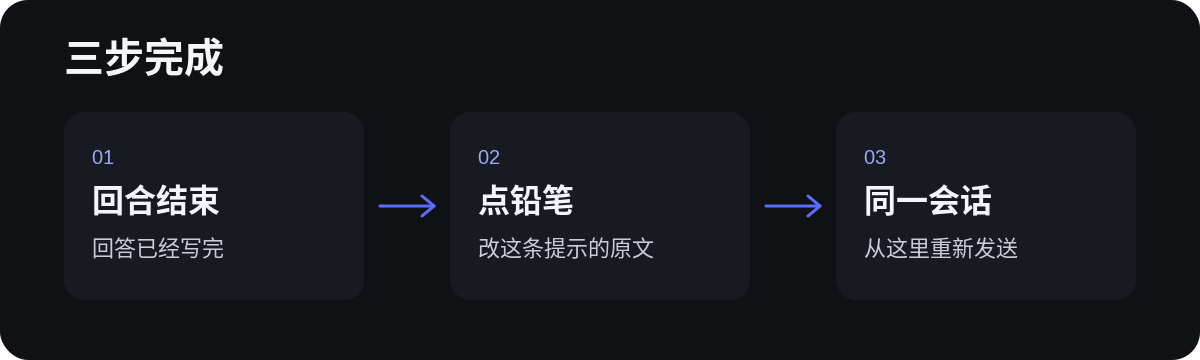
被替换的后续内容会从界面和之后的模型请求里隐藏。任务还在跑时铅笔不可用,先停止当前任务。发送用按钮或 Ctrl/Cmd+Enter,Esc 取消。
安装
适用于 DeepSeek Harness 0.2.2-rc.1。装完后重启。
dsh plugin --profile web add github:lintaojlu/dsh-inplace-edit
本机目录是 /Users/nil/Experiment/dsh-edit-resend。桌面版在插件页安装同一个包。
收录
收录申请是 awesome-dsh-plugin#19056,尚未合并。合并后出现在列表的「会话与消息」,以及 插件页。「插件 → 发现」主要收录已发布到 npm 的包,这个插件目前只在 GitHub 上。
English
Edit an earlier prompt in the same session and send it again. Existing files stay. The replaced tail leaves the transcript and later model requests.
dsh plugin --profile web add github:lintaojlu/dsh-inplace-edit
Restart after installing. The pencil sits under a finished answer. The listing pull request is awesome-dsh-plugin#19056.
Related plugins
billion-context
ranxianglei/billion-context
dsh-web-ui (dsh-chat-recovery)
zhu1090093659/dsh-web-ui
dsh-synapse
liangmianya/dsh-synapse
EduWork (dsh-side-chat)
ecnu/eduwork