dsh-imagine
jsnancy/dsh-imagine
Reads the Codex (ChatGPT) subscription quota already on your machine and draws with it: plan, weekly usage and reset time in a sidebar panel, one prompt to a PNG saved locally, with history. No API key, no extra billing. Its HTTP routes have no DSH access check, so a web page open in your browser could call them.
Install
dsh plugin --profile web add github:jsnancy/dsh-imagineREADME
Image Studio

A DeepSeek Harness plugin that reads the Codex (ChatGPT subscription) quota already on your machine and draws images with it — no API key, no separate billing.
English · 简体中文
- One panel in the sidebar — generate image, history, and account & settings in a single column
- Quota on screen — plan, weekly usage, reset time and available reset credits, read through the official Codex CLI interface
- Prompt to PNG — describe the picture, pick canvas and background, press generate; the result lands on disk and shows up in the panel
- History — every render keeps its prompt, size, byte count and elapsed time; copy the prompt, reveal it in Finder, download or delete
- Two tools for the model —
image_studio_generateandimage_studio_quota - Theme aware, bilingual — follows the DSH light/dark theme and switches between 中文 and English
- Zero npm dependencies — Node built-ins only; images and history stay on your machine
Screenshots
| Dark | Light |
|---|---|
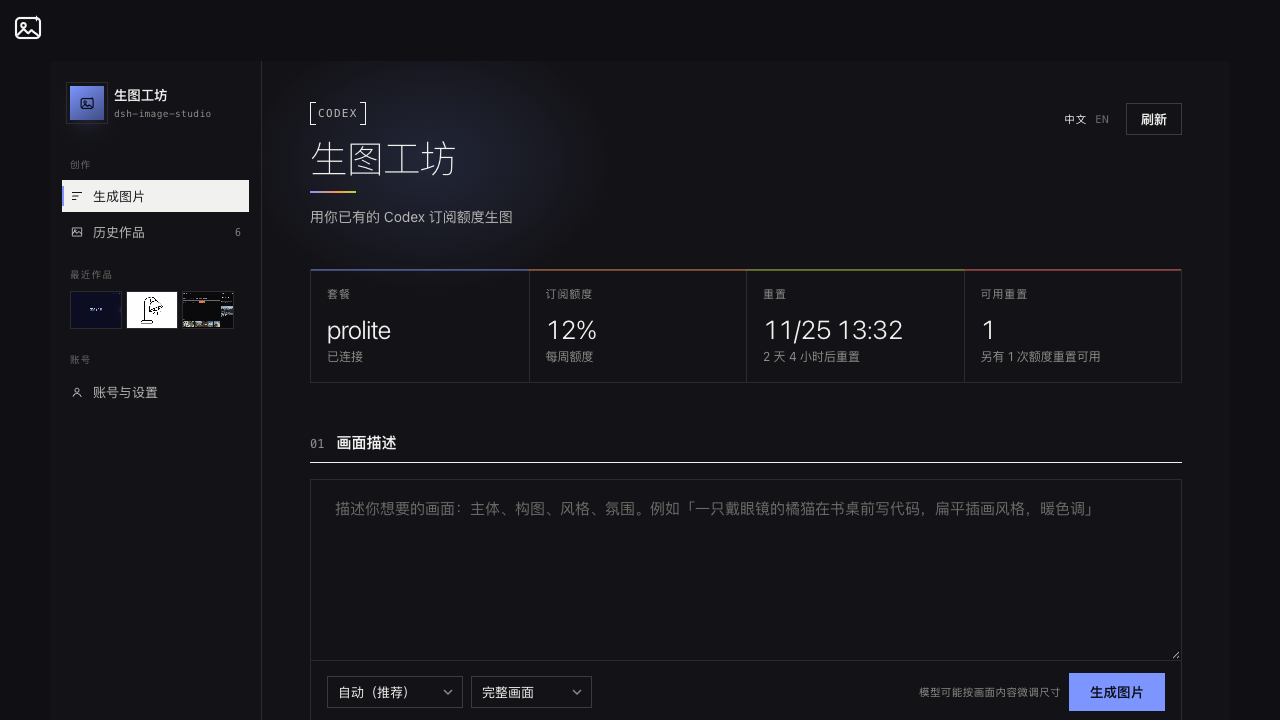 | 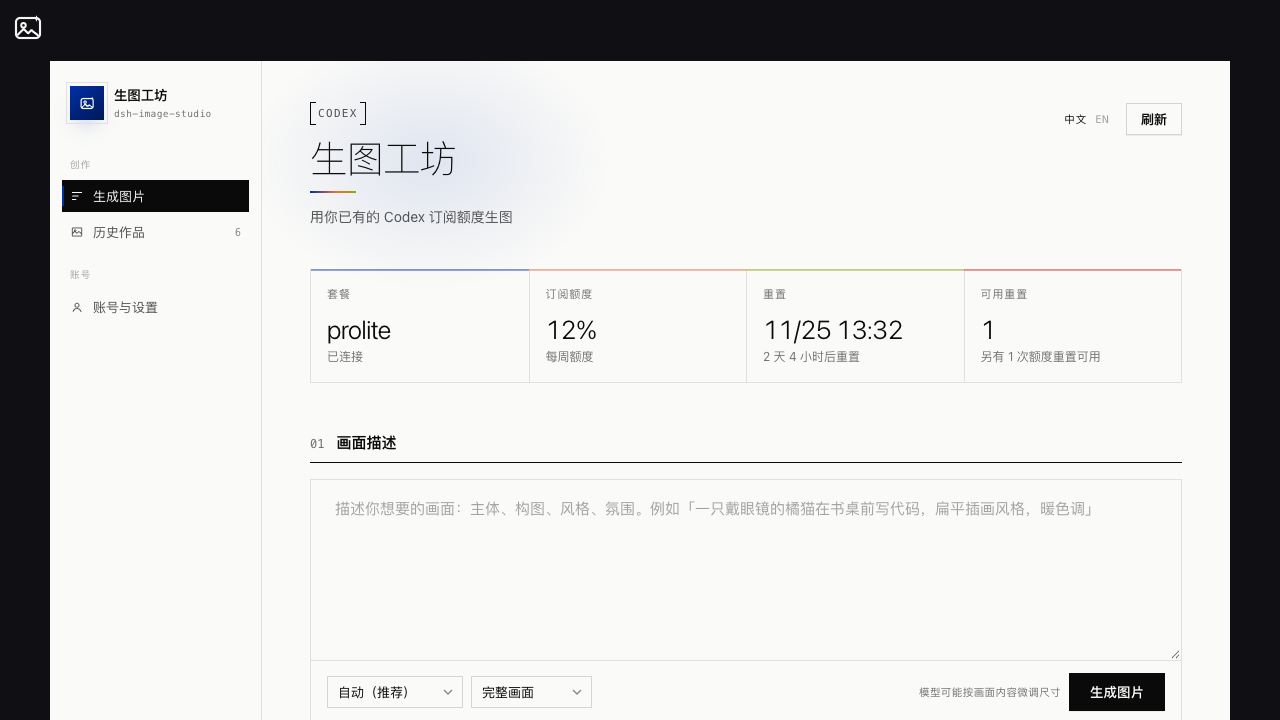 |
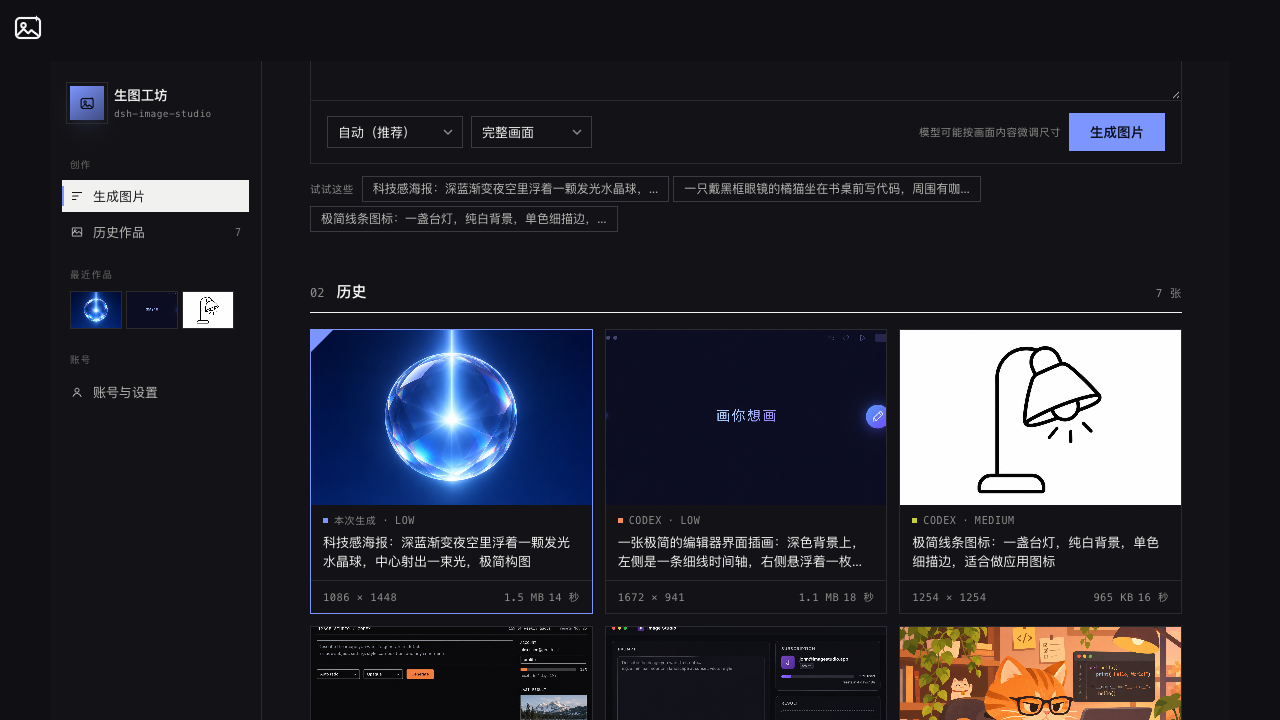
Install
Install the package from the DSH plugin manager (a linked directory is fine for development):
plugin_manager: install_bundle, target: <absolute path to this package>
A Image Studio icon shows up in the sidebar once installed. The host half mounts same-origin HTTP routes under /image-studio; the panel uses them to read quota, generate images and fetch them back.
Requirements
- Codex CLI installed and signed in with a ChatGPT account —
codex login statusprintsLogged in using ChatGPT. chatgpt.comreachable. If your network needs a proxy, the plugin auto-detects common local proxy ports (7890/7897/1087/…); you can also set one manually in the panel settings.
Layout
package.json          # dsh.bundle.patch + dsh.client.platform = web
cordis.patch.yml      # inserts the image-studio row
lib/index.js          # host: webServer prefix routes + the two tools
lib/client.js         # client: sidebar icon + main panel (React, no JSX)
lib/net.js            # proxy-aware HTTPS (CONNECT tunnel + hand-written HTTP/1.1)
lib/codex.js          # Codex app-server JSON-RPC quota + image requests
lib/providers.js      # provider registry (codex implemented, others reserved)
lib/store.js          # settings, image index, PNG/JPEG/WEBP size sniffing
lib/paths.js          # $DSH_HOME / $CODEX_HOME paths
locale/{zh,en}.json   # title, description and detail doc for the plugin manager
docs/DETAIL.md        # English detail page (DETAIL.zh.md for Chinese)
Development
node test/net.mjs            # proxy detection and HTTPS tunnelling
node test/codex.mjs          # account and quota
node test/codex.mjs generate # real image generation (spends quota)
node test/host.mjs full      # routes and tools (includes one real render)
test/ is for local development only and is not published.
License
MIT
Related plugins
dsh-web-ui (dsh-tool-describe-image)
zhu1090093659/dsh-web-ui
modlens
liustack/modlens
ipollowork
devin-axis/ipollowork
dsh-image-gen
shanliuling/dsh-image-gen