claude-code-mode
little-thing/claude-code-mode
A session workspace for DeepSeek Harness modeled on the Claude app, with forked sessions nested in one tree, up to four sessions on one screen, and a right rail per pane.
Install
dsh plugin --profile web add github:little-thing/claude-code-modeREADME
claude-code-mode
A session workspace for DeepSeek Harness, modeled on the Claude app.



English · 简体中文
DSH keeps every session as an independent row in a flat list. A fork looks like any other conversation, and comparing two sessions means switching back and forth.
claude-code-mode gives that list the structure of the Claude app: sessions remember where they came from, several can stay visible at once, and each carries its own tools. Everything DSH already does keeps working — the plugin changes how sessions are organised and presented, not what the host can do.
Features
| Session tree Forked sessions stay attached to their source, and a fork of a fork still hangs under the same root, so a line of work reads as one continuous tree. Collapsed branches keep their parent visible with a count of what is hidden. 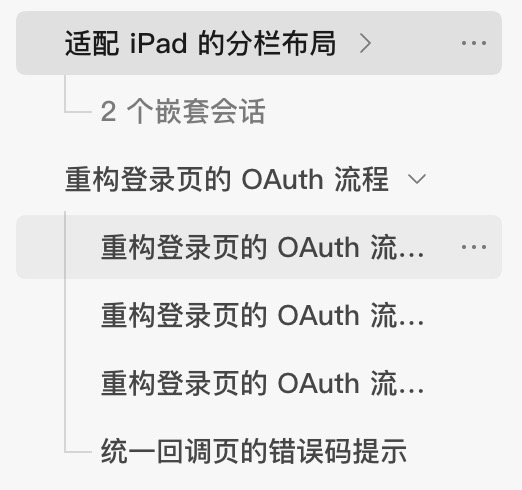 | Split view Up to four sessions on one screen, arranged in two columns and two rows. Each pane is a complete session with its own composer, scroll position and right rail, and the layout survives a reload. 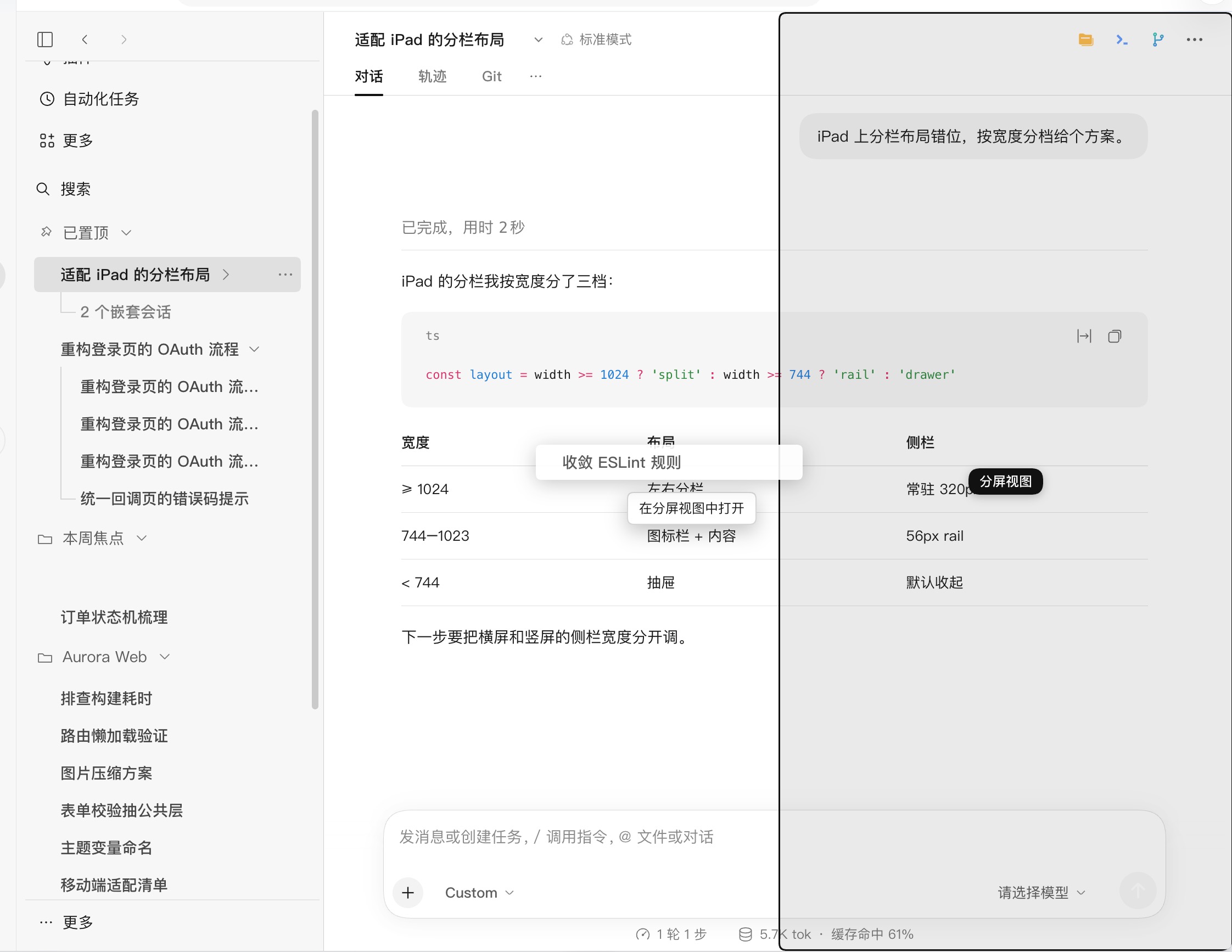 |
| Pins and sections Pin the sessions you return to most. Sections are groups that cut across projects, so sessions from different repositories can sit in one place without being moved out of their project. 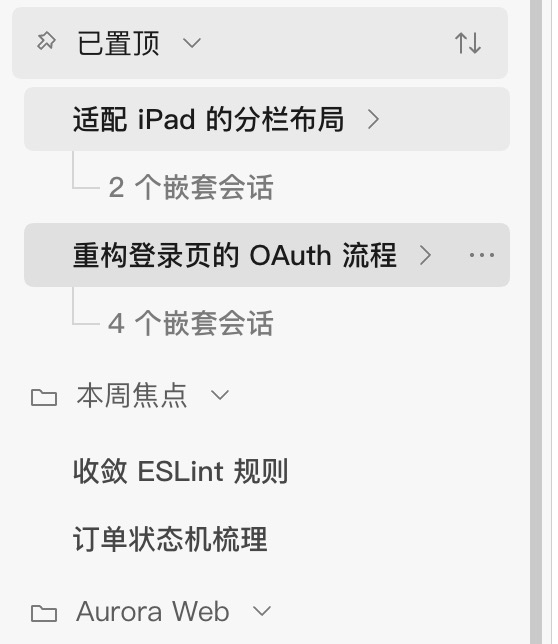 | Right rail Files, editor, terminal, Git, browser and session diagnostics live in a rail bound to the session rather than to the window. Panels can be split, maximized and rearranged, and every pane in split view keeps its own rail. 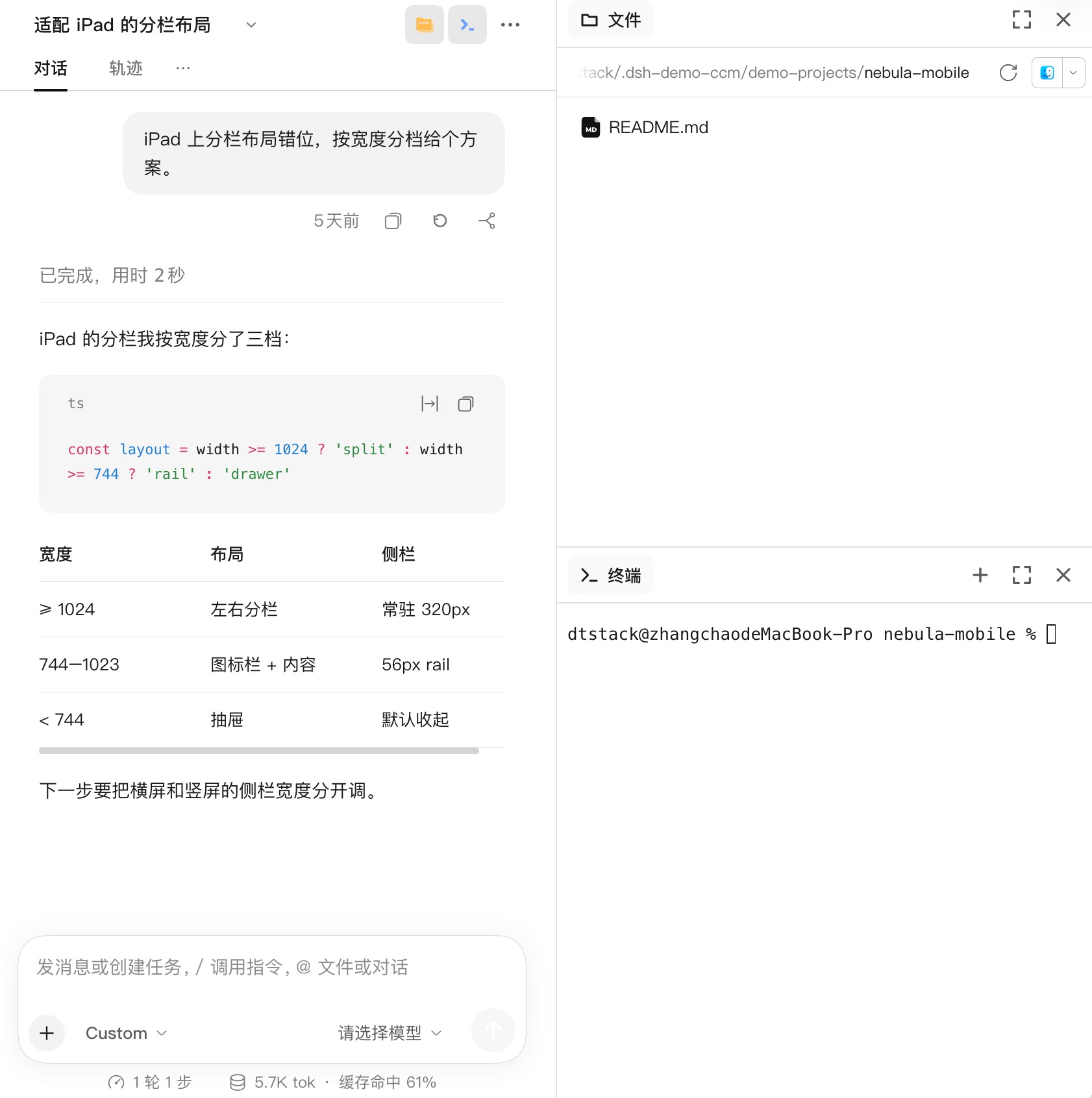 |
| Views and sorting Group sessions by folder, date, status, or not at all; sort by last update, creation date or name in either direction. Archived sessions can be shown or hidden, and each group remembers its own view. 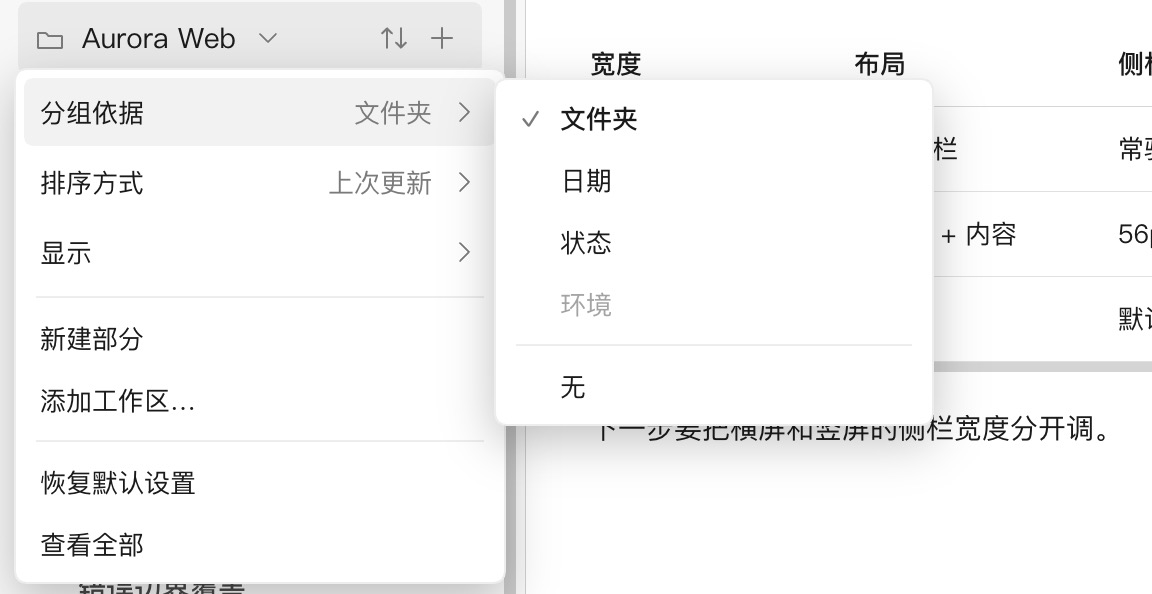 | Message rewind Return to any user message and continue from there. The session log is left untouched, and files changed in the rewound range can be restored when nothing has touched them since. 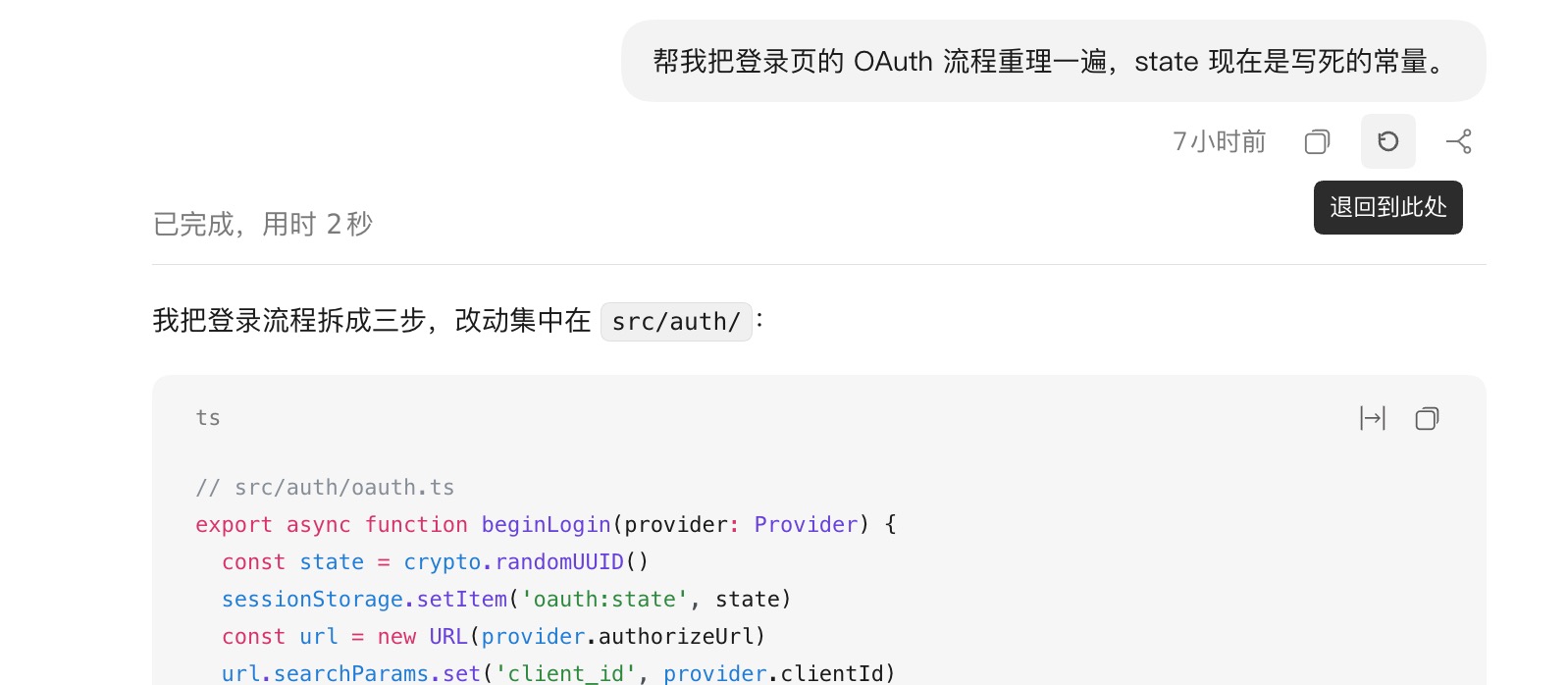 |
| Search and new sessions One palette searches sessions, projects, automations and actions. Unsent drafts survive switching sessions and follow you when you start a session in another project. 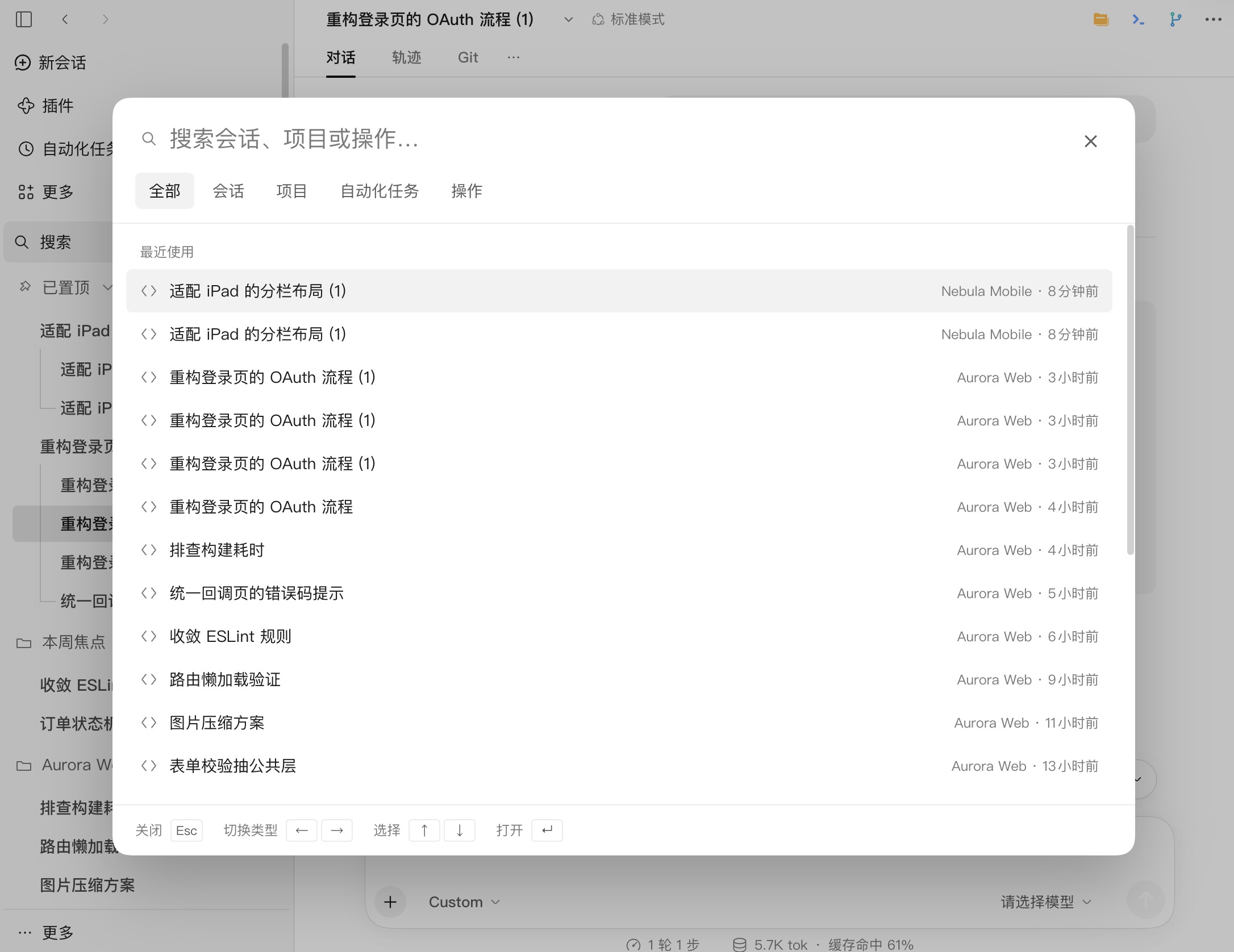 | Image preview Every image inside a session — tool output, collapsed summaries, message links and delivered files — opens in the same full-size lightbox. 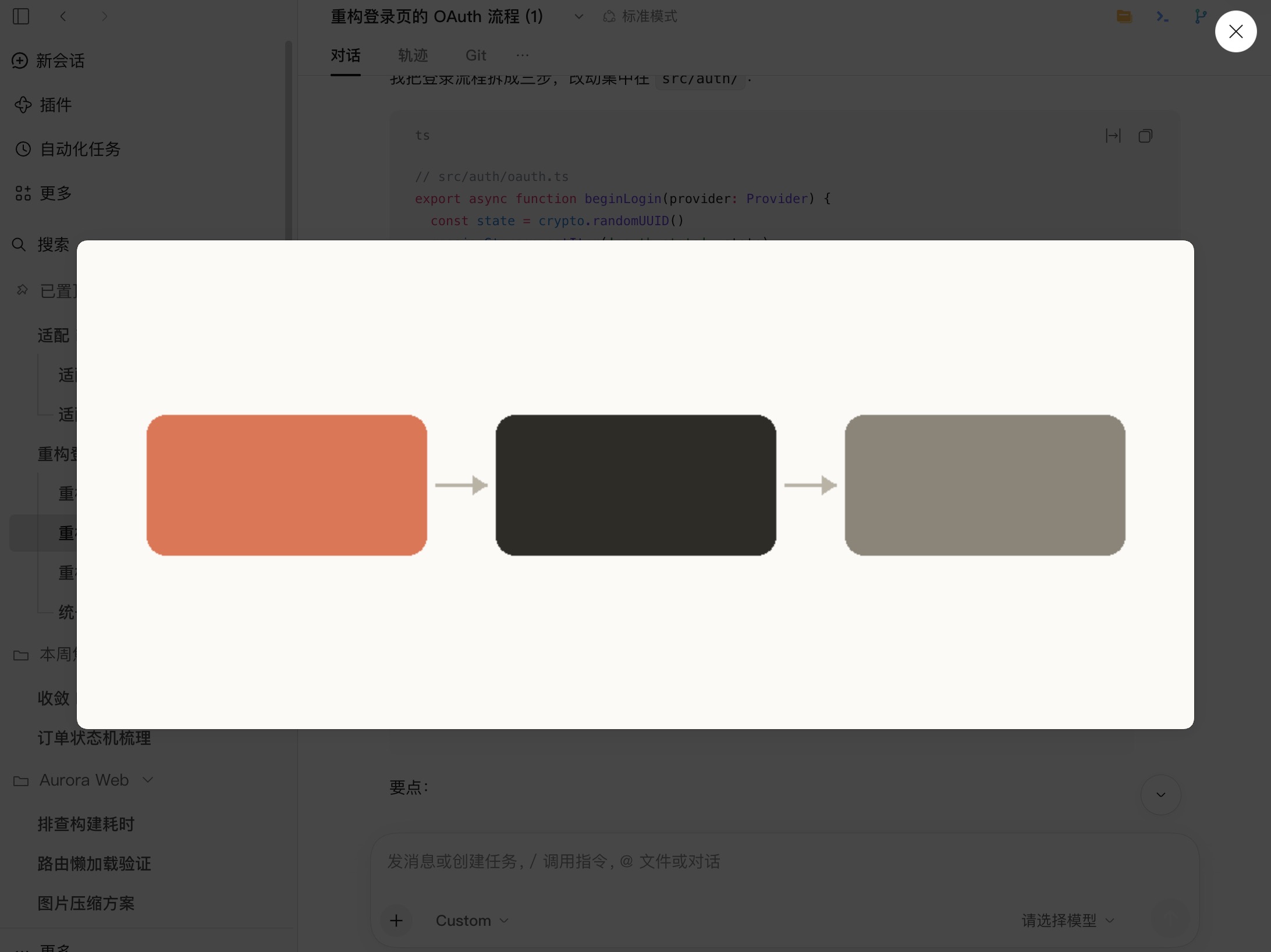 |
| Session actions Rename in place, fork, archive, delete, copy the session ID, and browse every session in a full page with active and archived tabs. 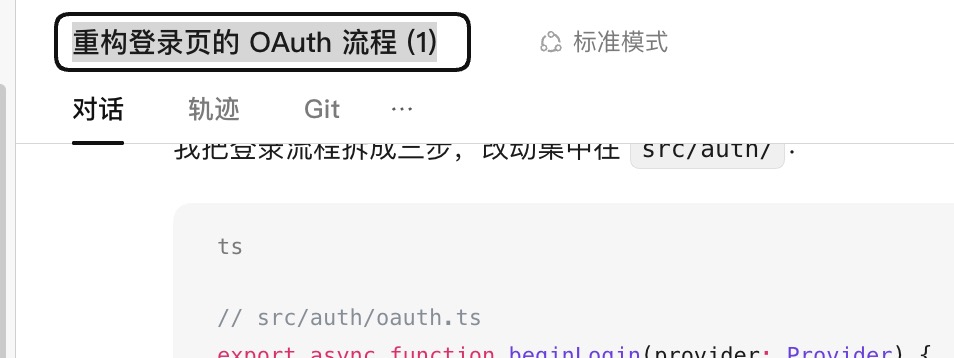 | Skins A light and a dark skin modeled on the Claude app. The skin is a separate layer: switch it off and every feature keeps working in DSH's native look. 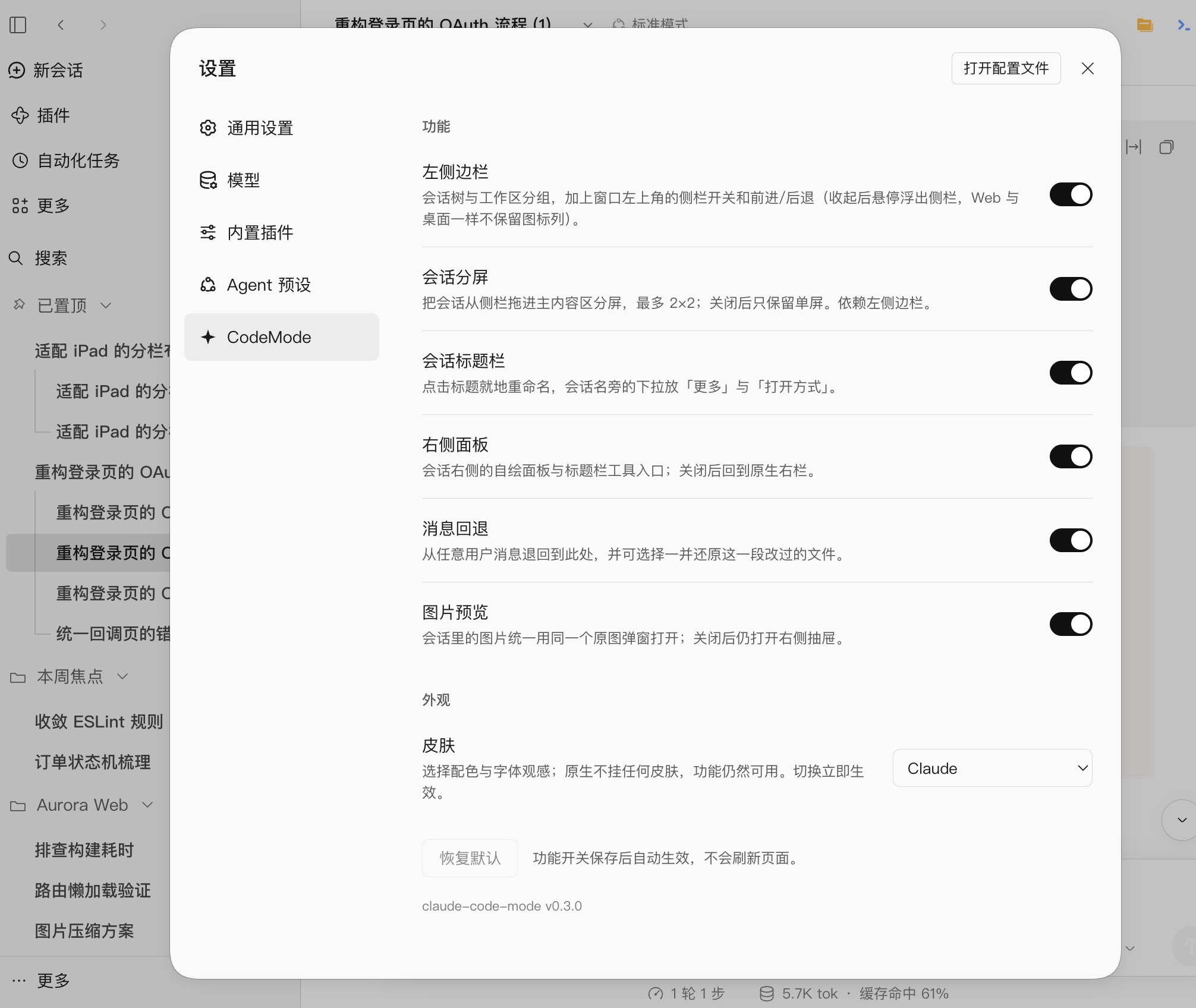 |
Also: a settings page with a switch per feature (sidebar, split view, session header, right rail, message rewind, image preview — all on by default) · background jobs with running and completed groups · window controls for the sidebar, back and forward · mcp_tool_search, which keeps MCP tools out of the model context until they are needed · a shimmer on sessions that are still running.
Settings
Every feature can be turned off in Settings → claude-code-mode. Switches are grouped by what you see — the sidebar, split view, the session header, the right rail, message rewind and image preview — so a single switch can cover several related behaviours. Turning one off hands that part of the interface back to DSH. The skin picker lives in the same section and offers the Claude skin or DSH's native look.
Install
Web profile:
dsh plugin --profile web add claude-code-mode@latest
Desktop app:
Open Plugins → Add plugin in the app and enter claude-code-mode. The desktop app owns its profile, so dsh plugin --profile desktop is rejected on the command line.
Restart DSH if the plugin does not load by itself, then refresh the page.
Requires DSH 0.2.2-rc.1 or newer; older hosts are rejected at install time.
Install from source
git clone https://github.com/little-thing/claude-code-mode.git
cd claude-code-mode
pnpm install && pnpm build
dsh plugin --profile web add file:$PWD
Compatibility
| DSH version | Status |
|---|---|
0.2.2-rc.1 and newer | Supported |
< 0.2.2-rc.1 | Rejected at install time |
Development
Build and test
pnpm install
pnpm build
node --test test/mcp-tool-search/*.test.mjs test/theme/*.test.mjs
License
MIT.
Related plugins
dsh-web (dsh-task-board)
zhu1090093659/dsh-web
dsh-web (dsh-web-all)
zhu1090093659/dsh-web
dsh-TUI
ccch1mneyyy/dsh-tui
dsh-web-ui (dsh-task-board)
zhu1090093659/dsh-web-ui