dsh-skin-nebula
lyq3/dsh-skin-nebula
Anime skin pack for the DSH Web UI: five AI-generated HD themes (Ninja, Sakura, Bamboo, Ronin, Ryujin) with per-theme accent palettes, a top-right shirt-icon switcher, and an adjustable transparency slider.
Install
dsh plugin --profile web add github:lyq3/dsh-skin-nebulaREADME
dsh-skin-nebula
English | 中文
Anime skin pack for the DeepSeek Harness Web UI — translucent surfaces over AI-generated HD artwork, a shirt-icon switcher at the top right to pick between five built-in skins, and an adjustable transparency slider.
Skins
| Skin | Accent | Dark artwork | Light artwork |
|---|---|---|---|
| Ninja | neon cyan | moonlit ninja over a cyberpunk skyline | white-clad ninja in a bright sky |
| Sakura | rose | kunoichi on a torii gate under a blood moon | sakura kunoichi in a pastel sky |
| Bamboo | emerald | night bamboo grove, emerald blade and fireflies | misty morning bamboo with sunbeams |
| Ronin | amber | wandering ronin against the last ember of dusk | golden-hour countryside |
| Ryujin | indigo | eastern dragon coiling through a night storm | white dragon gliding among sunlit clouds |
The dropdown also has a transparency slider (0-100%, default 50%): higher = more artwork showing through; menus and popovers keep a readability floor. Skin choice and transparency persist in localStorage per browser. Both color schemes (light/dark) are covered by every skin; the backdrop follows body[data-ds-dark-theme] automatically.
Preview
| Dark | Light | |
|---|---|---|
| Ninja | 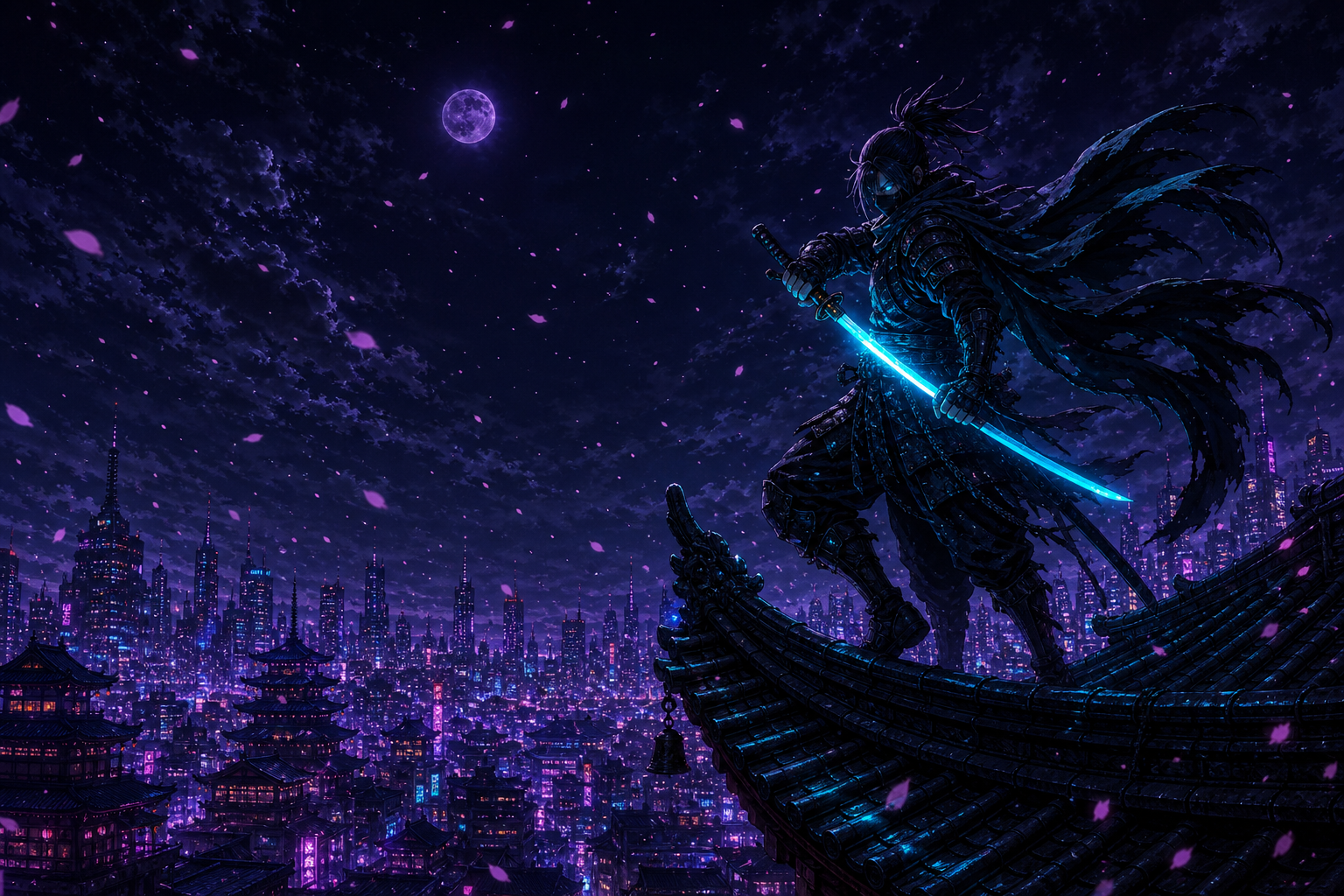 |  |
| Sakura | 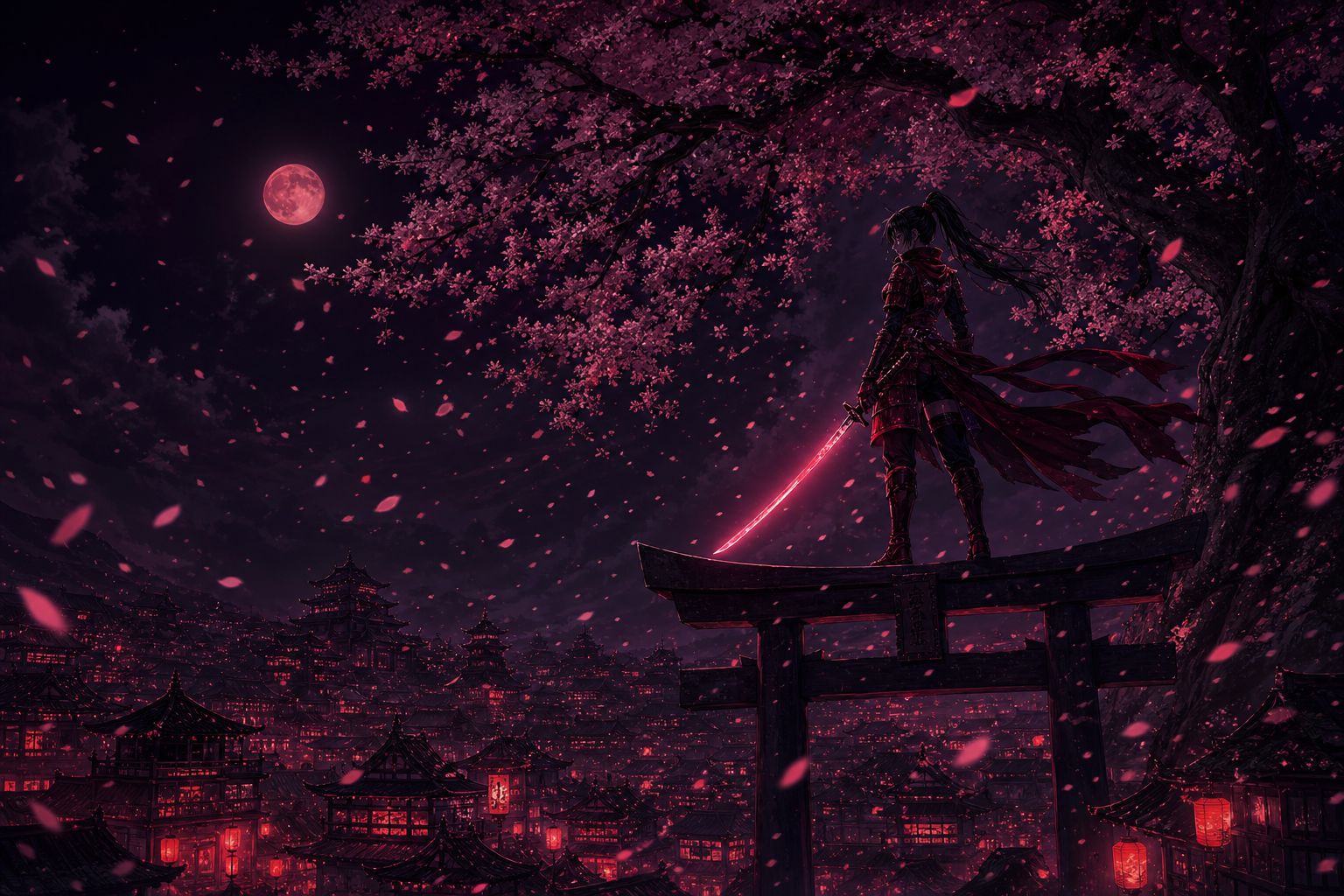 |  |
| Bamboo | 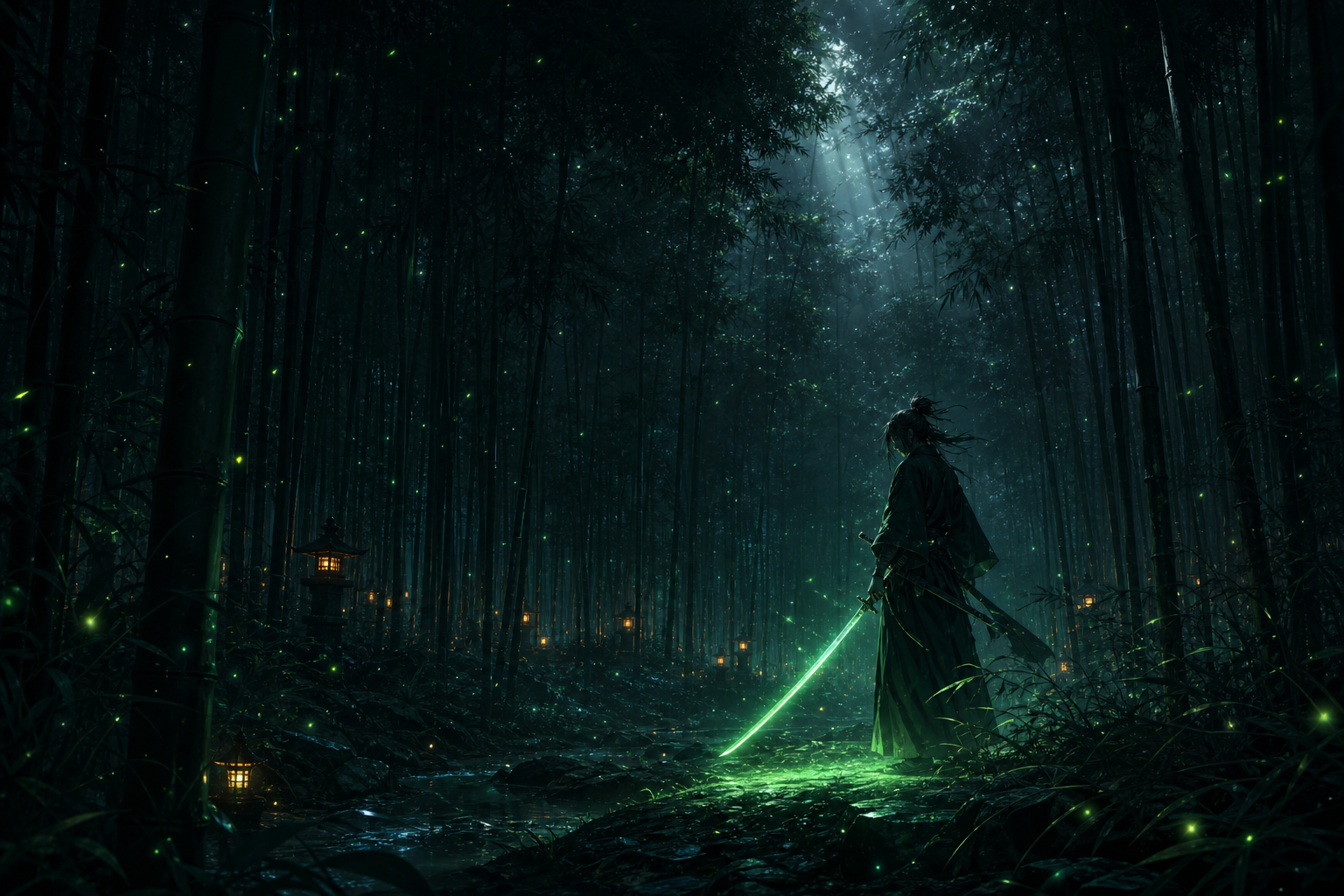 |  |
| Ronin | 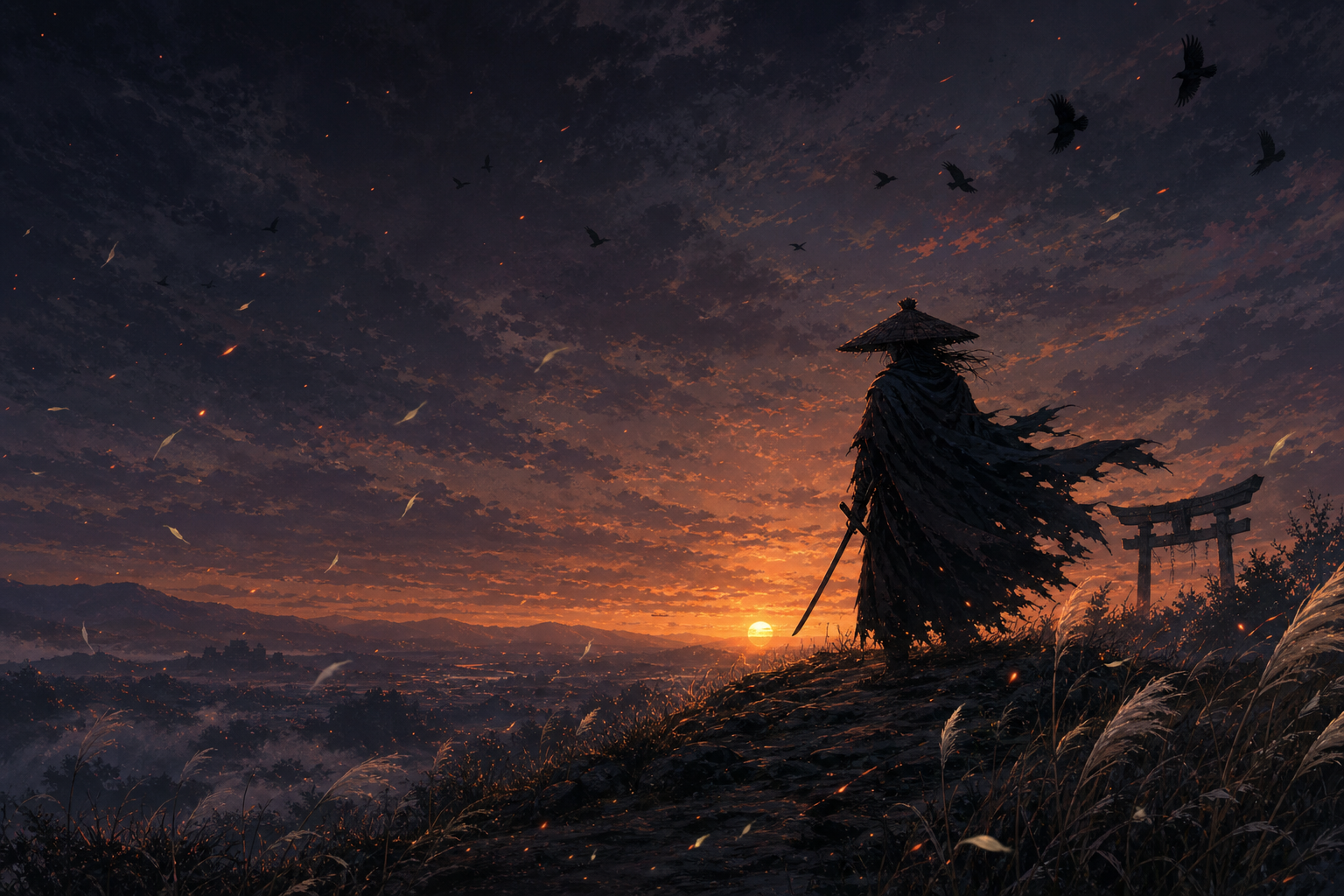 |  |
| Ryujin | 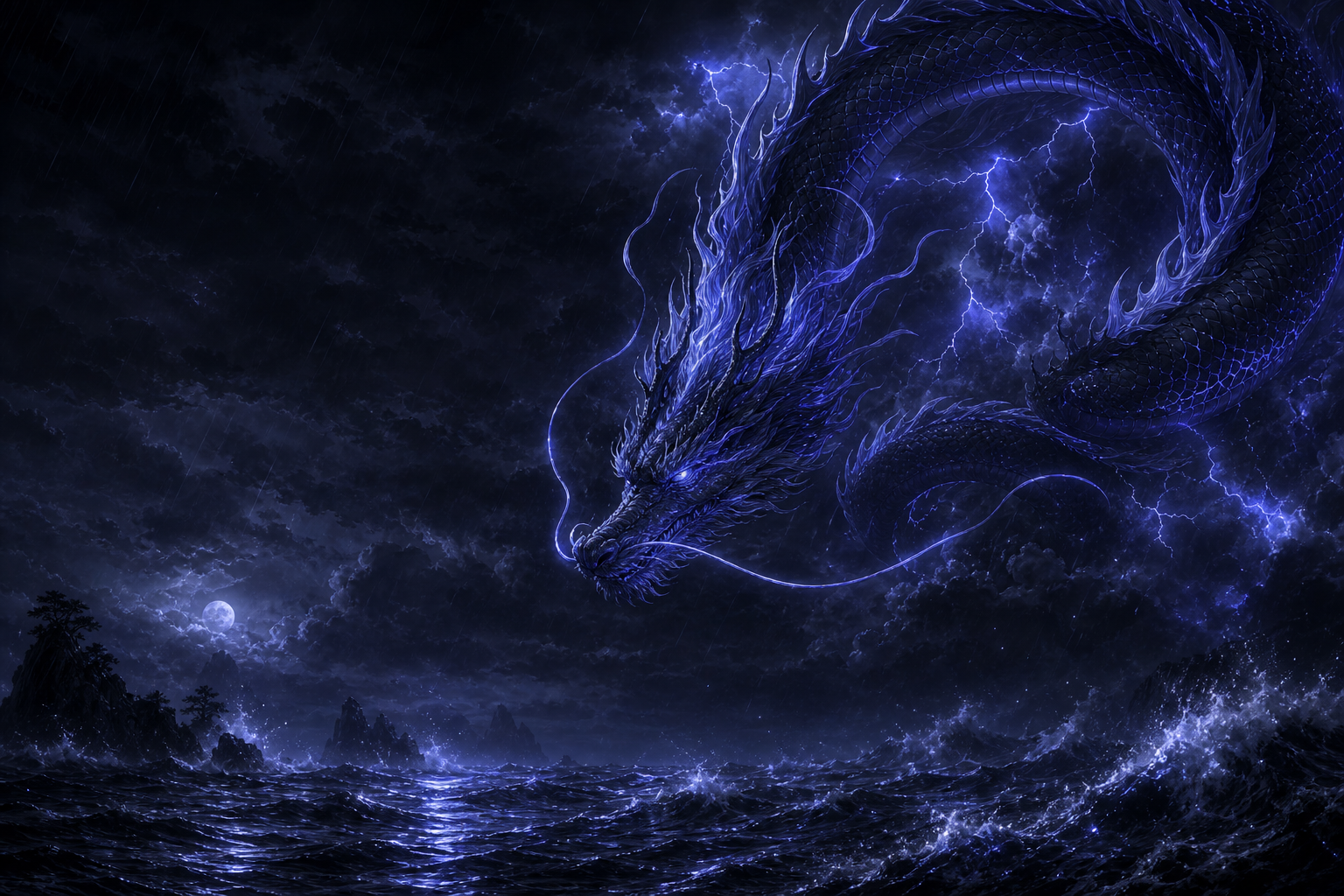 |  |
Install
From GitHub (recommended):
dsh plugin --profile web add github:lyq3/dsh-skin-nebula
From a local checkout:
dsh plugin --profile web add file:/path/to/dsh-skin-nebula
Ensure dsh-skin-nebula is listed in the profile's dsh.profile.bundles (the dsh plugin add command does this automatically), then restart dsh.
Upgrade: re-run the same add command (for github: installs, add github:lyq3/dsh-skin-nebula pulls the latest main), then restart dsh.
Uninstall: dsh plugin --profile web remove dsh-skin-nebula and drop the entry from bundles.
How it works
index.mjs— host plugin: registers the/skin-nebulaprefix route on the dsh webserver to serve artwork fromassets/(prefix routes must be registered without a trailing slash).client/client.js— browser plugin (__ModuleLoader__bundle, hand-written, no bundler):- one
ctx.theme.overrideTokens()layer per active skin, covering the--dsw-alias-*semantic tokens and the--dsw-static-neutral-bluish-*surface scale (the sidebar and some panels read statics directly and would otherwise stay stock gray); every value is a{ light, dark }pair so neither scheme bleeds into the other, and re-calling with the same source swaps the whole layer atomically on skin switch; - a body-level backdrop stylesheet (no product DOM selectors);
- the switcher registered in the
shell.overlayslot, with zh/en dictionaries through the optionallocaleservice.
- one
assets/— ten 1536×1024 artworks (dark + light per skin) generated with gpt-image-2.cordis.patch.yml— inserts the host plugin into the profile's bundle layer.
Compatibility
Built against @deepseek-ai/dsh 0.1.0-rc.6 (Developer Preview) and re-verified on 0.1.0-rc.7 — the --dsw-alias-* and --dsw-static-neutral-bluish-* token inventories are unchanged between the two. rc releases may still break the dsh.client contract or the token inventory; if the skin stops applying after a dsh upgrade, re-check the alias/static token names against dsh-client-ui-theme's style sheets first.
License
MIT
Related plugins
dsh-deep-whale (maid-atelier)
small-tailqwq/dsh-deep-whale
dsh-deep-whale
small-tailqwq/dsh-deep-whale
dsh-wallpaper-engine
elysia395/dsh-wallpaper-engine
open-sea-skin
d-dev0101/open-sea-skin