dsh-fonts-wallpaper
lzhms/dsh-fonts-wallpaper
Global wallpaper behind the whole DSH app (local file or URL, live-adjustable opacity) plus per-area custom fonts with Latin/CJK pickers, live previews and a searchable list of installed faces.
Install
dsh plugin --profile web add github:lzhms/dsh-fonts-wallpaperREADME
dsh-fonts-wallpaper
Custom fonts & a global wallpaper for DeepSeek Harness.
One image sits behind the entire app — sidebar, conversation and preview panes all take on its colors — while interface, conversation and code fonts can each be set separately, Latin and CJK apart.
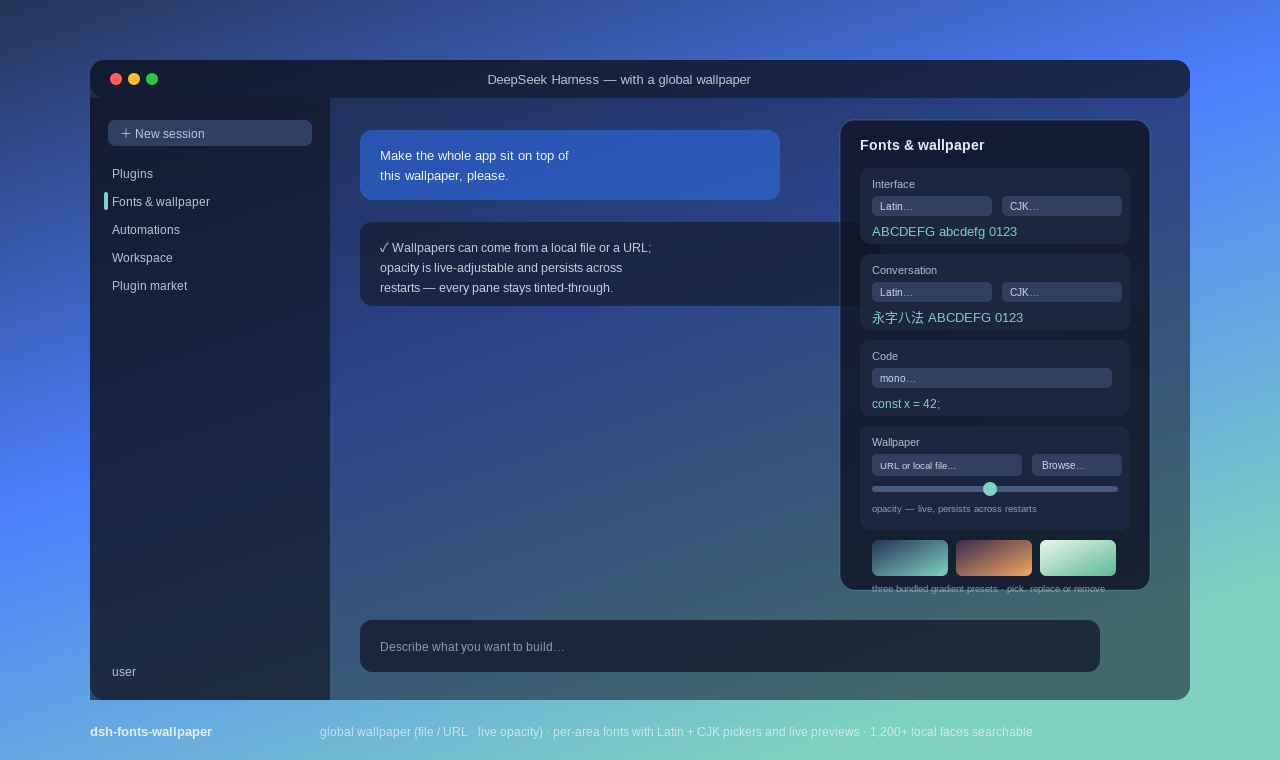
✨ Features
| 🖼 Global wallpaper | A local image or a URL, fixed behind the whole app — sidebar, conversation and preview panes included |
| 🎚 Opacity | A live opacity slider with a one-click enable/disable toggle |
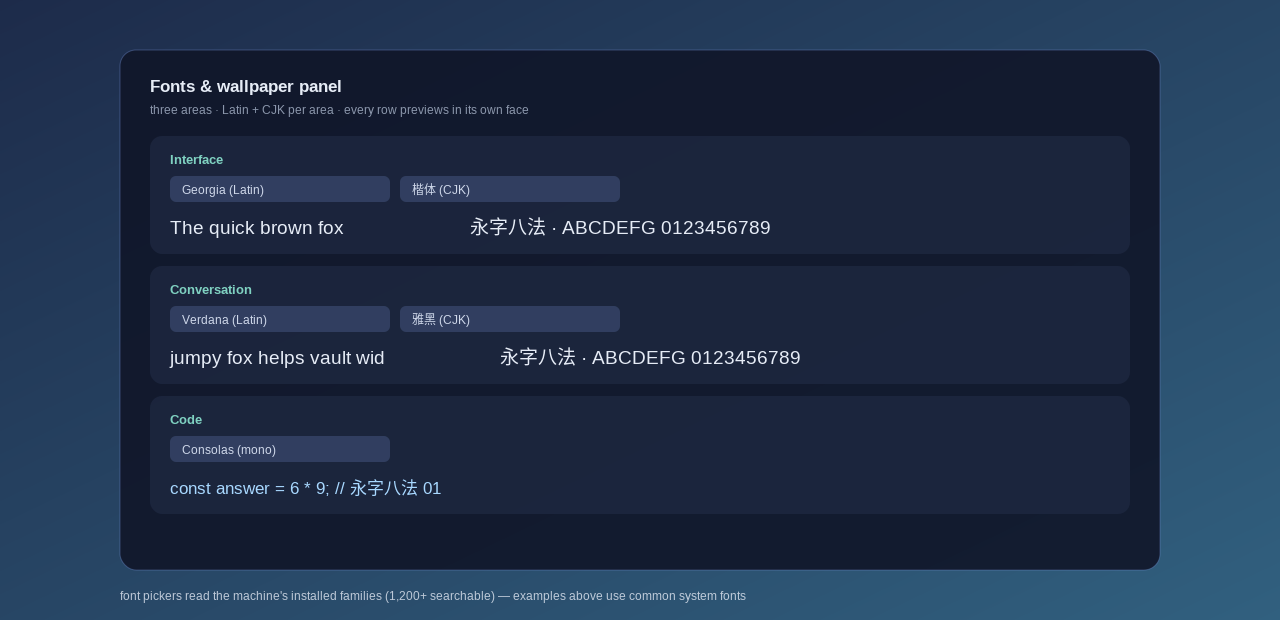
| 🔤 Per-area fonts | Interface / conversation / code, each with its own Latin + CJK face and a live preview of each line |
| 📋 Local font list | Built from the Windows font registry and font folders — 1,200+ faces, searchable |
📦 Built-in presets
On a fresh machine without installed fonts or wallpapers, the panel already has options to pick:
- Bundled font
Dsh Builtin CJK— a reading subset of LXGW WenKai GB Screen (all 6,768 GB2312 ideographs plus Latin and punctuation, ~1.8 MB WOFF2, SIL OFL 1.1), selectable at the top of the font picker. - Bundled wallpapers — three curated wallpapers, picked straight from the wallpaper cards.
The font's @font-face declares src: local("霞鹜文楷 GB 屏幕阅读版"), local("LXGW WenKai GB Screen"), url(<bundled subset>) — machines that have the full font keep using it; only they don't does the bundled subset apply. The @font-face is injected only when the setting actually references the bundled family, so the font bytes never travel needlessly. Subset build scripts and full license texts live in LICENSES/.
🔤 Font panels
Interface, conversation and code each get one row for Latin and one for CJK, and every row shows a real preview in that face: 永字八法 ABCDEFG abcdefg 0123456789.
🎨 Wallpaper gallery
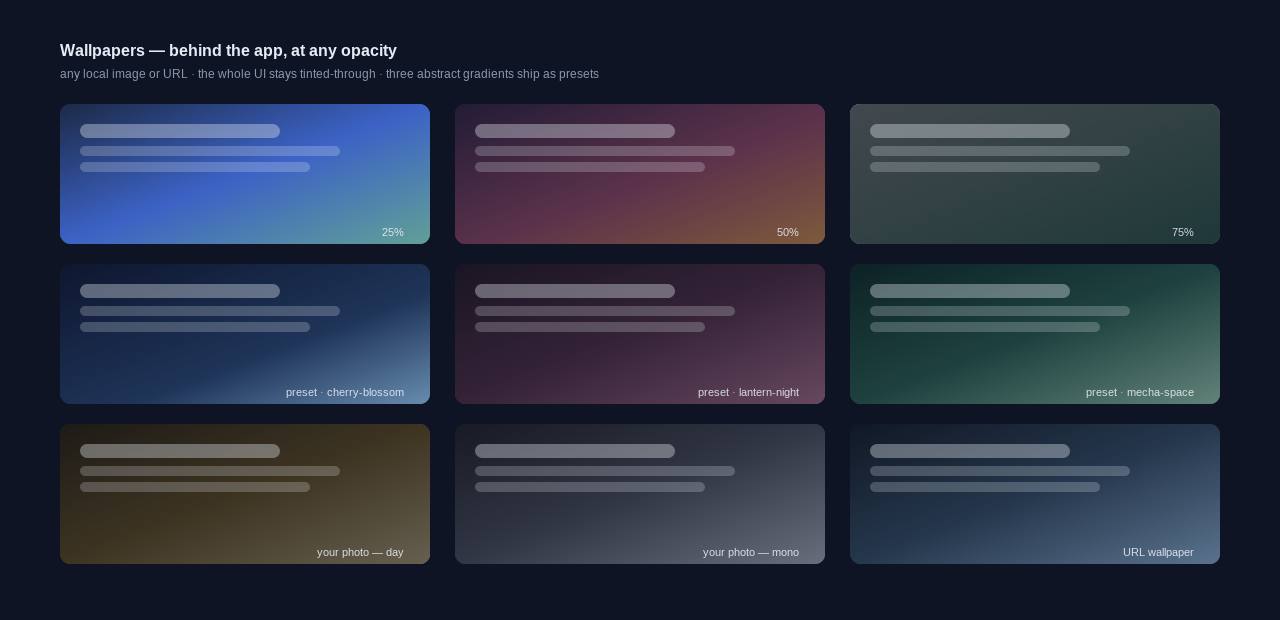
Wallpapers can be any local image or URL; the whole UI stays tinted-through at any opacity:
The three bundled presets composited behind the app UI at different overlay opacities:
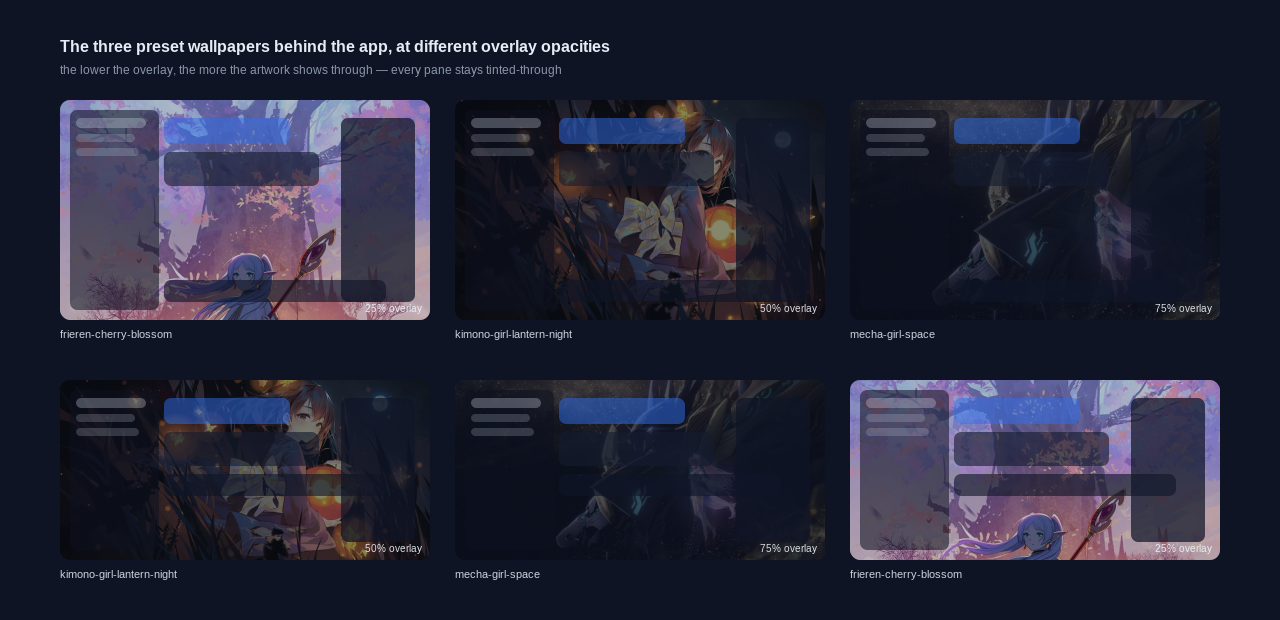
The three preset wallpapers ship with the plugin; the figure above is an abstract illustration of how wallpapers (bundled or your own) sit behind the UI at any opacity.
🚀 Install
Install from npm:
@zhaulee/dsh-fonts-wallpaper
or install from this repository (source or a npm pack tarball attached to Releases) through Plugin Manager → Add plugin in DSH Desktop.
After installing, fully quit and restart the app (font and wallpaper strings load at startup). A “Fonts & wallpaper” entry appears in the left sidebar: upload a local image, paste an image URL, or drag the opacity slider.
🧭 Usage
- Global wallpaper: choose “Local image” (compressed to a ≤2000px-edge JPEG and stored with the plugin config on this machine) or “URL” (re-fetched when the page loads); “Remove wallpaper” restores the default background.
- Fonts: “Interface font” affects titles, buttons and the sidebar; “Conversation font” affects message bubbles and the composer; “Code font” affects code blocks and the terminal. The “Follow” checkboxes tie in the brand mark, input box and terminal.
🔒 Privacy
- The font list only reads local font registry keys and font folders — no network requests.
- A local wallpaper is compressed and stored on this machine together with the plugin config (the profile's
cordis.patch.yml); a URL wallpaper stores only the URL. Nothing is sent anywhere. - While enabled, the font fields in Settings → General → Fonts are overridden by this plugin (font sizes still apply); disabling the plugin restores the built-in font stack.
📄 License
MIT © 2026 ZHaoLi. Bundled font: LXGW WenKai GB Screen subset, SIL OFL 1.1 (see LICENSES/).
Related plugins
dsh-wallpaper-engine
elysia395/dsh-wallpaper-engine
dsh-deep-whale (maid-atelier)
small-tailqwq/dsh-deep-whale
dsh-claude-style
nwflower/dsh-claude-style
dsh-deep-whale
small-tailqwq/dsh-deep-whale