dsh-heros (agent-loadout)
pearjelly/dsh-heros/agent-loadout
DSH-Heros adds a bilingual loadout screen for Agent Presets, tools, and plugins. Preview capability changes, open the selected loadout in a DSH session, and earn XP and cosmetic rewards from completed work.
Install
dsh plugin --profile web add github:pearjelly/dsh-herosThis plugin lives in the agent-loadout subdirectory of the repository.
README
DSH-Heros
简体中文 · Download the plugin · MIT License
Choose a hero, equip real tools and plugins, and take that loadout into a DeepSeek Harness session.
| Introduction · 21 sec | Installation and Standard Mode walkthrough · 1 min 42 sec |
|---|---|
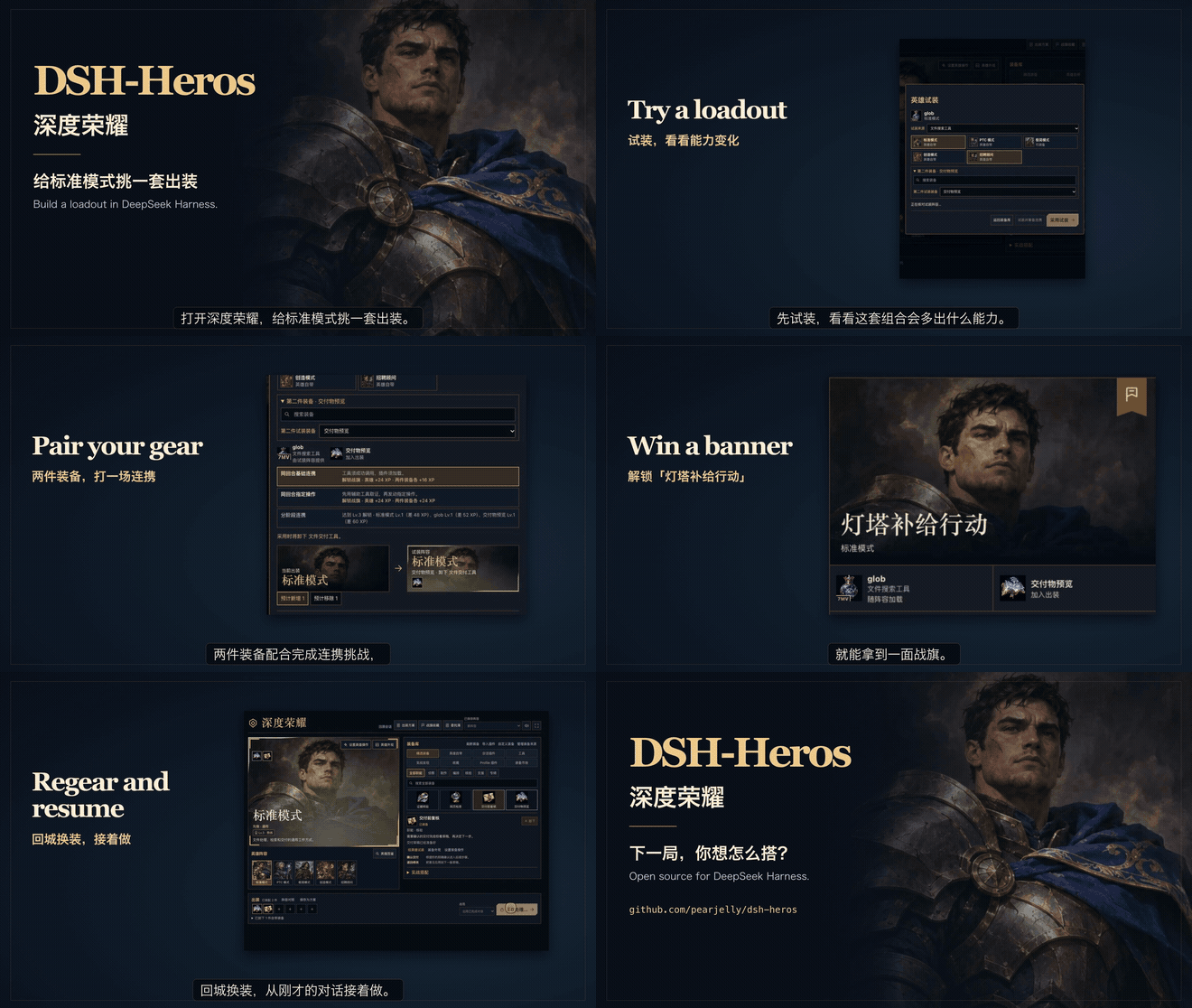 | 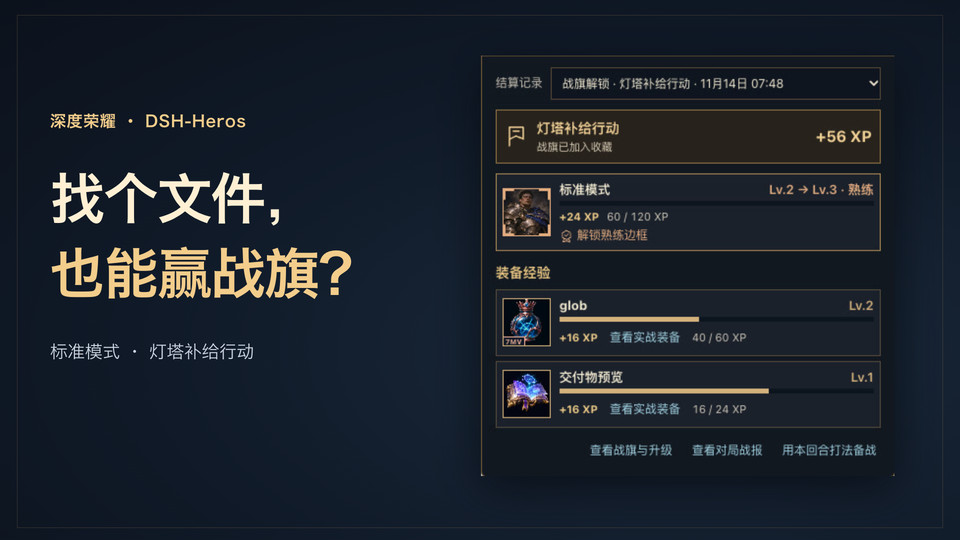 |
Both videos have Mandarin narration and Simplified Chinese captions. The walkthrough opens with the banner unlock, then shows installation, a live Standard Mode combo, and how to continue the same conversation with new gear. Sample files and first-turn task
Install
Requires DeepSeek Harness 0.2.1-rc.1 through 0.2.1-rc.5, or 0.2.2-rc.1 through 0.2.2-rc.2. Run the command with the CLI for the DSH installation you use.
npm_config_ignore_workspace_root_check=true dsh plugin --profile web add https://github.com/pearjelly/dsh-heros/releases/download/v0.67.1/dsh-heros-bundle.tgz
dsh web
For the desktop app, use its bundled CLI with --profile desktop, then quit and reopen the app. If an earlier copy is installed, remove dsh-agent-loadout from the same profile before installing the release. The package keeps that identifier for compatibility.
Open DSH-Heros in the sidebar. It follows Settings → General → Language. Select 中文 to use 深度荣耀. Third-party plugin text and your own labels remain in their original language when there is no translation.
Try a loadout
- Keep Standard selected. Search the armory for
globand choose Try on a hero. - Add Deliverable Preview as the second item. Review the capability changes and prepare a basic same-round combo.
- In the opening quest, name the challenge and add the first-turn task. Lock in, open the task, and send it. In the example,
globfinds the file andpresentdelivers it to the conversation. - Open the delivered file and claim the combo reward. Inspect your banner or choose Return to lobby, change gear, and use Lock in & continue to resume the conversation.
Installed presets and tools appear as DSH discovers them. Tools with multiple sources retain the chosen provider. The armory can import compatible bundles and configure standalone modules. Levels affect appearance and challenge options.
Develop
cd agent-loadout
npm test
npm pack --dry-run
Tests start DSH with an isolated profile. Set DSH_LOADOUT_TEST_BINARY to test a different supported DSH CLI. See the plugin guide for equipment sources, actions, progression, and package metadata.
Related plugins
dsh-web (dsh-task-board)
zhu1090093659/dsh-web
dsh-web (dsh-web-all)
zhu1090093659/dsh-web
dsh-TUI
ccch1mneyyy/dsh-tui
dsh-web-ui (dsh-task-board)
zhu1090093659/dsh-web-ui