R
dsh-nocturne-memory
realalexandreai/dsh-nocturne-memory
DeepSeek Harness plugin: Nocturne Memory client — automated long-term memory (boot/read/search/create/update) backed by your own Nocturne MCP server.
Install
dsh plugin --profile web add github:realalexandreai/dsh-nocturne-memoryREADME
dsh-nocturne-memory
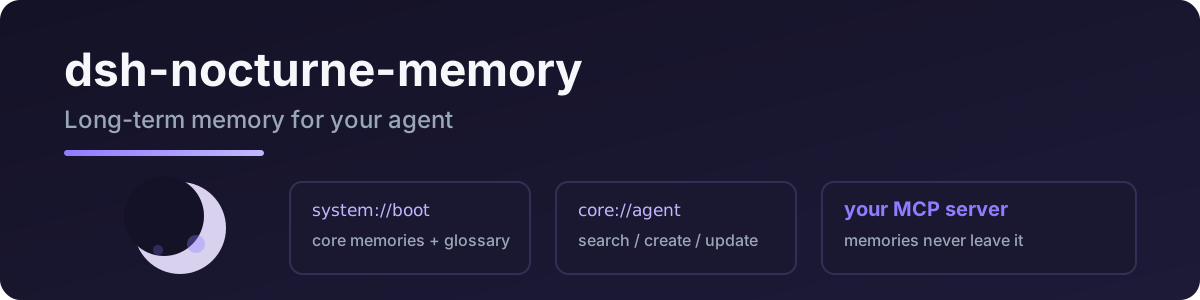
Connects DeepSeek Harness to Nocturne Memory: session-start boot protocol plus memory read / search / create / update, backed by your own Nocturne MCP server.
Port of pi-nocturne-memory — same protocol, same tool names.
Tools
| tool | what it does |
|---|---|
nocturne_boot | load at session start: core memories + recent context + glossary |
nocturne_read | read a memory by URI (system://…, core://agent, …) |
nocturne_search | search memories by keywords (optional domain filter) |
nocturne_create | create a memory node ([Baseline]/[Deviation]/[Result]/[Reusable judgment]) |
nocturne_update | patch (old_string/new_string) or append to a memory |
Quick start
dsh plugin --profile web add dsh-nocturne-memory
Requires your own Nocturne MCP server (see the Nocturne Memory project).
- id: nocturne-memory
  name: dsh-nocturne-memory
  config:
    mcp_url: http://localhost:PORT/mcp
    mcp_auth: Bearer <your token>
| key | required | meaning |
|---|---|---|
mcp_url | ✅ | your Nocturne MCP server URL |
mcp_auth | – | MCP auth token (Authorization header, e.g. Bearer xxx) |
protocol_version | – | MCP protocol version (default 2024-11-05) |
Privacy
- Memories live on your own MCP server; this plugin is a thin client and stores nothing locally.
- The auth token lives only in your config file (
mcp_auth) and the MCP session is reused across tool calls — no re-handshake per call, nothing logged. - Only the memory URIs/queries/content you explicitly ask about cross the wire.
Development
npm install
npm run typecheck
npm test          # SSE parsing / text extraction
npm run build
Live MCP test (reuses your pi Nocturne config):
node --import tsx tests/real/real-mcp.mjs
License
MIT
Related plugins
A
reactive-resume
amruthpillai/reactive-resume
41.1klast monthMCP & ConnectorsMIT
T
cloudbase-ai-toolkit
tencentcloudbase/cloudbase-ai-toolkit
1.1k21 days agoMCP & ConnectorsMIT
S
sandbase-harness
sandbaseai/sandbase-harness
67817 hours agoMCP & ConnectorsApache-2.0
V
deja-vu
vshulcz/deja-vu
669last monthMCP & ConnectorsMIT