arxiv-daily
tdccccc/arxiv-daily
Read, filter and save research papers in the DSH sidebar with arXiv Daily
Install
dsh plugin --profile web add github:tdccccc/arxiv-dailyREADME
English · 中文说明
arXiv Daily
Follow research directions, filter new arXiv papers, and keep daily reports and detailed paper notes in local Markdown.
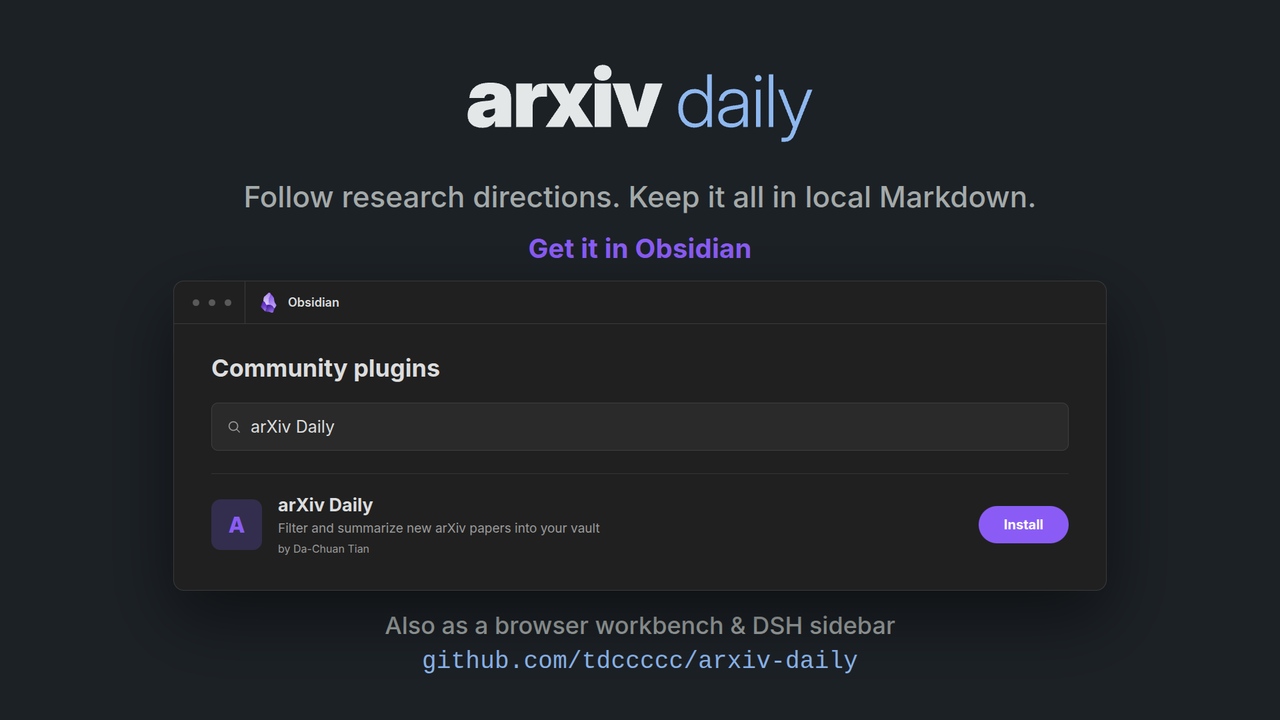
arXiv Daily is a personal research companion built around the Obsidian plugin, with a standalone browser workbench and a DeepSeek Harness (DSH) extension that work without Obsidian.
Features
- Filters the flood — keeps only papers matching the directions inside your research topics
- Daily report — up to 20 papers a day by default, grouped by topic, each with a short structured summary
- Paper notes — longer per-paper notes on demand, automatic or by arXiv ID
- Reading views — Obsidian Dashboard, browser workbench, or DSH sidebar, with calendar, search, topic filters, and favorites
- Personal library — optionally index your own PDFs; review and explicitly accept proposed topics and directions before they affect discovery
- Scheduling — in Obsidian while it's open, or via CLI/cron on a machine that stays online
- Optional email — a short digest after a successful day (your Resend key, or Official delivery Beta)
Reports land in arxiv-daily/daily/YYYY-MM-DD.md; paper notes in arxiv-daily/papers/<arxiv_id>.md.
Choose how to use it
| Entry | Best for |
|---|---|
| Obsidian plugin | Reading and maintaining research in your vault |
| CLI + browser workbench | Terminal use, external scheduling, or a standalone reader without Obsidian |
| DSH plugin | The same workbench in a fixed DeepSeek Harness sidebar |
Obsidian and CLI configuration values and API keys do not automatically synchronize; the browser workbench and DSH plugin both reuse the CLI configuration.
Install
Obsidian plugin (desktop only)
- Community plugins — Settings → Community plugins → Browse → arXiv Daily
- BRAT — add
tdccccc/arxiv-daily - Manual — copy
manifest.json,main.js,styles.cssfrom the latest release into<vault>/.obsidian/plugins/arxiv-daily/
Enable the plugin, then open Settings → arXiv Daily.
CLI + browser workbench (Node.js 20.19+)
npm install -g arxiv-daily
arxiv-daily init          # guided setup; Enter keeps defaults
arxiv-daily run --today
arxiv-daily ui            # open the local reading workbench in your browser
DSH plugin (Node.js 22.19+)
dsh plugin --profile web add dsh-arxiv-daily
Restart DSH, then open arxiv-daily above Settings in the left sidebar (or the matching right-sidebar tab). DSH Desktop: Plugins → Add plugin, enter package name dsh-arxiv-daily.
Quick start
New to arXiv Daily? Walk through Getting Started (中文:新手教程) for the full first-run setup: connecting a model, choosing arXiv categories, describing research topics, and generating your first report.
Documentation
| Doc | 中文 |
|---|---|
| Getting Started | 新手教程 |
| CLI installation and command reference | 中文 |
| Browser workbench guide | 中文 |
| Obsidian plugin | 中文 |
| DSH plugin | 中文 |
Contributing
See functional and interaction acceptance for real browser/desktop checks and optional model API exploration.
License
MIT — see LICENSE.
Related plugins
archify (deepseek-harness)
tt-a1i/archify
WeKnora (dsh-weknora)
tencent/weknora
weknora
tencent/weknora
BrowserSkill (dsh-plugin-browserskill)
tencent/browserskill