dsh-toolcast
xiaonerner0821/dsh-toolcast
Live panel above the composer that shows the agent's newest tool call or context injection, drawn by type as a terminal, code editor, Git diff, thinking view, browser, image frame or subagent thread.
Install
dsh plugin --profile web add github:xiaonerner0821/dsh-toolcastREADME

dsh-toolcast
中文 · English
Watch your AI work, one tool call at a time. dsh-toolcast is a DeepSeek Harness (DSH) plugin that places a live panel above the composer while the agent runs. The panel always follows the newest activity and draws each kind of tool call the way you would picture it.
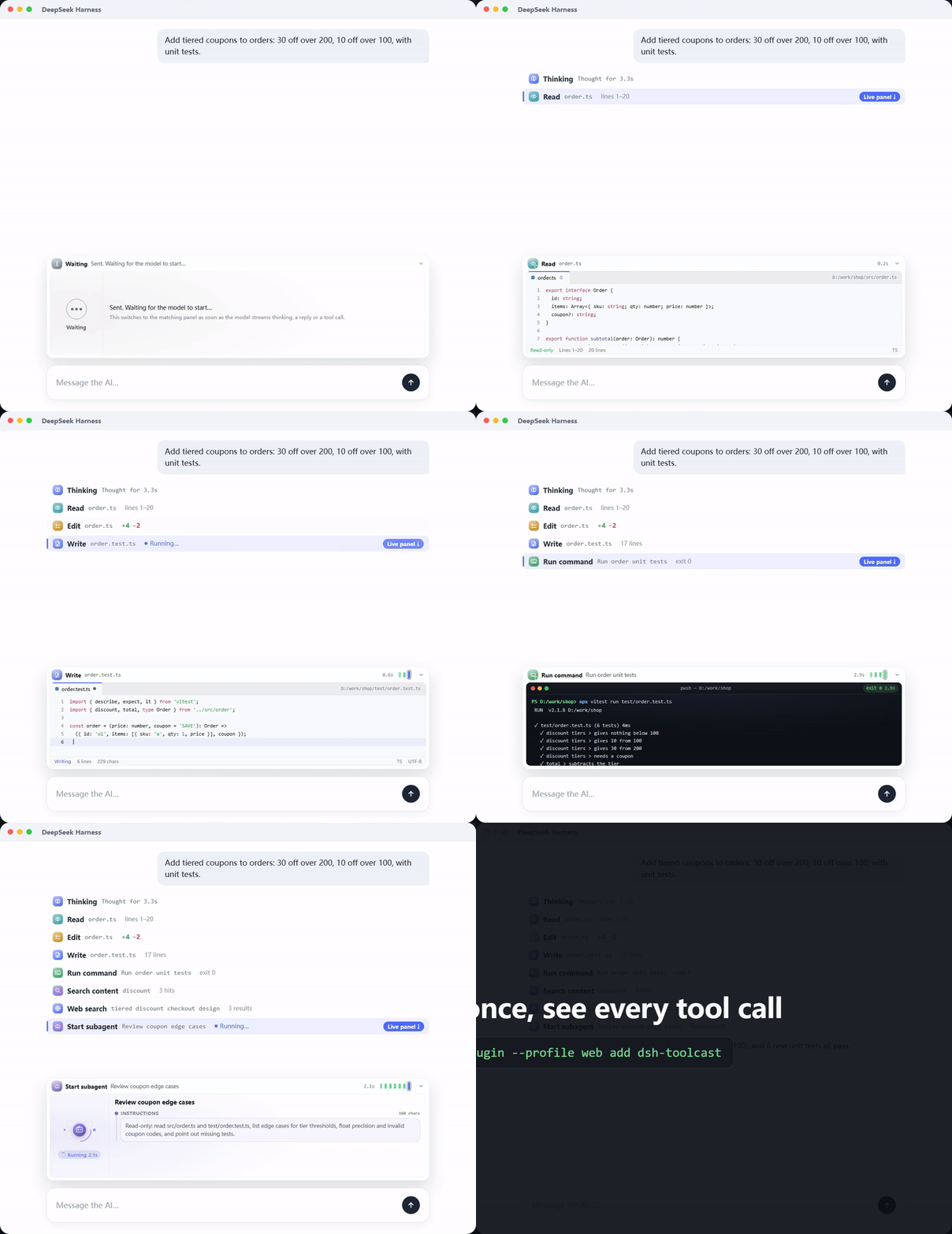
▶ Watch the 33-second demo (MP4)
A panel for every tool
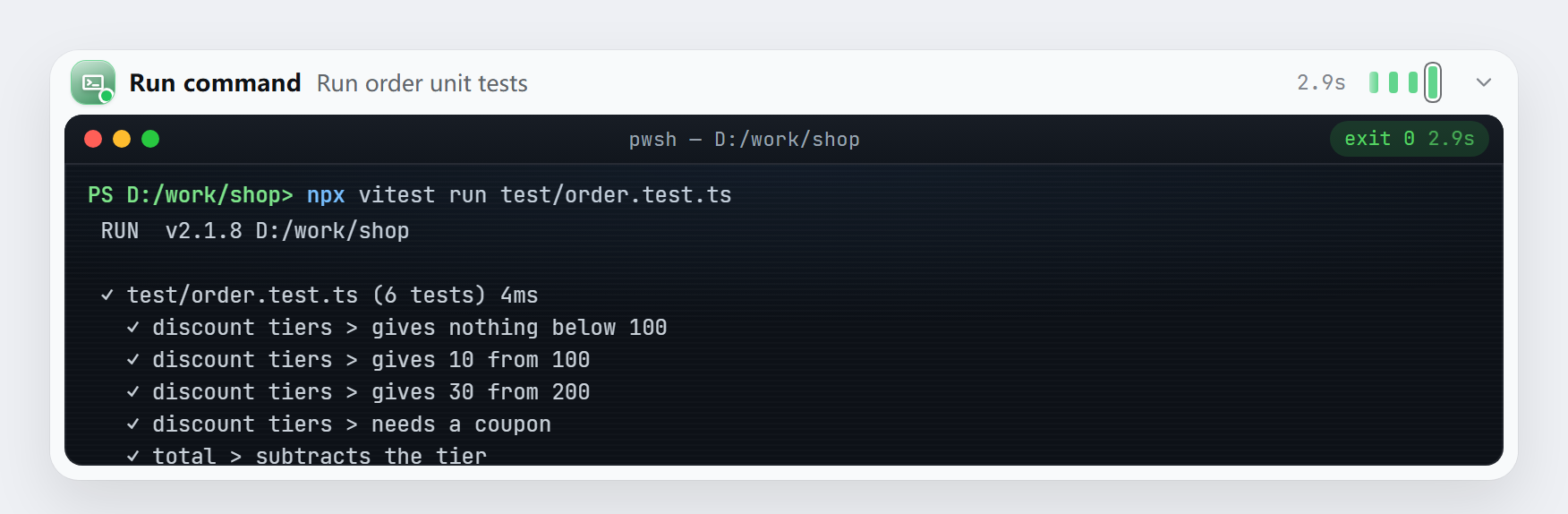
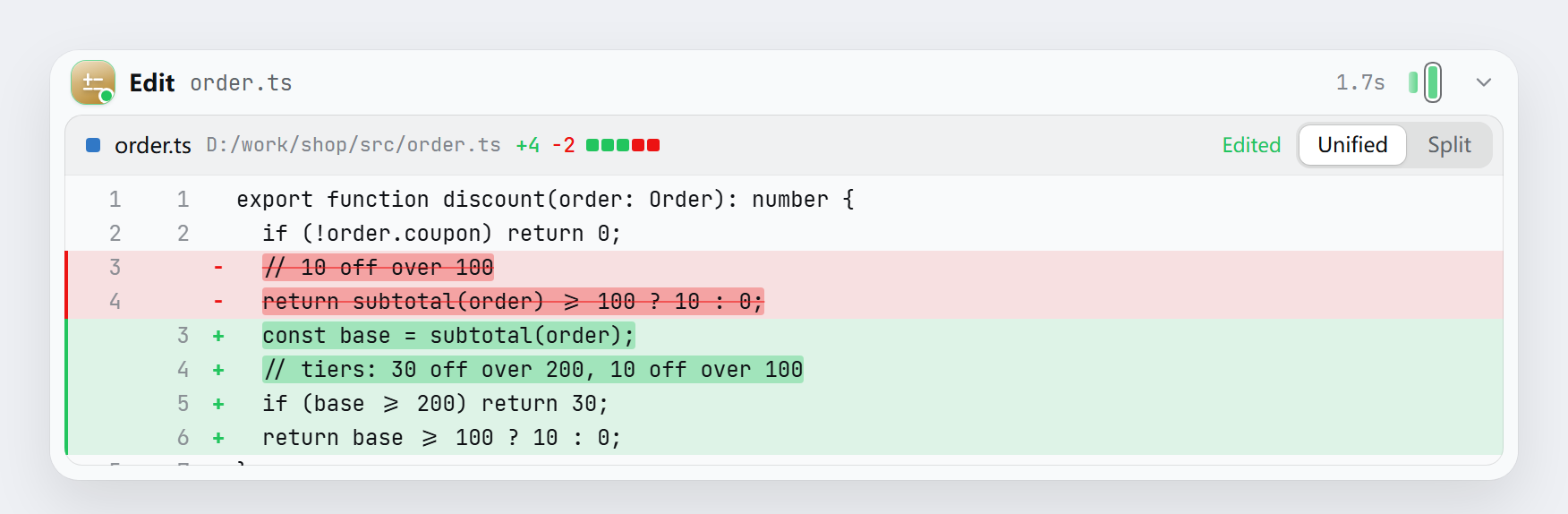
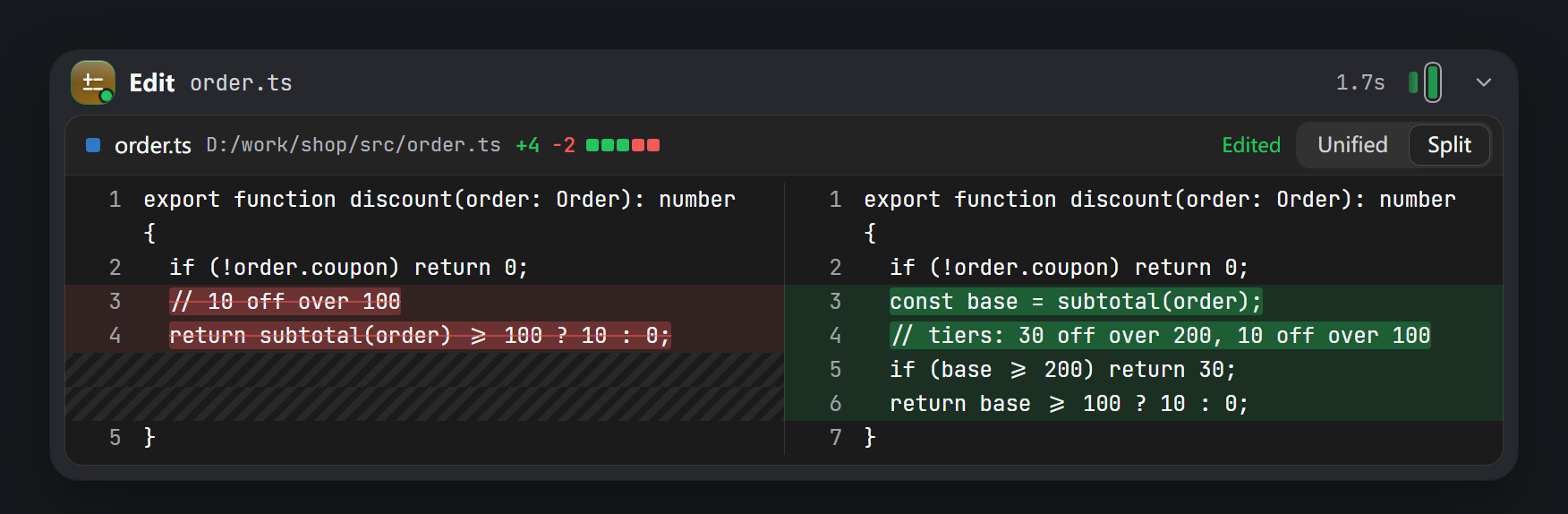
| Terminal | Git diff (unified / split) |
|---|---|
 |  |
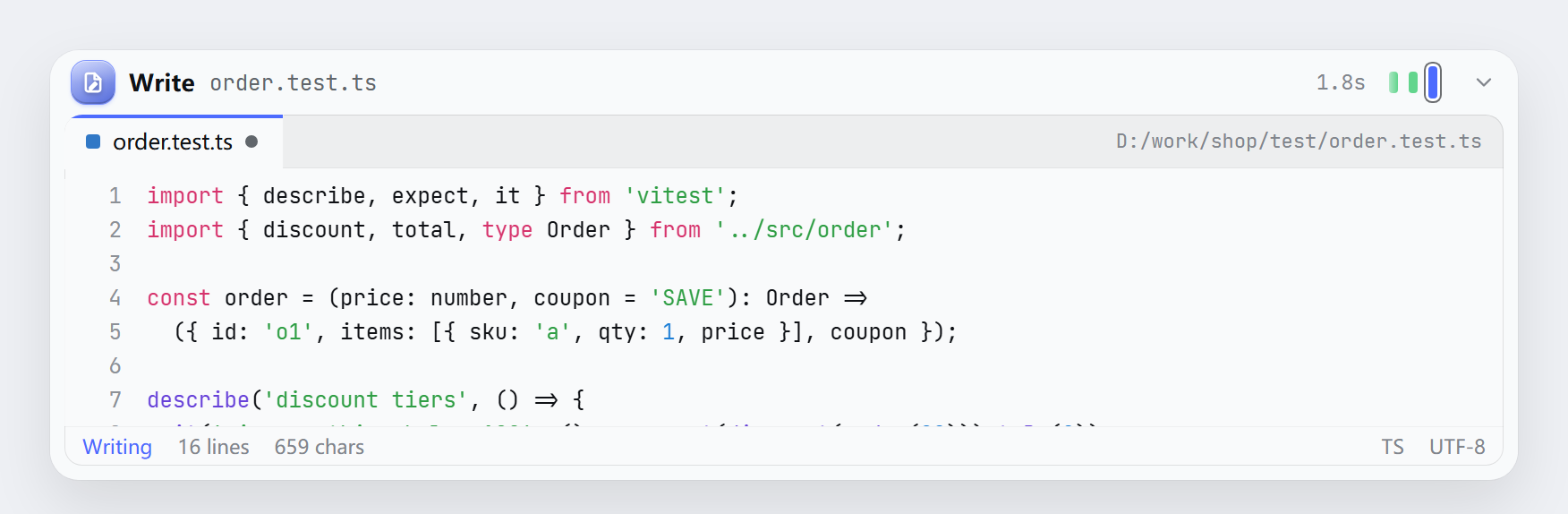
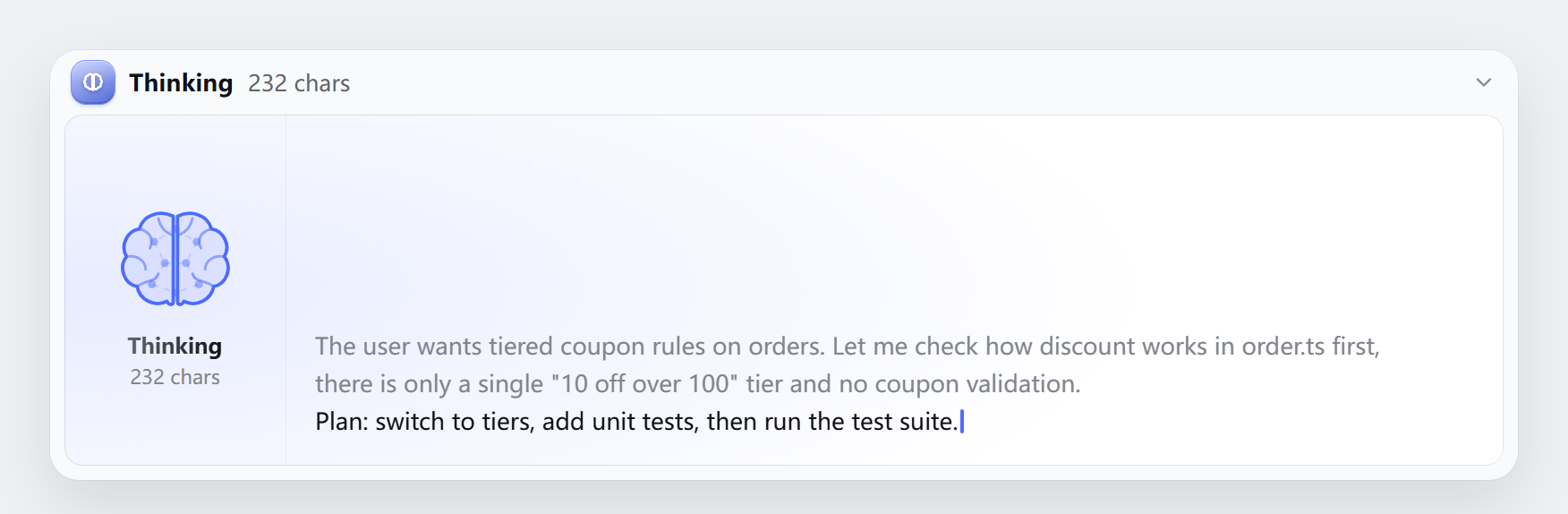
| Code editor | Thinking |
 |  |
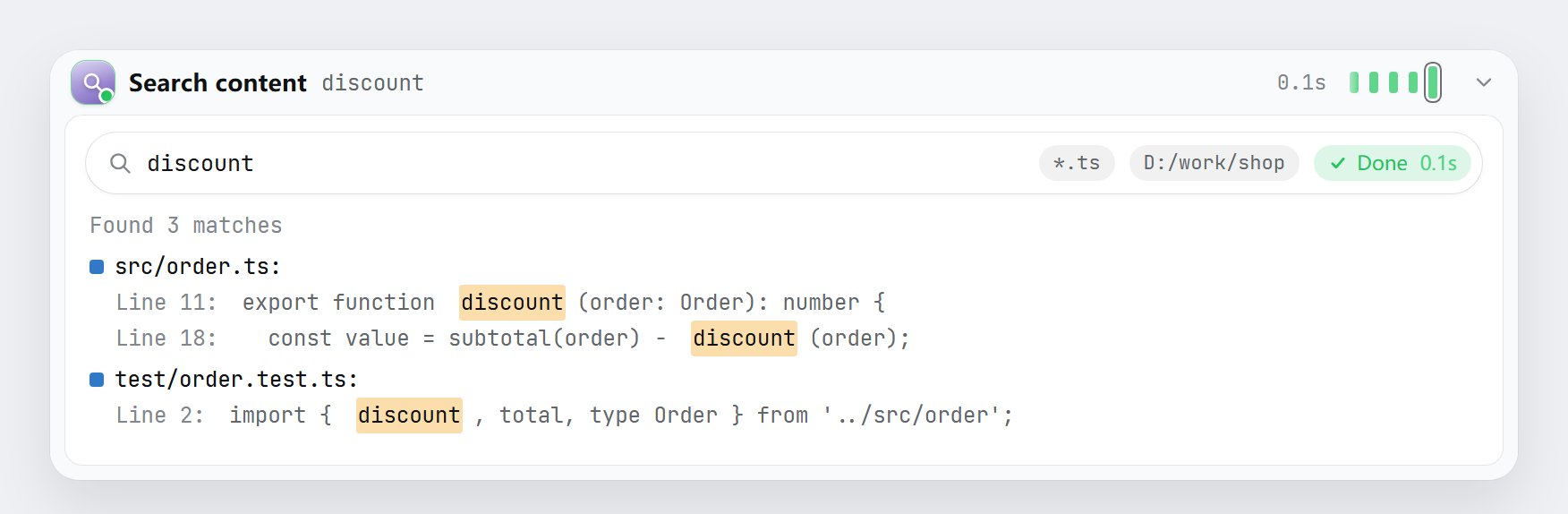
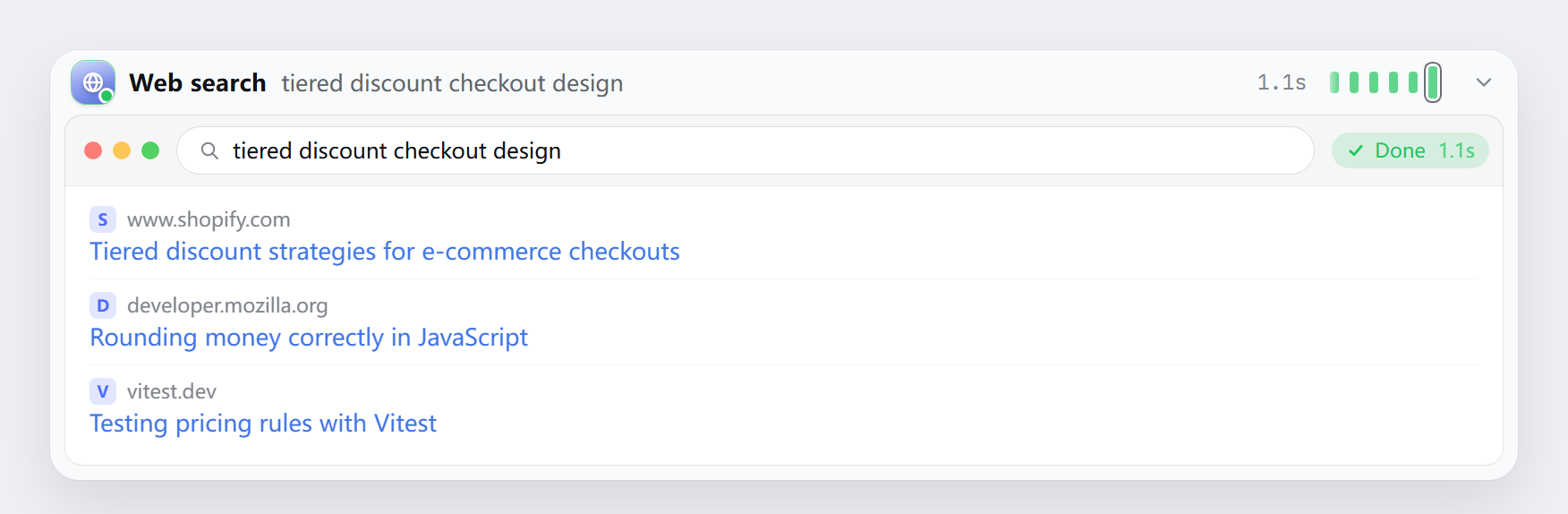
| Search | Web |
 |  |
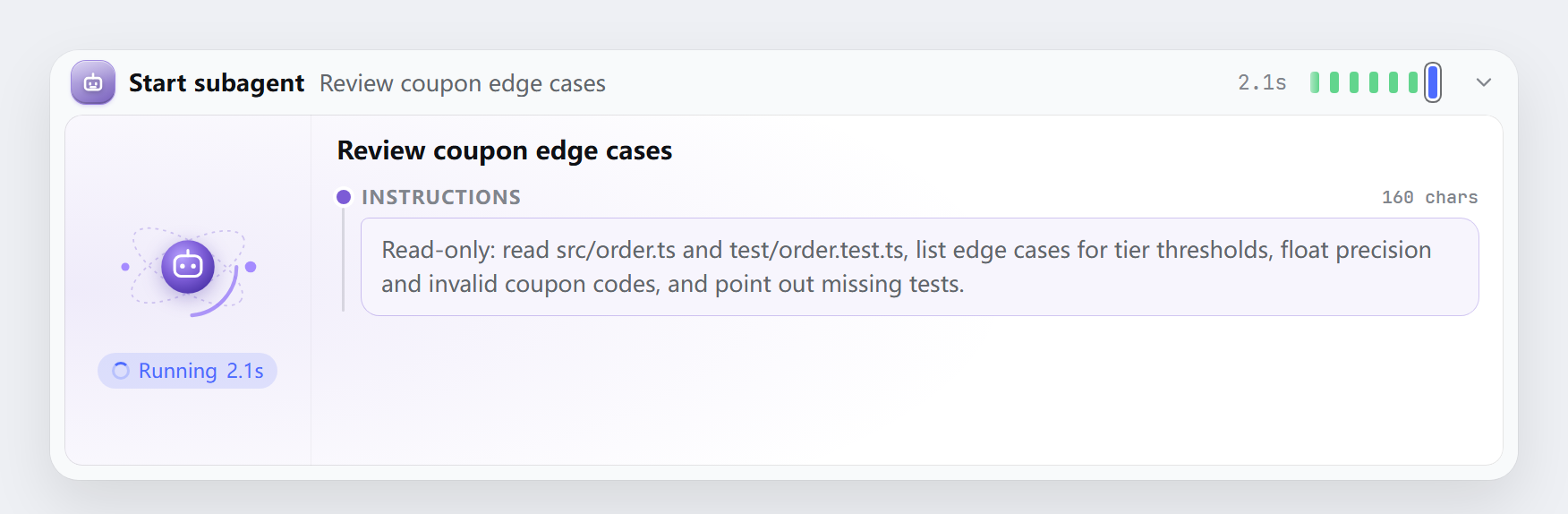
| Subagent | Dark theme |
 |  |
| Context injection | Skill loaded into context |
 |  |
The panels and the demo are rendered from the plugin's own components with sample data.
Tool calls covered
| Tool call | Panel |
|---|---|
Run a command (pwsh, bash, terminal_send) | Terminal: prompt and highlighted command on top, output and exit code below |
Terminals and background jobs (terminal_*, job_*) | Terminal: ❯ tool --args and the returned text |
Write (write) | Code editor: tab, line numbers, syntax highlighting, tailing the newest lines with a caret |
Edit (edit, apply_patch) | Git diff: line and in-line changes, +/− stats, unified or split layout |
| Thinking / writing the reply | Animated brain (or quill) with the newest few lines |
Read (read) / view image (read_image) | Read-only editor / image frame with the real thumbnail, hover to enlarge, size and palette |
Search (grep, glob, lsp, session_search) | Search bar with results and highlighted matches |
Web (web_search, web_fetch, MCP search tools) | Browser: address bar and result cards or page text |
Subagents (subagent, subagent_fork, send_message, spawn_teammate) | Animated agent glyph with the instruction and reply as a thread |
| A background subagent reports back | "Subagent finished" card |
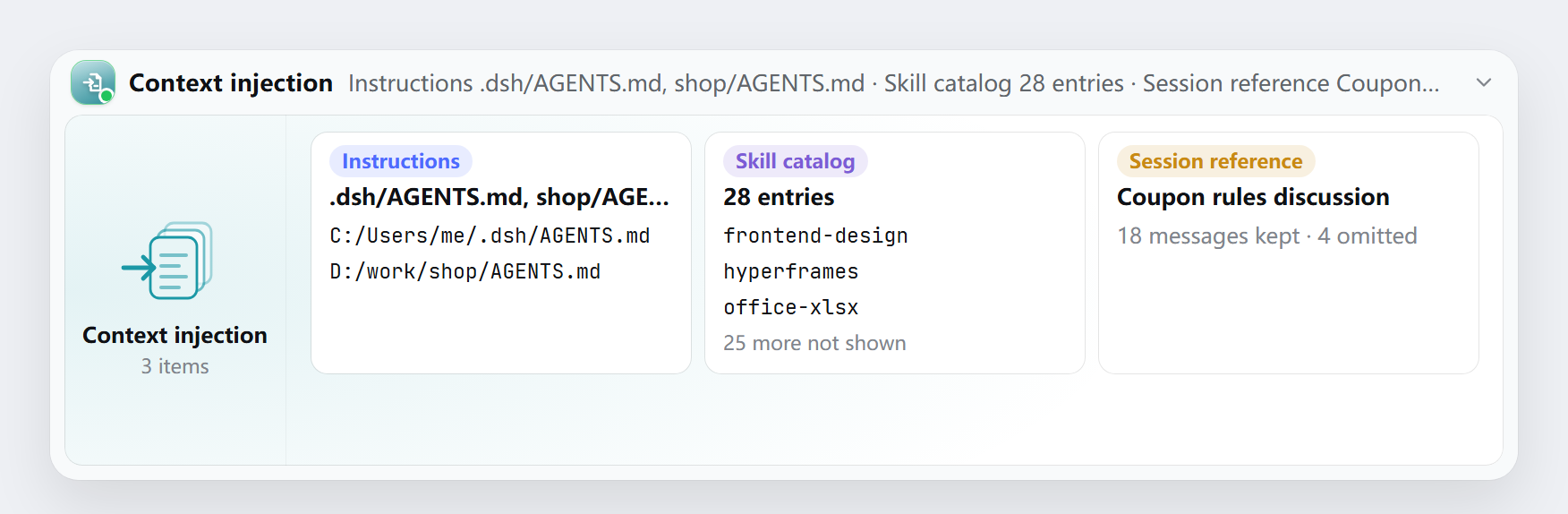
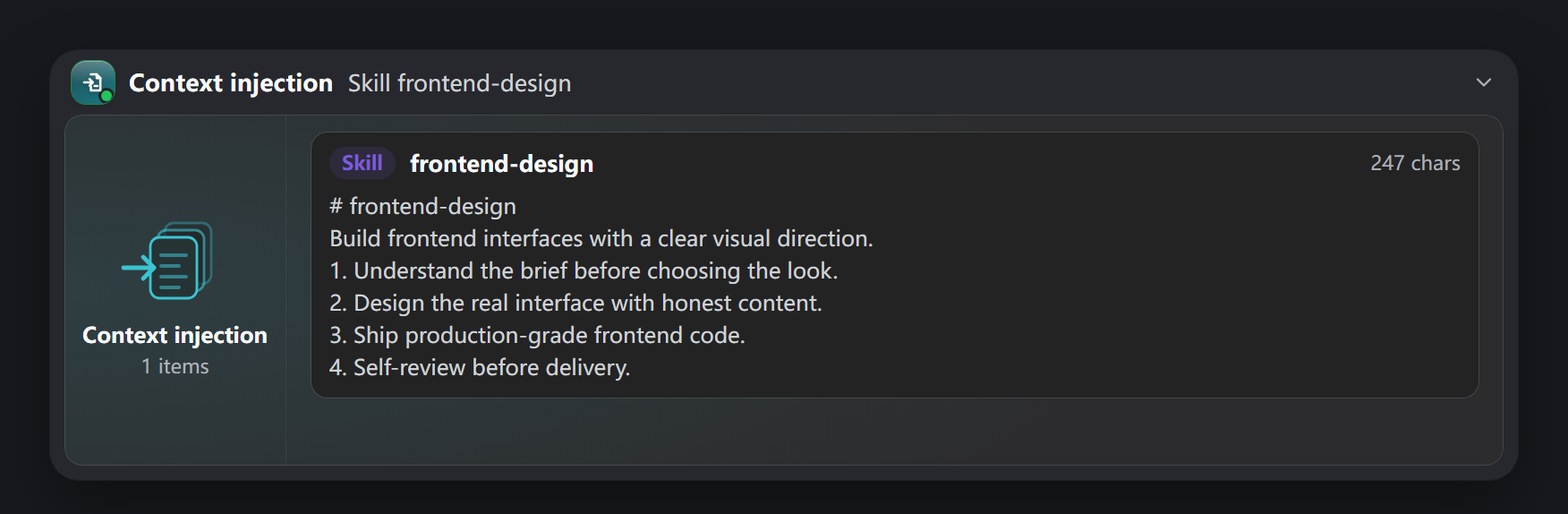
| Context injection (instruction files, skill catalog, a loaded skill, recalled sessions, runtime snapshots, notices, tool changes) | Inbound-documents panel: one card per injected item with its kind, source and a bounded preview; a turn's opening batch is one panel |
Todos (todo_write) | Progress ring and checklist |
UI and scripts (a2ui_render, render_ui, workflow, cordis_run) | Editor streaming the program being written |
Deliverables (present) | File cards |
| Everything else (goals, schedules, skills, plugins, memory, MCP, runtime inspection…) | Inspector card: icon, primary value, argument chips, result with JSON pretty-printing |
Questions to the user (ask_user_question, a2ui_ask) keep DSH's own panel; Toolcast steps aside while one is pending.
Behavior
- Follows the newest activity. Bursts of short calls are debounced so only the call that stays newest is drawn; parallel calls show their newest member instead of flipping between siblings. A context injection holds the stage for a moment before the thinking it feeds, and a tool call takes over at once.
- Timeline. The header lists this turn's calls and stays scrolled to the newest. Click a tick to revisit a call, Follow latest to resume.
- Stays out of the way. The panel is collapsible, hides when the reply finishes, and never makes the transcript stop following its newest message when you scroll inside a panel.
- Bounded. Large files, logs and replies render a fixed slice (about 60 lines / 4000 characters) with a note of what is hidden, so a huge result never becomes thousands of DOM rows.
- Native look. Styles use the host theme tokens, follow light and dark themes, and respect
prefers-reduced-motionand forced colors. UI text is localized (Chinese and English).
Install
From GitHub (pinned to the release tag):
dsh plugin --profile web add github:xiaonerner0821/dsh-toolcast#v1.1.0
Or download dsh-toolcast-1.1.0.tgz from the latest release and install the file:
dsh plugin --profile web add https://github.com/xiaonerner0821/dsh-toolcast/releases/download/v1.1.0/dsh-toolcast-1.1.0.tgz
Replace web with your profile name. In the Web UI you can also open Plugins → Add plugin and enter either spec, or a local checkout directory. The package has no dependencies and no install scripts. An npm release is planned.
Requires DSH 0.2.2-rc.5 or newer.
Limitations
- DSH does not stream a command's standard output while it runs, so the terminal shows a timer and a waiting cursor and replays the output with a typing effect when the command finishes.
- Diff line numbers are relative to the replaced snippet, not the whole file.
- DSH normalizes image attachments; an animated GIF arrives as a still first frame.
- The panel reads the conversation window the page has loaded.
How it works
Toolcast is a client-only DSH bundle. The Host half is empty; the browser half registers one entry in the conversation.input.dock slot and derives everything from the Conversation's Chat snapshot that DSH already maintains incrementally. It does not subscribe to raw session events, write DOM outside its component, or load other plugins' code. Collapse state and diff layout are kept in localStorage.
Development
No build step and no dependencies.
npm test          # pure-logic tests in plain Node
npm run check     # syntax check
To try a change, install your checkout directory as a plugin (Plugins → Add plugin → local directory) and refresh the page after editing client.js.
License
Related plugins
dsh-web (dsh-task-board)
zhu1090093659/dsh-web
dsh-web (dsh-web-all)
zhu1090093659/dsh-web
dsh-TUI
ccch1mneyyy/dsh-tui
dsh-web-ui (dsh-task-board)
zhu1090093659/dsh-web-ui