typocket (reader-workspace)
bigricedumpling/typocket/plugins/reader-workspace
Typocket is a local Markdown editor where you can write with your agent, review its edits, and open files from your DSH workspace.
Instalar
dsh plugin --profile web add github:bigricedumpling/typocketEste plugin está no subdiretório plugins/reader-workspace do repositório.
README
Typocket
Typocket is a local document reader and Markdown editor. Each library can hold Markdown notes, PDFs and HTML pages. Open the local address in a browser or in an agent’s browser sidebar that can reach localhost.
Download | Run it locally | Agent setup | Bundled skill
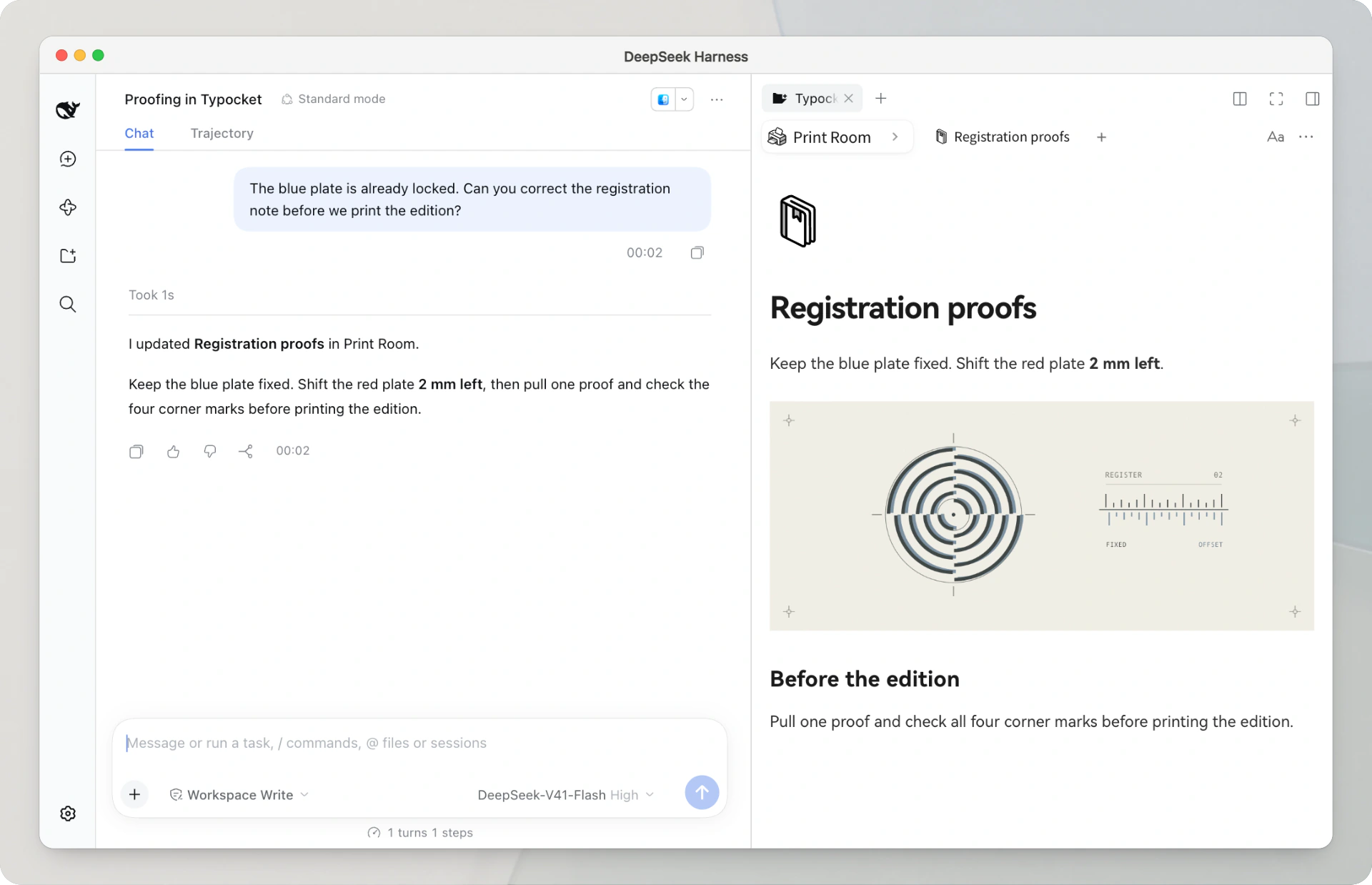
Reading and editing Markdown
Edit directly on the formatted page. Selecting text opens a toolbar for emphasis, links and inline equations. The outline on the right links to each heading. Returning to a tab restores the reading position and lets you undo earlier edits to that document.
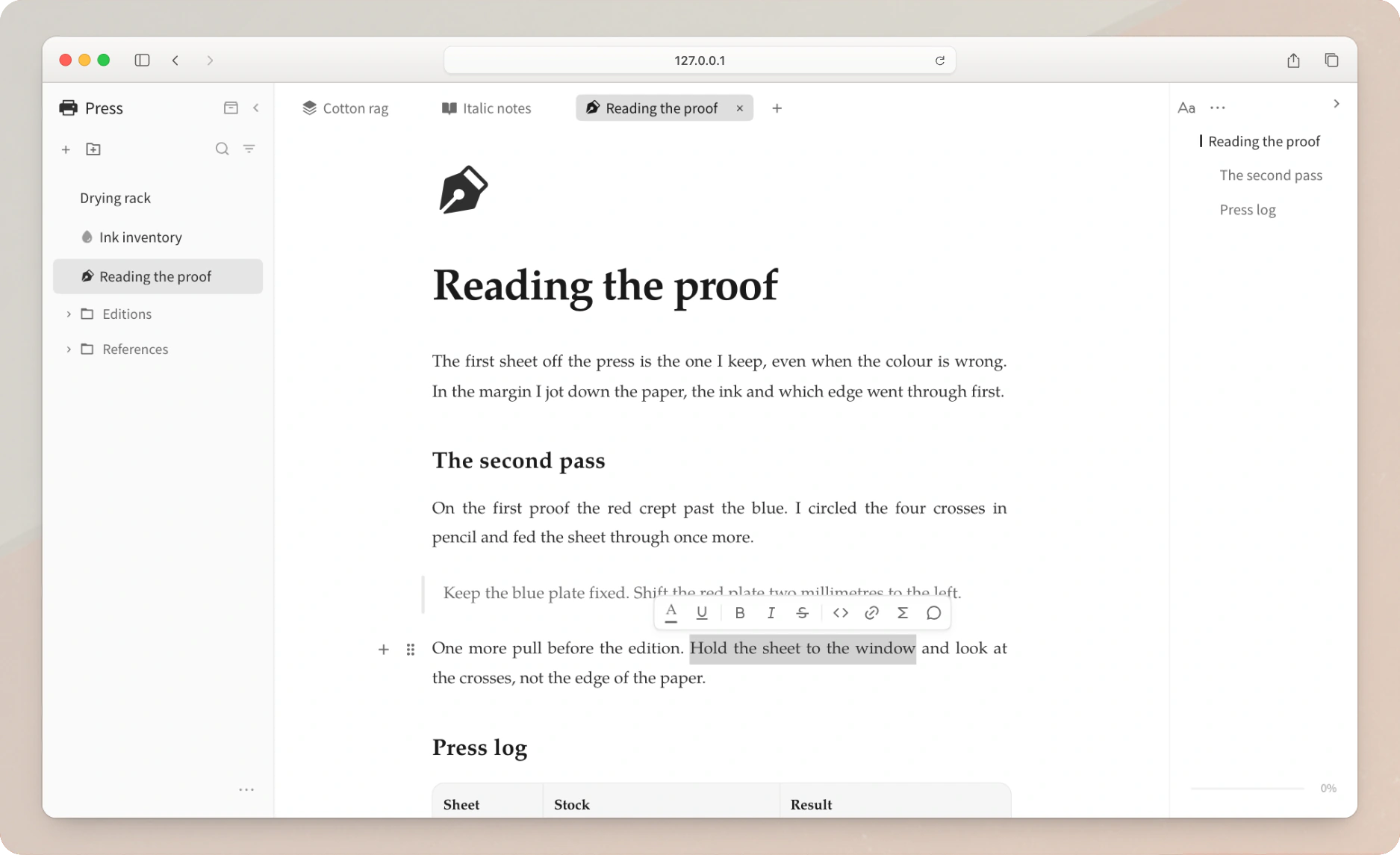
Live typography controls
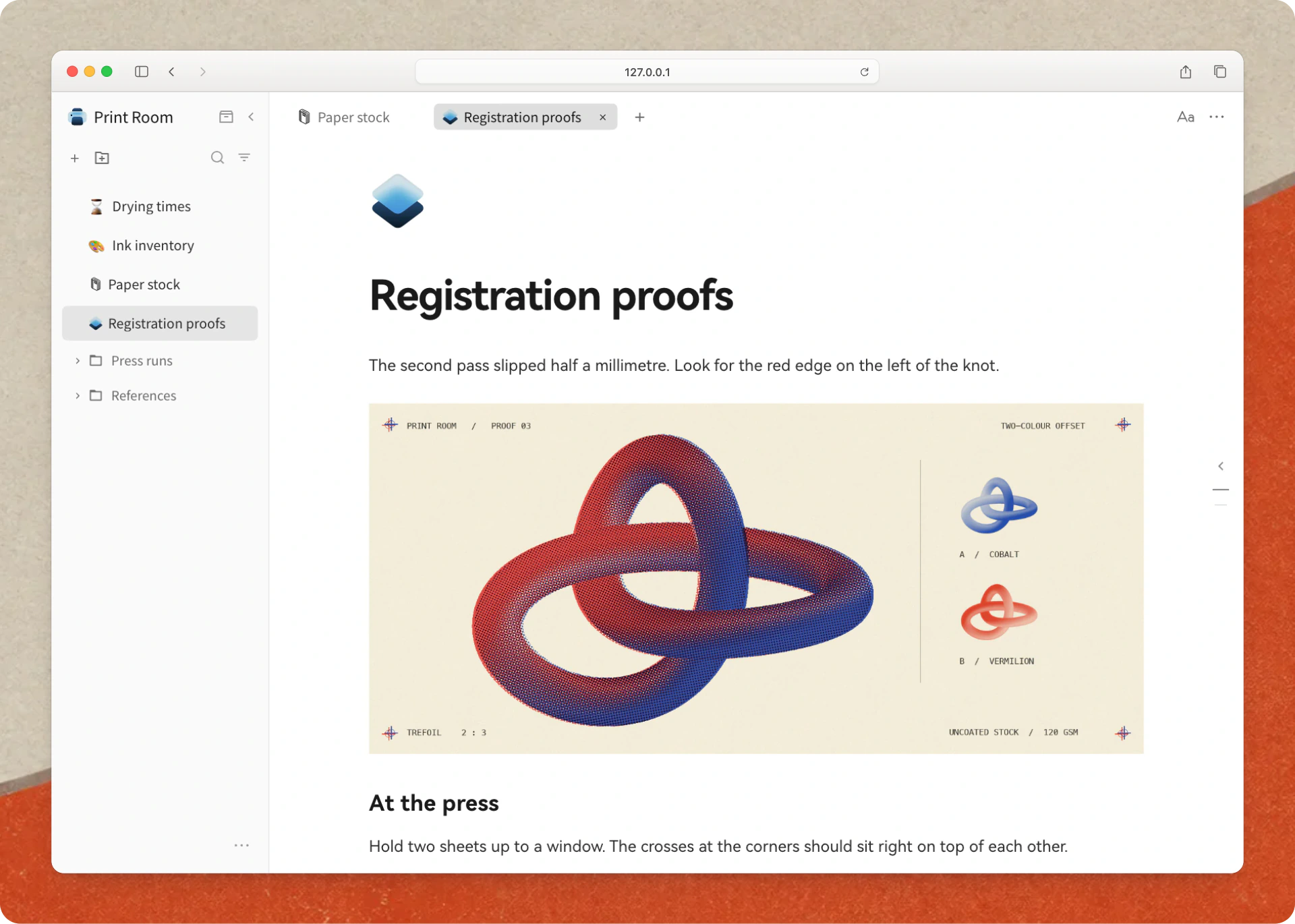
Open Aa to adjust the typeface, font size and text width. The current page reflows immediately, including while you drag the line-spacing slider. Additional controls cover letter spacing, paragraph indents, table width and alignment. Preferences are saved in the browser, independently of the Markdown file.
Choose a light, soft or dark appearance. The Default, Feishu, Notion and Obsidian styles also apply to the sidebar and tabs.
Reading PDFs and HTML pages
PDFs support page navigation, zoom, and search. Select text in PDFs with a text layer, or follow a page reference from a note to the cited page of a paper.
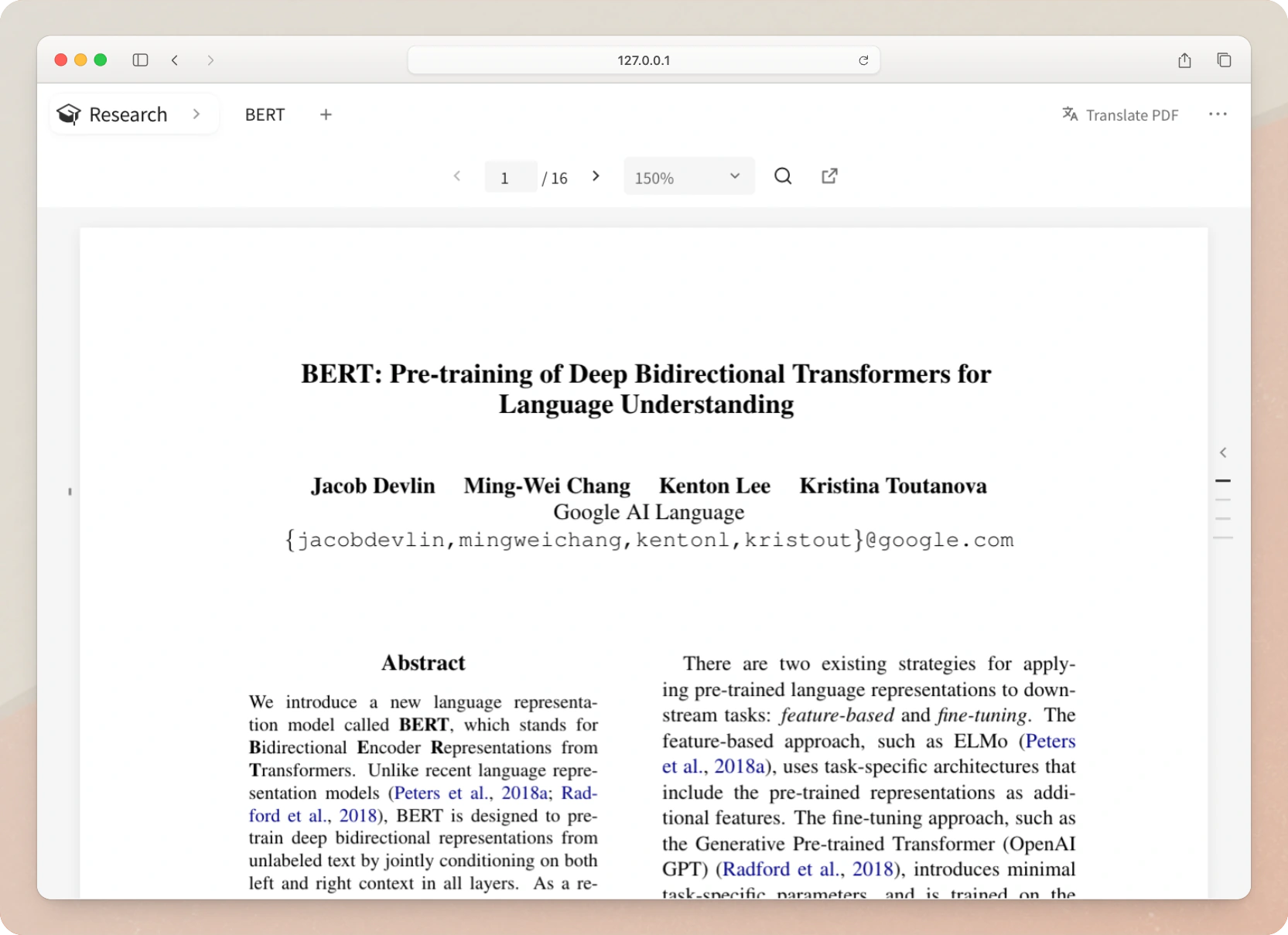
Paper excerpt from BERT by Jacob Devlin, Ming-Wei Chang, Kenton Lee and Kristina Toutanova, NAACL 2019. Paper | CC BY 4.0
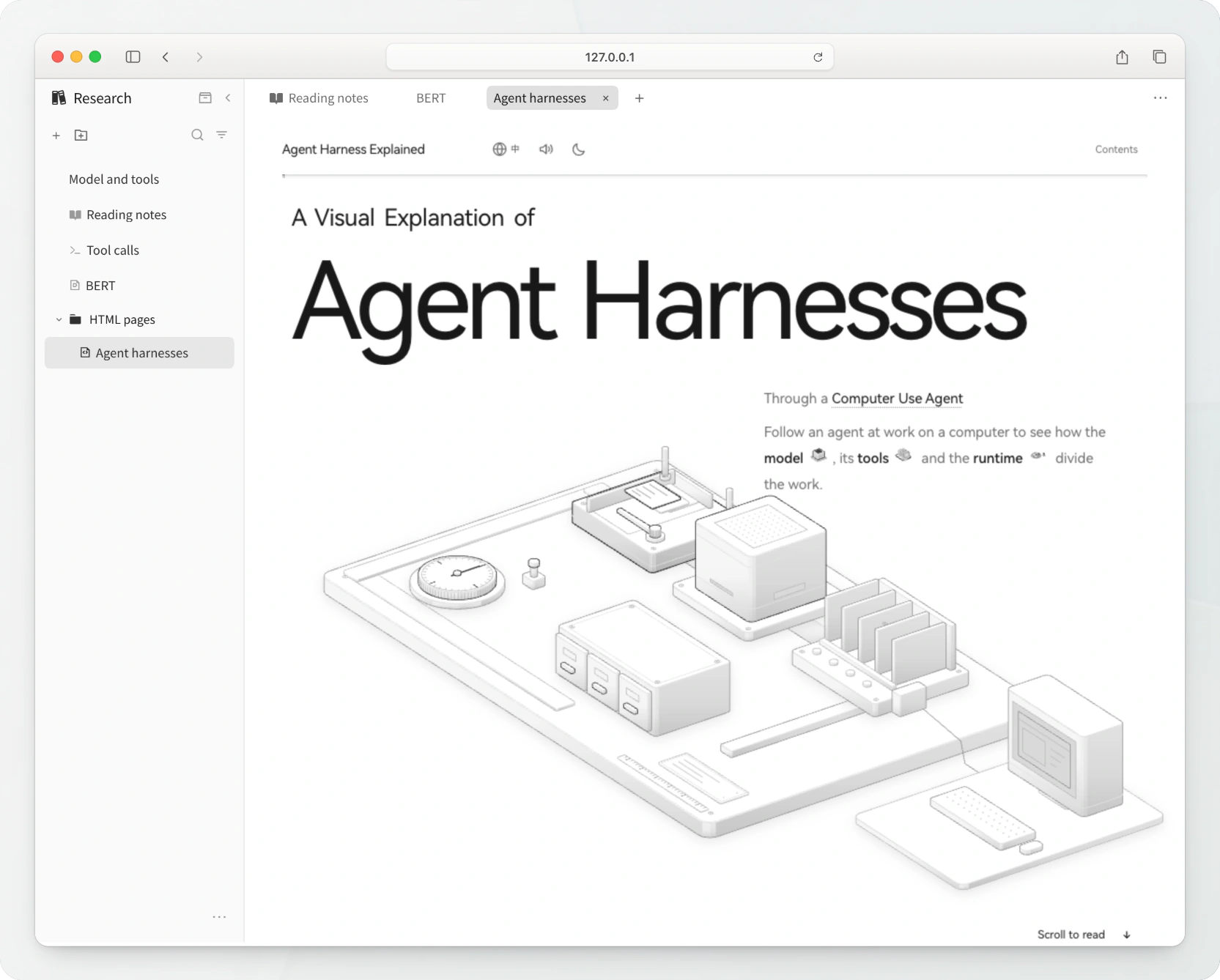
HTML (H5) files retain their layout and interactive controls. In A Visual Explanation of Agent Harnesses, scroll through the illustrated sequence to follow a tool request from the model to the runtime and back.
Agent tools and revision history
The release includes the reader-workspace skill and local MCP tools. The skill covers document lookup, image references, revision checks and concurrent edits. A stdio MCP client receives these instructions when it connects. Agents can search and edit Markdown, or retrieve a selected PDF or HTML file for processing with their own tools. Bundled skill | Agent setup
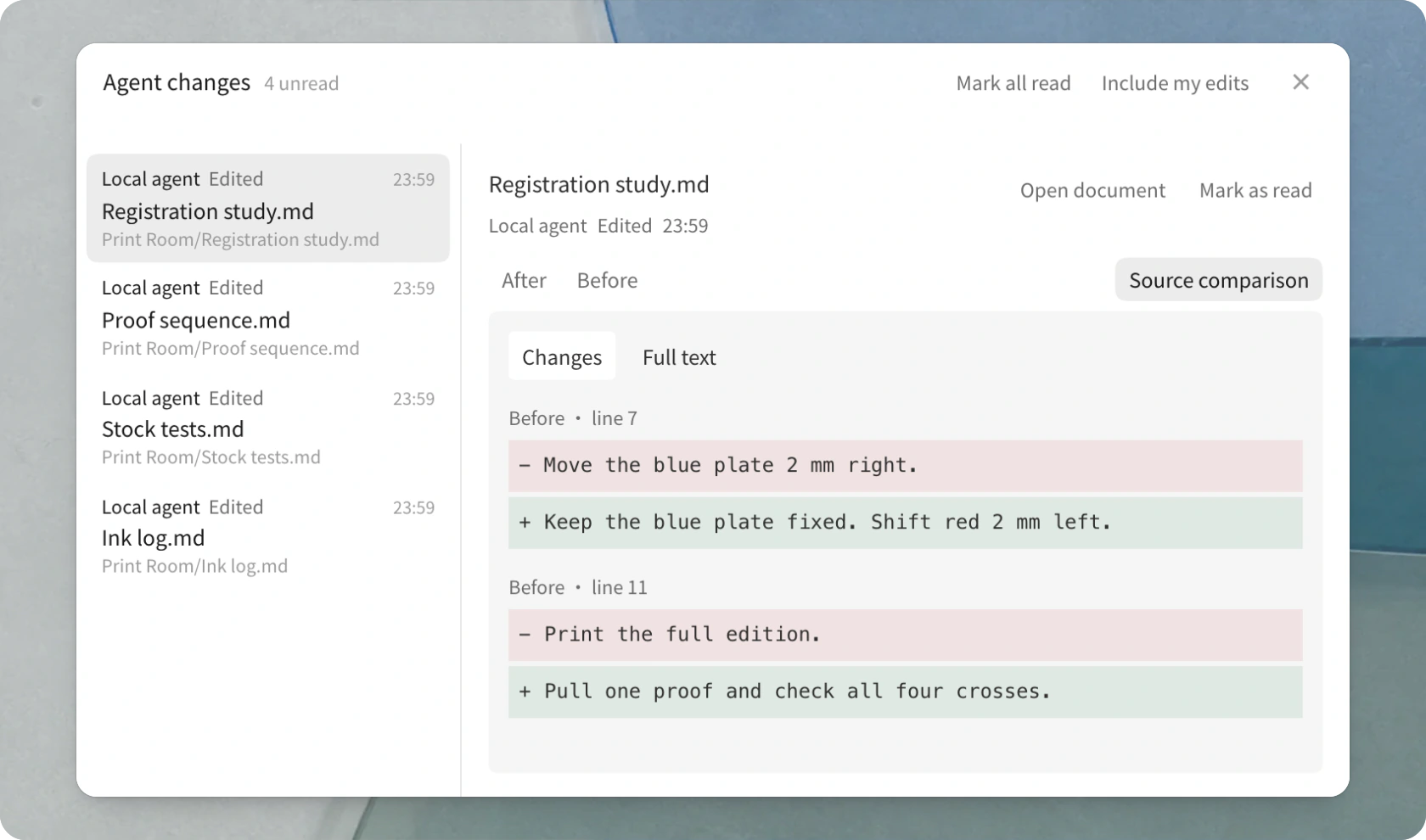
Select a passage and choose Copy for Agent to copy the text, document path and section heading, if present. Library excerpts include a stable document ID that survives renames. Edits saved through Typocket appear in Agent changes, with the old and new lines shown together. If edits to the same passage conflict, the local draft can be kept for review.
Libraries and tabs
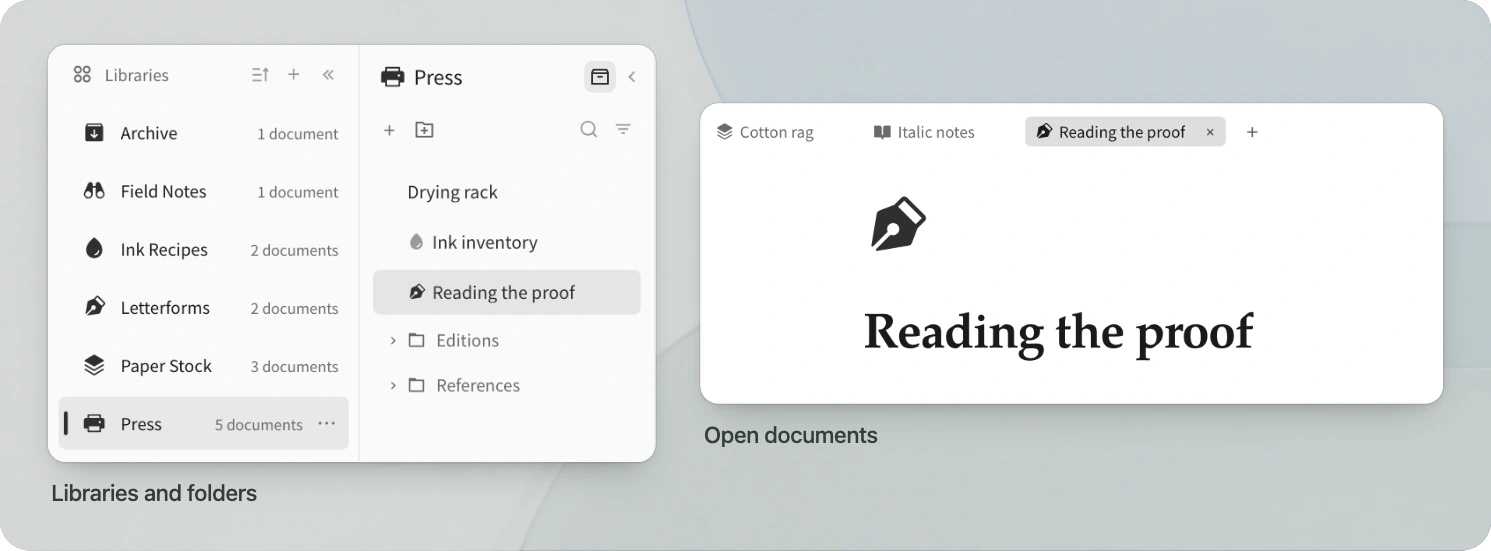
The sidebar organises files by library and folder. A single tab bar can hold documents from several libraries. Libraries and documents can have individual icons, and a document’s icon also appears on its tab.
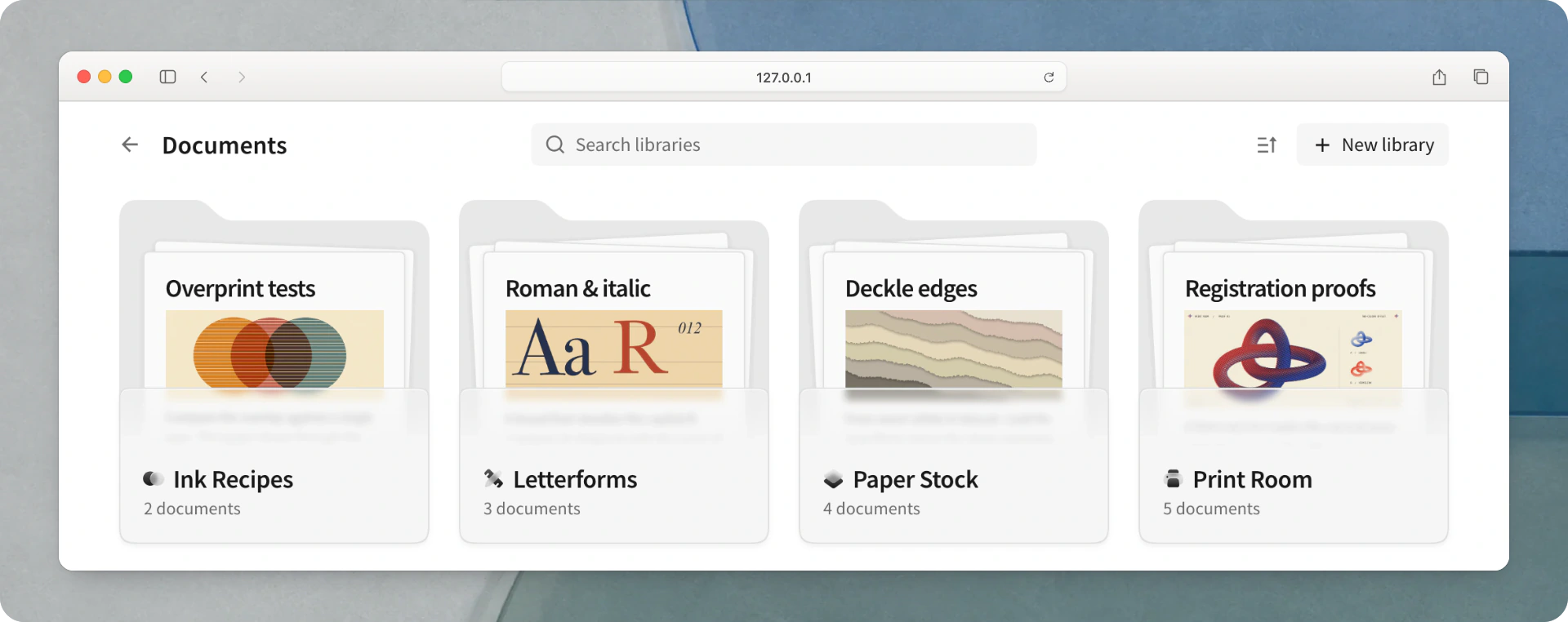
The library overview shows a page from each collection. Cross-library search opens a matching passage in its Markdown file. Links between documents can point to a heading or a specific PDF page.
Illustrations, diagrams and covers
Inline images fit the text column as it changes width. The image toolbar opens a larger view for inspecting details.
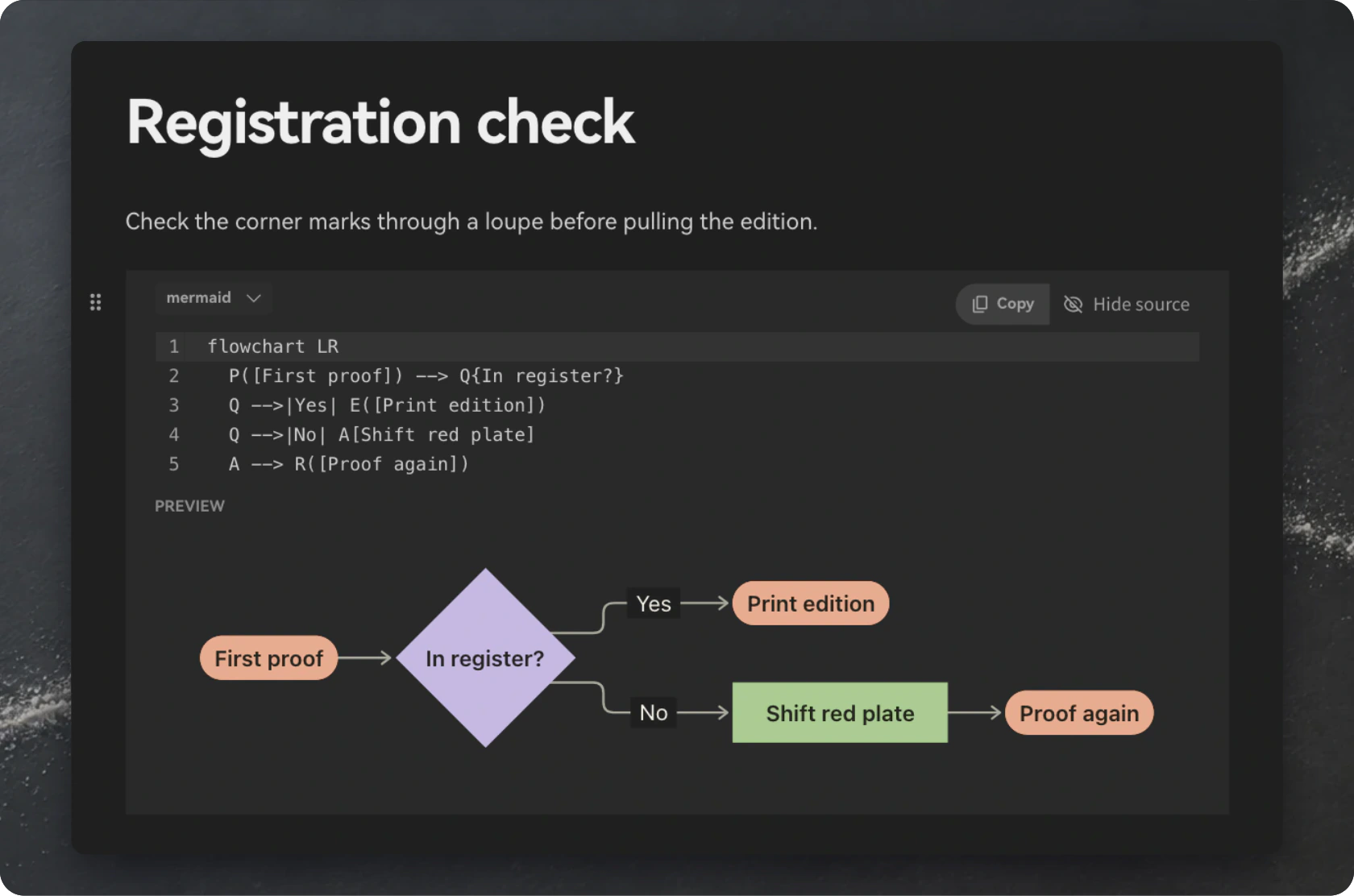
Mermaid blocks render in the document. Choose View source to edit a diagram with its preview visible, or type / to insert a mind map. LaTeX supports inline and display equations. PDF and self-contained HTML exports preserve rendered diagrams and equations.
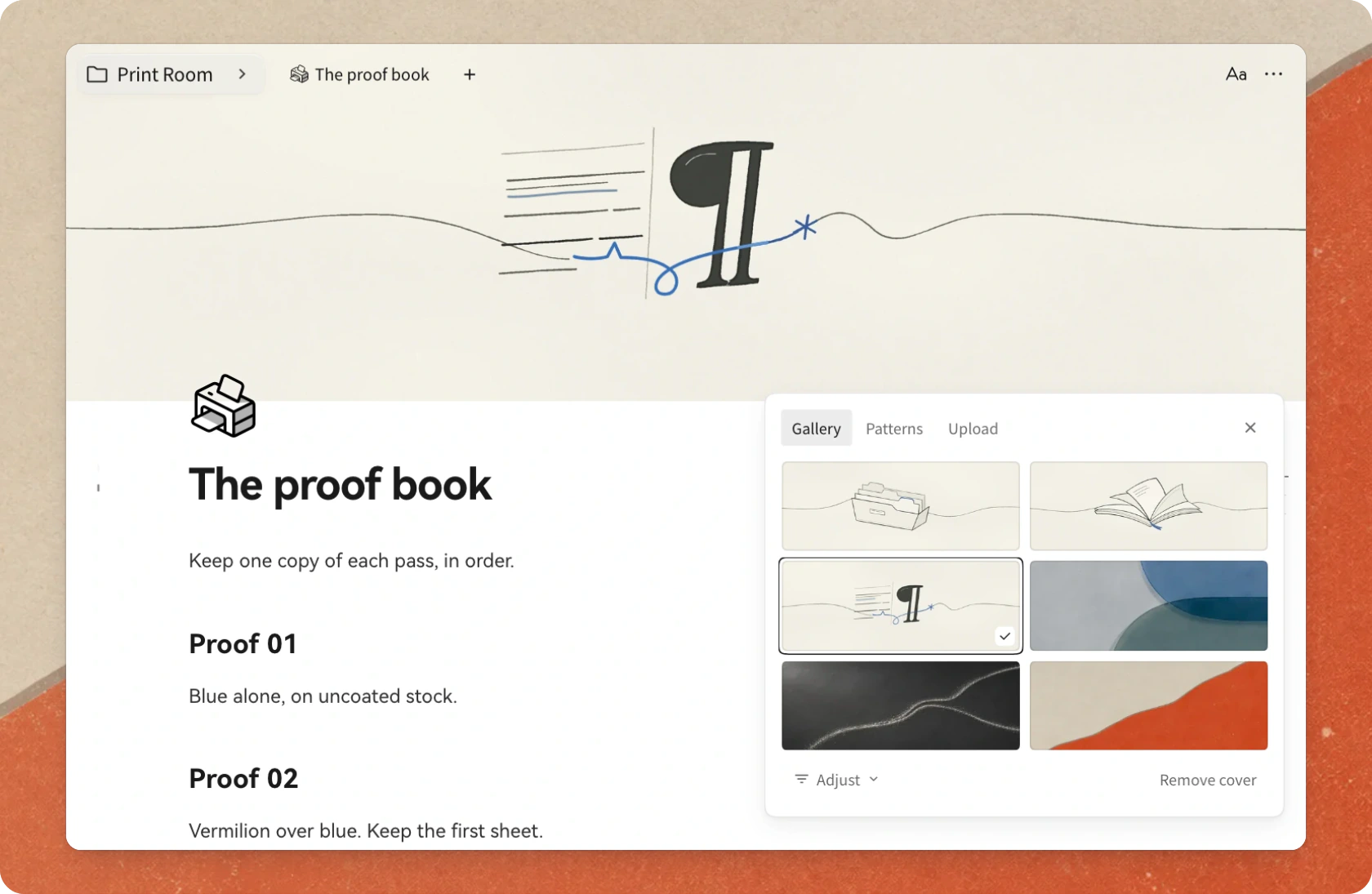
Document covers can use an uploaded image, a still from the built-in gallery or one of the looping ink drawings.
Files, exports and sharing
- Export. Save Markdown or a self-contained HTML page with images, or print to PDF. Markdown and attachments creates an editable ZIP containing the source and its images.
- Share. Share via agent prepares a prompt for a selected document or library. An agent with hosting access can publish a read-only snapshot and return a temporary link.
- Back up. Libraries are stored outside the plugin directory and survive upgrades and removal. Include the documents, attachments and metadata in a backup. Backup and recovery (中文)
Run it locally
Download the .tgz from Releases and extract it. With Node.js 24 or later, run the following command from the directory containing the extracted package folder. The terminal prints the reader’s local address.
node package/managed-server.js
- MCP setup. Use
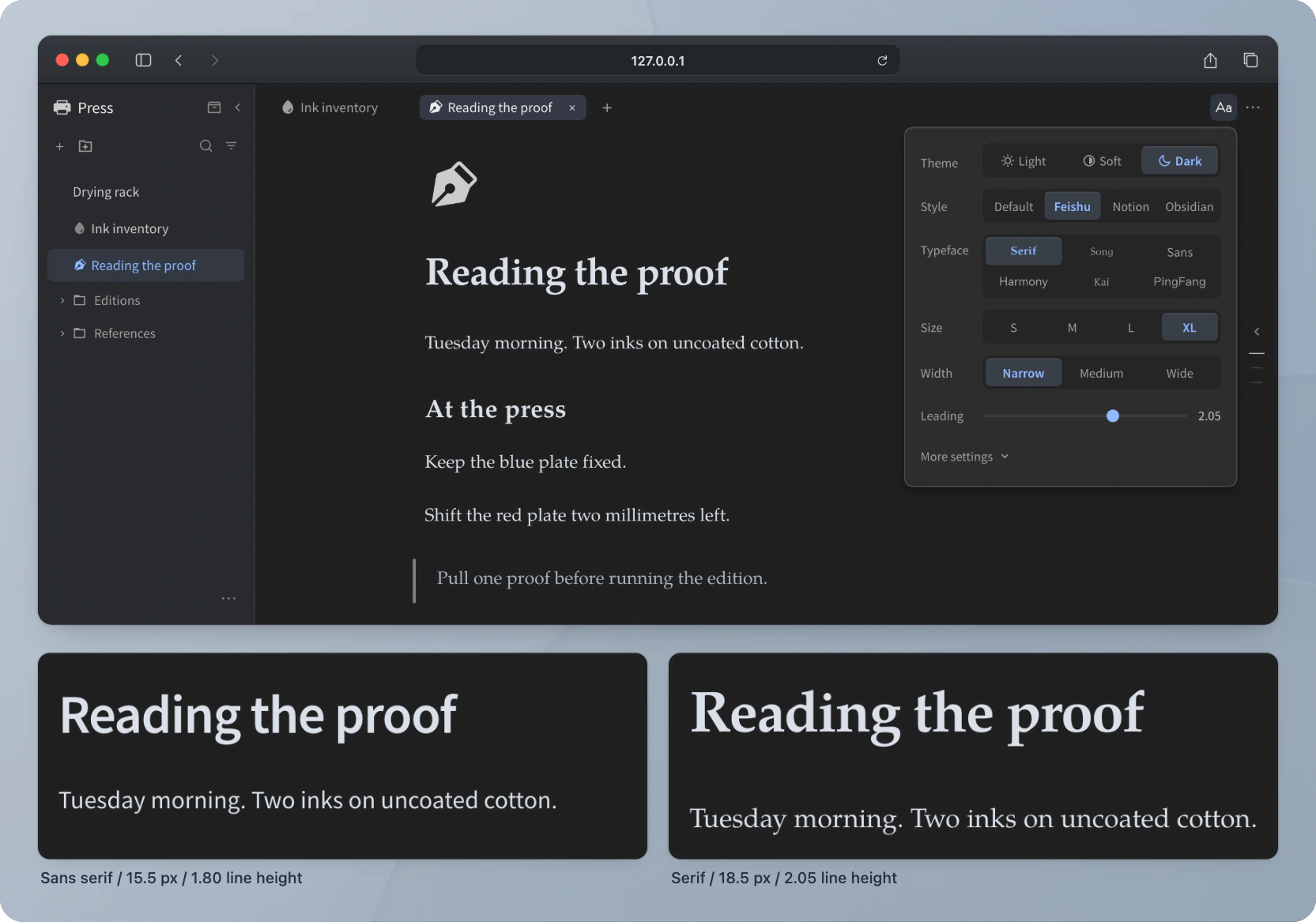
nodeas the command. Pass the absolute path topackage/scripts/reader.mjsas the first argument and--stdioas the second. See the configuration example and instructions for WorkBuddy, Claude Code and Codex. Agent setup - DeepSeek Harness plugin. Install Typocket from the community market, then choose Start → Typocket in the right sidebar. Workspace Markdown opens as a preview. Save to library creates an independent copy. DSH community market
- Run from source. Run
npm cifollowed bynpm run devin the repository. SetDOCS_ROOTto use a separate test directory. Development guide (中文)
The screenshots show Preview 9 with English sample documents. The editor currently uses Chinese. Its controls were translated for the images.
User guide (中文) | Changelog (中文) | Platform support (中文) | Report an issue | MIT license | Third-party credits
Plugins relacionados
archify (deepseek-harness)
tt-a1i/archify
WeKnora (dsh-weknora)
tencent/weknora
next-ai-draw-io (dsh-plugin)
dayuanjiang/next-ai-draw-io
AiToEarn (dsh-plugin-aitoearn)
yikart/aitoearn