clutch-dsh (clutch-dsh-title)
cerbur/clutch-dsh/packages/clutch-dsh-title
Gera títulos de sessão determinísticos e configuráveis para o DeepSeek Harness a partir de campos semânticos do prompt e templates.
Instalar
dsh plugin --profile web add github:cerbur/clutch-dshEste plugin está no subdiretório packages/clutch-dsh-title do repositório.
README
clutch-dsh
clutch-dsh is a pnpm workspace and collection of plugins for DeepSeek Harness (DSH).
Install only the plugins you need in your DSH Web profile.
The repository currently contains Worktree, Fireworks, Discuss, Title, and Office plugins. Each package has its own user documentation and can be built or installed independently.
Installation
Install from npm
With an installed DSH CLI, add any plugin to the Web profile and start DSH Web:
dsh plugin --profile web add @cerbur/clutch-dsh-worktree
dsh plugin --profile web add @cerbur/clutch-dsh-fireworks
dsh plugin --profile web add @cerbur/clutch-dsh-discuss
dsh plugin --profile web add @cerbur/clutch-dsh-title
dsh web
You do not need to install every plugin. See the package README for each plugin's behavior, requirements, and usage.
Office is an unreleased whitebox MVP; use its local checkout instructions until its first npm release.
Install from a local checkout
Use this flow when you are working from a clutch-dsh checkout and want to load a locally
built package into a DSH source checkout:
cd /absolute/path/to/clutch-dsh
pnpm install
pnpm --filter @cerbur/clutch-dsh-worktree build

cd /absolute/path/to/deepseek-harness
pnpm install
pnpm run build
pnpm dsh plugin --profile web add /absolute/path/to/clutch-dsh/packages/clutch-dsh-worktree
pnpm dsh web
Replace the package name and path with the plugin you want to test. The package README contains the exact local build command and any package-specific development notes.
Plugins
| Plugin | Preview | What it does |
|---|---|---|
@cerbur/clutch-dsh-worktree | 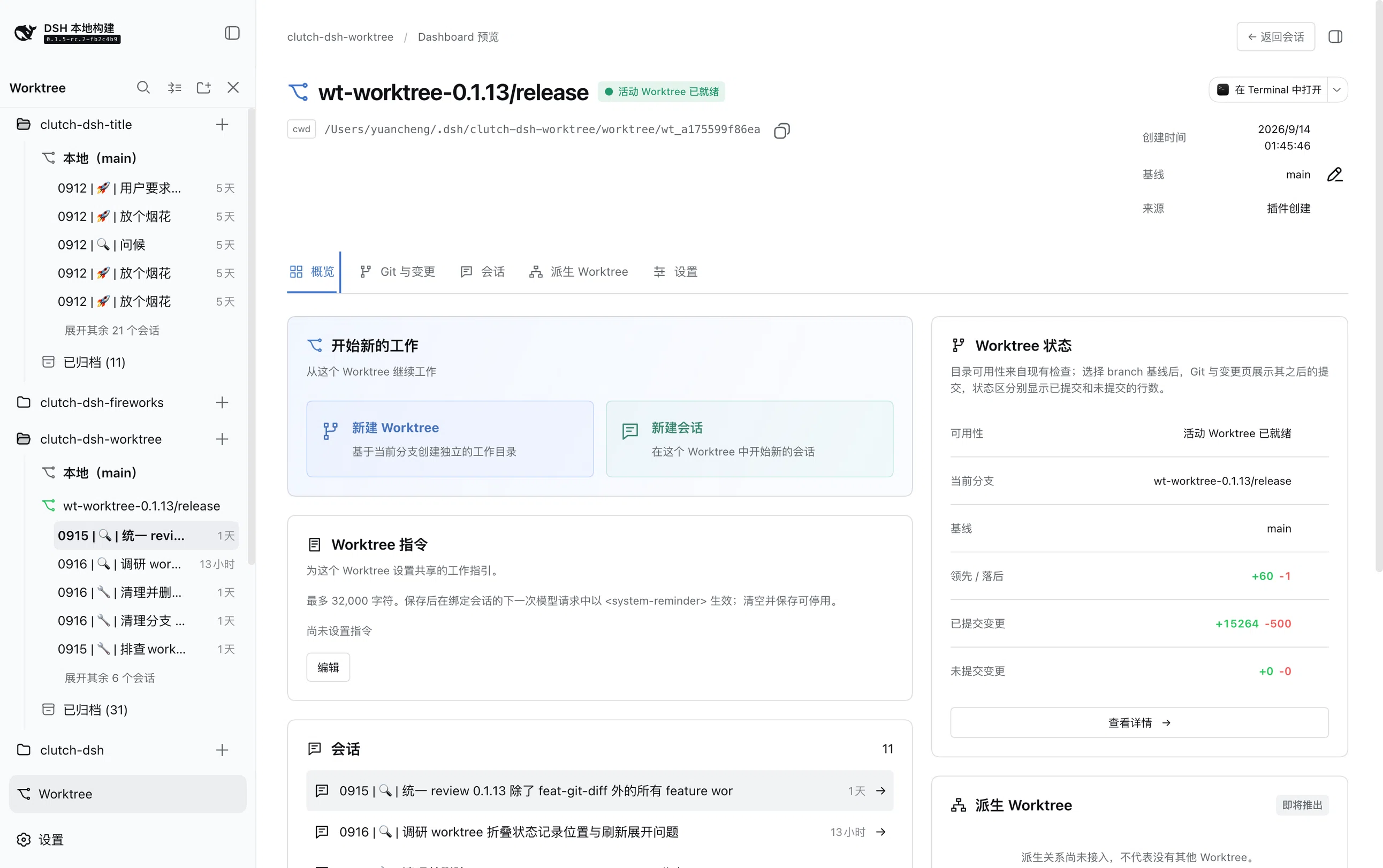 | Adds a Git Worktree view that groups DSH Sessions by Workspace, Worktree, and Session. The Dashboard is a plugin-only preview. |
@cerbur/clutch-dsh-fireworks | 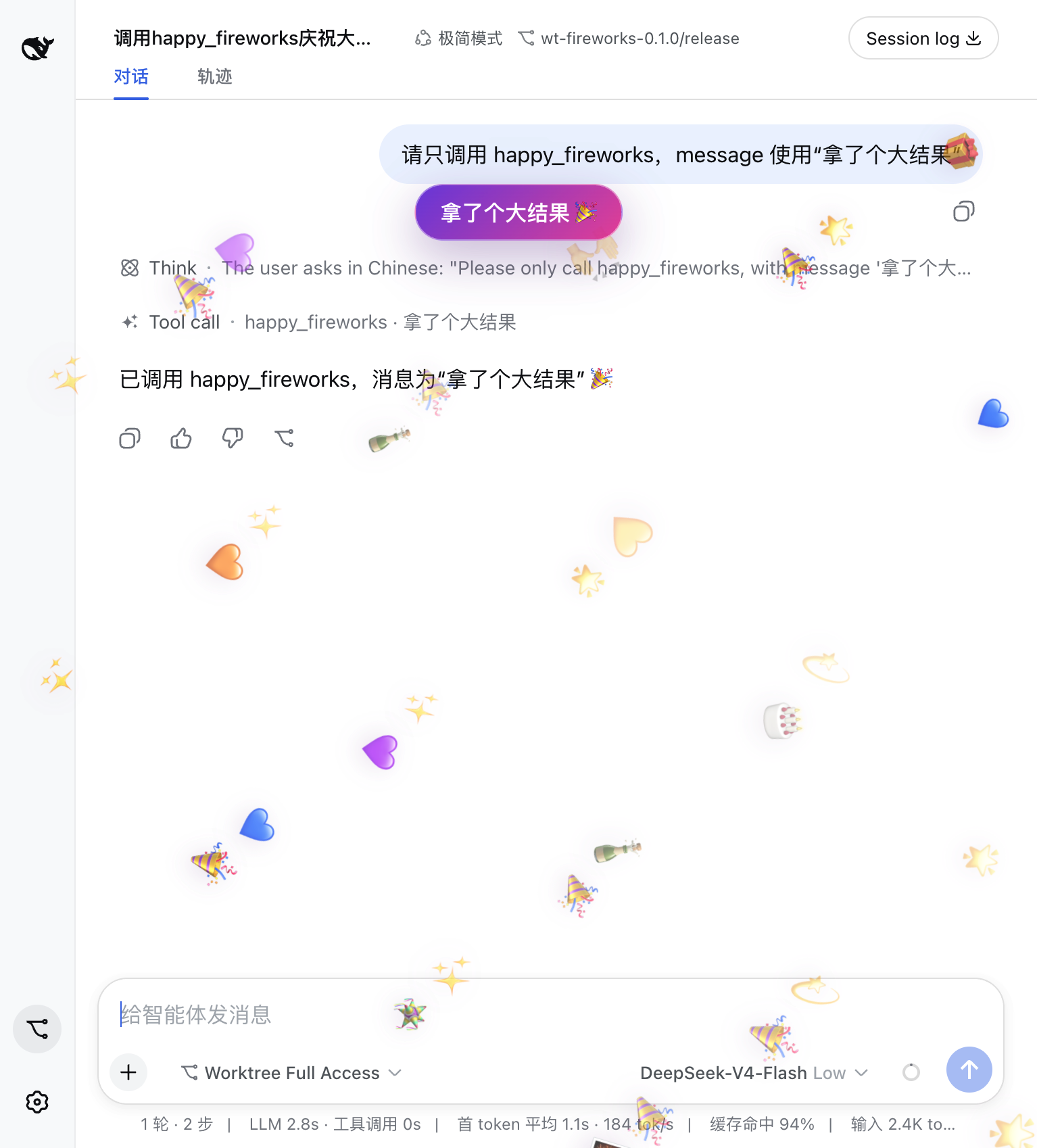 | Adds the happy_fireworks tool and a short celebration overlay for meaningful milestones. |
@cerbur/clutch-dsh-discuss | 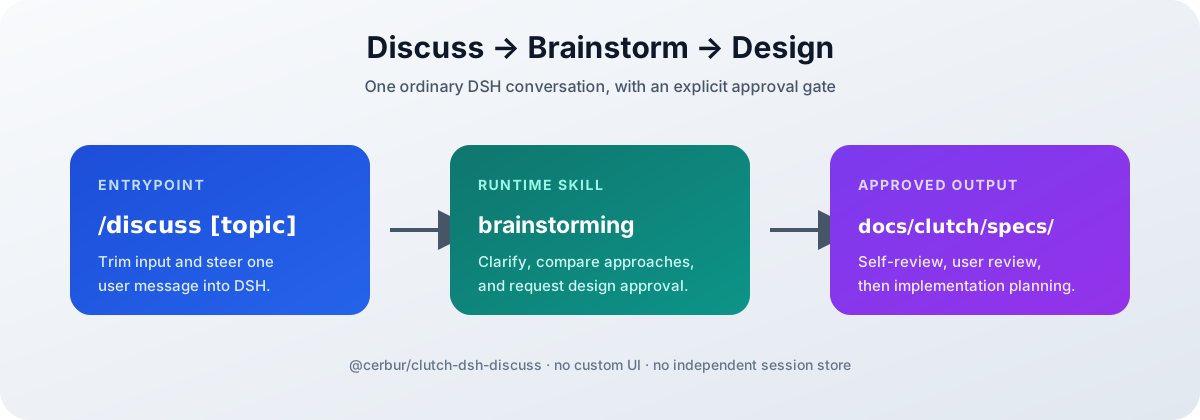 | Adds /discuss [topic], an entry point for the bundled brainstorming workflow and reviewed design documents. |
@cerbur/clutch-dsh-title | 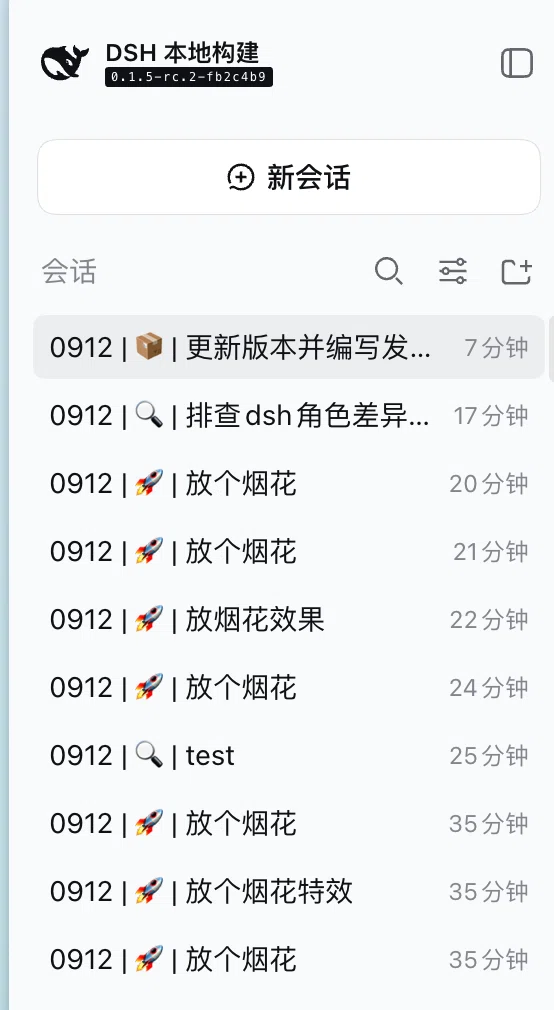 | Adds configurable session title templates and a settings manager for new DSH Sessions. |
@cerbur/clutch-dsh-office | 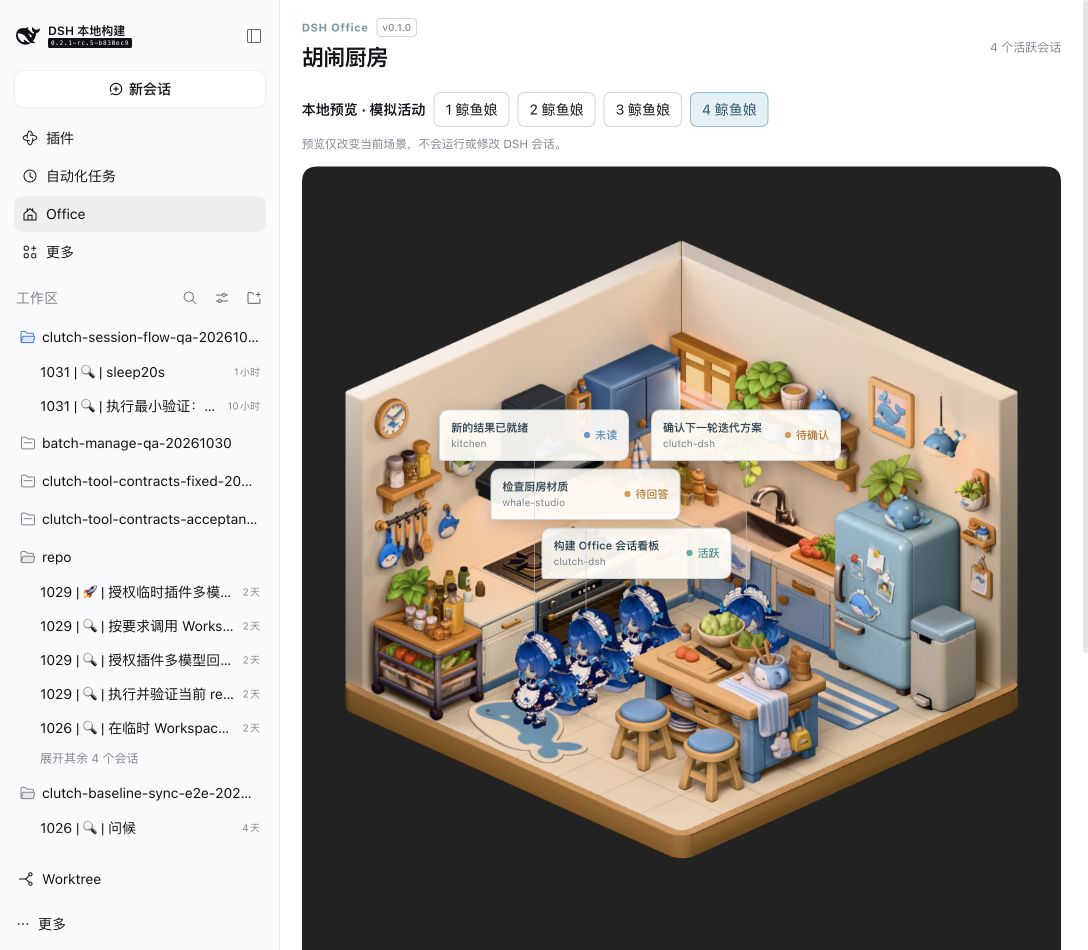 | Lists all native workspaces vertically as 3D kitchens with up to two whale-girl Session characters. Unreleased MVP. |
Development
Install the workspace dependencies and run the repository checks from the root:
pnpm install
pnpm run check
pnpm run build
pnpm run test
Useful focused checks are:
pnpm run check:workspace
pnpm run check:patches
pnpm run format:check
pnpm run lint
pnpm run typecheck
To build, type-check, or test one package, use its package filter. Package-specific source installation and DSH compatibility notes live in that package's documentation.
The workspace root stays private. Its checks cover package shape, Cordis bundle patches,
formatting, linting, types, and tests; publishable plugins live under packages/.
Documentation
- Plugin authoring guide — package shape, roles, and bundle patches.
- Release guide — shared version, worktree, pack, and publish workflow.
- Worktree README — Git Worktree navigation and lifecycle.
- Fireworks README — milestone celebrations.
- Discuss README — the
/discussbrainstorming entry point. - Title README — session title templates.
- Office README — workspace kitchen visualization.
Friendly Links
- LINUX DO — A new ideal community.
Plugins relacionados
dsh-web-ui (dsh-chat-recovery)
zhu1090093659/dsh-web-ui
billion-context
ranxianglei/billion-context
dsh-synapse
liangmianya/dsh-synapse
dsh-archive-manager
michengai/dsh-archive-manager