dsh-presence
fanrj3/dsh-presence
Work on any machine in your ssh config as if it were local: persistent connections, native file editing, search, exec and terminals, with nothing installed on the remote host.
Установка
dsh plugin --profile web add github:fanrj3/dsh-presenceREADME

Presence
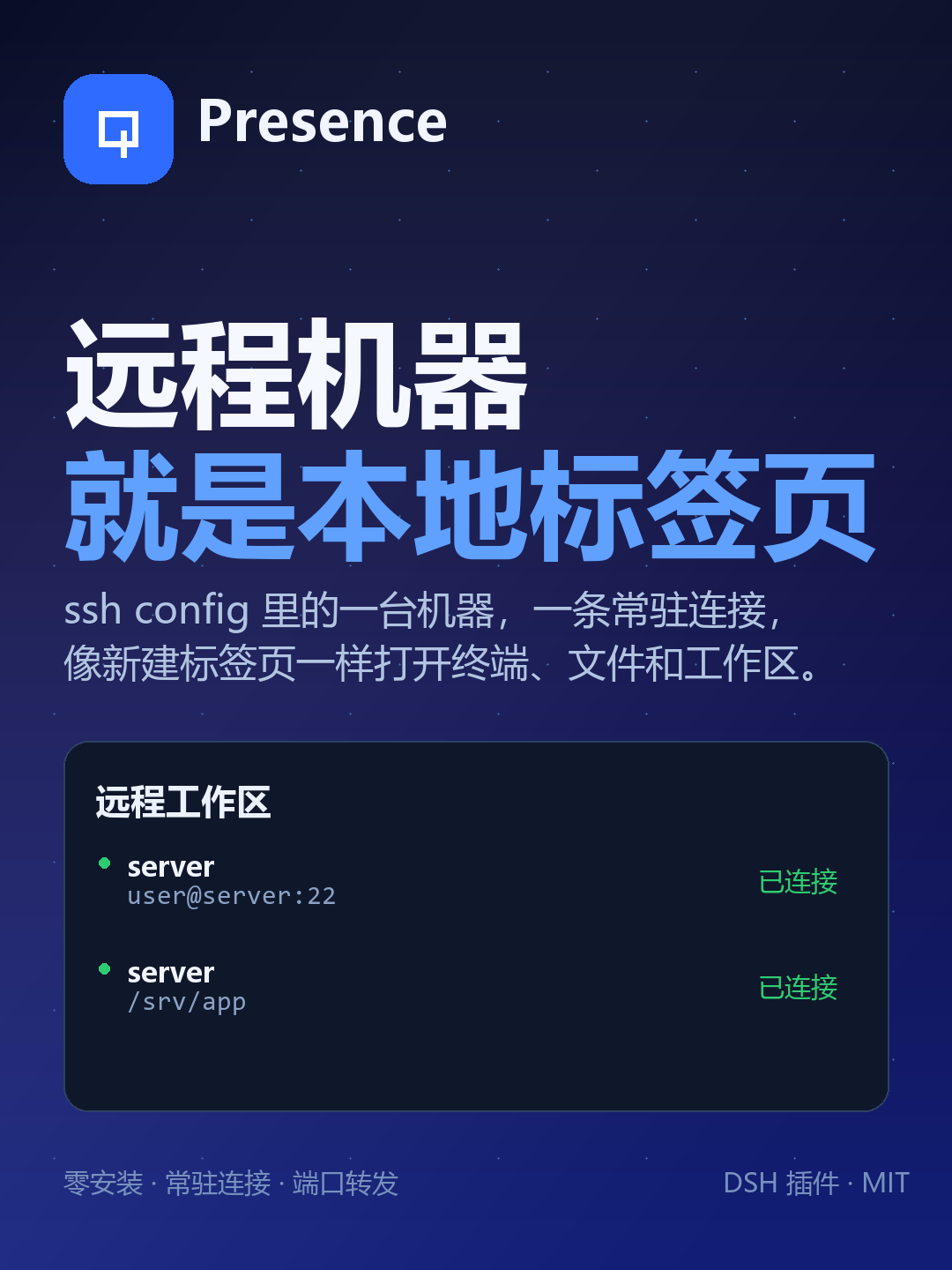
Your SSH hosts, as local tabs.
Persistent remote workspaces, native file editing, search, exec, terminals and port forwards for coding agents — with nothing installed on the remote host.
English · 简体中文 · Releases · MCP server




Why
Running an agent on every remote machine means installing it N times, upgrading it N
times and configuring proxies per host. Running ssh host '<command>' from the local
agent means a new handshake per command, no native file tools and no continuity.
Presence keeps the agent local and extends its reach through one persistent SSH
connection per host. The remote side is still plain sshd: SFTP, exec and a PTY.
| Approach | Cost |
|---|---|
| Install the agent on every host | N installs, N upgrades, per-host proxying |
ssh host '<command>' per call | Handshake per command, no file tools, no sessions |
| Presence | One connection per host, native tools, nothing installed remotely |
Features
- Remote zero-install — uses only
sshdbuilt-ins: the SFTP subsystem, exec channels and a PTY. - One handshake — a pool keeps one connection per host; every later call is a request on it.
- Native remote tools —
rg/grepruns on the target, commands run in the target shell; path, permission and encoding semantics are the remote ones. - Local-like edits — atomic writes, mode preservation, ambiguity refusal, read-before-write guard,
presence_editwith dry-run diffs. - Real workspaces — a remote directory becomes a normal DSH workspace with a file tree and terminals that open on the remote machine.
- Recoverable deletes — destructive shell commands dry-run first;
presence_trashmoves paths to a remote trash with restore. - Two shells, one kernel — the DSH plugin and a standalone MCP server (
presence-mcp, 20 tools) share the same kernel.
Quick start
1. Install the DSH plugin
dsh plugin add @rjfan/dsh-presence@0.17.8
From a source checkout:
dsh plugin add /path/to/dsh-presence
2. Pick a host and open a workspace
Open Settings → Presence → New, choose a host from ~/.ssh/config (or paste a
manual ssh command), then pick a remote folder. It appears as a workspace; the
left sidebar, file tree, terminal and agent tools all use that remote directory.
3. Work
You: 把远程 8000 端口转发到本地,然后打开看看
Agent: presence_forward { remotePort: 8000 }
       → http://127.0.0.1:8000
MCP server
The same kernel is available to agents that cannot install DSH plugins (Codex CLI, Claude Code, OpenCode, Cursor, …).
npx -y presence-mcp # 20 tools over stdio
// Claude Desktop / OpenCode style
{
  "mcpServers": {
    "presence": {
      "command": "npx",
      "args": ["-y", "presence-mcp"],
      "env": {
        "PRESENCE_HOST": "server",
        "PRESENCE_WORKSPACE": "server:/srv/app"
      }
    }
  }
}
See mcp/README.md for Codex TOML, Claude Code, OpenCode and Cursor/Windsurf examples.
How it works
┌───────────────────────────────┐
│  DSH plugin  /  MCP server    │  two shells, one kernel
└──────────────┬────────────────┘
               │
        Presence kernel
        ├── ssh-config   hosts, ports, users, keys, jumps from ~/.ssh/config
        ├── connection   one persistent connection: SFTP / exec / PTY + pool + cancel
        └── host pool    one connection per host, created on demand, idle-collected
               │
        SSH (your existing keys, known_hosts, jumps, proxies)
               │
        target: Linux / macOS, stock sshd
| Agent operation | Channel | Remote dependency |
|---|---|---|
| read / write / edit / list / stat | SFTP subsystem | sftp-server (stock sshd) |
exec, search (rg/grep), git | exec channel | commands already on the host |
| interactive terminal | shell channel + PTY | the host's login shell |
Measured on a Linux host:
| Operation | Latency |
|---|---|
ssh host '<cmd>' (new connection every time) | 520–540 ms |
| Presence connect (one handshake, key auth) | 145 ms |
Presence sftp stat | p50 0.6 ms / p95 0.9 ms |
Presence exec true (new channel + shell) | p50 7.6 ms |
| 8 concurrent exec channels | 15 ms total |
Keep TCP_NODELAY on: without it, request/response hits delayed ACK and p95 goes from 0.9 ms to 48 ms.
Tools
The DSH plugin exposes 18 tools. Relative paths resolve against the active remote
workspace; host is optional inside a workspace.
Show all tools
| Tool | What it does |
|---|---|
presence_hosts | List SSH hosts, connection state and default host (format:"json" supported). |
presence_connect | Open/reuse a host connection and report the remote identity. |
presence_exec | Run a remote command; pipefail, background, waitForPort, structured JSON, script, saveStdout; destructive commands dry-run first. |
presence_jobs | Manage background jobs: list, status, wait (with timedOut), stop (with alive/verified/portReleased), purge. |
presence_read | Read a remote file with line numbers, offset/limit, or raw:true for verbatim content. |
presence_read_many | Read 1–50 remote files in one call, with per-file byte/line caps. |
presence_write | Atomic write; preserves mode; returns real mode, size and full sha256; ifMatchSha256 optimistic lock. |
presence_edit | Exact-text replacement or line-range replacement, with compact diff, dryRun, JSON fields. |
presence_ls | List a directory; recursive, totalBytes, JSON output. |
presence_stat | Batch stat for 1–100 paths: type, size, mode, mtime, optional sha256; missing paths return exists:false. |
presence_search | Remote rg/grep search, count-only mode, JSON matches. |
presence_glob | Find remote files by glob with size/mtime. |
presence_import | Local → remote binary-safe upload with mode and sha256. |
presence_export | Remote → local real file (content-addressed), for preview or native apps. |
presence_forward | Forward a remote port to 127.0.0.1; open/list/close with JSON. |
presence_port_probe | Check listeners and TCP reachability for up to 20 ports; `expect:open |
presence_http_probe | Wait for port → forward → local HTTP assertions → close → verify the local port was released. |
presence_terminal | Persistent PTY: open with cwd/command, write (ackOnly), read, close; tmux-backed sessions survive reconnects. |
presence_trash | Recoverable delete: move to remote trash, list/restore; batch paths[]; returns sourceRemoved and restoreHint. |
Safety and recovery
- Destructive commands never run unconfirmed.
rm -r/-f,git clean -fdx,find -delete,shred,truncateanddd of=are first replayed with no-op shims to expand their real targets; unset variables and protected paths (workspace root, home,/,.git) are refused. A second call withconfirm:trueis required to execute. - Prefer
presence_trashfor anything under a workspace: it moves the path to~/.dsh/presence-trash/<timestamp>/and returns a restore hint. - Writes are atomic and keep the original file mode;
presence_editrefuses ambiguous anchors instead of guessing. - Read before write: built-in
read/write/editshare a read-before-write guard;presence_writerecords the observation so both APIs can be mixed.
Configuration
The plugin reads these environment variables on the host process:
| Variable | Default | Meaning |
|---|---|---|
PRESENCE_HOST | — | Default SSH host (alias from ~/.ssh/config or a manual host). |
PRESENCE_WORKSPACE | — | host:/abs/path to bind a remote workspace. |
PRESENCE_PASSWORD_<ALIAS> | — | Password for a host; <ALIAS> is uppercase with non-alphanumerics replaced by _. |
PRESENCE_MAX_CHANNELS | 8 | Concurrent channels per connection. |
PRESENCE_CONNECT_TIMEOUT_MS | 25000 | Connection attempt timeout. |
PRESENCE_IDLE_TIMEOUT_MS | 900000 | Idle connection timeout (connections with terminals are kept). |
PRESENCE_READ_ONLY | false | Refuse writes/edits; reads, search and exec still work. |
Full configuration and the path/permission matrix are in docs/VERIFICATION.md and docs/HANDOFF.md.
Development
npm install
npm install --prefix .dev --ignore-scripts rollup @rollup/plugin-node-resolve \
  @rollup/plugin-commonjs @rollup/plugin-terser codemirror @codemirror/language-data \
  @codemirror/theme-one-dark
node scripts/build-client.mjs
powershell -NoProfile -ExecutionPolicy Bypass -File scripts/package.ps1 -Version 0.17.8
# → dist/presence-plugin-0.17.6.zip
Tests require one SSH-reachable host:
node scripts/regression.mjs server     # transport, symlinks, timeouts, binary
node scripts/job-probe.mjs server      # jobs + port forwarding
node scripts/feature-probe.mjs server  # wait, sessions, pgid, readiness, search
node scripts/import-probe.mjs server   # local→remote binary, mode, sha256
node scripts/safety-probe.mjs server   # destructive guard + observation store
Known limits
- The mount path (
~/.dsh/presence/mounts/...) is virtual: it works throughctx.fs/ agent tools, but native apps (Explorer, Office, host Python) cannot see it — usepresence_exportfirst. - SSH
MaxSessions(default 10) bounds concurrent channels; the pool uses at most 8. - PTY terminals follow the connection; cross-reconnect shells need
tmuxon the target (used automatically bypresence_terminal { session }). - ProxyJump/ProxyCommand are parsed and warned about, but not used for dialing yet.
Contributing
Issues and PRs are welcome. For a feature, open an issue describing the remote
workflow you want; for a fix, keep the diff focused and add a probe under
scripts/ when behavior changes.
License
Star History

Похожие плагины
dsh-web (dsh-ssh)
zhu1090093659/dsh-web
dsh-web (dsh-remote-web-ui)
zhu1090093659/dsh-web
dsh-web-ui (dsh-ssh)
zhu1090093659/dsh-web-ui
dsh-web-ui (dsh-remote-web-ui)
zhu1090093659/dsh-web-ui