dsh-prompt-templates
nelsonlongxiang/dsh-prompt-templates
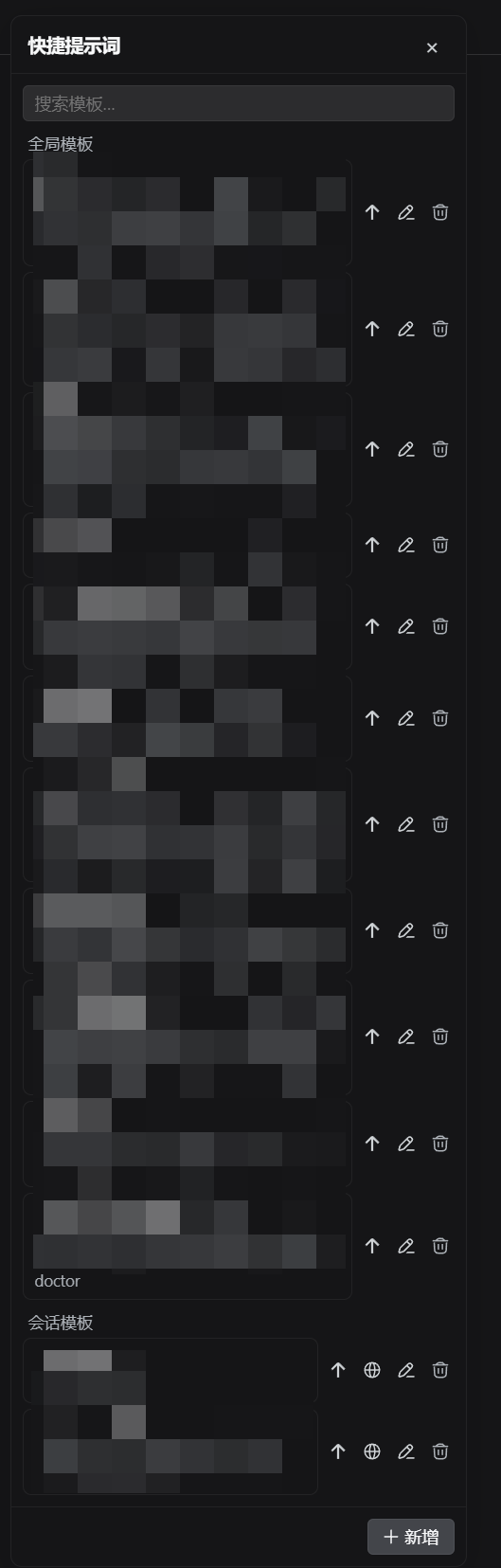
右侧面板中的全局与会话级提示词模板——插入草稿或立即发送、编辑、会话模板提升为全局,SQLite 持久化走内置的 node:sqlite。
安装
dsh plugin --profile web add github:nelsonlongxiang/dsh-prompt-templatesREADME
@nelsonlongxiang/dsh-prompt-templates
English | 中文

Quick prompt templates for DeepSeek Harness: global and per-session templates, a right-side browser panel, and pure-TS SQLite persistence via node:sqlite — one self-contained plugin, installable with dsh plugin.
Install
dsh plugin --profile web add @nelsonlongxiang/dsh-prompt-templates
Restart dsh web, then look for the templates button in the composer tool row.
No Python toolchain required — since 0.3.0 the host half persists templates through node:sqlite (Node ≥ 24) directly inside the host process, reading and writing the same $DSH_HOME/ext/prompt-templates/db.sqlite3 the former Python child owned (zero data migration).
What you get
- Global + per-session templates — globals apply everywhere; session templates stay private to one conversation and can be promoted to global in one click
- Scheduled auto-injection — per-template switch and interval: the host re-surfaces an enabled template into the model context at the first request of every Nth round, persisted in SQLite and logged as a durable session event
- Insert or send — one click appends the template into the draft; send-now dispatches immediately; edit, delete, and make-global all live in the row
- Search & scroll — filter the list as you type, reliable scrolling for long collections
- Drag to reposition, double-click to reset — the panel remembers where you put it
- Durable by design — templates persist in SQLite through a pure-TS store (
node:sqlite) owned by the host plugin and closed with its lifecycle
Auto-inject
Each template (global or session-scoped) carries its own switch + interval N. When on, the host injects the template at the first request of every Nth round of the conversation — N=5 means rounds 5, 10, 15, …; rounds count user→assistant exchanges and keep their numbering across restarts.
- The injected content arrives as one durable
<system-reminder>user message recorded in the session log (source kindprompt-template-schedule), so replays and audits reconstruct exactly what the model saw - A boundary round is never injected twice, even across restarts or step retries
- Config persists in the plugin's SQLite database (schema v3); the deployment can silence everything with
injectEnabled: falsein the patch config
How it works
src/                  TypeScript plugin (host half + browser half)
  index.ts            Host: owns the TS store, exposes the HTTP routes
  store.ts            Pure-TS template store over node:sqlite (schema v3)
  inject.ts           Host: scheduled auto-injection on the pre-step waterfall
  client/             Browser: panel UI registered into shell.overlay and
                      conversation.input.right
cordis.patch.yml      Bundle patch: mounts the plugin row
The store is pure TS inside the host half; no child process is spawned.
Security
- Template content reaches a model request in exactly two ways: as ordinary user text the user chose to insert, or as scheduled auto-injection of templates where the switch was explicitly enabled — every injection is a durable session event
- The panel talks to the host store over the Host's plugin routes only; no extra listener, no outbound network
Database sync CLI
The package ships a deterministic, local-only CLI for comparing and merging prompt-template databases across DSH homes. It never writes a remote database directly.
# Export a schema-v3 snapshot (canonical order + data_sha256)
dsh-prompt-templates export --db /path/to/db.sqlite3 --out snapshot.json --output=json

# Compare two snapshots (exit 1 with --fail-on-diff)
dsh-prompt-templates diff left.json right.json --output=json --fail-on-diff

# Merge into a JSON artifact only; equal-time or name conflicts block by default
dsh-prompt-templates merge base.json incoming.json --strategy newer --out merged.json --output=json

# Dry-run import (the default): review summary_sha256 and database hash
dsh-prompt-templates import --db /path/to/db.sqlite3 --in merged.json --output=json

# Apply only after binding both reviewed values; creates a backup, then one transaction
dsh-prompt-templates import --db /path/to/db.sqlite3 --in merged.json --apply \
  --expect-db-sha256 <db-sha256> --confirm-summary-hash <dry-run-summary-sha256> --output=json
import inserts/updates by template id and never prunes rows. It rejects unknown snapshot fields, unsupported schemas, mismatched hashes, same-name/different-id conflicts, and changes above --max-changes (default 100). Schema-v2 snapshots (pre-auto-inject) still import — the inject facts default to off; exports are always v3.
Development
pnpm install
pnpm verify            # typecheck
pnpm build             # tsc host + tsc client + tsdown browser bundle
Known limitations
- Insert is caret-aware — clicking a template replaces the current selection or inserts at the caret
- Session templates need a current session — with no session open, only global templates are reachable
License
MIT