R
dsh-atuin
realalexandreai/dsh-atuin
DeepSeek Harness 插件:你在 Web UI 输入的每条提示都会追加进 atuin shell 历史,可在 atuin 搜索与 shell 集成(Ctrl-R)中查到
安装
dsh plugin --profile web add github:realalexandreai/dsh-atuinREADME
dsh-atuin
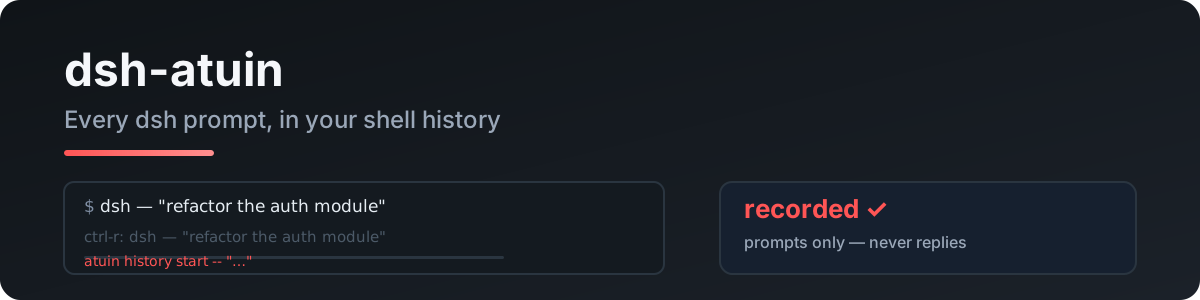
Record every prompt you type into DeepSeek Harness into your atuin shell history — searchable with atuin search and your shell integration (Ctrl-R).
Port of pi-atuin. dsh has no terminal UI; this is its atuin bridge.
How it works
The plugin listens to session/event → user/message and runs:
atuin history start -- "<prompt>"
atuin history end --exit 0 <ID>
Only your own typed prompts are recorded — never replies, tool calls, or file contents.
Quick start
dsh plugin --profile web add dsh-atuin
Requires a running atuin daemon (standard atuin setup). A missing atuin or stopped daemon is silently skipped — sessions never break.
Config
- id: atuin
  name: dsh-atuin
  config:
    # atuin_bin: /opt/homebrew/bin/atuin
    # deny: "^/clear$,password"
    # max_len: 2000
    # session_match: "project-x"
| key | meaning |
|---|---|
atuin_bin | path to the atuin binary (default atuin on PATH) |
deny | comma-separated regexes; matching prompts are not recorded |
max_len | truncate long prompts (default 2000; 0 off) |
session_match | comma-separated regexes; only matching session titles are recorded (empty = all) |
Privacy
- Only your typed prompts; replies, tool calls, and file contents are never recorded.
denysuppresses sensitive prompts.- Entries live in your local atuin DB (
~/.local/share/atuin/history.db) — nothing leaves the machine.
Development
npm install
npm run typecheck
npm test          # text extraction / deny rules / truncation
npm run build
Live test against your real atuin DB (needs the daemon):
node --import tsx tests/real/real-atuin.mjs
License
MIT