S
dsh-llama-cpp-provider
sparkwj/dsh-llama-cpp-provider
DeepSeek Harness的llama.cpp提供方插件:随DSH启动服务器并自动加载模型,对话留在本机。
安装
dsh plugin --profile web add github:sparkwj/dsh-llama-cpp-providerREADME
Llama.cpp Provider for DeepSeek Harness
English | 中文
The models on your computer. Right inside DeepSeek Harness.
llama.cpp makes local models feel like any other model in DSH. It's ready the moment DSH opens, and it quits when DSH does. Pick a model and it loads automatically. No models to manage by hand. No internet. No keys. Your conversations stay on this computer.
Before you begin
Install llama.cpp.
- macOS: Open Terminal and run
curl -LsSf https://llama.app/install.sh | sh - Windows: Open PowerShell and run
irm https://llama.app/install.ps1 | iex
When it's done, reopen DSH.
Install the plugin
In DSH, go to Plugins, click Add plugin, and install the npm package dsh-llama-cpp-provider.
Add llama.cpp
- Go to Settings > Models, then click Add model provider.
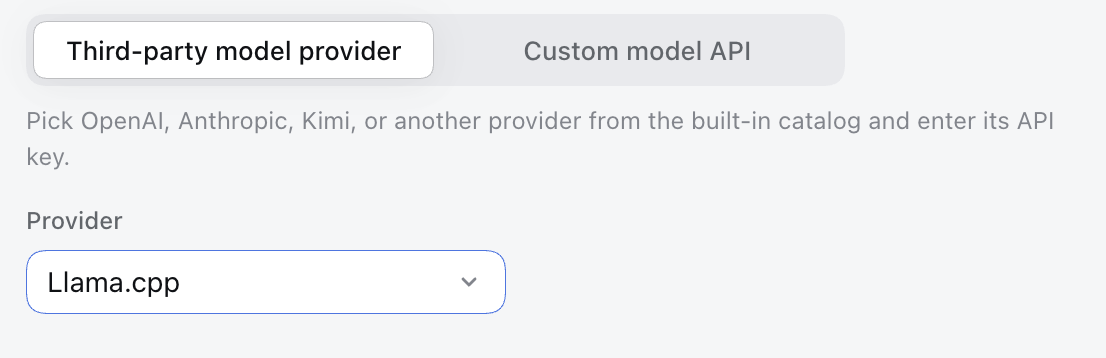
- Under Third-party model provider, choose llama.cpp.
- Click Fetch available models, then click Save.
That's it. Choose a model under llama.cpp in any session and start chatting.
Tips
- When you add or edit llama.cpp, its card shows whether llama.cpp is ready. If it isn't installed yet, the card tells you what to do.
- Want to tune a model? Edit llama.cpp's
models.user.inifile, and llama.cpp picks it up automatically. - Don't see llama.cpp under Third-party model provider after installing the plugin? Reopen DSH.
- Want a green dot next to llama.cpp? Enter any API key on its card. Local models don't need one, so llama.cpp works either way.