dsh-blue-whale
starslittle/dsh-blue-whale
复刻 DeepSeek Chat 蓝鲸配色的皮肤,亮色/深色跟随系统外观。
安装
dsh plugin --profile web add github:starslittle/dsh-blue-whaleREADME
dsh-blue-whale
English · 中文
A DeepSeek Chat-style blue-whale color skin. Light and dark follow the built-in appearance.
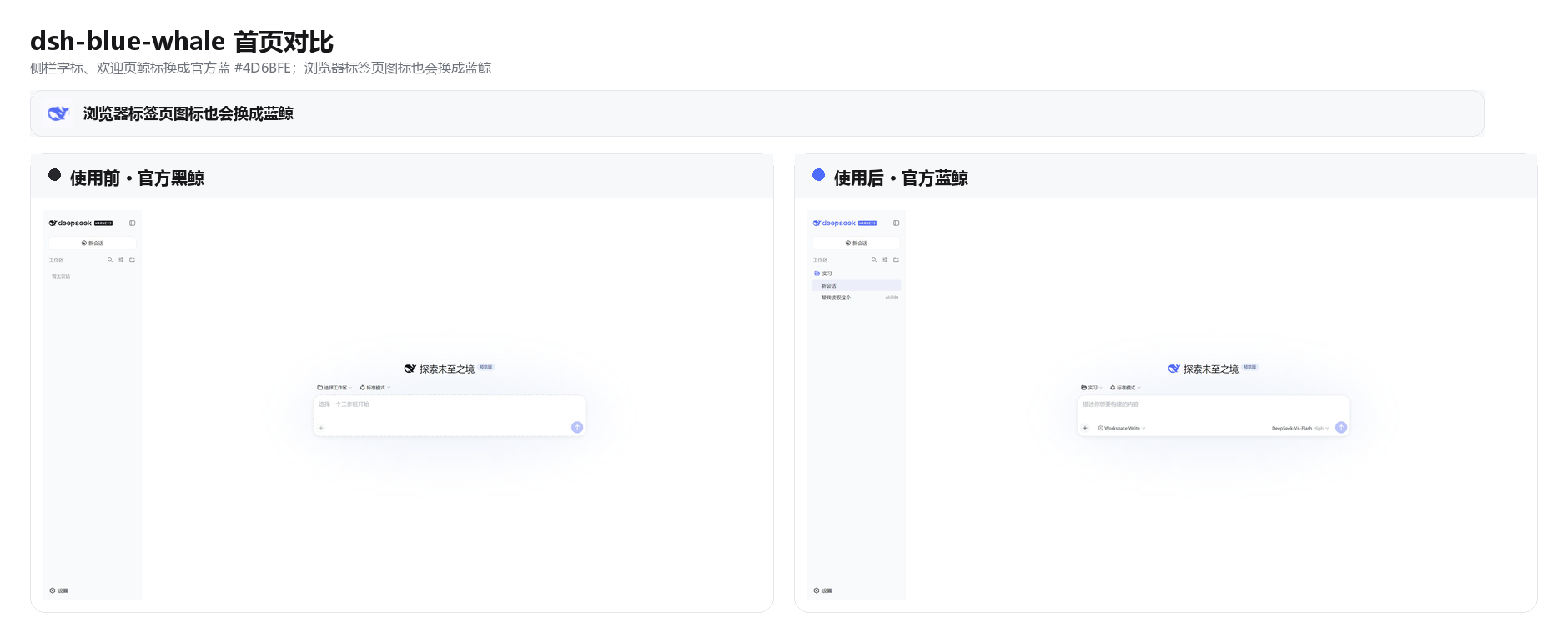
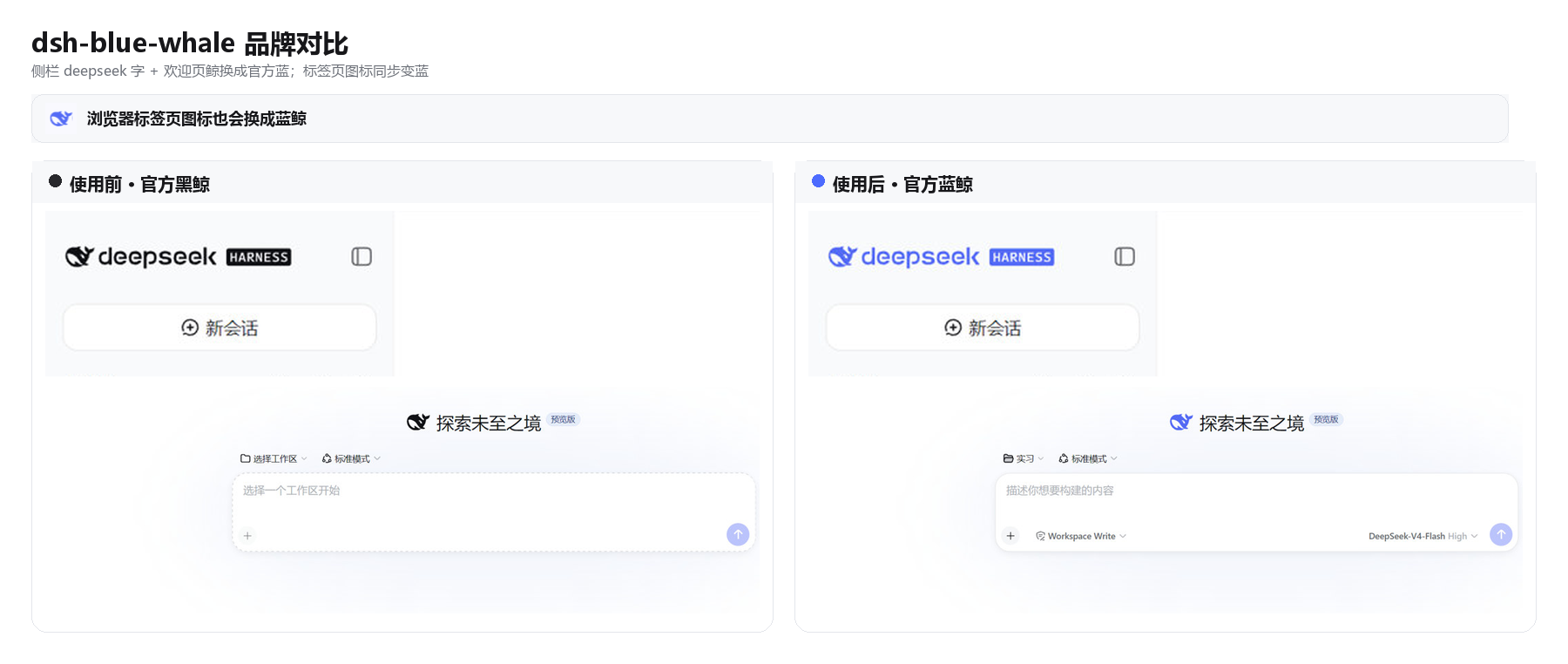
DSH ships as a black whale. chat.deepseek.com is a blue one. This plugin puts Chat blue #4D6BFE on the wordmark, hero fish, tab favicon, and primary actions. Light / dark / follow-system stay on the built-in Appearance setting.
Install
dsh plugin --profile web add dsh-blue-whale
GitHub fallback:
dsh plugin --profile web add github:starslittle/dsh-blue-whale
Restart dsh web, then hard-refresh the browser (Ctrl+Shift+R). The skin is on by default.
Open Settings → General → Blue Whale. A green dot means it is on. Turn off matches the stock capsule control; Turn on is the blue fill.
Check that it loaded
| What you see | What to do |
|---|---|
Sidebar whale and deepseek letters are blue | It is on |
| Still the black whale | Restart, then hard-refresh |
| Turning the switch off restores the stock colors | Expected |
What it changes
| Stock DSH | This skin | |
|---|---|---|
Sidebar whale + deepseek | near-black / near-white | #4D6BFE |
| Hero whale | same | #4D6BFE |
| Browser tab icon | black (white in OS dark) | #4D6BFE |
| Brand / send / accents | black or white | #4D6BFE |
| Page background | built-in light / dark | unchanged |
| Light / dark switch | built-in Appearance | still built-in |
Supporting colors come from DSH's own --dsw-static-deepseek-* scale.
What it does not do
- It does not change layout or density
- It does not change a desktop shell's window or tray icon
- Headless and TUI profiles have nothing to paint
Turning it off or uninstalling restores the stock colors immediately.
License
MIT