X
dsh-client-ui-seaglass
xiyunyunyun/dsh-client-ui-seaglass
Seaglass是一个高自由度的玻璃质感主题。
安装
dsh plugin --profile web add github:xiyunyunyun/dsh-client-ui-seaglassREADME
dsh-client-ui-seaglass
English | 中文
适配版本 — DSH
0.1.5-rc.1· 更新日期 2026-09-11 · 插件 v1.6.7
Seaglass 是一个高自由度的玻璃质感主题。把许多页面做成了磨砂玻璃片,你可以自定义图片和视频作为背景。关掉开关就回到原生界面,不改 DSH 任何一行源码。如果你喜欢该主题,欢迎提出建议或者拉到本地修改并提交PR。
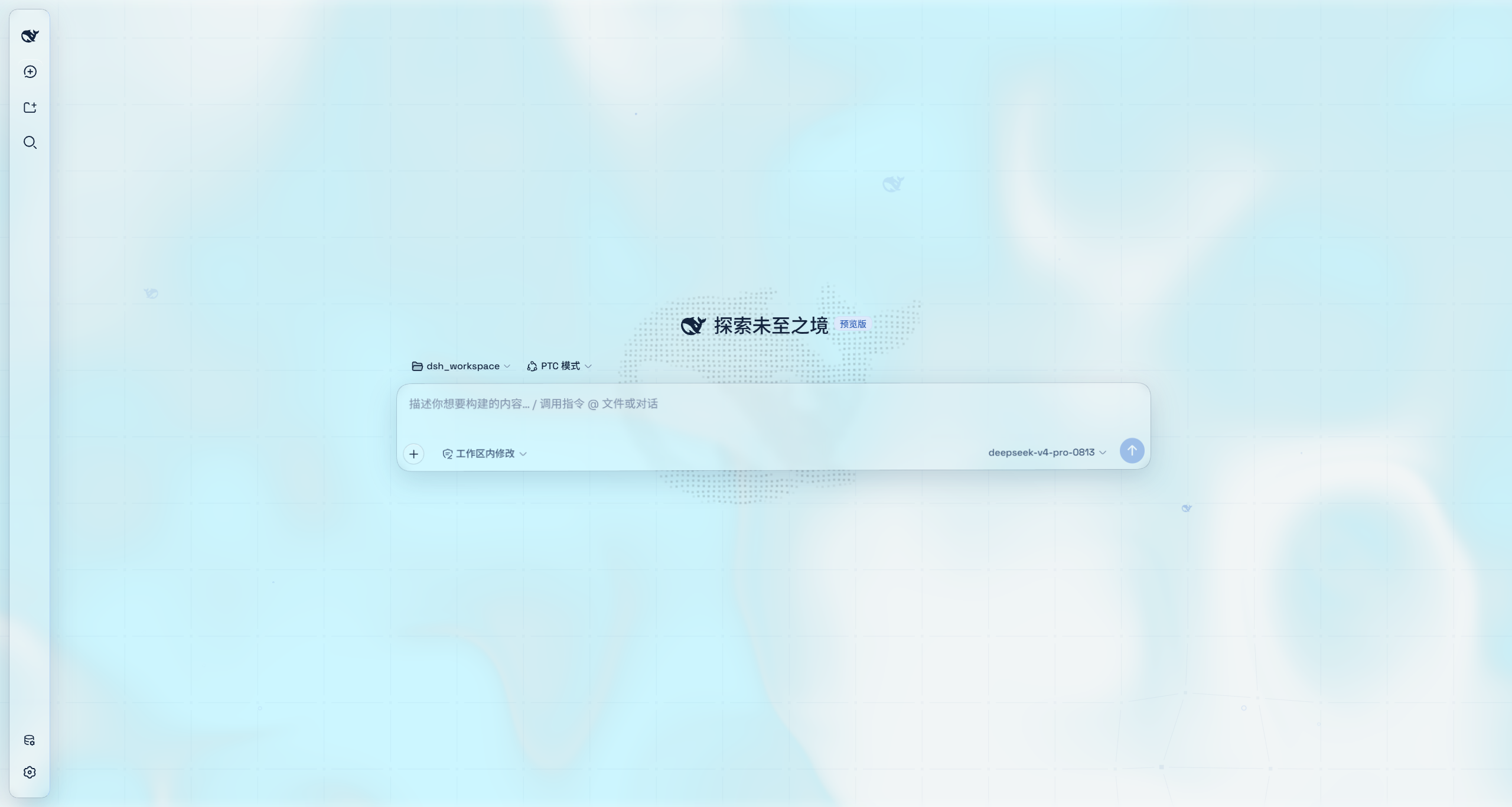
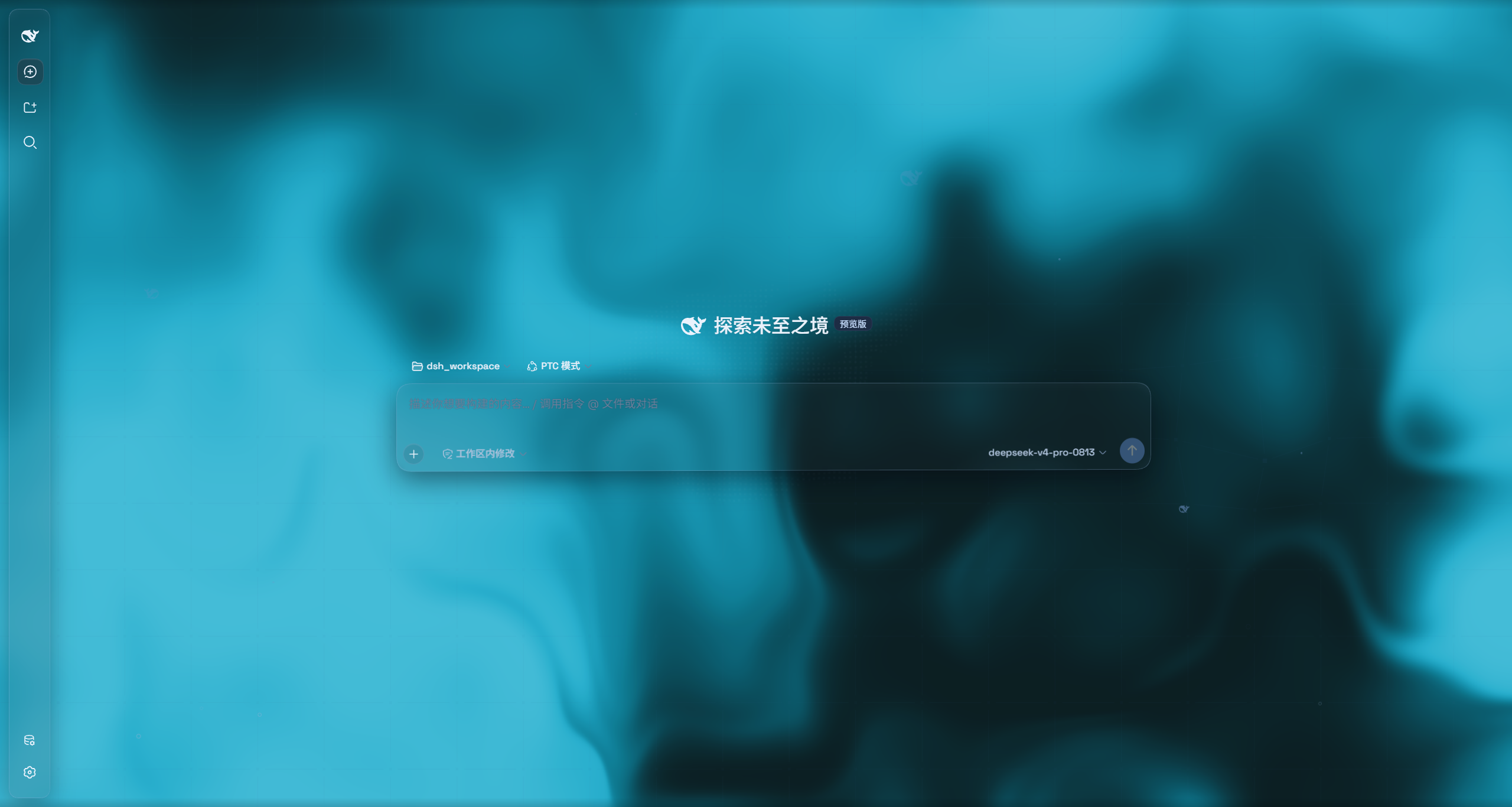
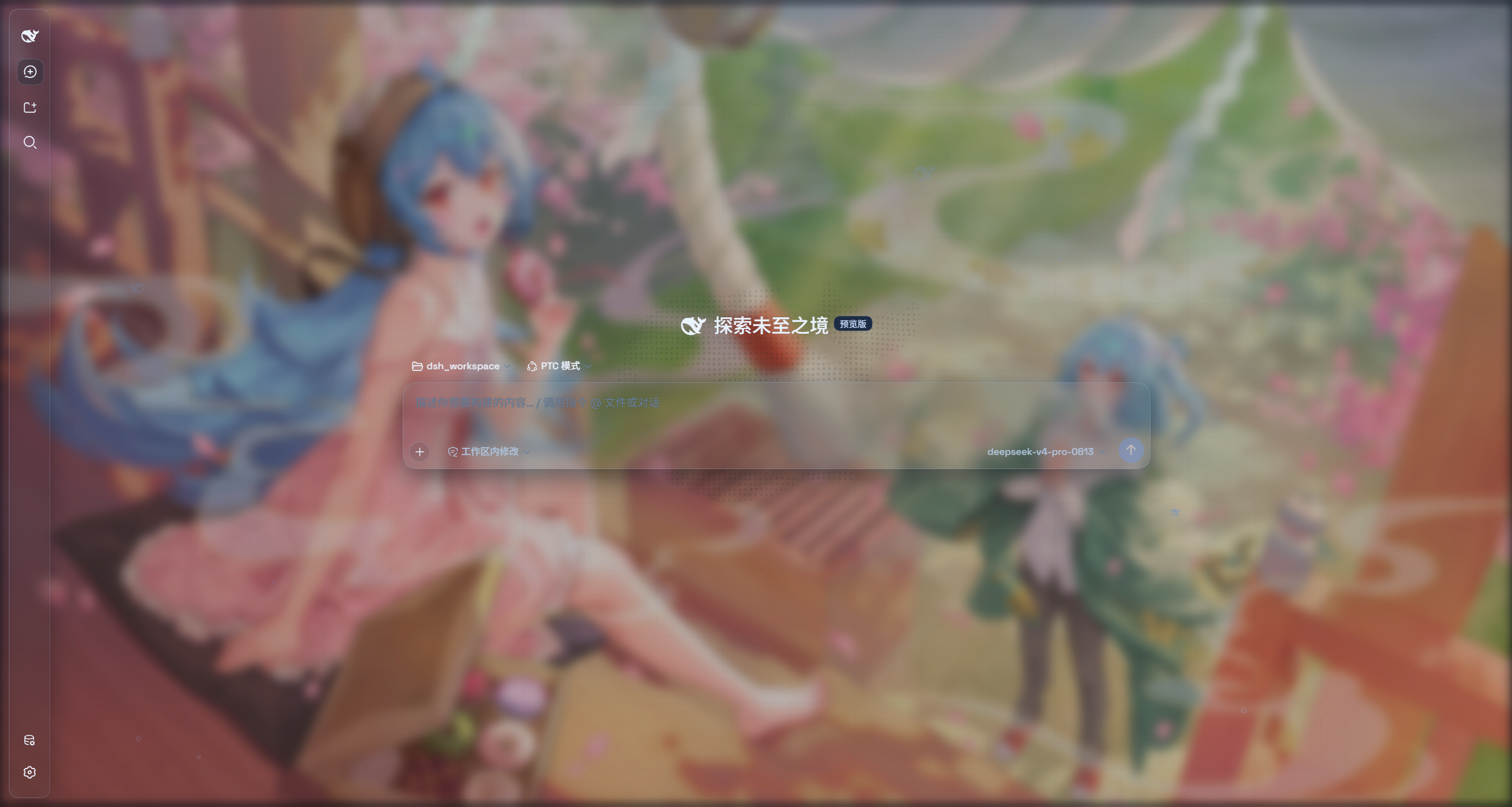
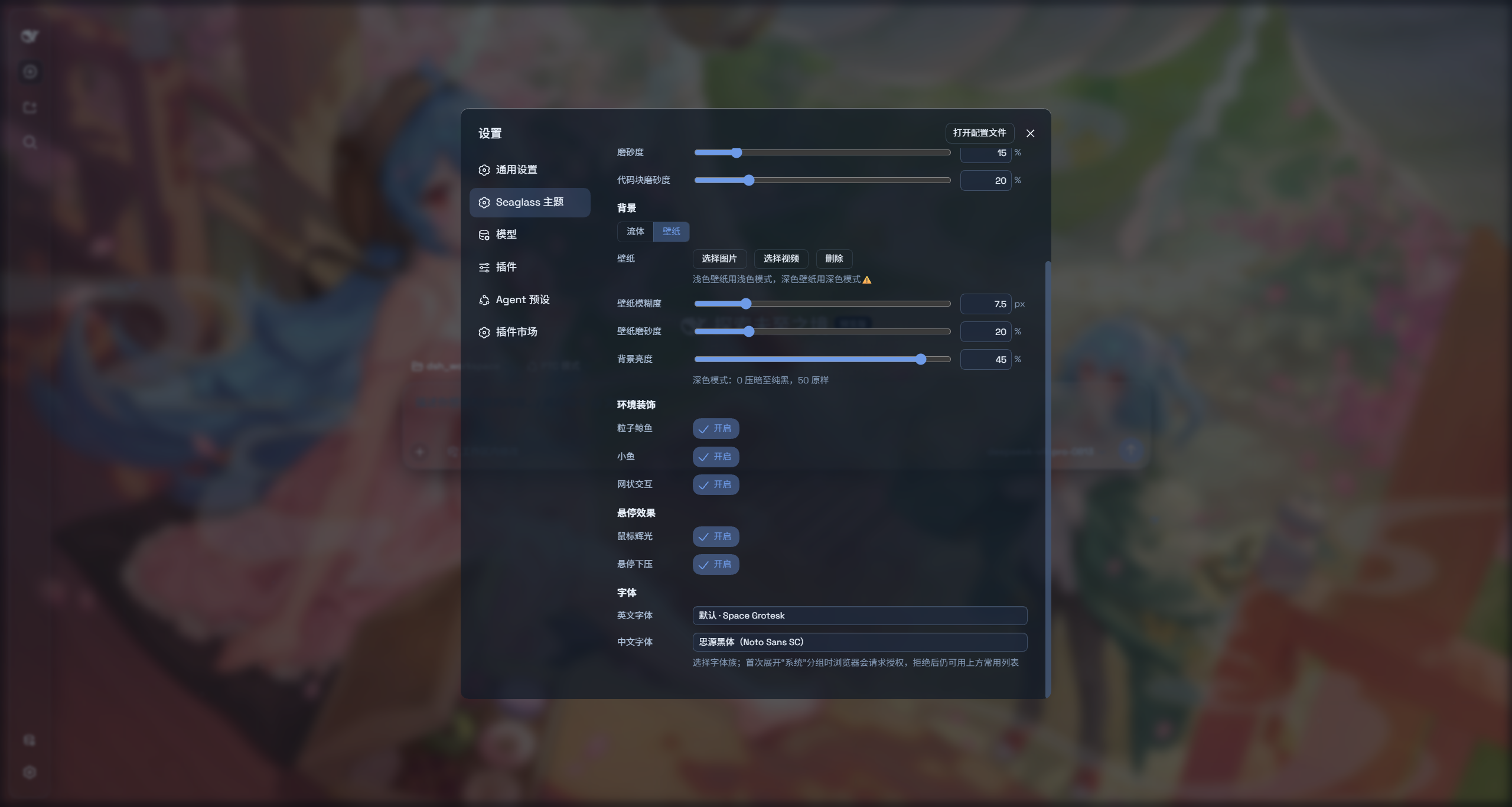
特性
- 双模式:云母效果把布局改成悬浮玻璃卡片;兼容模式保持原版排版一字不动,只把材质换成通用玻璃
- 自由切换图像或视频背景
- 一键开关:关闭即完全还原原生界面
- 中/英文字体自定义
安装
方式一:npm 一键安装(推荐)
dsh plugin --profile web add dsh-client-ui-seaglass
从 npm 安装最新版,自动注册为 profile 插件层(dsh.bundle 补丁),所有平台通用。刷新 Web 界面即可。
方式二:本地文件夹安装(要调试 / 修改主题源码推荐)
克隆到本地任意位置,用 dsh plugin add 直接把本地文件夹装进 profile——它会自动完成链接安装和层登记,不用手改 cordis.patch.yml。仓库自带构建产物,装完就能用,不走 npm 发版。
git clone https://github.com/xiyunyunyun/dsh-client-ui-seaglass.git
npm install
dsh plugin --profile web add "C:\path\to\dsh-client-ui-seaglass"    # 用你的实际克隆路径(建议绝对路径)