Y
deepseek-colorful
yaanlaan/deepseek-colorful
专为 DeepSeek Harness 打造的 UI 个性化配色、毛玻璃拟态与全景壁纸/动态视频外观定制插件。
安装
dsh plugin --profile web add github:yaanlaan/deepseek-colorfulREADME
DeepSeek Colorful 🎨
A comprehensive and elegant UI theme, frosted glass & live wallpaper customizer plugin for DeepSeek Harness (Desktop & Web).
Empowered with modern Acrylic Frosted Glass aesthetics and Dynamic Live Video Wallpapers.
📸 Screenshots & Visual Showcase
| Lonely Cat (Default · Matcha Forest & Glassmorphism) | DeepSeek Official (Classic Ocean Blue & White) |
|---|---|
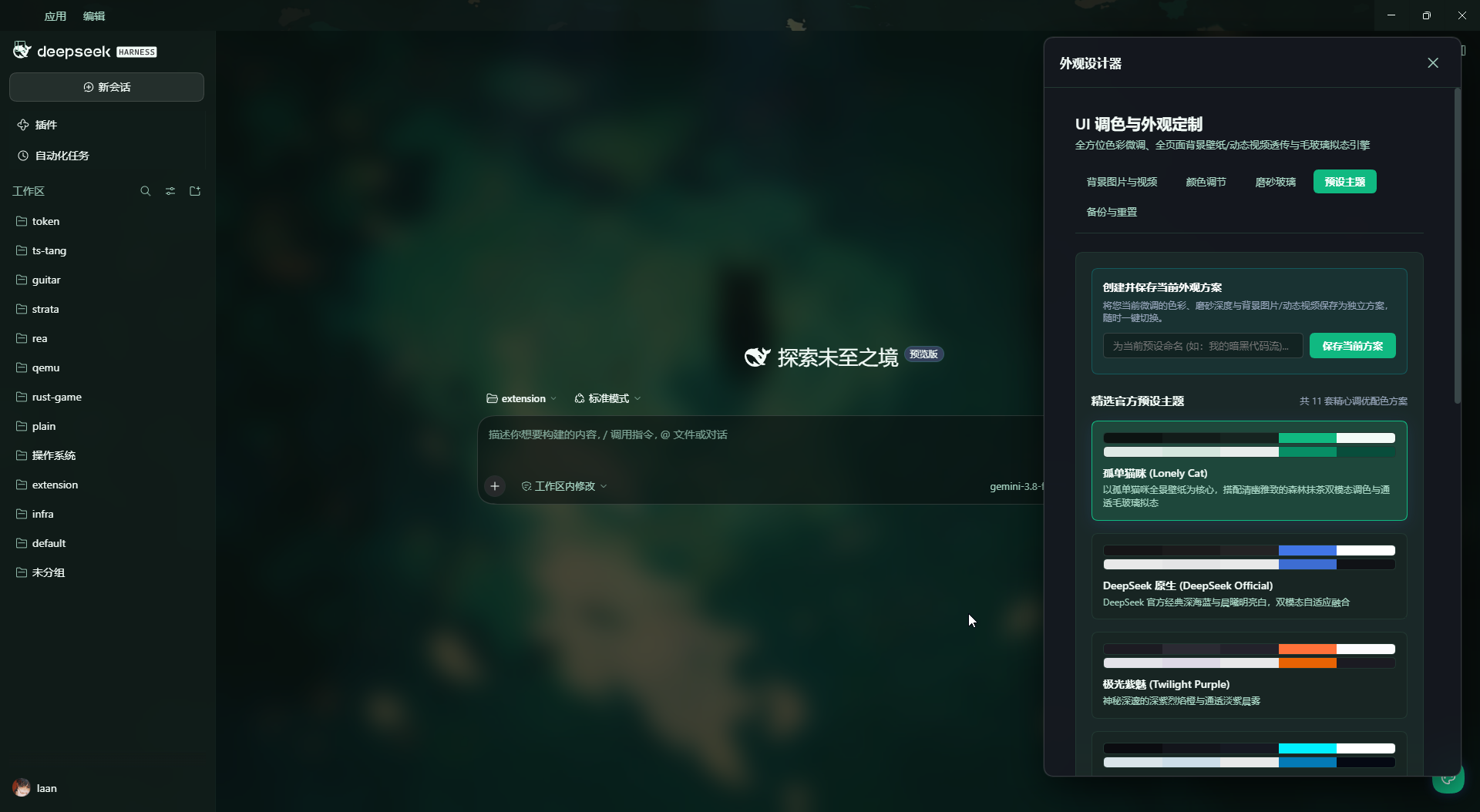 | 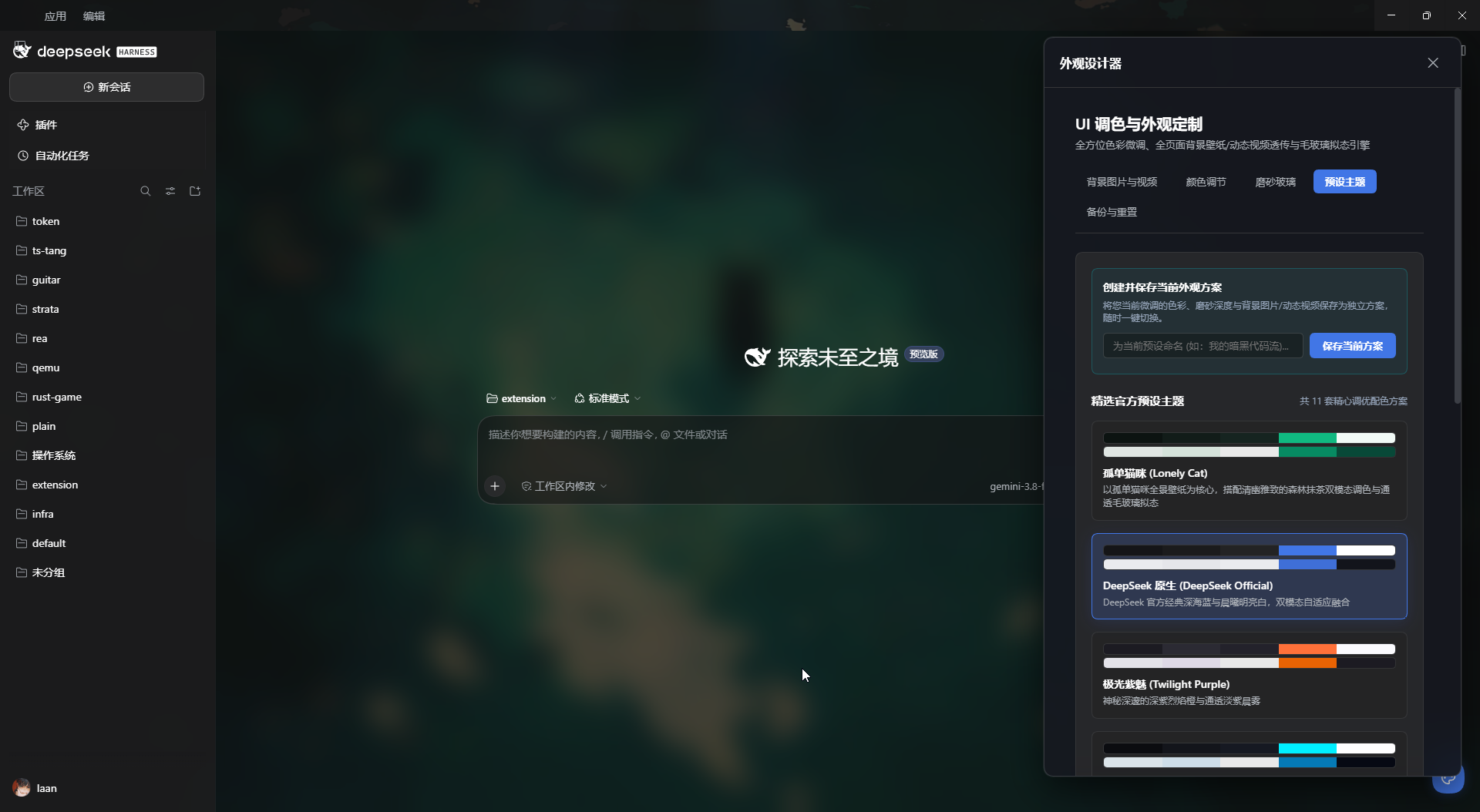 |
| Twilight Purple (Mystic Violet & Flame Amber) | Cyberpunk 2077 (Neon Cyan & Tech Magenta) |
|---|---|
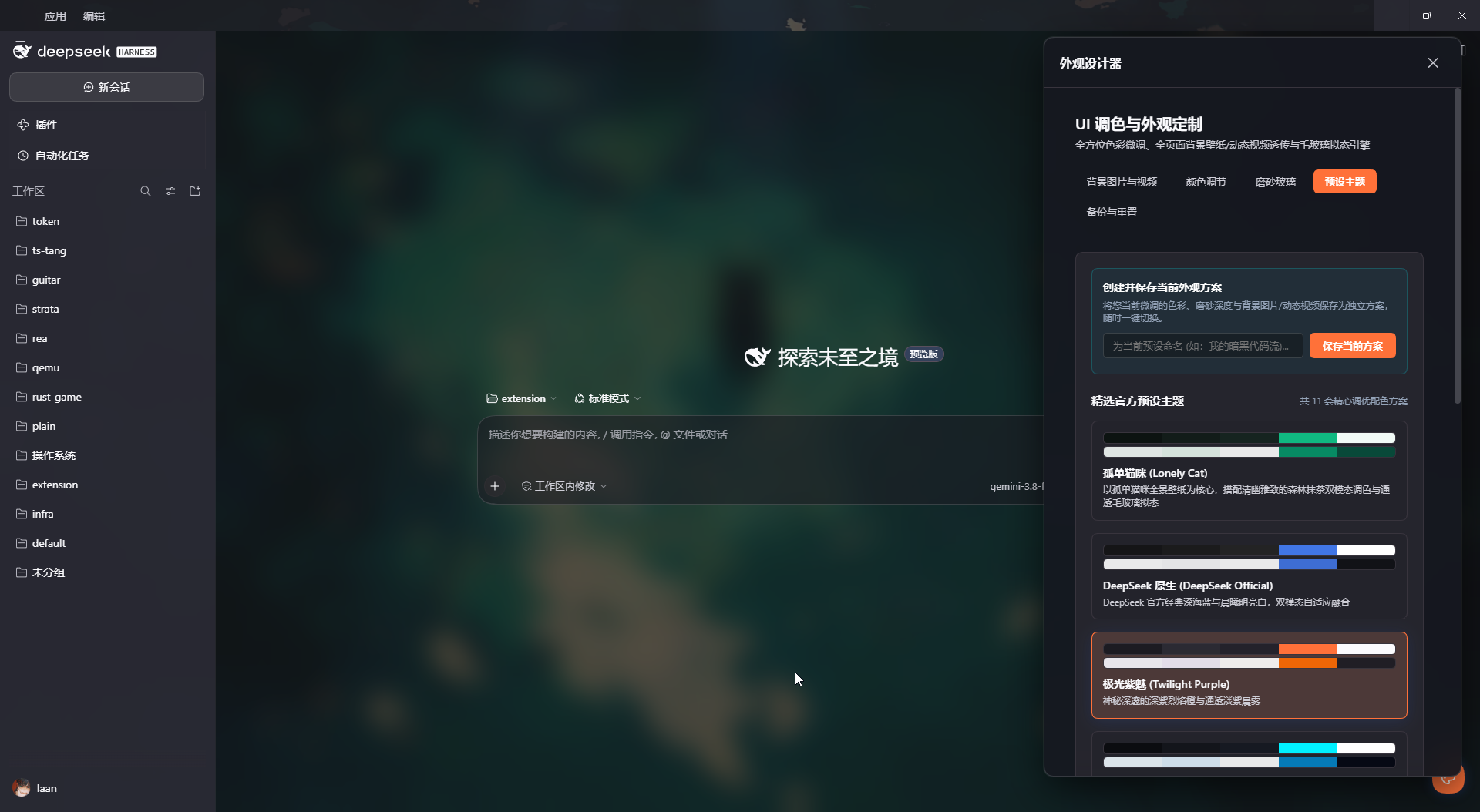 | 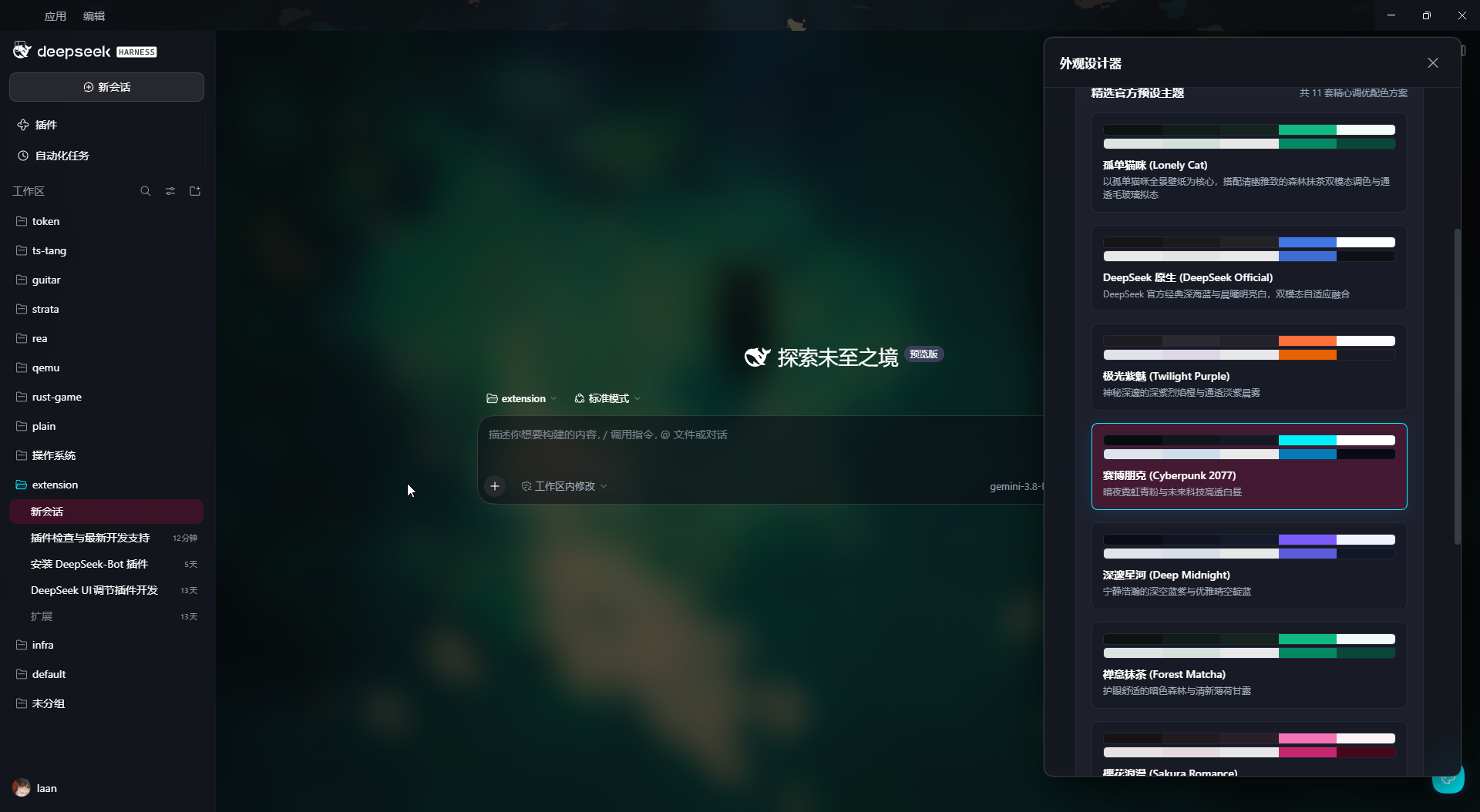 |
✨ Features
- Custom Palette Tuning:
- Full granular control over
Base Background,Sidebar Fill,Chat Cards,Composer Input,Brand Primary Accent,Hover Feedback,Code Block Background,Text Color, andBorder Stroke. - Non-blocking, discrete batch application with draft buffering for zero lag during color selection.
- Full granular control over
- Acrylic Frosted Glass (Glassmorphism):
- Adjustable Gaussian Blur Radius (0px - 40px), Surface Opacity (10% - 100%), and Background Saturation Boost (100% - 220%).
- Independent toggles for sidebar blur, chat card blur, composer blur, and metallic edge highlight.
- Dedicated Code & Diff preview opacity slider (50% - 100%) to preserve high-contrast readability against complex backgrounds.
- Live Video & Image Wallpapers:
- Full support for looping dynamic videos (
.mp4,.webm) and static images (.jpg,.png,.svg,.webp). - Seamless full-screen viewport spanning across sidebar, top bar, and main chat column without color blocks.
- Built-in live cyber matrix and space travel dynamic wallpapers.
- Full support for looping dynamic videos (
- User Preset Management:
- Create and save your custom visual setups (colors, frosted glass, and wallpapers) into named presets.
- One-click instant switching and deletion.
- Smart Invisible Floating Studio:
- Floating palette button automatically hides completely after 2 seconds of inactivity.
- Re-appears seamlessly when the mouse approaches the bottom-right corner.
🚀 Installation & Usage
- Link or install
deepseek-colorfulinto your DeepSeek Harness profile dependencies:"dependencies": { "deepseek-colorful": "link:/path/to/deepseek-colorful" } - Enable it in your profile
dsh.profile.bundles:"dsh": { "profile": { "bundles": [ "deepseek-colorful" ] } } - Restart or refresh DeepSeek Harness (
Ctrl + R).
📄 License
MIT © yaanlaan