dsh-codefall
4444hao/dsh-codefall
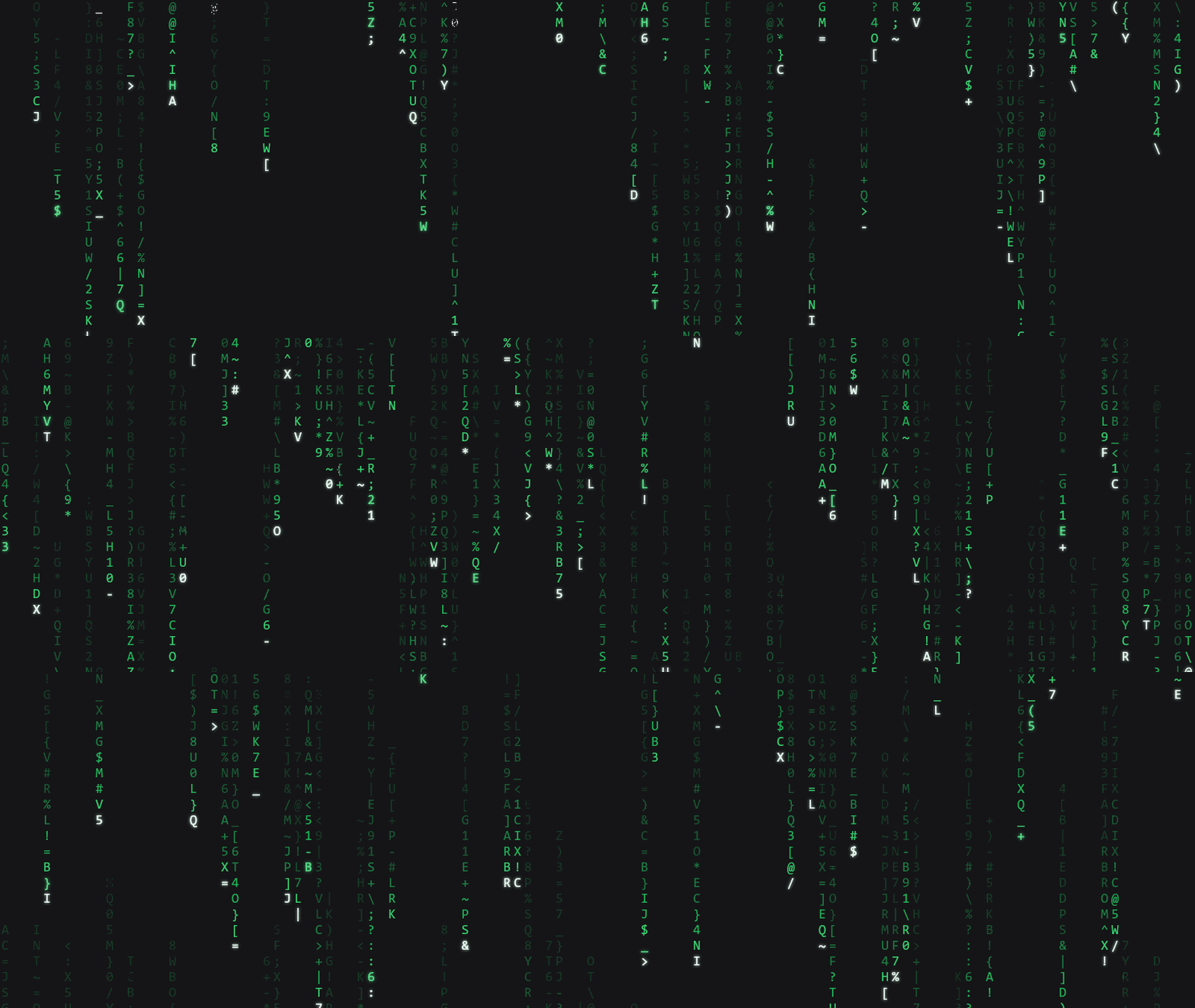
Adds a Matrix-inspired digital-rain startup animation for DeepSeek Harness, a rectangular light portal that opens to both sides, optional replay when the desktop window reopens, and a green UI theme with adjustable hue.
Installation
dsh plugin --profile web add github:4444hao/dsh-codefallREADME
黑客帝国风格的【数字雨】开机动画 + 绿色语义主题。
 dsh-codefall
快速开始
在桌面端 设置 → 插件 → 添加插件 里填:
dsh-codefall
安装时别关进度弹窗,完成后点「立即启用」,然后重启应用。
命令行等价(走 npm 镜像,约 2 秒,无需代理):
dsh plugin --profile desktop add dsh-codefall
其他来源:
# 从 GitHub 仓库(约 8 秒,需要能访问 GitHub)
dsh plugin --profile desktop add github:4444Hao/dsh-codefall

# 从本地已下载的 tgz(路径和文件名按实际下载的包调整)
dsh plugin --profile desktop add D:\下载\dsh-codefall-0.2.0.tgz
默认仅在应用启动时播放,数字雨会持续到你移动鼠标、点击、滚轮或按键;界面就绪后,屏幕中央出现细长绿色矩形光门,向左右展开。
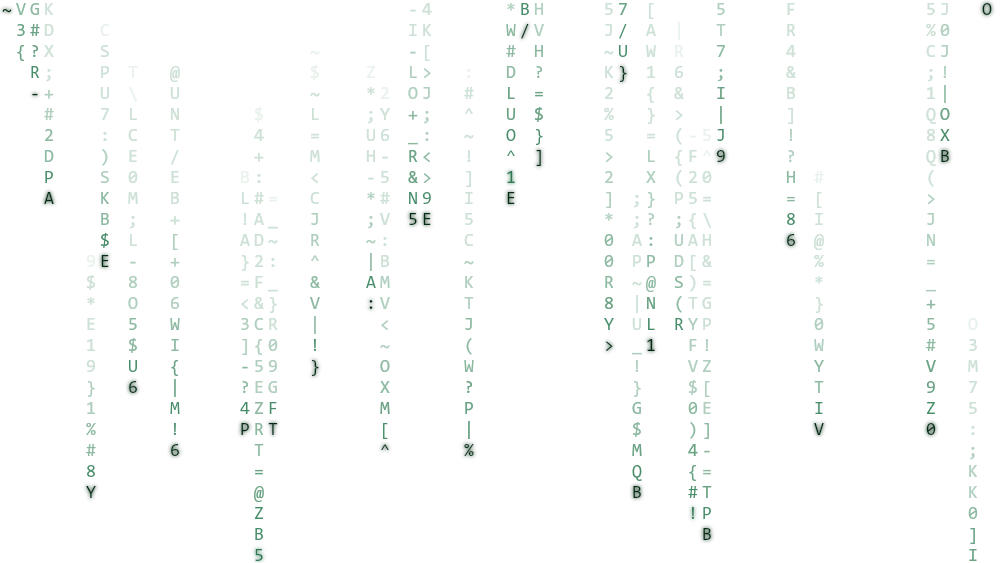
浅色模式是"墨迹雨"(白底深绿):
设置 → 开机动画codefall:
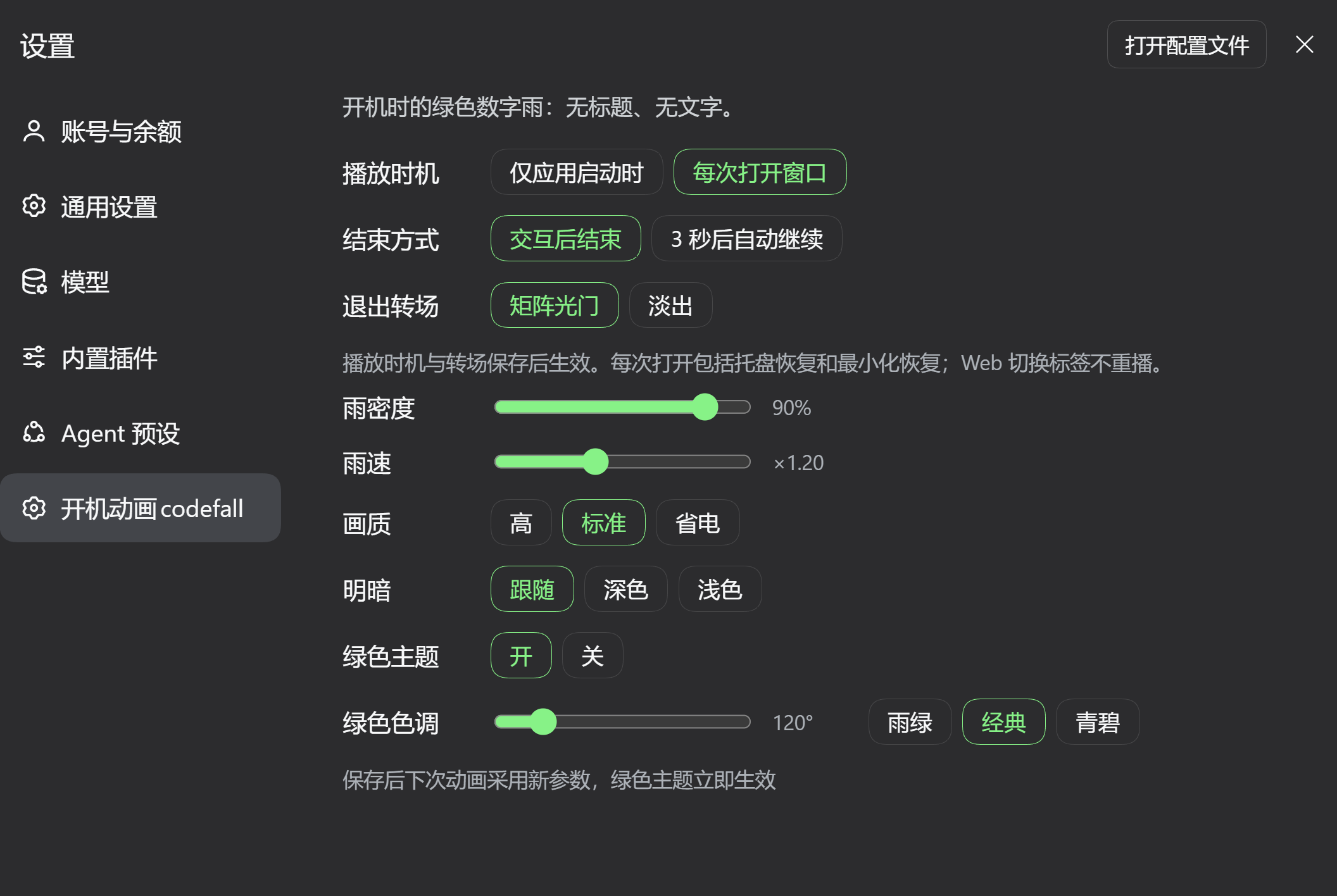
图中示例采用:每次打开窗口 → 交互后结束 → 矩阵光门,雨密度 90%、雨速 ×1.20,标准画质、明暗跟随,绿色主题开启,色调为经典绿 120°。这些是示例配置;下表列出插件默认值。
卸载:dsh plugin --profile desktop remove dsh-codefall。主题层会随插件一起移除。
注意
- 安装或更新插件后需完整重启应用。此后在设置中修改播放时机无需再重启;动画参数会用于下次播放。
- 上图来自 Windows 桌面端。光门已通过浏览器视觉检查及离线自动测试;托盘/最小化恢复的实机验收步骤见开发记录。macOS / Linux 尚未实机验证;macOS 的完全遮挡也可能产生可见性事件。
- 需要 Harness 0.2.0-rc.2 或更高。插件本身零依赖,
react由宿主提供。 - 想装在 Web 界面就把
--profile desktop换成--profile web。
实现细节与验收步骤见 矩阵光门与窗口恢复播放。离线预览打开 preview/index.html,先点「就绪」,再点「交互」观察开门;「退出转场」可切回淡出。
许可证
Ähnliche Plugins
dsh-deep-whale (maid-atelier)
small-tailqwq/dsh-deep-whale
dsh-wallpaper-engine
elysia395/dsh-wallpaper-engine
dsh-deep-whale
small-tailqwq/dsh-deep-whale
open-sea-skin
d-dev0101/open-sea-skin