dsh-director-toolkit
lhmd/dsh-director-toolkit
DSH Director Toolkit은 3D 아티스트, 테크니컬 디자이너, 크리에이티브 코더를 위한 DeepSeek Harness 플러그인입니다. 아직 다듬어지지 않은 아이디어, 레퍼런스 메모, 포트폴리오 캡션을 붙여넣으면 Blender, Three.js, Houdini, C4D용 간결한 디렉션 팩을 만들어 줍니다.
설치
dsh plugin --profile web add github:lhmd/dsh-director-toolkitREADME
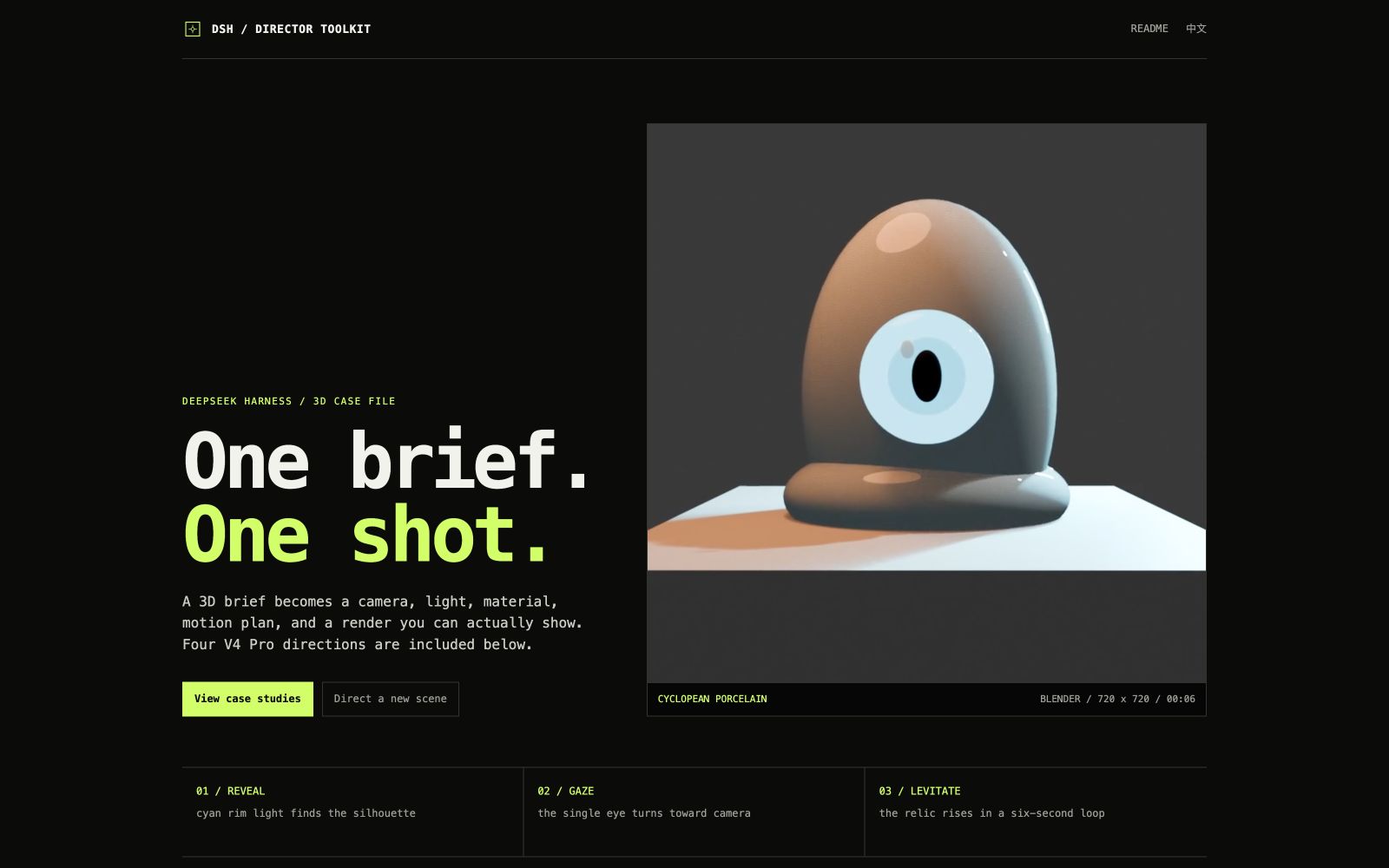
DSH Director Toolkit




English · 中文入口 · Live showcase
Turn a rough 3D idea into a shot you can build.
DSH Director Toolkit is a DeepSeek Harness plugin for 3D artists and technical designers. It turns a rough brief into a direction pack for Blender, Three.js, Houdini, or C4D:
- camera and composition;
- lighting, materials, geometry, and motion;
- software-aware render settings;
- five build steps starting with a greybox pass;
- negative prompt, titles, bilingual showcase copy, hashtags, and risk flags.
See it first
Open the GitHub Pages showcase for the Blender short film, a four-chapter multi-asset story, and a browser-native Three.js study.
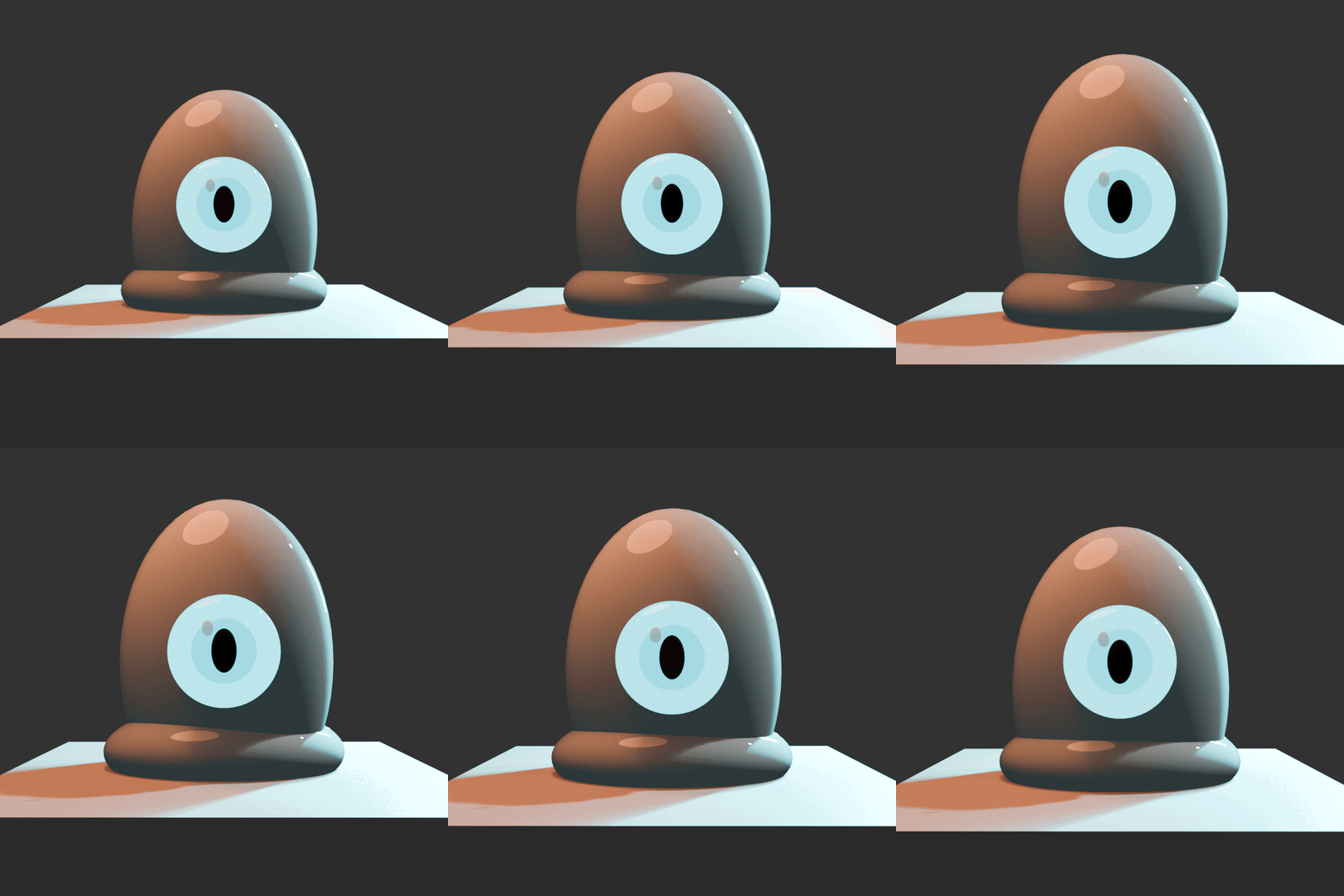
The film has three beats: reveal the cyan silhouette, let the eye find camera, then lift the relic above the plinth. The source scene is examples/cyclopean-porcelain.blend; the build script is scripts/blender-script-demo.py.
The four story frames are rendered from scripts/render-case-videos.py: chrome orbit, memory garden, brutalist archive, and cloth robot. The direction data is in docs/examples/scene-suite.json.
| Chapter | Render |
|---|---|
| Chrome Orbit |  |
| Memory Garden | 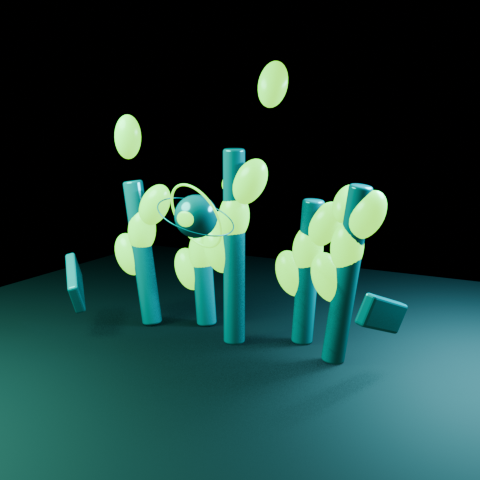 |
| Brutalist Archive | 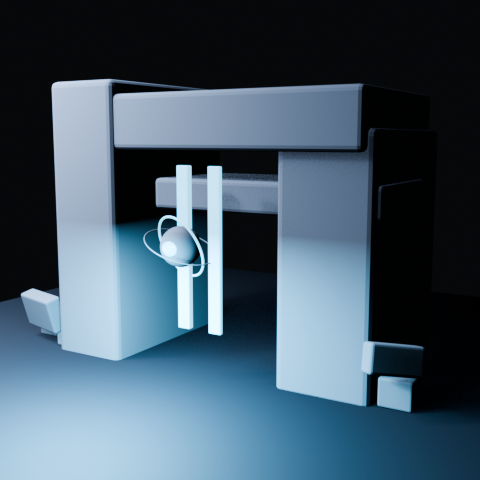 |
| Cloth Robot | 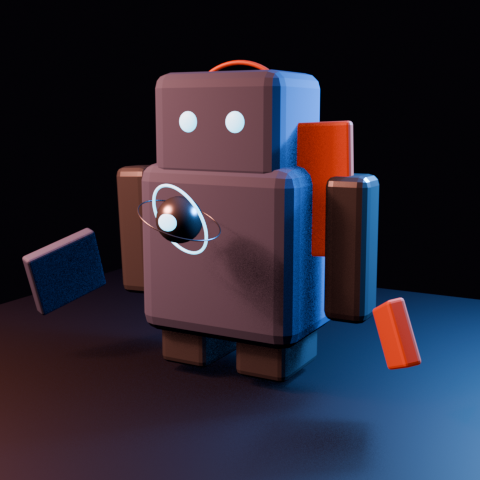 |
Plugin shape
scene_director is the local-first deterministic tool. scene_director_v4 is an optional Harness/server adapter that defaults to deepseek-v4-pro and reads DEEPSEEK_API_KEY only from the server environment. The runtime director-toolkit Skill tells the agent when to direct a Blender, Three.js, Houdini, or C4D brief.
This repository follows the DSH Profile Bundle shape:
cordis.patch.ymlmounts the package;src/index.jsexportsapply(ctx)and registers tools;src/skill.jsregisters the Skill throughctx.skills.register(...);- no
.codex-plugindirectory and no file-based Skill folder.
Install into Harness
npm install -g @deepseek-ai/dsh
dsh plugin --profile web add /absolute/path/to/dsh-director-toolkit
dsh web
For the optional V4 pass, configure the credential in the Harness/server environment:
export DEEPSEEK_API_KEY="replace-with-a-rotated-key"
Editable playground
The changeable local editor lives in playground/.
python3 -m http.server 4175 --directory playground
Development
npm test
npm run check:release
npm run check:package
npm run demo
License
MIT.