dsh-git-view
shinchen6/dsh-git-view
DeepSeek Harness 对话页里的 Git 标签页:列出会话工作目录下的每个仓库并各自独立提交,变更分组,整个文件 / 只看变动 / 并排三种差异看法,面板内直接编辑保存,以及推送前逐一列出将要发布的提交。
安装
dsh plugin --profile web add github:shinchen6/dsh-git-viewREADME
Git View
Review, stage, commit and push the session repository's git changes from the Harness conversation view.
What it does
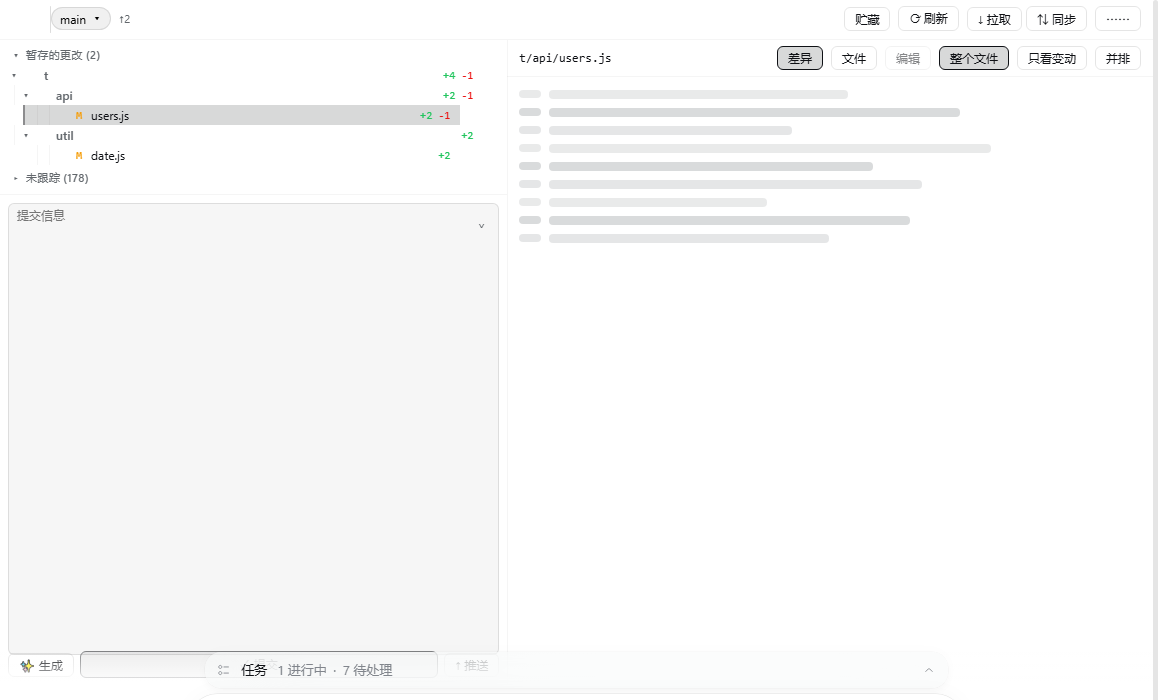
A Git tab in the conversation view ring, after Trajectory. It reads the repository the session is working in — no path to configure, no second UI.
- Every project in the workspace — the repositories around the working directory, each with its own branch, markers and commit. They are committed separately, never across repositories. Projects with nothing pending fold into one row so the ones you are actually working on stay on screen.
- Change groups — conflicts, staged, unstaged and untracked, each with folder rows that fold a whole subtree and stage or discard it in one action.
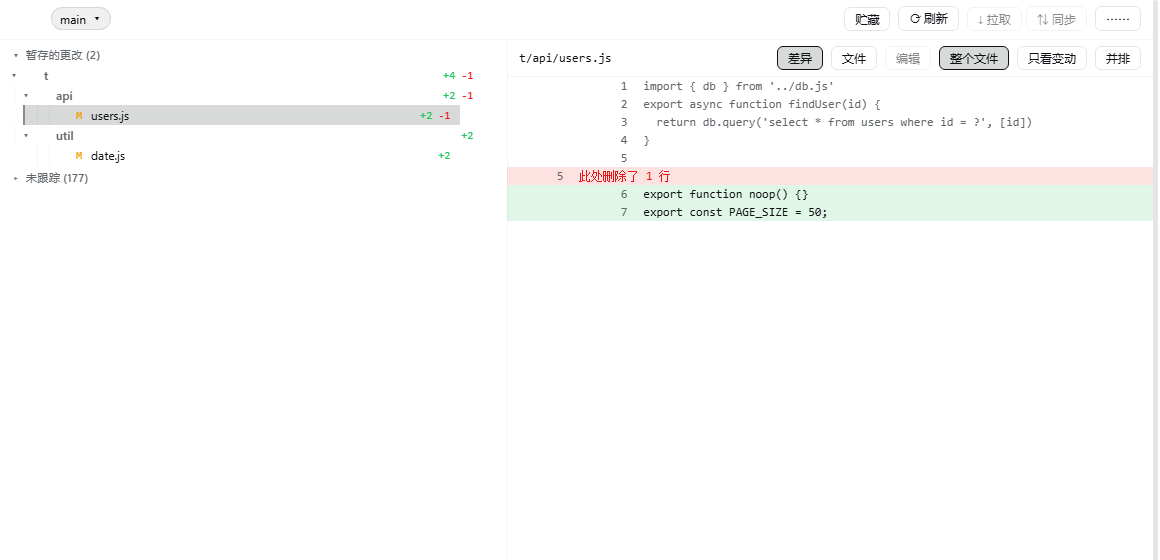
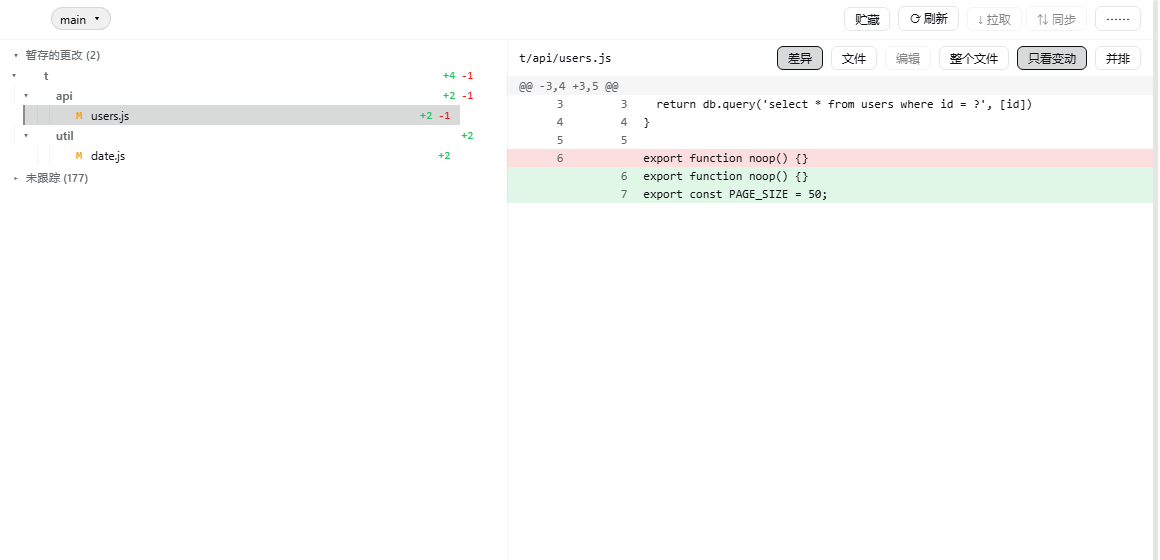
- Three ways to read a file — whole file with the changes marked, changes only as a unified diff, or side by side. Remembered across sessions.
- Edit and save — open a working-tree file in the panel and write it back, guarded by the version the read returned.
- Branches, stash, pull, sync — and a fetch, refresh and discard group.
- Commit and push — an AI-written commit message from the staged diff, a commit button that commits, and a push button that lists every commit it would publish before it publishes them.
Untracked directories stay folded until opened, and opening one asks git about that directory alone. A working tree with twenty thousand untracked files costs the same to list as one with twenty.
A repository nested inside another one is not offered as a folder in its parent's file list, because git will not describe what is inside it to the parent and opening one would show nothing. It is one of the projects instead.
Install
Requires dsh 0.2.0-rc.2 or newer, Node 22.19+ or 24+, and a session whose working directory is a git repository.
It is in the plugin market. To install it by hand, either path works:
# prebuilt, no build-approval step
dsh plugin --profile <profile> add https://github.com/shinchen6/dsh-git-view/releases/latest/download/dsh-git-view.tgz

# or build from source
dsh plugin --profile <profile> add shinchen6/dsh-git-view
Then restart the profile and open the Git tab in a conversation.
Screenshots
The push button lists what it would publish first.

The commit box enlarges from its top-right control.