dsh-mnemosyne
rebron1900/dsh-mnemosyne
Память Mnemosyne для DeepSeek Harness: инструменты remember / recall / forget / stats / sleep, встроенный навык, автонастройка, необязательная автосинхронизация/предзагрузка и панель настроек. Данные находятся в ~/.dsh/mnemosyne.
Установка
dsh plugin --profile web add github:rebron1900/dsh-mnemosyneREADME
dsh-mnemosyne
English | 简体中文
A DeepSeek Harness plugin for Mnemosyne — local-first, SQLite-backed cross-session memory.
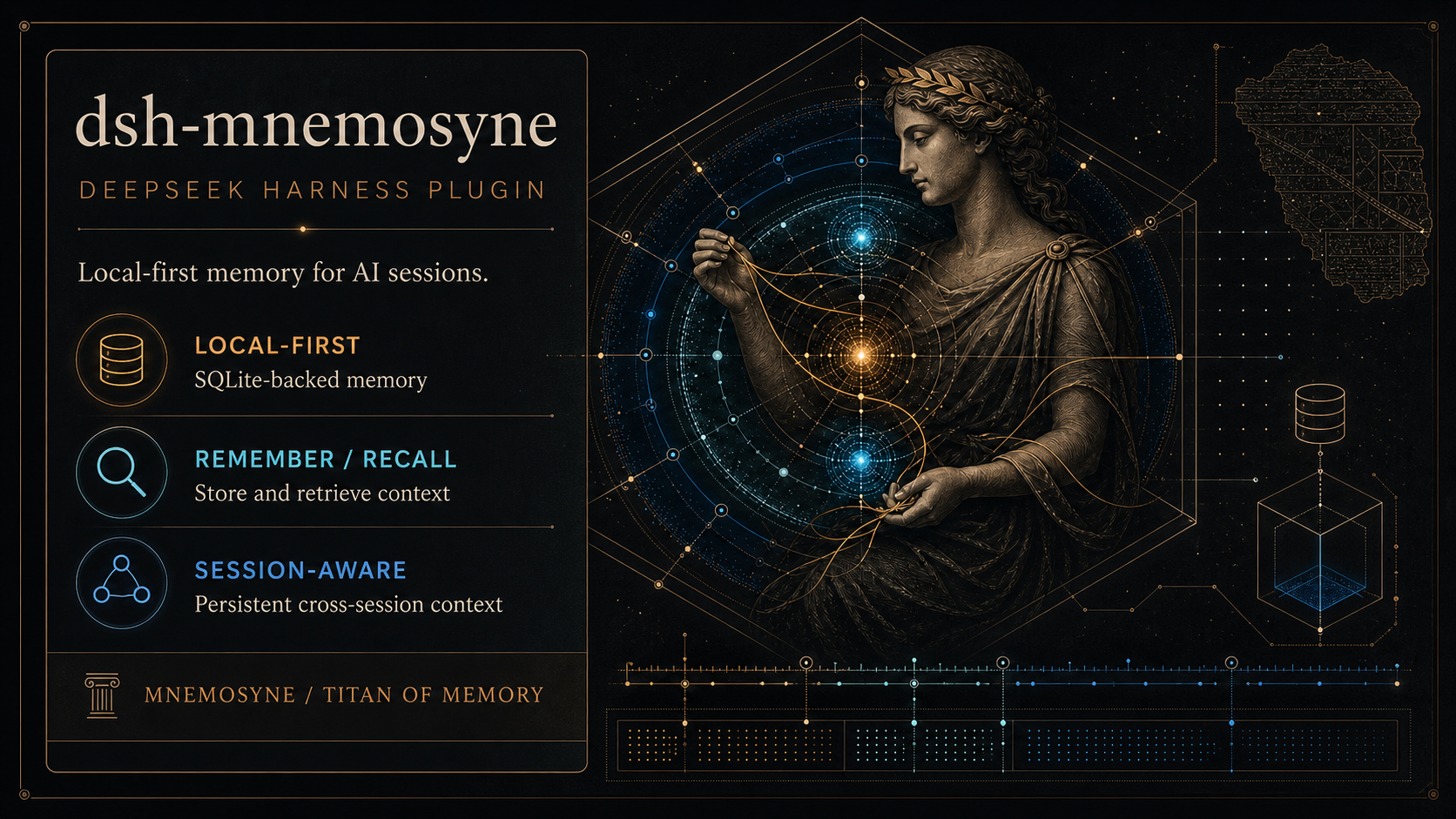
Local-first memory for DSH: remember, recall, and consolidate context across sessions.
About Mnemosyne
Mnemosyne is a zero-cloud, SQLite-backed, local-first AI memory system. One pip install, one SQLite file, no external services required. It uses a BEAM (Bilevel Episodic-Associative Memory) architecture:
- Working Memory — Hot context tier, auto-injected before LLM calls, TTL-based eviction
- Episodic Memory — Long-term storage with sqlite-vec + FTS5 hybrid search (50% vector similarity + 30% FTS5 rank + 20% importance)
- TripleStore — Temporal knowledge graph with version chains
Mnemosyne supports MCP, Python SDK, and multiple agent frameworks (Claude Code, Cursor, Codex, OpenWebUI, Pi, etc.). This plugin integrates it into DSH.
About Pi-mnemosyne
This plugin is ported from @mnemosyne-oss/pi-mnemosyne — the official Pi coding agent extension for Mnemosyne. All memory logic lives in the mnemosyne CLI (pip install mnemosyne-memory), and the plugin stays CLI-first: normal shared-memory operations shell out to the CLI. The port to DSH adds a settings panel, automatic CLI installation, config management, turn-end auto-consolidation, and — beyond the original stateless proxy — a few thin bridges that do not reimplement memory logic: a small Python helper run through the CLI's venv interpreter for session-scoped access, direct-SQLite scope migrations, and an env bridge for the write filter (ignore_patterns / write_classifier).
Features
- Six native tools:
mnemosyne_remember/mnemosyne_recall/mnemosyne_forget/mnemosyne_stats/mnemosyne_sleep/mnemosyne_bind - Filtered memory management: In the Memory browser, filter the list, select individual records or all records currently shown, then batch-edit trust, expiry, importance, lifecycle status, or scope. Workspace bindings remain available as batch move targets; no content is overwritten.
- Embedded skill: The
mnemosyneskill auto-registers with the plugin, guiding agents on when to store/retrieve memories - Settings panel: A dedicated "Mnemosyne" entry in DSH Settings with CLI status, memory stats, one-click install/test, and a config form
- Memory dashboard: Opens from the Mnemosyne Settings panel through the optional Better Sidebar integration, showing the active bank's overview, memory browser, filtered batch management, triples, consolidation history, search, and detail views. Management actions are explicit and confirmed.
- Auto-install CLI: The panel's Setup button runs
uv tool install mnemosyne-memoryand fillsconfig.yamldefaults - Data isolation: SQLite DB and
config.yamllive under~/.dsh/mnemosyne, never touching~/.hermes - Config sync: The panel reads actual values from the flat
config.yaml; empty fields show default placeholders; saving triggersmnemosyne config reload - Reset to defaults: The panel footer resets all managed config keys to Mnemosyne upstream defaults
- Auto-consolidation: Queues memory work per session; every 10 durable turns checks working-memory count and runs
mnemosyne sleepfor the current session when the threshold is met. A clearedsleep_thresholdfalls back to the upstream default (50) — never 0 — andsession/disposedonly forces a final consolidation when that session actually stored automatic memories, so idle sessions never trigger an LLM-backed sleep - Automatic memory (enabled by default): Matches the current Mnemosyne Hermes integration. Prompt declaration, auto-sync, and auto-prefetch can be disabled independently; explicit
falsevalues in existing settings remain authoritative:- Prompt section — Injects a
# Mnemosyne Memoryheader into the system prompt so the model knows memory is available - Auto-sync — Automatically stores genuine user messages (not assistant output) to Mnemosyne after each turn, so conversation context persists without manual
mnemosyne_remembercalls; injected context messages —plugin(e.g. this plugin's own prefetch),agent-instructions(workspace instructions), andskill-catalog(the available-skills reminder) — are never stored. Hermes-compatible length limits default to 500 user characters and 800 assistant characters; set the corresponding limit to0to preserve the full message without truncation - Auto-prefetch — Recalls relevant memories before each model step and injects them into the conversation, so the model sees prior context without calling
mnemosyne_recall - Session isolation — Partitions memories per DSH session via the engine's
session_idcolumn: each session only recalls its own rows plusglobal-scope ones. Subagents share their root session's memory. Session ids are derived from the persisted session header (createdAt), so memory stays attached to a resumed session across DSH restarts.globalrows are shared read-write: every session can recall, and also delete, them. The Memory dashboard's management section offers migration of legacydefault-session memories toglobal, merging session rows back todefault, and workspace migration after a dry run;cross_sessionrecall is not supported
- Prompt section — Injects a
Installation
# Install the published plugin into the web profile
dsh plugin --profile web add dsh-mnemosyne
# After restarting the profile, open Settings > Mnemosyne and click Setup to install the CLI
# Or manually: uv tool install mnemosyne-memory
Install from GitHub (without npm)
git clone https://github.com/rebron1900/dsh-mnemosyne.git
dsh plugin --profile web add ./dsh-mnemosyne
The Setup button requires
uvon PATH. If you don't have uv yet:curl -LsSf https://astral.sh/uv/install.sh | sh
Configuration
Configuration comes from two sources: the plugin's own DSH settings (~/.dsh/settings.yaml under the mnemosyne: namespace) and Mnemosyne's flat ~/.dsh/mnemosyne/config.yaml. The panel shows config.yaml values first; missing values display default placeholders.
| Group | Fields | Source |
|---|---|---|
| Plugin | cli / defaultTopK / timeoutMs / dataDir | DSH settings / cordis.patch.yml |
| Embedding | noEmbeddings / embeddingModel / embeddingDim / embeddingApiUrl / embeddingApiKey | config.yaml no_embeddings / embedding_* |
| LLM | llmEnabled / llmBaseUrl / llmApiKey / llmModel / llmTimeout | config.yaml llm_* |
| Recall | polyphonicRecall | config.yaml polyphonic_recall |
| Working Memory | wmMaxItems / wmTtlHours | config.yaml wm_* |
| Working Memory | autoSleep / sleepThreshold / ignorePatterns / syncRoles | config.yaml auto_sleep_enabled / sleep_threshold / ignore_patterns / sync_roles |
| Automatic Memory | promptSection / autoSync / syncTurnUserLimit / syncTurnAssistantLimit / autoPrefetch / recallMode / autoWriteScope / prefetchTopK / prefetchMinQueryLen | DSH settings / cordis.patch.yml |
Note: The Automatic Memory fields are DSH-side config (saved via the Settings panel, not written to
config.yaml). They take effect at runtime via the settings watcher — no DSH restart needed.
Scope compatibility: Existing installations keep their legacy
sessionScopebehavior by default; memories in the legacydefaultsession are invisible to session-scoped recall until migrated. New workspace sharing is opt-in throughrecallMode=workspaceandautoWriteScope=workspace; open the Memory dashboard's management section to migrate data explicitly. The inverse action deliberately mergesdsh_*session rows into the shared legacy namespace and loses their per-session attribution.globalrows are visible and deletable by every session, and the upstreamcross_sessionrecall switch is forcibly disabled for scoped recall. Workspace mode uses an explicit.mnemosyne-idmarker and never silently falls back to another namespace. The config panel only returns the fields it manages — an allow-list — and secret values are masked (***); stored values are never sent back to the browser.
Saving writes to the corresponding config file and runs mnemosyne config reload. "Reset to Defaults" restores all panel-managed keys to Mnemosyne upstream defaults; additional config can be edited directly in ~/.dsh/mnemosyne/config.yaml. Most settings hot-reload except vec_type and other startup-bound options.
The panel-managed ignorePatterns (Working Memory group) is a regex filter — one pattern per line (Python re syntax), content matching any pattern is silently dropped at remember() time (e.g. ^git status, ^pip install, ^Traceback). The plugin bridges it to MNEMOSYNE_IGNORE_PATTERNS on every CLI call, because upstream's write filter reads env only. Adding write_classifier: strict to config.yaml additionally enables the built-in noise/secret/structure filters.
Architecture
┌──────────────────────────────────────┐
│           DSH Agent Session          │
│  (tools + skill + session/event +    │
│   agent/pre-step + systemPrompt)     │
└──────────────┬───────────────────────┘
               │ execFile (no shell)
┌──────────────▼───────────────────────┐
│         mnemosyne CLI                │
│  store / recall / delete /           │
│  stats / sleep / config              │
└──────────────┬───────────────────────┘
               │
┌──────────────▼───────────────────────┐
│      ~/.dsh/mnemosyne/               │
│  ├── mnemosyne.db (SQLite)           │
│  │   ├── Working Memory (hot tier)   │
│  │   ├── Episodic Memory (long-term) │
│  │   └── TripleStore (temporal KG)   │
│  └── config.yaml (flat key: value)   │
└──────────────────────────────────────┘
The plugin stays CLI-first: shared-memory operations use the mnemosyne CLI, while session-scoped operations use a small Python helper through the CLI's venv interpreter. No memory logic is reimplemented in Node. It is no longer a pure stateless proxy, though, because the migration route writes SQLite scope metadata directly and the write-filter env bridge reads config.yaml on every call.
Design Document
See docs/design.md.
Development
pnpm install
pnpm test        # node --test (124 tests: 103 unit + 17 integration + 4 client)
License
MIT